DealMirror has partnered with Prime Club to bring you a special deal on heylogin.
These days, everyone has multiple accounts everywhere, whether it’s for social media, storing documents, e-commerce, or more, and all of them have one thing in common: keeping your data and profile safe and secure, which is a password.
However, keeping all these passwords in mind is a real struggle, and to cope with this, we often use simple and easy passwords that compromise the security of our data.
But what if I tell you there is a smart way to keep all your passwords safe, secure, and make logging into accounts just a few clicks away, avoiding the need to remember all your passwords?
In this blog, we will discuss in detail how you can manage passwords like never before. Let’s get started!!!
What is heylogin?
Before we get to the process, let’s first discuss and give you a brief intro on what heylogin is!!
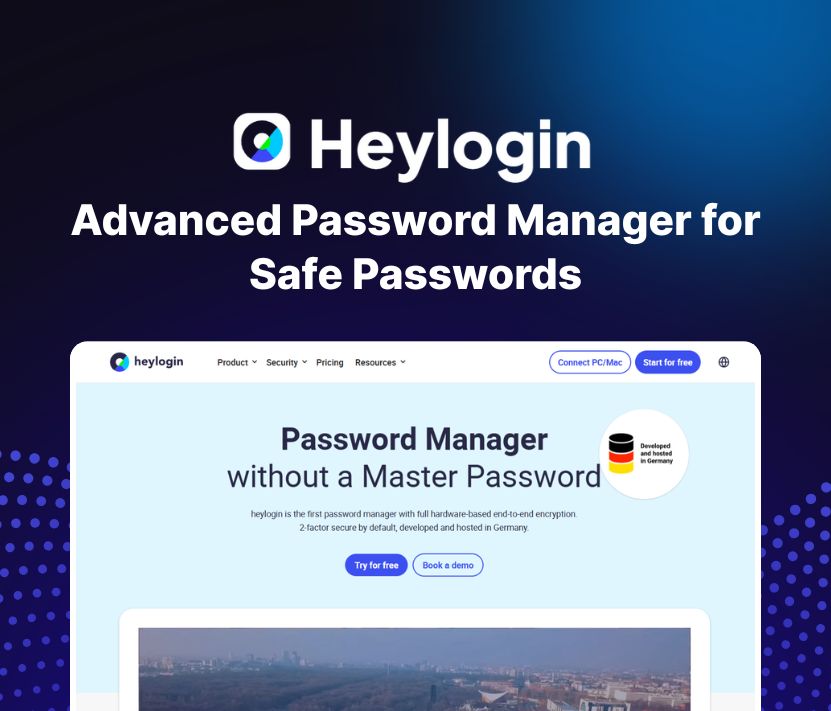
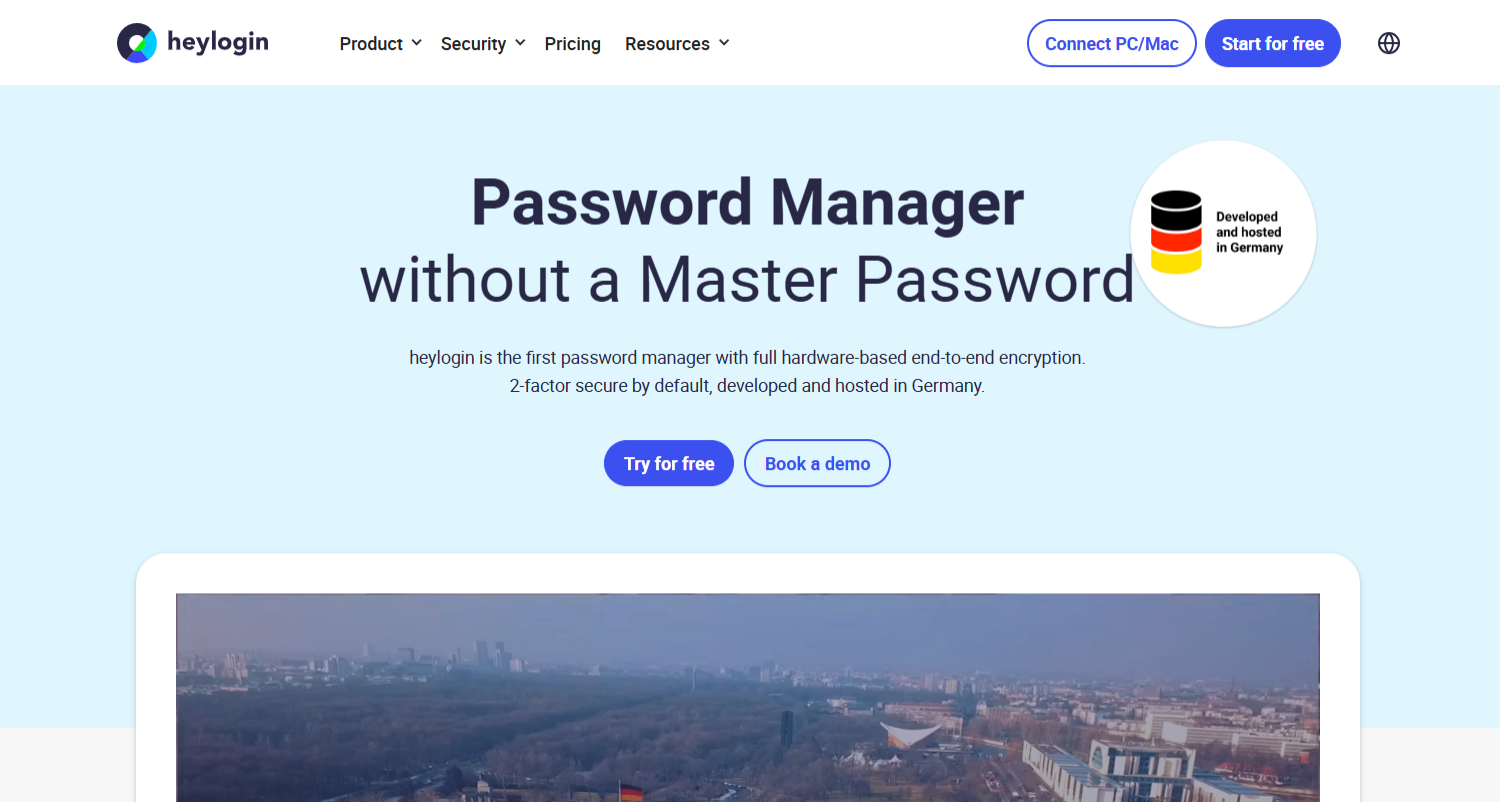
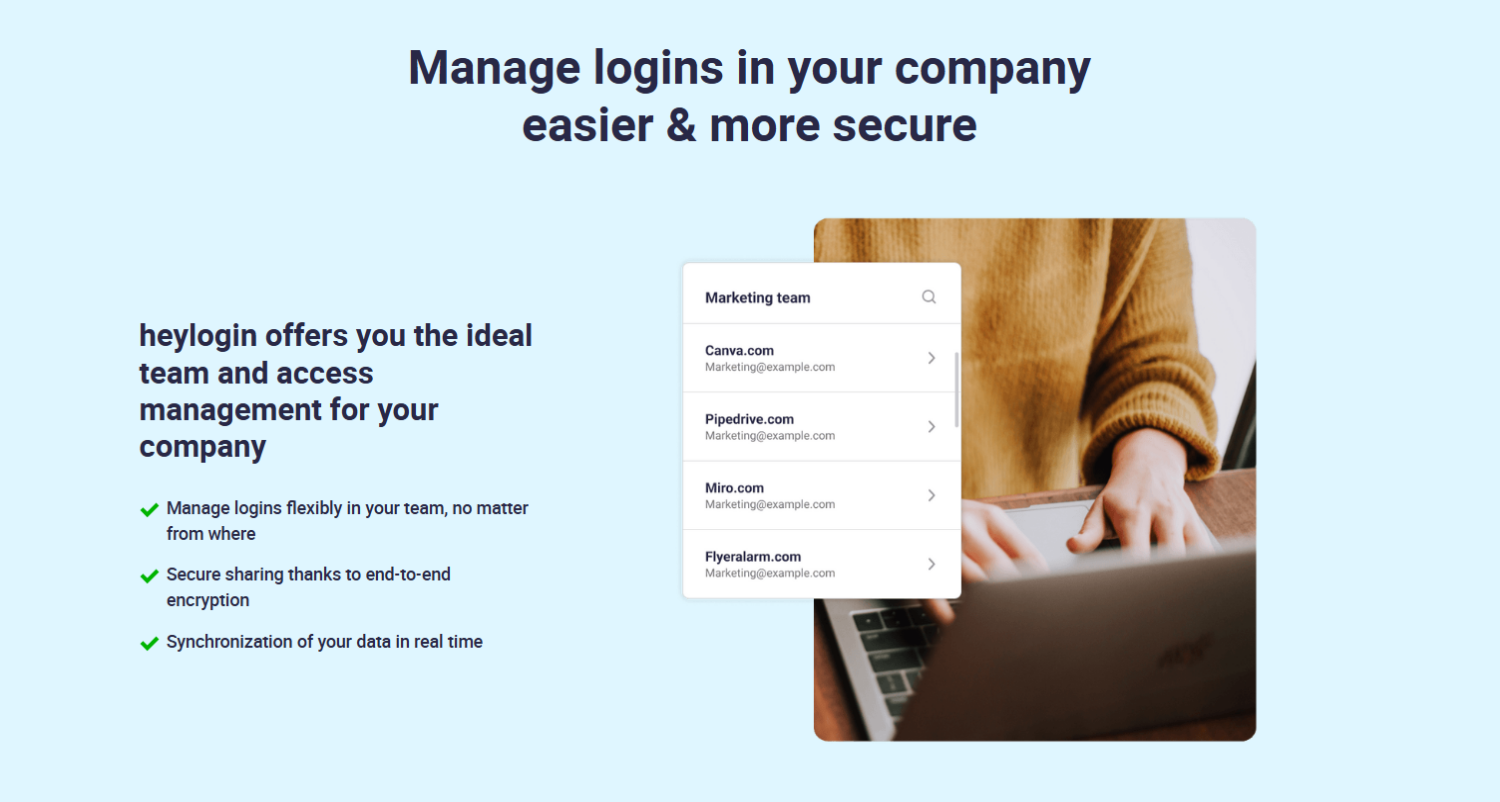
heylogin is an advanced password manager that helps you keep all your passwords safe and secure, and you don’t even have to remember a master password with end-to-end encryption. That means you don’t have to remember one big, complicated password just to use it.
What makes heylogin different?
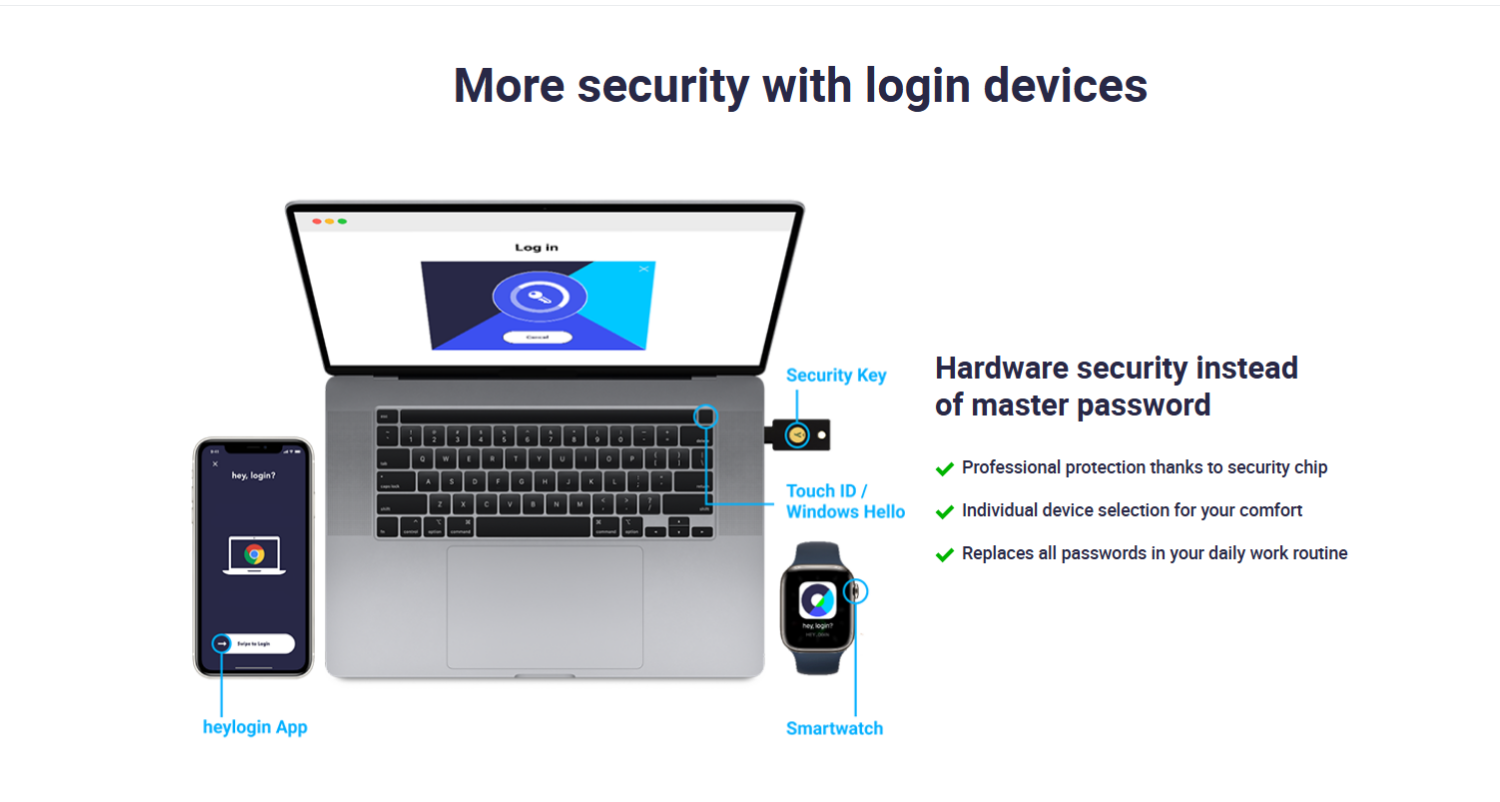
- Super Safe: heylogin uses strong hardware technology to protect your passwords. Everything is locked up tight using end-to-end encryption. Only you can see your passwords!
- Two Steps for More Security: Every time you log in, you use two-factor security by default. This means it checks twice, so only you can log in.
- Made in Germany: All your data is stored in Germany and follows very strict privacy rules (GDPR-compliant).
How does it work?
- Easy to Start: You (or your company) can join heylogin using your email, Microsoft Entrance ID, or Google Workspace. There are also simple ways to add more people if you need.
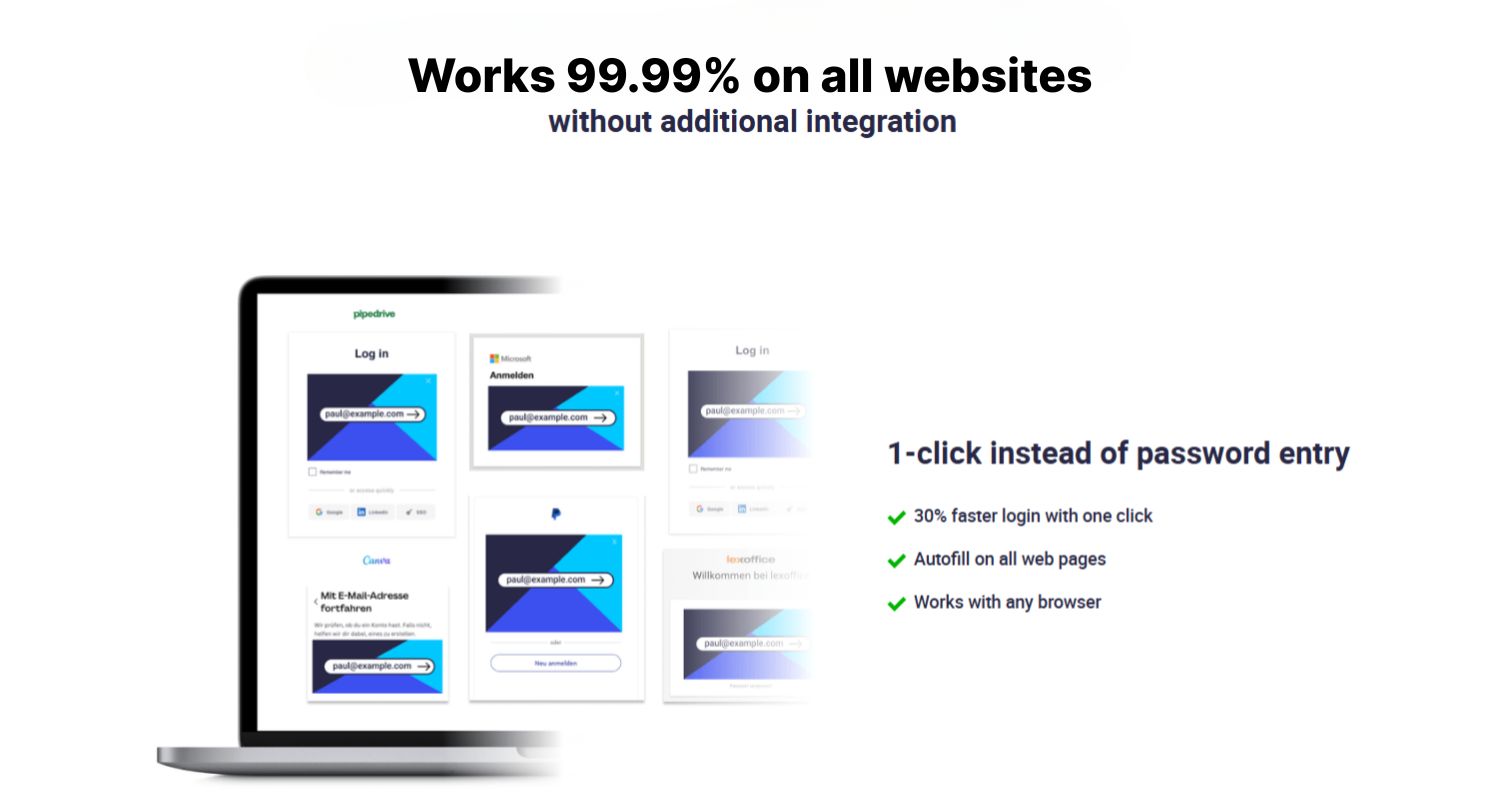
- Browser Magic: When you try to log into a website, heylogin appears right in your browser (like Chrome, Safari, Firefox, or Edge) and recognizes the login space, making things easier.
- Quick Confirmation: Instead of typing a password, you can just open the heylogin app on your phone and swipe to log in! No phone? No problem—use a security key, Touch ID, Windows Hello, or even your smartwatch.
Why should anyone use heylogin?
- Faster Logins: You’ll log in 30% faster compared to other tools!
- No Worries About Passwords: You don’t need to remember or type your passwords.
- Always Secure: It’s always using two steps to make sure only you can access your account.
- Strong Passwords Made Easy: heylogin makes super-strong passwords for you and makes sure weak passwords don’t sneak in.
- For Everyone: Whether you’re using it for work or just for yourself at home, it’s super helpful.
Cool Features For Your Company
- User Management: Easily add new team members, put them into teams, and control what they can access.
- Pwnitoring: If any password is in danger, heylogin tells you right away so you can fix it.
- Audit Log: You can always see who accessed what, which helps in emergencies or to stay safe.
- Password Policy: Only super-strong passwords are allowed!
Conclusion
In short, heylogin makes handling passwords easy and safe. You no longer need to remember or type long and confusing passwords for each account. With heylogin, everything is stored securely and protected with strong encryption and two-step authentication, so only you can access your information.
$69 /one-off
Business Plan
- ✔ Generate and save passwords
- ✔ Confirm with smartphone
- ✔ Confirm with security key, Touch ID or Windows Hello
- ✔ 2–factor automation (TOTP)
- ✔ Edit history and trash
- ✔ User Management
- ✔ Team and access management
- ✔ Integrations: Entra ID, Google Workspace, CSV import
Buy Now
$138 /one-off
Business Plan
- ✔ Generate and save passwords
- ✔ Confirm with smartphone
- ✔ Confirm with security key, Touch ID or Windows Hello
- ✔ 2–factor automation (TOTP)
- ✔ Edit history and trash
- ✔ User Management
- ✔ Team and access management
- ✔ Integrations: Entra ID, Google Workspace, CSV import
Buy Now
$207 /one-off
Business Plan
- ✔ Generate and save passwords
- ✔ Confirm with smartphone
- ✔ Confirm with security key, Touch ID or Windows Hello
- ✔ 2–factor automation (TOTP)
- ✔ Edit history and trash
- ✔ User Management
- ✔ Team and access management
- ✔ Integrations: Entra ID, Google Workspace, CSV import
Buy Now