SnapText Lifetime Deal
Struggling to copy text from images and screenshots and edit them to make it exactly what you need? Well, we all have been there, having text on images or on any banner but not being able to copy it even after using so many techniques, but not anymore.
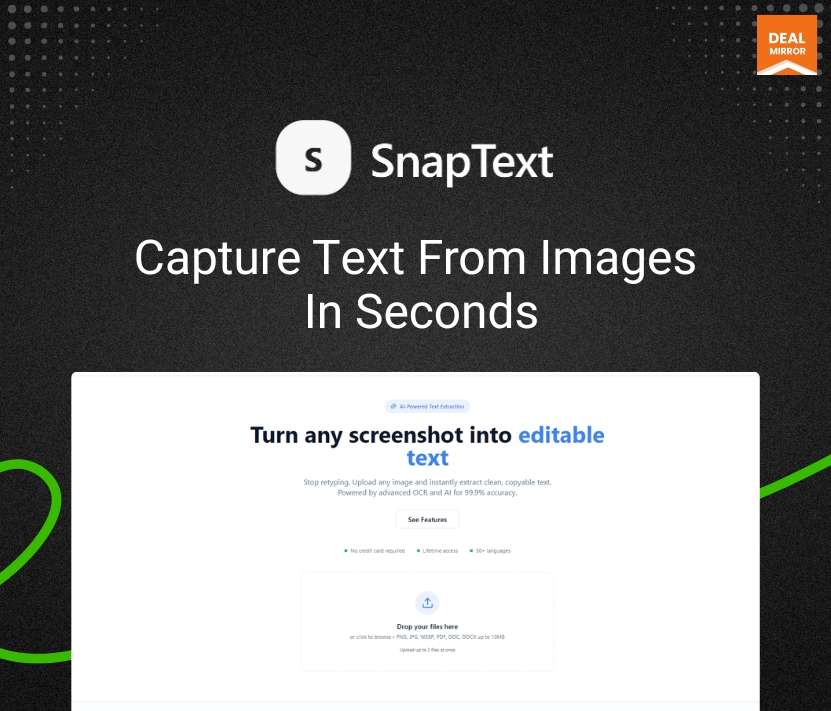
Meet SnapText, an image text extractor that turns any image into editable text in seconds. Just drag or paste an image, and the tool reads the words cleanly so you can copy, edit, or share them right away.
It’s built to save the small but annoying minutes you lose typing or retyping content. Whether it’s a quote from a screenshot, numbers from a receipt, or a paragraph in a picture, the result stays simple and usable. Accuracy matters, so common recognition hiccups are cleaned up, and line breaks are preserved where they help you edit faster.
If you need text rather than an image, this OCR gets you there fast, light, and without the clutter. No learning curve, immediate results every time, for individuals and teams. Today. Works offline when you want privacy, and it’s free to use, perfect for busy workflows.
Dashboard Image
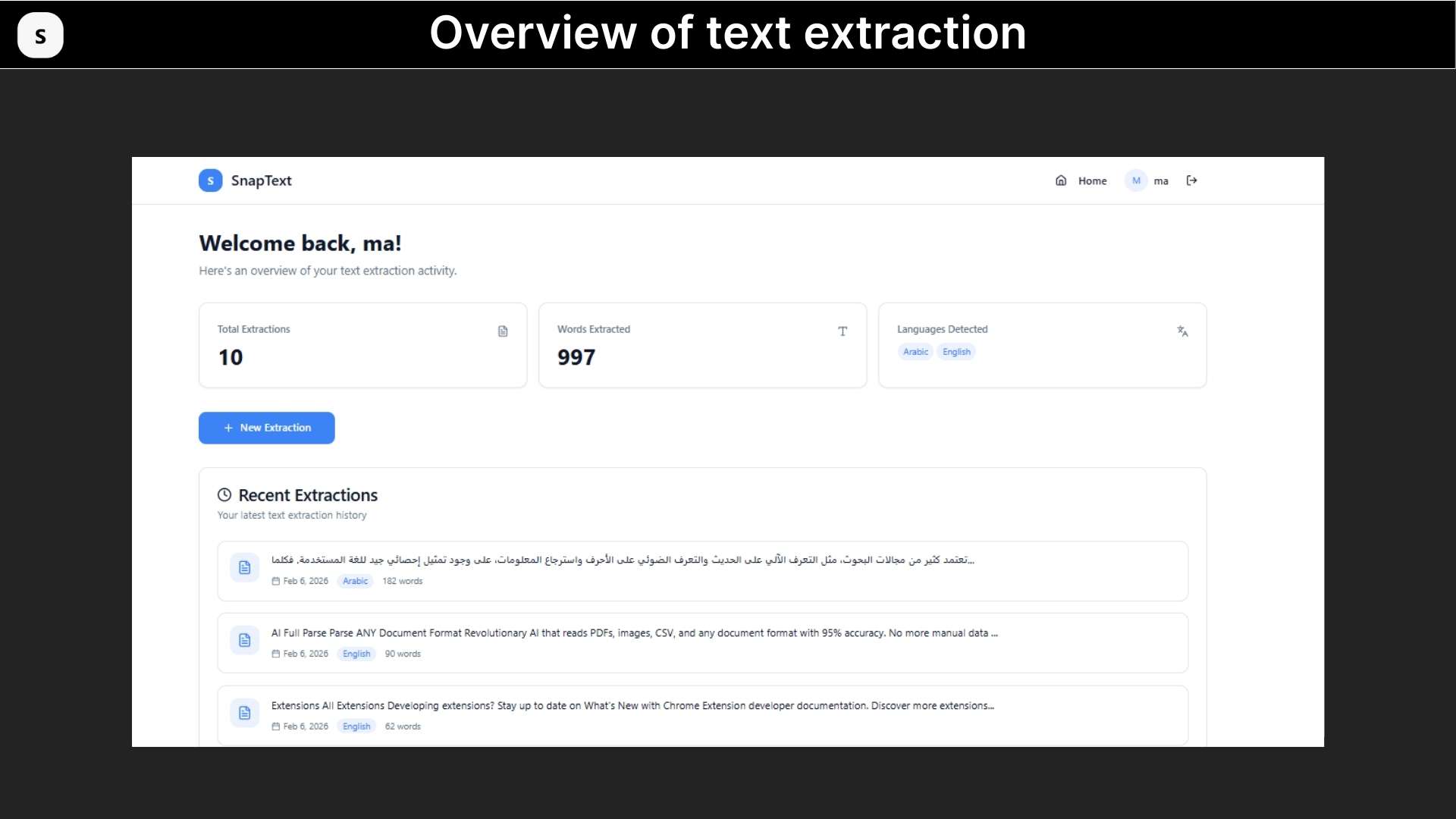
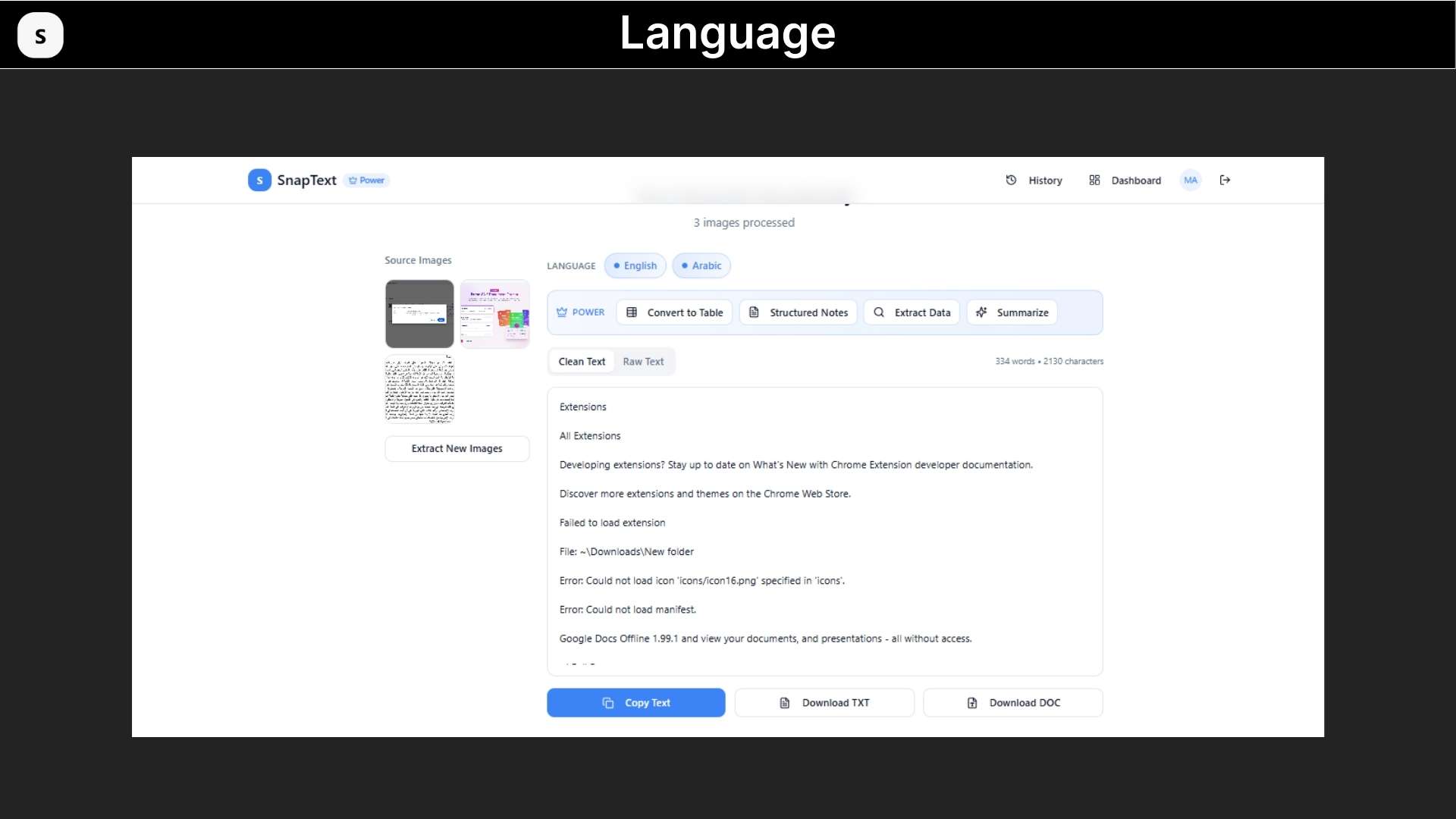
SnapText is an AI-powered OCR and document intelligence tool that extracts text from images, handwritten notes, screenshots, and PDF files, then converts it into structured, editable content instantly.
Key Features
- Instant text extraction: Drop or paste an image, and SnapText pulls out the words right away, so you don’t waste time typing.
- High accuracy: The OCR cleans common recognition errors, so the text you get needs little fixing.
- Layout-aware output: Line breaks and simple formatting are kept when they help readability, making copy-and-edit smoother.
- One-click copy: Copy extracted text to your clipboard with a single click and paste it anywhere.
- Easy uploads: Drag and drop, paste, or choose a file; the upload flow is clear and fast on any device.
- Works across devices: Same simple experience on phone, tablet, and laptop; no apps or installs required.
- Supports common image types: Accepts JPG, PNG, WEBP (and similar), so you can use screenshots, photos, or downloads.
- Supports 50+ Languages: Detects and extracts text in many languages, so it works for documents from different regions.
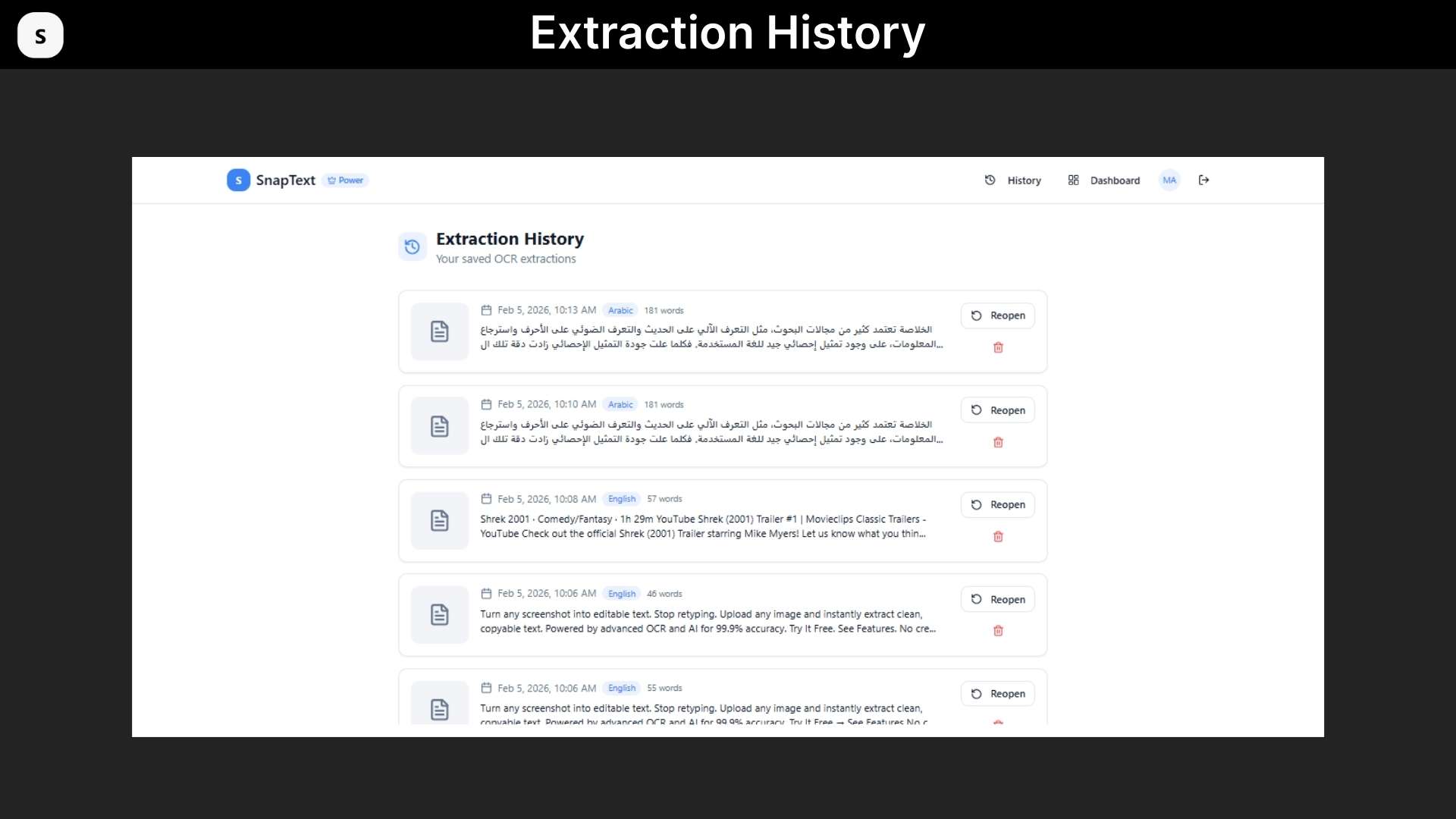
Use Cases:
- Students: Convert handwritten notes into digital study materials.
- Finance & Accounting: Extract invoice and statement data into spreadsheets.
- Researchers: Digitize papers and screenshots into structured notes.
- Marketers: Turn visual content into editable text.
- Business Users: Digitize paperwork into searchable documents.
Product Roadmap (2026):
Upcoming Improvements Include:
- Searchable PDF export
- Enhanced multi-language detection
- Faster processing engine
- Mobile optimization
- Public API access
Deal Terms:
- Length of access: Lifetime
- Redemption deadline: 60 days from purchase
- 30 Days Money Back Guarantee (For Non-Prime Members/Regular Users).
- 60 Days Money Back Guarantee (For DealMirror Prime Members Only).






3 reviews for SnapText: Turn Your Screenshots Into Editable Texts
Robert J. –
I bought SnapText from DealMirror, and I have to say that it has been a real time-saver for me. I have to deal with screenshots, scanned documents, and images that have relevant information. I used to type everything out, but it was taking me ages.
I can now simply upload the image, and the tool will instantly convert it into text. It is quite accurate even if the image is slightly blurred. What I think is the best thing about the tool is the speed at which it can convert the image.
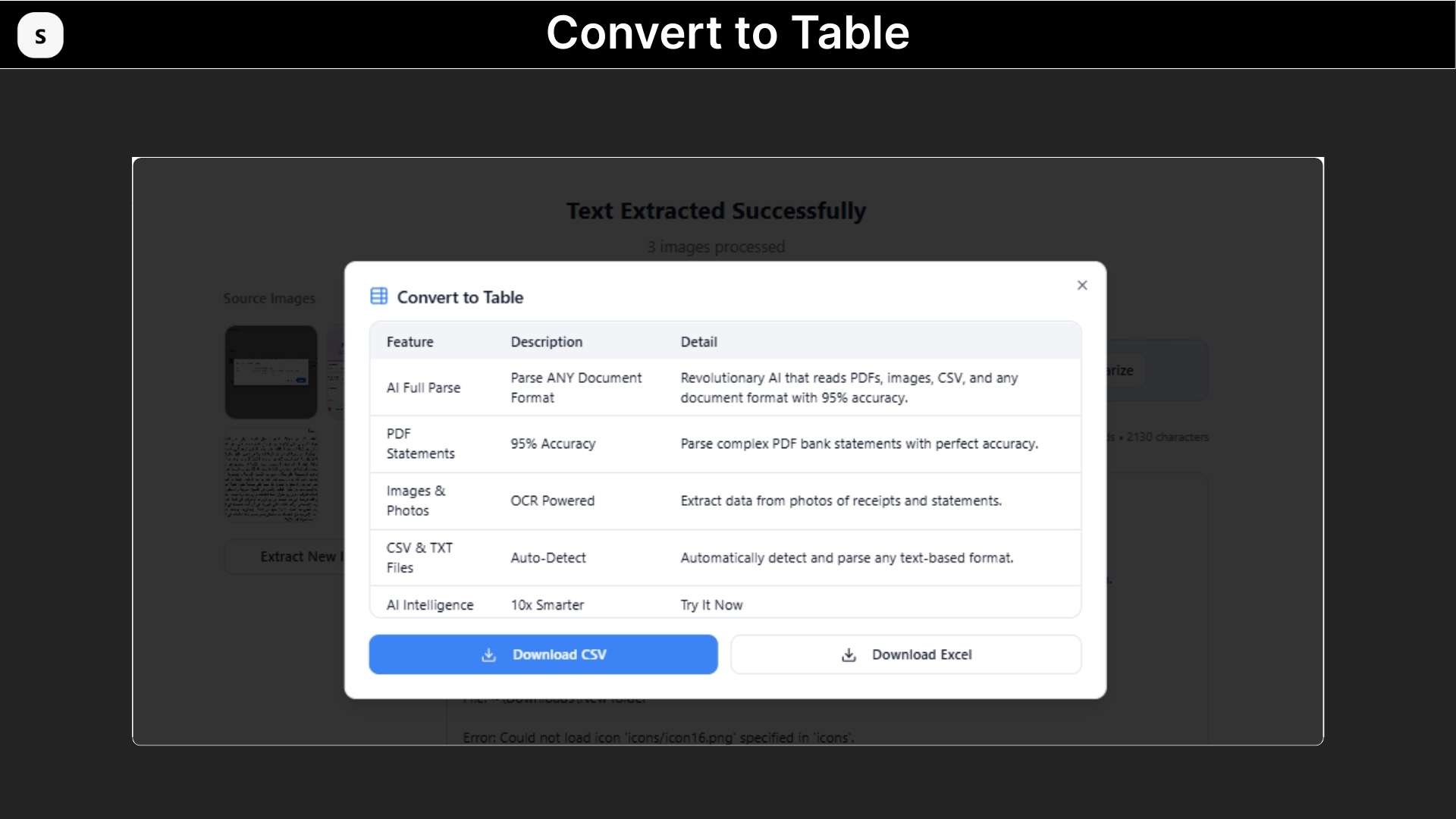
I can export the text into a Word document or Excel spreadsheet. This is great if I want to work with reports or invoices.
Sameer_MP –
I have used several image-to-text converters in the past, but I have to say that SnapText is the best because it is quick and efficient. It has a very clean interface and does exactly what I want. What I like most is that it can extract text from screenshots/images without messing up the format too much.
It works pretty well with tables, too. I think this tool is great for marketers, researchers, students, etc., who need to extract images into text format more often. This tool does the work in a matter of seconds, unlike having to copy all the text manually.
I think this is a great productivity tool, and I am extremely happy with the purchase.
Aditya W. –
SnapText has become one of my top favorite productivity tools, and I am not surprised because I am a huge fan of productivity tools.
I work with a lot of screenshots, mostly of presentations, PDFs, reports, etc., and this tool has made it incredibly easy to extract information from screenshots.
OCR works incredibly well, and the output of the text is clean as well. I also appreciate the fact that it supports multiple languages.
Another great feature of this tool is the batch processing, which allows me to upload a bunch of images at a time instead of having to do each image individually.
If you are looking for a fast AI image-to-text converter or an OCR tool to extract text from images, SnapText is a tool worth having in your arsenal.