It is a great way to manage large amounts of information, allowing you to work in the office, remotely together, or individually.
Online Sticky Notes
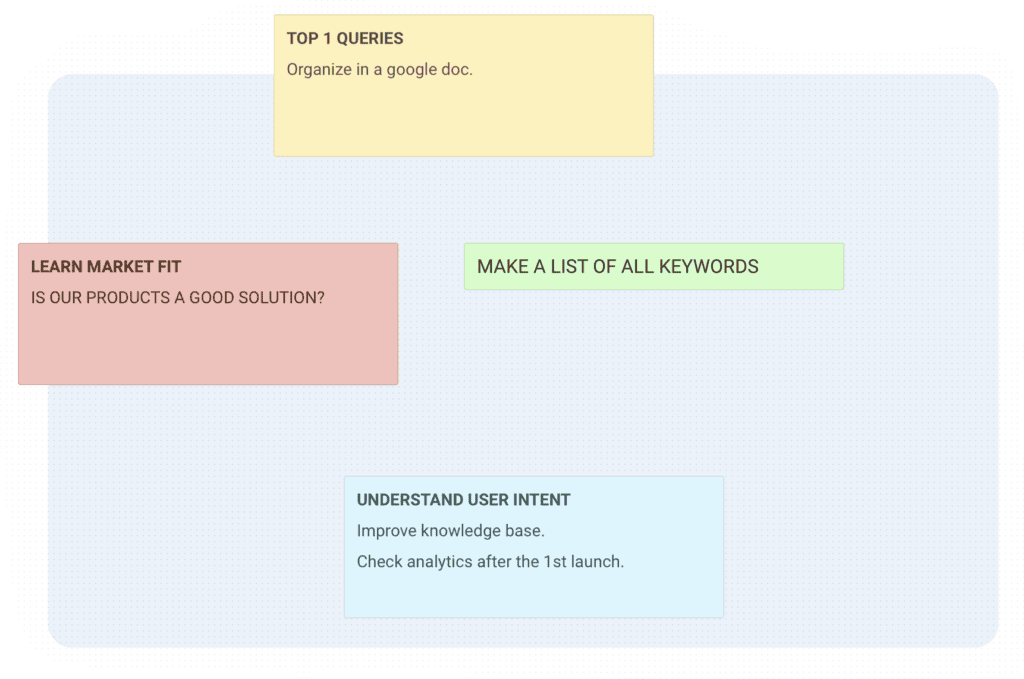
Just create sticky notes by dragging-and-dropping content on the virtual whiteboard.
Versatile Cards and Lists
To make things easier to follow, use a virtual sticky note or post your To-Dos in order to categorize them better. If you are using a Kanban board, you can organize it as a task list.
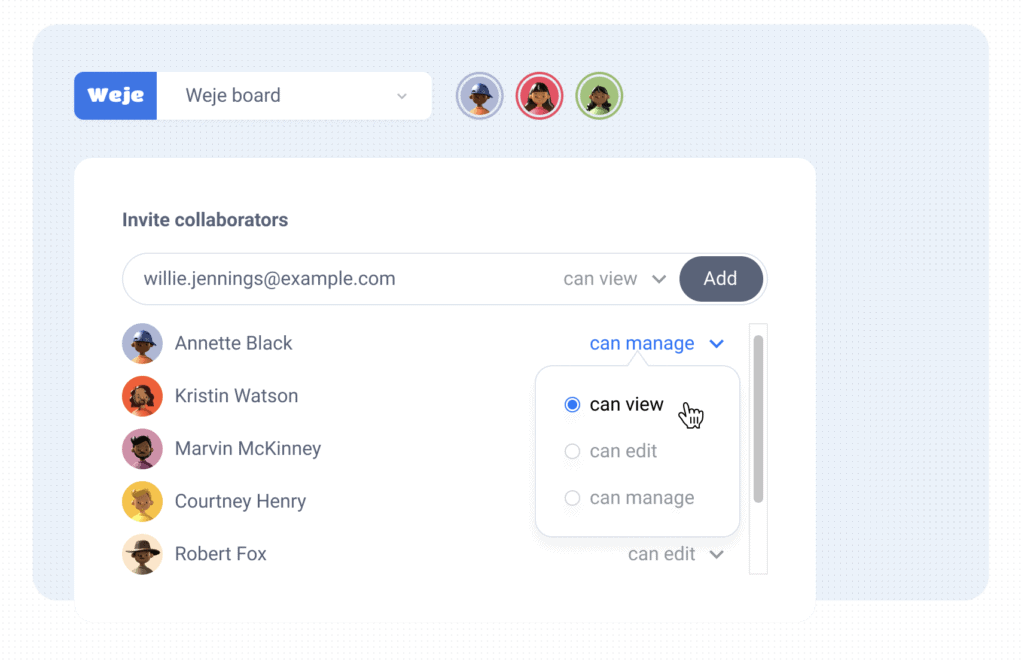
Team Collaboration Tools
Find out who’s working on the board right now. Assign roles and manage access via admin tools.
Upload Any Files
Add common file types to the digital boards. Then, preview them in the workspace.
How Weje Lifetime Deal Works
Weje is a tool that helps you organize your tasks in an easy, visual manner.
You can create cards out of any text or image, and it will automatically sync to your project management tool of choice.
Collect
Collect any information from the Web. Write notes and ideas. Set goals and remember tasks. No matter what it is, drag it into Weje.
Example:- YouTube, Wikipedia, or Instagram – drag anything into Weje.
Organize
Structure and present your libraries in countless different ways. Invent your own approach to productivity on top of your favorite web services, such as YouTube or Google Docs.
Synchronize
See all changes synchronized between your devices, providing you with consistent access to your own digital environment from anywhere in the world.
Search
Get instant results from your data inside Weje or any other connected web services using Weje’s powerful search engine.
Collaborate
Share content with your friends and teammates, and enjoy all of your changes instantly synchronized between users.
Set assignees and due dates to any cards to manage your team’s workflow.
Publish
Whatever you write can be published on your favorite social network.
For example, you can publish an article in an academic journal.
Or you can post your latest work in the form of a blog post or a mini-thesis. You can also upload