VideoCom : Elevate Your Presentations with Engaging Videos!
VideoCom Lifetime Deal
Do you find yourself exhausted by the monotonous cycle of delivering uninspiring, static presentations that leave your audience disengaged and disinterested?
If you’re tired of the repetitive and lackluster experience of delivering dull, static presentations that fail to capture the attention and interest of your audience, it’s time for a change.
With VideoCom, you can easily create and share personalized, dynamic videos for updates, reporting, how-to’s, demos, presentations, and so much more.
Demo Video
VideoCom is your comprehensive, all-in-one platform designed to meet all your video needs.
Whether you want to deliver engaging live presentations, create stunning video content, share your videos effortlessly, manage and store your media, or track viewer engagement with detailed analytics, VideoCom has got you covered.
With VideoCom, You Can Do: –
1. Services for Producing Videos
2. Model Based on Subscriptions
3. E-learning Courses and Training Initiatives
4. Collaborative Content and Partnership Ventures
5. Promotional Material and Affiliate Promotion
6. Advisory and Educational Offerings
Dashboard Overview Images
Frame
Group
Modernize the way you interact
Share Videos
Feature of VideoCom Lifetime Deal
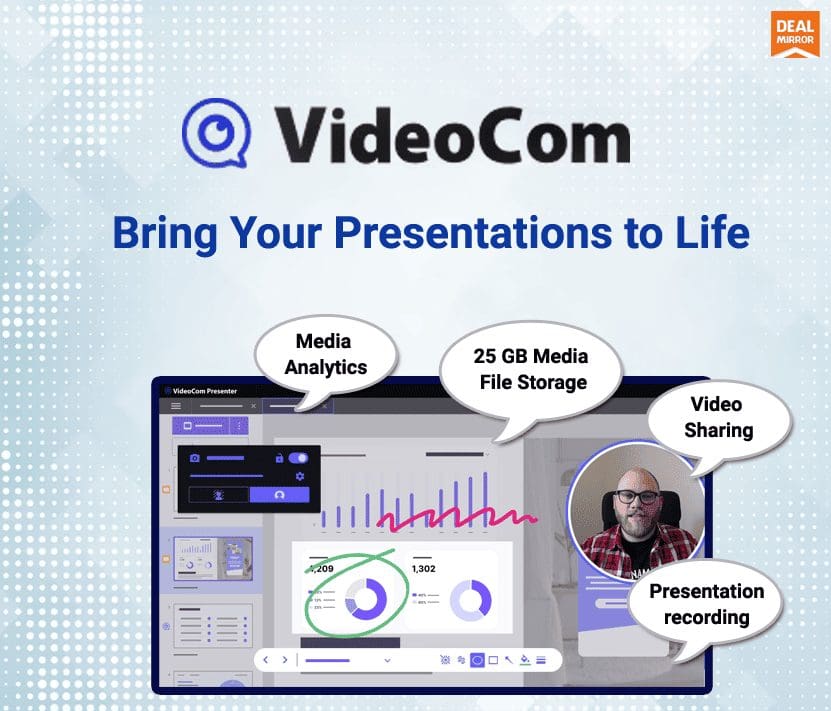
Record: Whether it’s a quick screen capture or a supercharged presentation recording, VideoCom makes it a breeze.
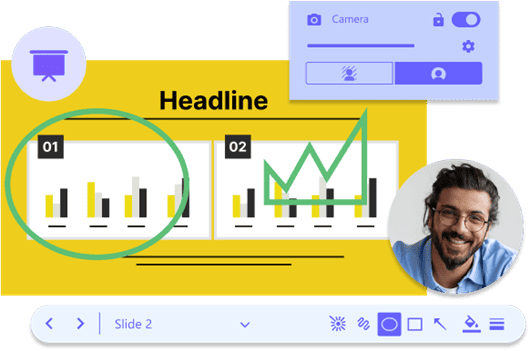
Showing over-telling: Record your screen with voice-over and annotations to save time and avoid misunderstandings.
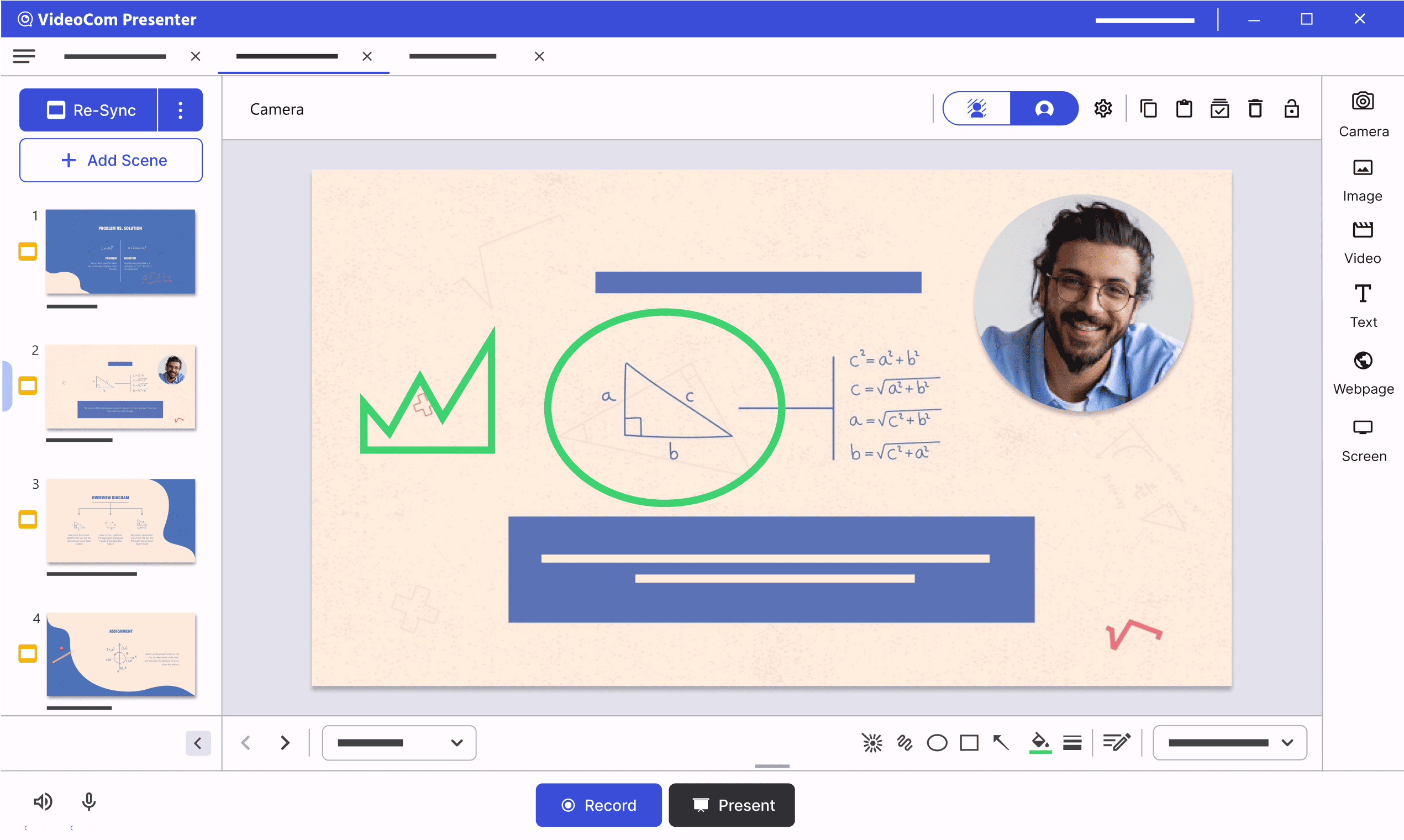
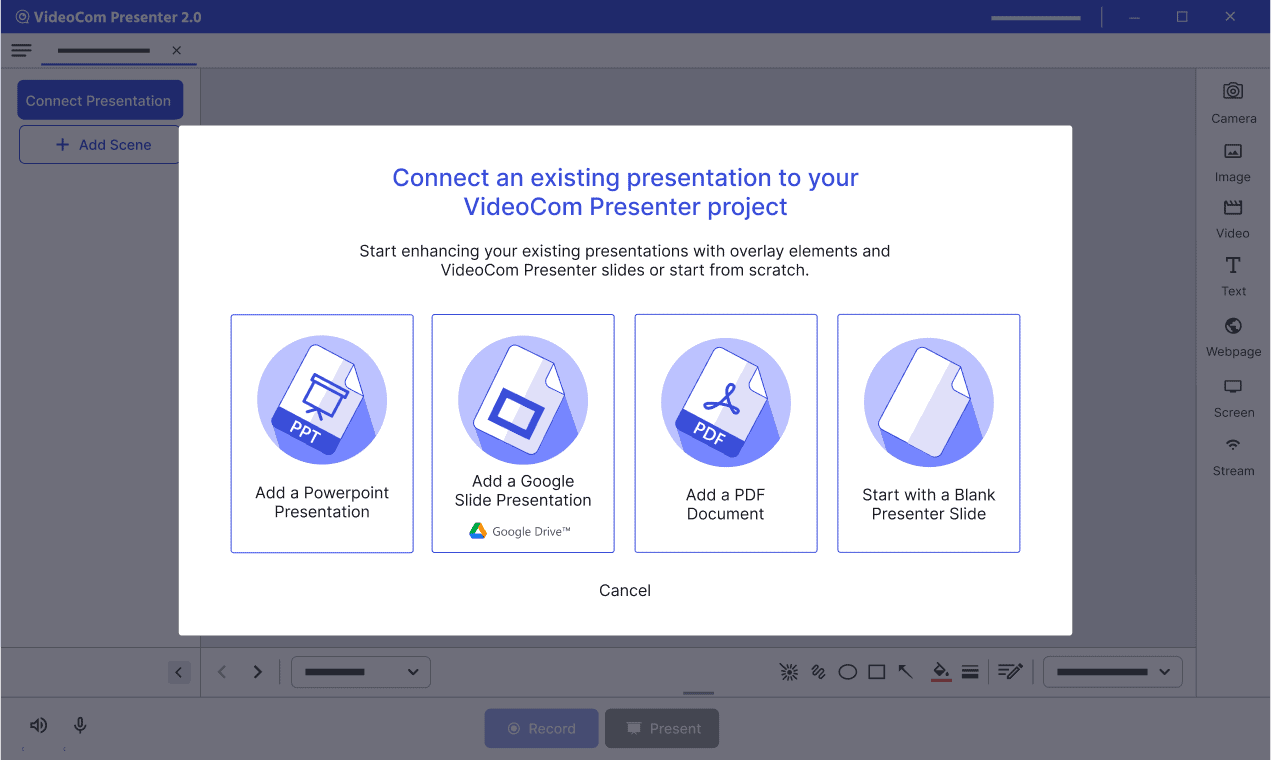
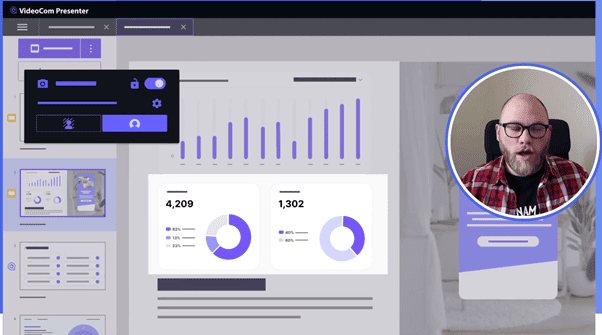
Personalize your presentations: Personalize your PowerPoint, Google Slide, or PDF presentations by adding yourself with a webcam.
Make your presentations interactive by adding calls-to-actions, linking to other videos, and more.
Share: Sharing is easy, painless, and secure with VideoCom Lifetime Deal.
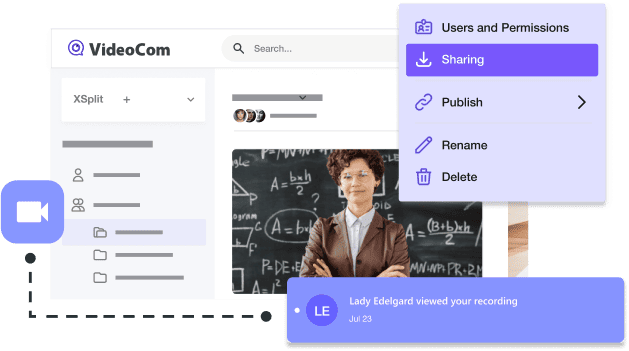
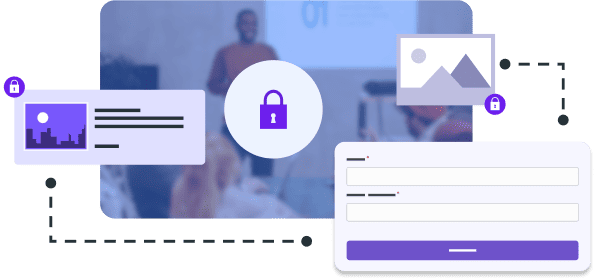
Share securely: By default your media is stored in our secure cloud and instantly available as a share link.
Sharing long-form videos has never been easier! You can set up permissions on the fly and even collect detailed insights.
Collaborate with your team: Invite members to access, share, provide feedback, and collaborate using team media. Easily segregate your personal files from the ones you share.
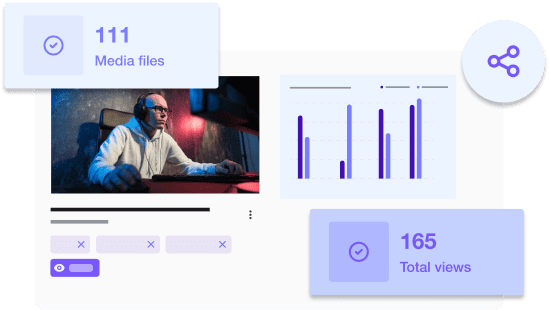
Advanced insights at your fingertips: Understand how your media is consumed with simple but powerful dashboards.
Explore insights on a per-file basis or see the bigger picture for all files from your team in a workspace.
Communicate” Capture and present your product, ideas, problems, solutions and other information, and turn it into meaningful content.
The Future of Customer Engagement, One Video at a Time
VideoCom allows you to create live and on-demand demos that save time and close deals faster.
Empower your customers by creating a personalized experience that they can enjoy on their own, at their most convenient time.
Add CTAs and track viewer engagement to measure your demo success. Stand out and work more efficiently.
Create Online Training Videos with VideoCom Cloud
Teach more effectively and get action from your audience: VideoCom Cloud lets you create video e-learning content in minutes.
Use VideoCom Presenter to import your existing PowerPoint deck or design your own training flowchart directly in the software.
Then add text, pictures, animations, and annotations to turn your outline into an engaging video presentation.
Include online links within the video to provide additional resources or send viewers to other videos within the course.
Build A Knowledgebase with VideoCom
Use VideoCom to generate a knowledge base, reduce calls to customer support, and increase customer satisfaction.
Reduce your support costs by recording how-to tutorials and integrating them into your Knowledge Base.
Increase customer satisfaction by showing users exactly what they need to do to accomplish their goals.
Use Cases
• Business Presentations
• Training and Onboarding
• Remote Collaboration
• Education and E-Learning
• Marketing and Social Medi
• Customer Support and FAQs
• Professional Development
• Content Creation and Influencer Marketing
Best for
• Business Professionals
• Educators and Trainers
• Marketers and Content Creators
• Customer Support and Service
• Remote Teams and Collaboration
• Trainers and Coaches
• Event Organizers
Video & Image Sharing
-Private or public share links
-Request name & email to access media
-Animated GIF & HTML embedding
-Media embedding
-Private or public comments
Video Editing & Interaction
-Video Inserts
-Call-to-actions
-Closed Captions
Media Analytics
-Advanced Media & Workspace insights
-Engagement insights
-Export insights
Creator Apps (Capture & Presenter)
-Screen recording
-Presentation recording (PowerPoint, Google Slides)
-Importing PowerPoint, Google Slides, and PDF
-Cloud recording
-Local recording
-Recording length: unlimited
-Video resolution: presenter up to 1080p; capture unlimited
-Undo/redo recording
-Drawing & annotation tools
-Microphone & desktop audio
-Microphone noise suppression
-Presentation notes (only in presenter)
Premium support
System Requirements
Windows (Minimum)
OS: Windows 10/11 64-bit OS with the latest Intel, NVIDIA or AMD graphics drivers
CPU: 5th Generation Core i5 CPU or equivalent
RAM: 8GB
GPU: GeForce or Radeon Class graphics card with DirectX 10.1 or better support