Don’t keep 100 tabs open in your browser, save and close all those tabs with TabsFolders Drag and Drop features.
Your computer will also run a lot faster now.
As soon as you add the extension to your browser, you’re on your way to peak internet efficiency.
Just select the windows from the current session folder Cut and Paste to the TabsFolders bookmark folder and you just saved 100 tabs.
Using TabsFolders’ drag-and-drop interface, you can store and manage thousands of bookmarks.
With neatly-organized folders and sub-folders, you can always find the link you need in microseconds.
You’ll also be able to easily add/remove tabs while the folder is open on your browser by clicking the save button, and you can drag-and-drop multiple tabs between open windows or to saved folders.
Let’s say you have all your research for a blog post in a folder. You can double-click on it and have all the tabs quickly open in a new window.
Features of TabsFolders Lifetime Deal:
1. Tab and Folder Organization:
-Save all tabs with one click.
-Drag and Drop folders.
-Copy, move and rename tabs.
2. Session Management:
-Drag and Drop Tabs from your current windows to Saved Folders.
3. Sharing with your Team:
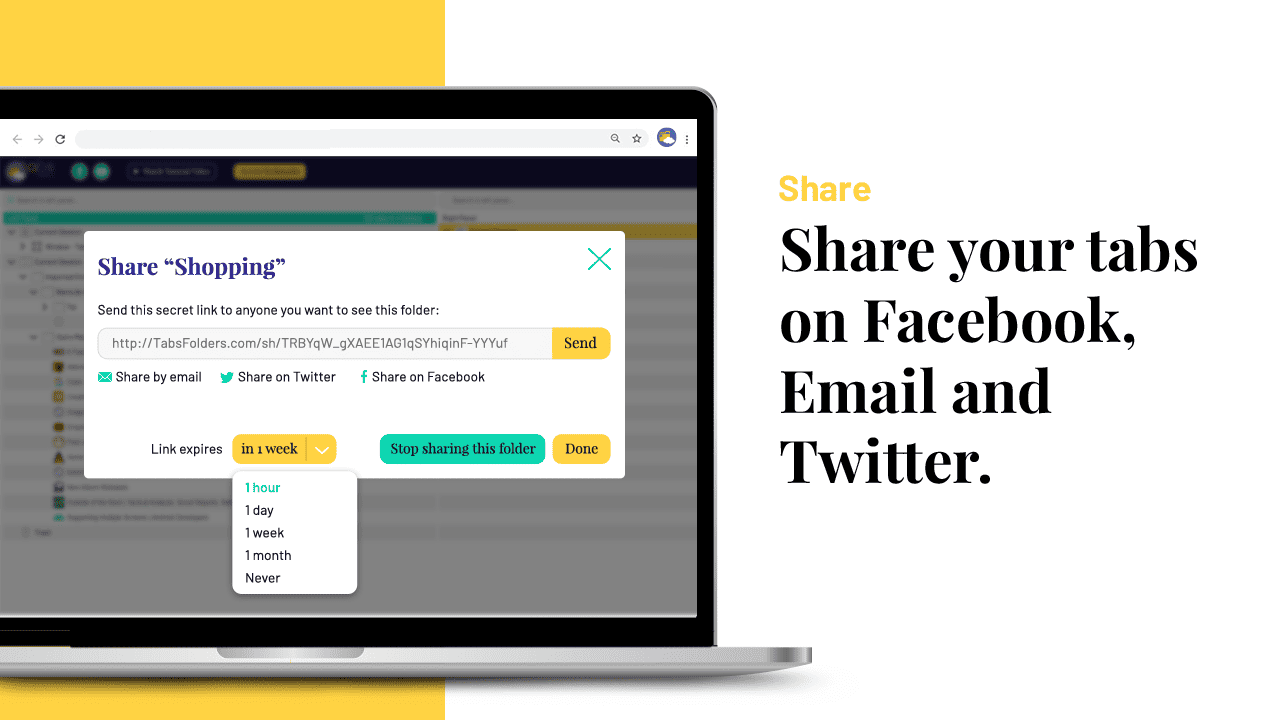
– Click to share a folder, share on Facebook, e-mail, Twitter.
– Then work on shared folders automatically.
New Features Added Recently:-
We have just released much-requested features in the latest TabsFolders release. (1.2.28):-
The key features are the TabsFolders mobile bookmarklet to save bookmarks on any mobile device / unsupported browser like Safari.
The improved session history feature.
The ability to exclude search results from folders like trash, session history, etc.
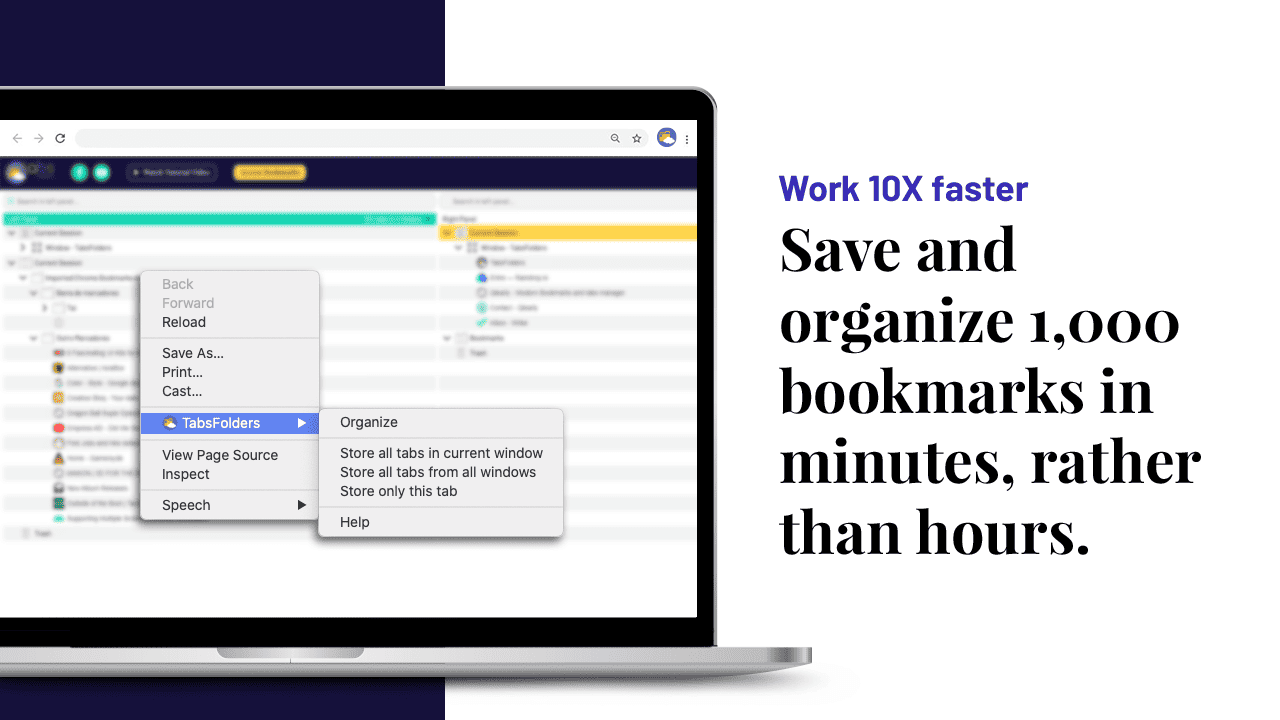
Work 10X faster with TabsFolders:
Save and organize 100,000 bookmarks in minutes, rather than hours with other systems.
Browser Plug-in for 10x productivity on Chrome, Microsoft Edge, Opera, and other Chrome-based browsers.
Tab and folder organization with drag and drop
Bookmark access on all devices
Synchronize between home and work
Fast interface
Full Backup in the Cloud
Bookmark sharing with friends and colleagues
Supported Browsers
TabsFolders currently supports Chrome-based browsers.
We are working on support for other browsers (Safari when the new Safari API will bring back Safari 12 API functionality).
TabsFolders works seamlessly with Chrome (on macOS, Windows, Linux and ChromeOS, etc.)
System Requirements
The TabsFolders is available on PC.
TabsFolders Premium Plan
15,000 Bookmarks
10 Browsers per account
3-Day data backup
Save bookmarks from any mobile device with the TabsFolders bookmarklet
1 Free backup restore per year
Free bookmark export
Deal Terms
Length of access: Lifetime
Redemption Deadline of coupon code: 60 Days from purchase.