Home » Store » Systweak PDF : Edit, Convert, Merge & Secure PDF files
Systweak PDF : Edit, Convert, Merge & Secure PDF files
TL;DR
Change text, swap images, and update links inside any PDF just like a Word doc
Turn PDFs into clean Word, Excel, or PowerPoint files without ruining your formatting
Best for business owners, legal teams, accountants, HR, and students
Alternative to Adobe Acrobat Pro, Foxit, Nitro, and PDFelement
Systweak PDF Editor PRO Lifetime Deal
Tired of Being Held Hostage by Expensive PDF Subscriptions?
Meet Systweak PDF Editor Pro The heavy-duty, no-nonsense PDF solution you buy once and own forever.
Let’s be honest: working with PDFs shouldn’t require a computer science degree or a monthly bill that eats into your profit margins.
You know the drill. You just need to fix a quick typo in a contract, swap out an image, or sign a document. Instead, you’re either wrestling with a “free” online tool that messes up your formatting, or you’re staring at an expensive Adobe Acrobat renewal invoice.
It shouldn’t be this hard. And now, it isn’t.
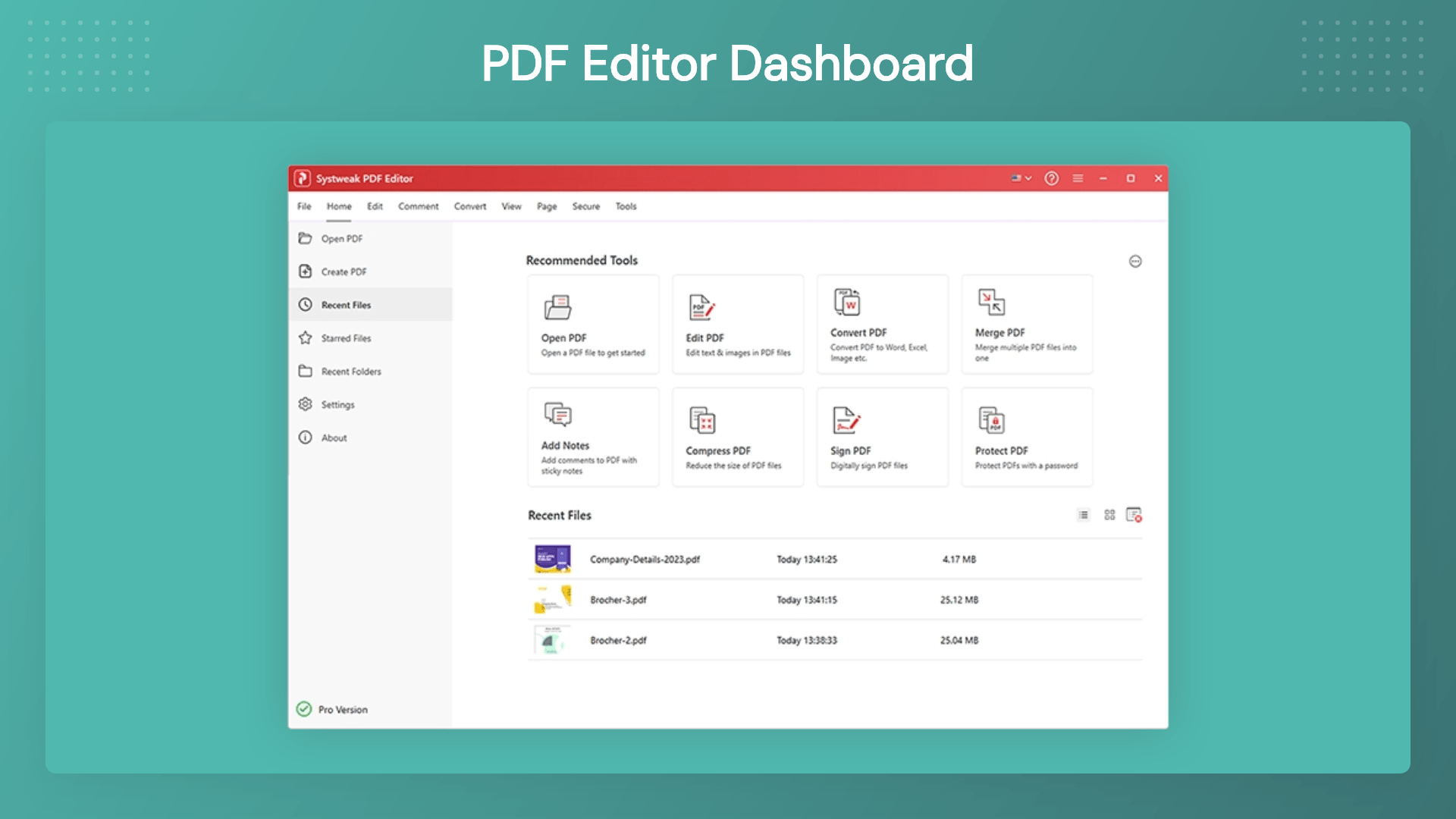
Systweak PDF Editor PRO gives you all the elite editing, converting, signing, and security tools you actually need—tucked inside a clean, intuitive dashboard that requires a zero learning curve. No corporate bloat. No confusing menus. Just a fast, reliable tool that gets the job done.
Overview & Installation Guide
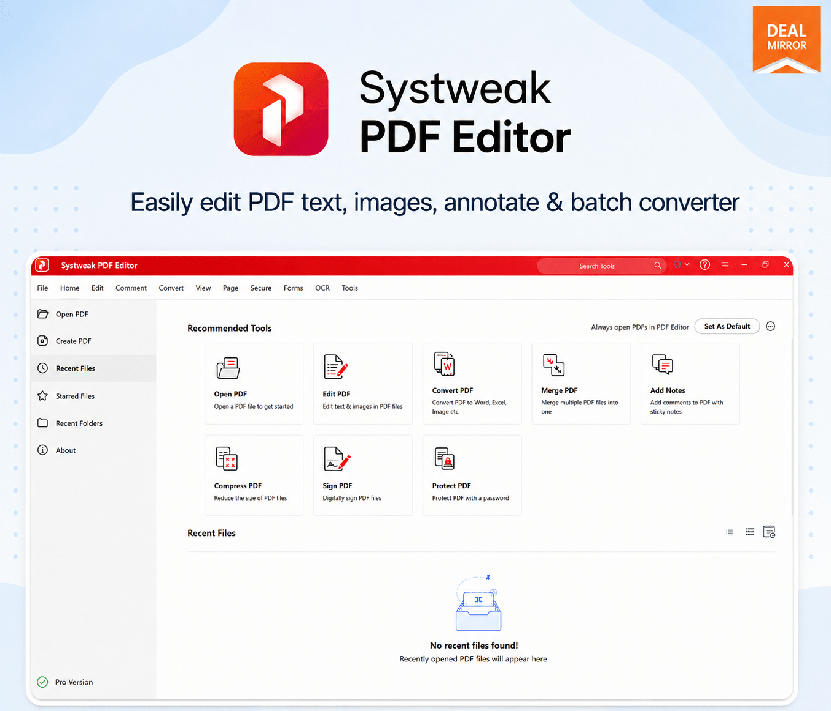
Systweak PDF Editor Pro is an advanced all-in-one PDF editing software for Windows. Easily edit PDF text and images, annotate, batch convert, OCR, compress, organize, digital sign and secure PDF documents.
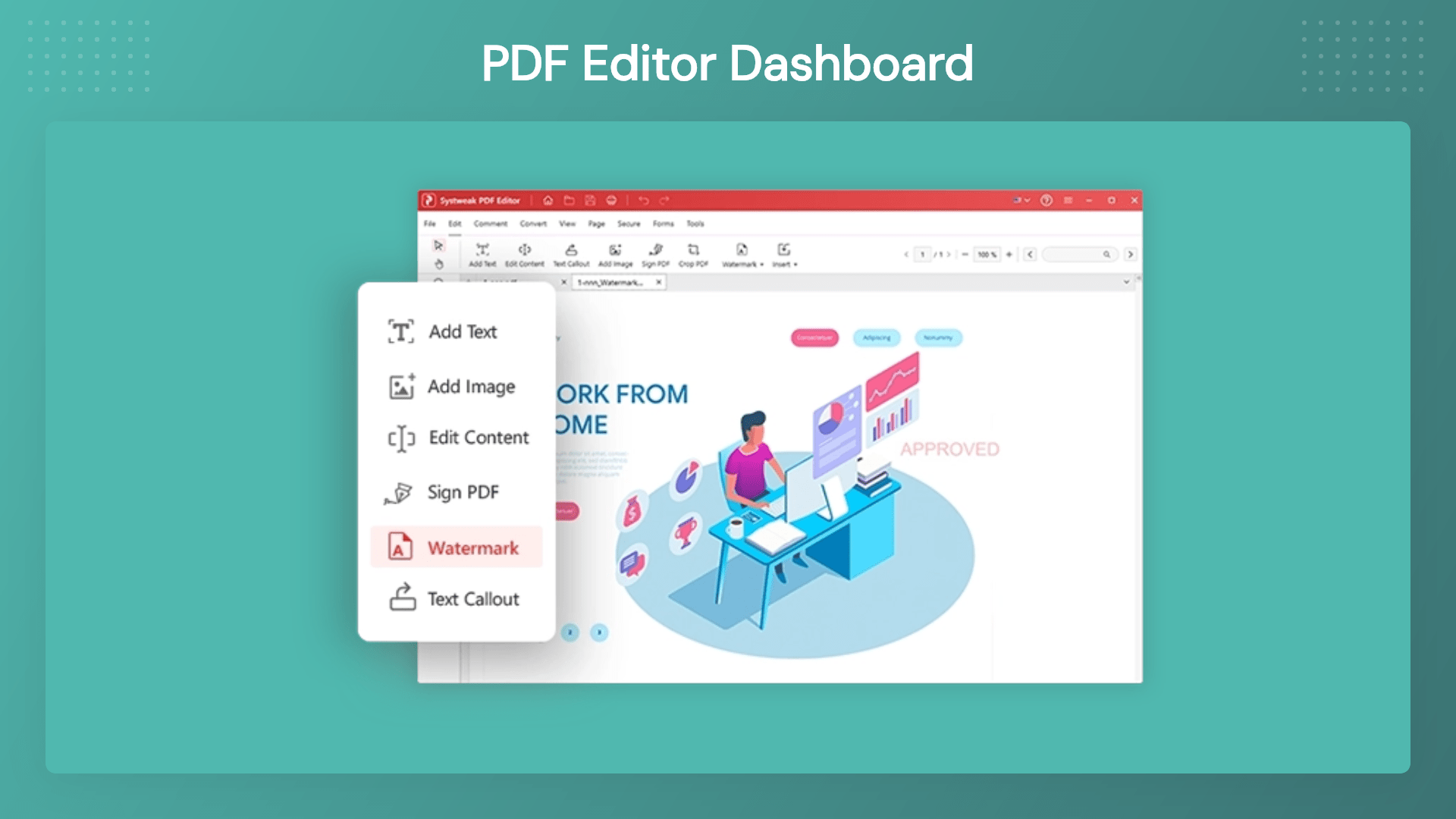
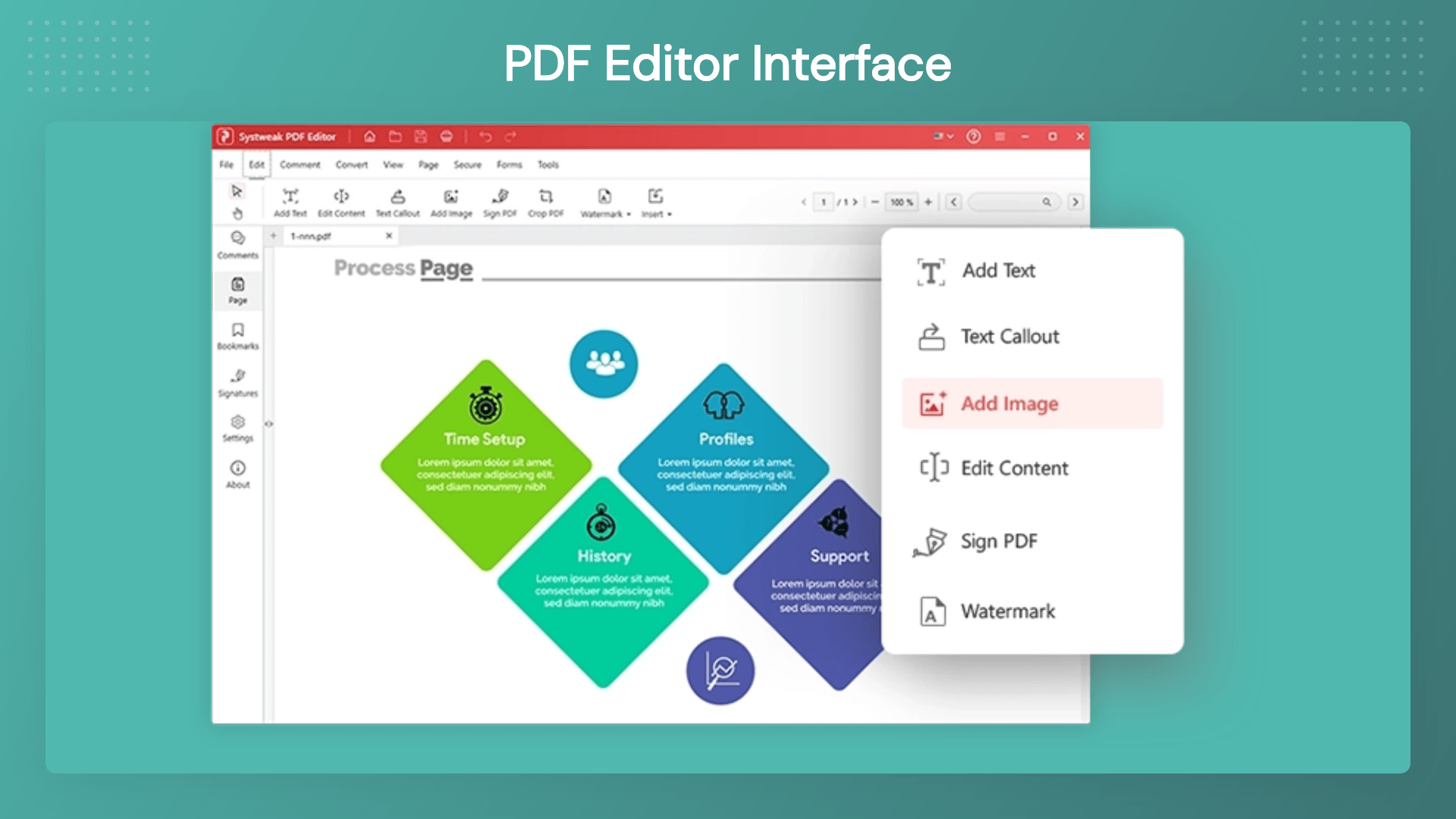
Dashbaord Images
Key Features
Edit PDF Text & Images: Make changes directly inside your PDF files. Update text, replace images, edit links, and modify content without recreating the document.
Convert PDFs to Multiple Formats: Convert PDF files into Word, Excel, PowerPoint, HTML, and other popular formats while maintaining formatting and structure.
Merge Multiple PDF Files: Combine multiple documents into a single PDF for easier sharing, storage, and collaboration.
Split Large PDF Documents: Break large PDFs into smaller files and organize content exactly how you need it.
Compress PDF Files: Reduce file sizes for faster sharing and easier storage without sacrificing quality.
Annotate & Review Documents: Highlight text, add comments, insert notes, and collaborate effectively on important files.
Add Digital Signatures & Stamps: Sign documents electronically and speed up approval processes.
Password Protection & Security: Protect confidential files with passwords and control access to sensitive information.
Permanent PDF Redaction: Remove confidential information permanently from documents before sharing them.
OCR Technology: Convert scanned documents and image-based PDFs into searchable and editable files.
Organize Pages Easily: Insert, rotate, delete, rearrange, and manage PDF pages in just a few clicks.
Batch Processing: Save time by applying actions across multiple PDF files simultaneously.
Systweak PDF : Edit, Convert, Merge & Secure PDF files
One-time payment. Lifetime access.
What you get in this deal
Perpetual License for up to 2 devices (Windows and Mac) Convert PDFs offline from Word, Excel, PowerPoint, images, HTML Edit, merge, split, compress, watermark, & annotate your PDFs Sign, protect, unlock, redact, rotate, bookmark & combine your PDFs
Change text, swap images, and update links inside any PDF just like a Word doc
Turn PDFs into clean Word, Excel, or PowerPoint files without ruining your formatting
Best for business owners, legal teams, accountants, HR, and students
Alternative to Adobe Acrobat Pro, Foxit, Nitro, and PDFelement
Systweak PDF Editor PRO Lifetime Deal
Tired of Being Held Hostage by Expensive PDF Subscriptions?
Meet Systweak PDF Editor Pro The heavy-duty, no-nonsense PDF solution you buy once and own forever.
Let’s be honest: working with PDFs shouldn’t require a computer science degree or a monthly bill that eats into your profit margins.
You know the drill. You just need to fix a quick typo in a contract, swap out an image, or sign a document. Instead, you’re either wrestling with a “free” online tool that messes up your formatting, or you’re staring at an expensive Adobe Acrobat renewal invoice.
It shouldn’t be this hard. And now, it isn’t.
Systweak PDF Editor PRO gives you all the elite editing, converting, signing, and security tools you actually need—tucked inside a clean, intuitive dashboard that requires a zero learning curve. No corporate bloat. No confusing menus. Just a fast, reliable tool that gets the job done.
Overview & Installation Guide
Systweak PDF Editor Pro is an advanced all-in-one PDF editing software for Windows. Easily edit PDF text and images, annotate, batch convert, OCR, compress, organize, digital sign and secure PDF documents.
Dashbaord Images
Key Features
Edit PDF Text & Images: Make changes directly inside your PDF files. Update text, replace images, edit links, and modify content without recreating the document.
Convert PDFs to Multiple Formats: Convert PDF files into Word, Excel, PowerPoint, HTML, and other popular formats while maintaining formatting and structure.
Merge Multiple PDF Files: Combine multiple documents into a single PDF for easier sharing, storage, and collaboration.
Split Large PDF Documents: Break large PDFs into smaller files and organize content exactly how you need it.
Compress PDF Files: Reduce file sizes for faster sharing and easier storage without sacrificing quality.
Annotate & Review Documents: Highlight text, add comments, insert notes, and collaborate effectively on important files.
Add Digital Signatures & Stamps: Sign documents electronically and speed up approval processes.
Password Protection & Security: Protect confidential files with passwords and control access to sensitive information.
Permanent PDF Redaction: Remove confidential information permanently from documents before sharing them.
OCR Technology: Convert scanned documents and image-based PDFs into searchable and editable files.
Organize Pages Easily: Insert, rotate, delete, rearrange, and manage PDF pages in just a few clicks.
Batch Processing: Save time by applying actions across multiple PDF files simultaneously.
Perpetual License for up to 2 devices (Windows and Mac)
Convert PDFs offline from Word, Excel, PowerPoint, images, HTML
Edit, merge, split, compress, watermark, & annotate your PDFs
Sign, protect, unlock, redact, rotate, bookmark & combine your PDFs
From The Founders
Systweak
At Systweak, our mission has always been simple: eliminate digital friction. We watched millions of professionals and students get frustrated by over-complicated, overpriced PDF software.
We built Systweak PDF Editor PRO to be the exact opposite—a reliable, lightning-fast, secure tool that stays out of your way and lets you do your best work. Thank you for trusting us to simplify your document management.






3 reviews for Systweak PDF : Edit, Convert, Merge & Secure PDF files
Mike P. –
The OCR feature has been a lifesaver for my document management. Editing scanned PDFs is a breeze now.
Linda K. –
I love how Systweak allows me to convert and merge PDFs with ease. It’s a great asset for my daily tasks.
John D. –
Systweak PDF Editor is hands down the best PDF tool out there! The offline editing capability makes it super secure and convenient.