Home » Store » Screentell: Cinematic Screen Recorder and Video Editor
Screentell: Cinematic Screen Recorder and Video Editor
TL;DR
Add depth to your recordings with 3D rotation, scaling, and skewing
Fully customize your stickers with images, hand-drawn-style text, and shapes
Best for SaaS Founders, Marketers, Content Creators, Product Manager, etc
Alternative to Screen studio, Loom, CursorClip, Obs, and more
Screentell Lifetime Deal
Ever feel like your product demos look a bit… flat? Recording and explaining your work should be simple, but it often turns into a long process.
You record multiple takes, try to guide viewers manually, edit clips, adjust speed, and still struggle to make everything look clean and professional.
Switching between tools, fixing mistakes, and making videos presentable can take more time than the actual work. But not anymore.
Meet Screentell, a screen and audio recorder for Windows, Mac, and Linux. It makes this whole process easier. It lets you record your screen, camera, system sound, and microphone together in high quality, so you capture everything in one go.
You can guide attention with smooth zooms, add cinematic 3D transforms, and use annotations or stickers to explain things clearly.
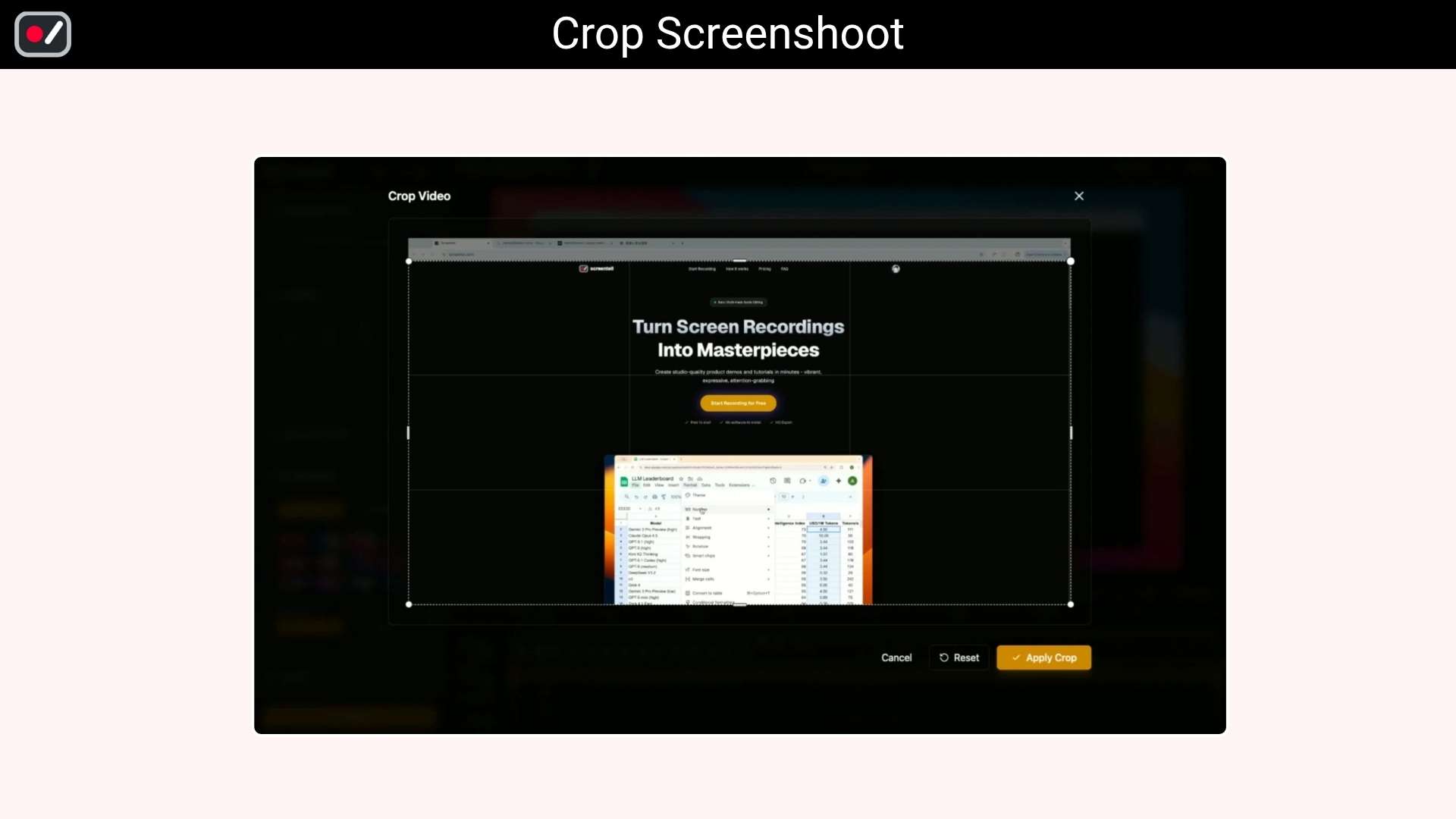
Edit your videos easily with clip cutting, speed control, and screen cropping to remove distractions. You can also move or resize your face camera, use clean layouts, and preview everything before exporting.
With flexible export options like MP4, WebM, and GIF, your videos are ready to share anywhere. Plus, everything runs locally in your browser, so your recordings stay private. From recording to editing to exporting, Screentell helps you create polished videos in minutes.
Intro Video
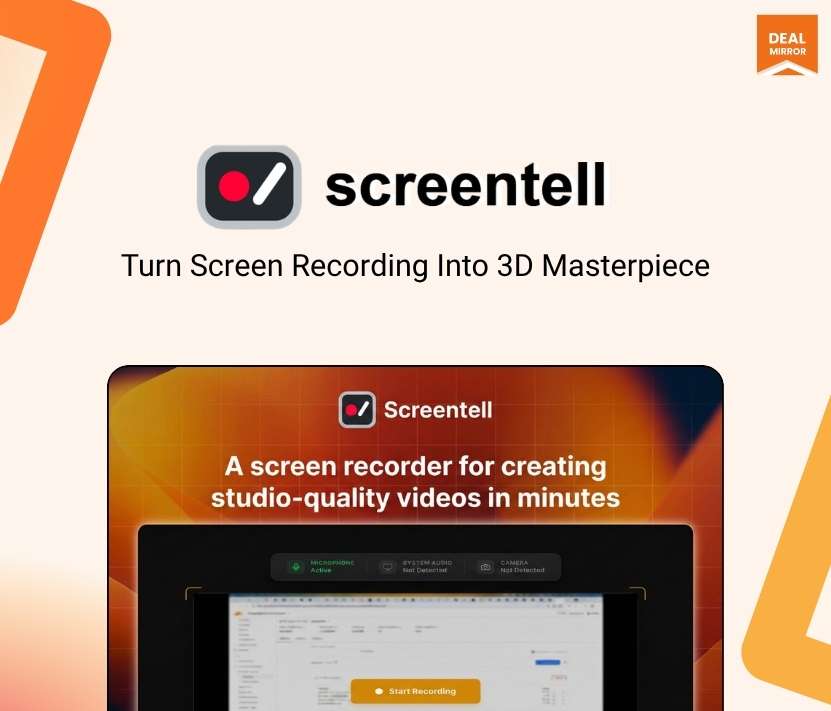
Screentell is an all-in-one screen recording and video editing tool that helps you create, edit, and share professional-looking 3D videos easily from your browser.
Dashboard Images
Key Features
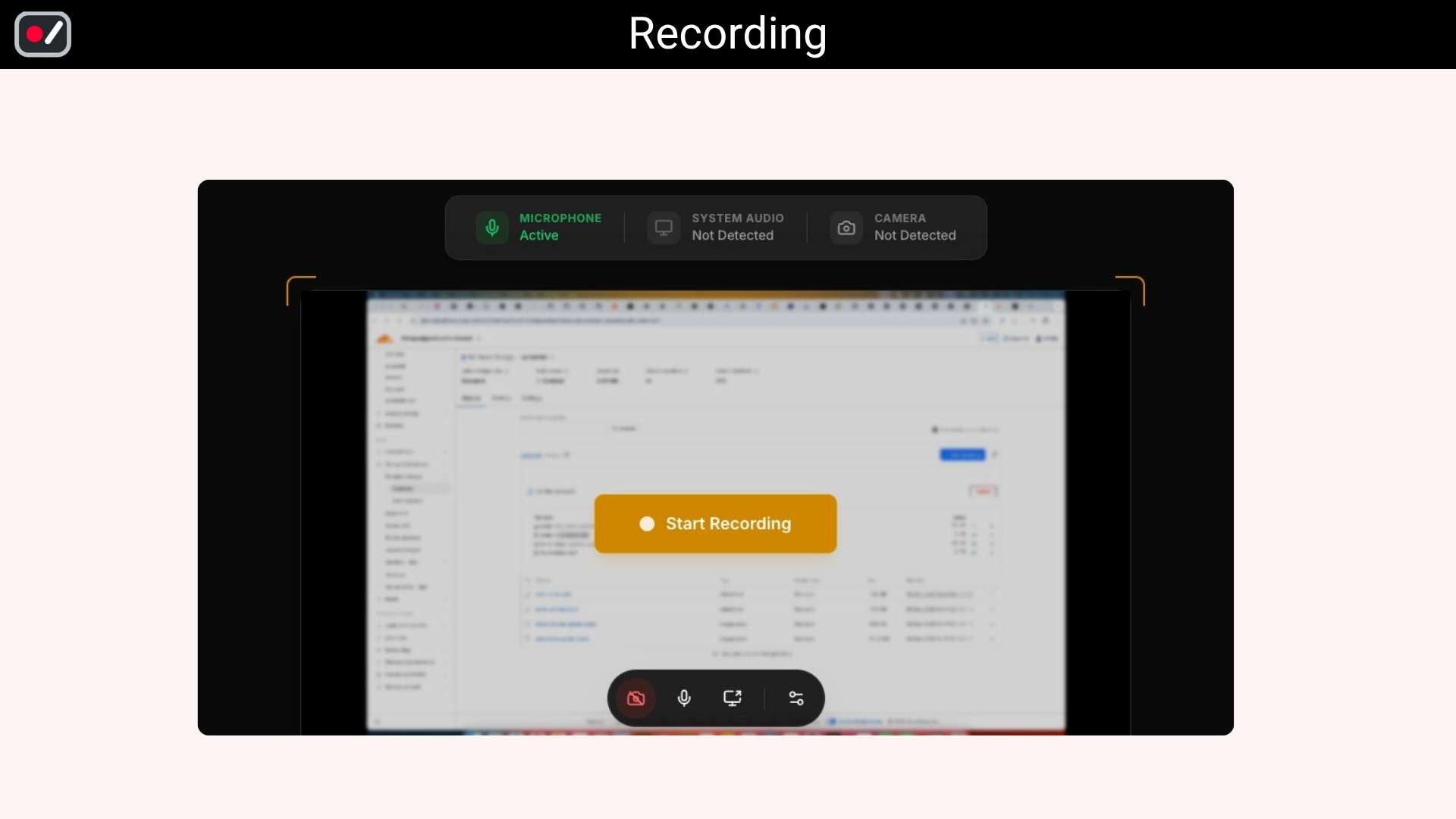
High-Quality Recording: Record your screen, camera, system sound, and microphone together in clear and smooth quality without needing multiple tools.
Focus Zoom: Easily zoom in and guide your viewer’s attention to important parts of your screen.
Cinematic 3D Effects: Add depth to your videos with simple 3D transforms like rotation, scaling, and movement.
Rich Annotations and Stickers: Use text, shapes, and stickers to highlight key points and explain things better.
Face Camera Control: Move, resize, or hide your camera overlay anytime to keep your video clean and flexible.
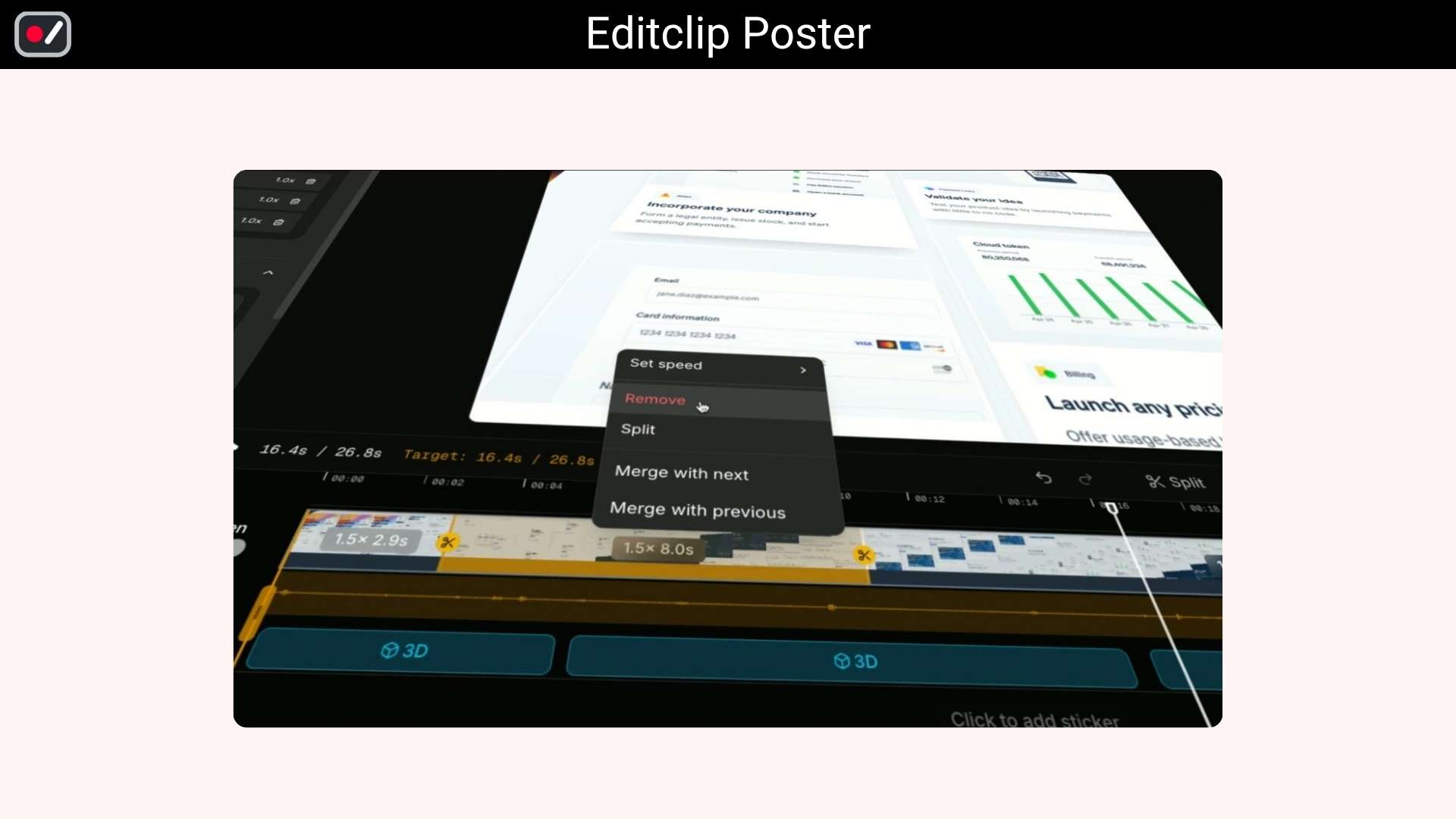
Easy Video Editing: Cut, split, and remove unwanted parts, and adjust speed for different sections with simple controls.
Screen Cropping: Remove unnecessary areas like tabs or UI elements to keep your content focused.
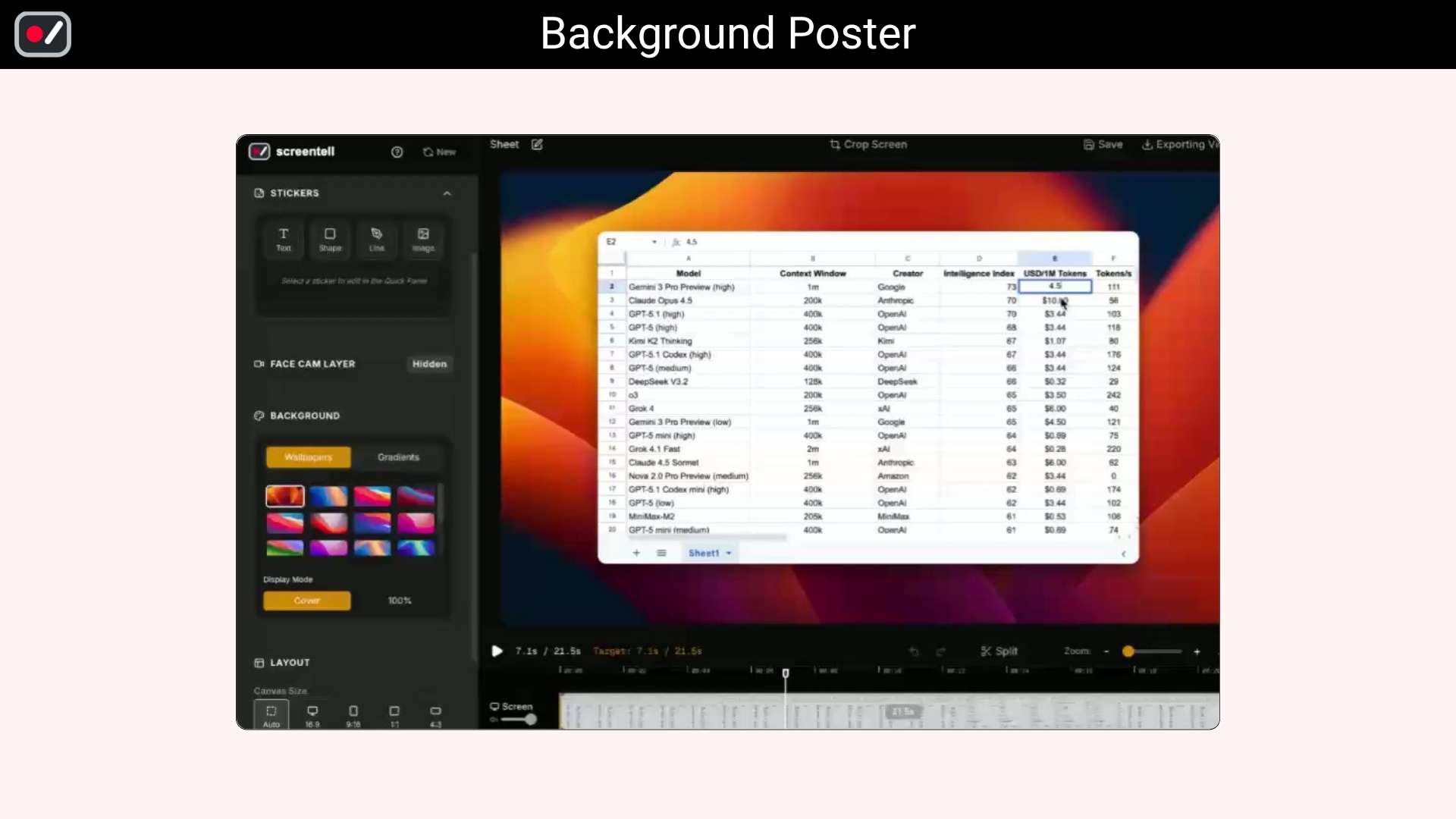
Clean Video Layouts: Add backgrounds, spacing, and shadows to make your videos look modern and professional.
Use Cases:
SaaS Founders & Indie Makers: Who need high-converting, professional product walkthroughs and launch videos.
Marketers: Creating promotional content, social media clips, and explainer videos.
Content Creators & YouTubers: Who want to elevate their tutorials with cinematic camera movements.
Product Managers & Developers: Building feature demos and release notes.
Educators & Support Teams: Developing engaging online courses or clear, easy-to-follow troubleshooting guides.
Deal Terms:
Length of access: Lifetime
Redemption deadline: 60 days from purchase
30 Days Money Back Guarantee (For Non-Prime Members/Regular Users).
Add depth to your recordings with 3D rotation, scaling, and skewing
Fully customize your stickers with images, hand-drawn-style text, and shapes
Best for SaaS Founders, Marketers, Content Creators, Product Manager, etc
Alternative to Screen studio, Loom, CursorClip, Obs, and more
Screentell Lifetime Deal
Ever feel like your product demos look a bit… flat? Recording and explaining your work should be simple, but it often turns into a long process.
You record multiple takes, try to guide viewers manually, edit clips, adjust speed, and still struggle to make everything look clean and professional.
Switching between tools, fixing mistakes, and making videos presentable can take more time than the actual work. But not anymore.
Meet Screentell, a screen and audio recorder for Windows, Mac, and Linux. It makes this whole process easier. It lets you record your screen, camera, system sound, and microphone together in high quality, so you capture everything in one go.
You can guide attention with smooth zooms, add cinematic 3D transforms, and use annotations or stickers to explain things clearly.
Edit your videos easily with clip cutting, speed control, and screen cropping to remove distractions. You can also move or resize your face camera, use clean layouts, and preview everything before exporting.
With flexible export options like MP4, WebM, and GIF, your videos are ready to share anywhere. Plus, everything runs locally in your browser, so your recordings stay private. From recording to editing to exporting, Screentell helps you create polished videos in minutes.
Intro Video
Screentell is an all-in-one screen recording and video editing tool that helps you create, edit, and share professional-looking 3D videos easily from your browser.
Dashboard Images
Key Features
High-Quality Recording: Record your screen, camera, system sound, and microphone together in clear and smooth quality without needing multiple tools.
Focus Zoom: Easily zoom in and guide your viewer’s attention to important parts of your screen.
Cinematic 3D Effects: Add depth to your videos with simple 3D transforms like rotation, scaling, and movement.
Rich Annotations and Stickers: Use text, shapes, and stickers to highlight key points and explain things better.
Face Camera Control: Move, resize, or hide your camera overlay anytime to keep your video clean and flexible.
Easy Video Editing: Cut, split, and remove unwanted parts, and adjust speed for different sections with simple controls.
Screen Cropping: Remove unnecessary areas like tabs or UI elements to keep your content focused.
Clean Video Layouts: Add backgrounds, spacing, and shadows to make your videos look modern and professional.
Use Cases:
SaaS Founders & Indie Makers: Who need high-converting, professional product walkthroughs and launch videos.
Marketers: Creating promotional content, social media clips, and explainer videos.
Content Creators & YouTubers: Who want to elevate their tutorials with cinematic camera movements.
Product Managers & Developers: Building feature demos and release notes.
Educators & Support Teams: Developing engaging online courses or clear, easy-to-follow troubleshooting guides.
Deal Terms:
Length of access: Lifetime
Redemption deadline: 60 days from purchase
30 Days Money Back Guarantee (For Non-Prime Members/Regular Users).
I originally built Screentell to solve a problem I kept running into myself: recording, editing, and exporting screen videos always meant juggling multiple tools—and too much friction for something that should be simple.
Screentell is my attempt to streamline that into a clean, focused workflow: record → edit → export, all in one place.
It runs entirely in the browser, with no installs, no setup, and it works across platforms. Along the way, I added a few touches I personally missed in other tools, like cinematic 3D camera movements and lightweight annotation stickers, to make recordings feel more polished without extra effort.
I’ve intentionally kept the feature set balanced: powerful enough to cover the essentials, but simple enough that you don’t need to learn a complex timeline editor just to get something done.
I’ve been using Screentell daily for my own work, and it’s made my recording workflow noticeably faster and smoother. My goal is to make it feel just as effortless for you.
If you’re: • recording product demos • creating short tutorials or onboarding clips • making quick social content around your app or workflow
…and you’d rather not install heavy software or deal with complicated editing tools, Screentell might be exactly what you need.
If you give it a try, I’d genuinely love to hear what works for you—and what doesn’t. That feedback directly shapes what I build next.
Q: 2. What are the system requirements for this product?
A: Screentell is a cross-platform (Mac/Windows/Linux) solution that runs on all modern desktop browsers, including Google Chrome, Microsoft Edge, Brave, and Arc. Note: For the optimal experience, we recommend using a Chromium-based browser. Q: 3. Can this product be accessed on all devices? – Mobile, Desktop, Tablet
A: Yes, but the studio dashboard should be used on Desktop for the best experience.
Q: 4. Can I edit videos I recorded elsewhere?
A: Yes, Beyond its recording capabilities, Screentell allows you to import and edit any existing video file. Just log in and head to your Projects page to upload and start your creative process. Q: 5. Can I export multiple clips from a single recording?
A: Absolutely, Screentell supports precise trimming. Simply drag the yellow handles at the start and end of the timeline to define your clip. You can use the Preview player to verify your selection—what you see is exactly what will be exported. To export multiple segments, just adjust the timeline for each part and export them individually.
Q: 6. Is Screentell privacy-focused? Where are my videos stored?
A: Yes, We value your privacy: Screentell never uploads your recording data to any external servers.
Everything stays on your machine—your videos are processed and stored 100% locally on your computer.
Reviews
4 reviews for Screentell: Cinematic Screen Recorder and Video Editor
Rated 5 out of 5
Giovambattista Fazioli –
This 3D effect is amazing—truly amazing! You did a great job of making such a beautiful picture. Finally, we have a great screen recording that shows off creativity and skill.
Rated 5 out of 5
Kenneth Fong –
This is going to be great for my YouTube channel!
Rated 5 out of 5
JessyBeach –
Looks like a good screen recorder and editor for browsers. I like that everything stays local and you can add movie effects without having to use a big desktop app.
Rated 5 out of 5
Shawn –
I just finished making a screen recording tool that works on all platforms for demos. The 3D focus motion effect, which is very eye-catching, is definitely one of the best things about it.






4 reviews for Screentell: Cinematic Screen Recorder and Video Editor
Giovambattista Fazioli –
This 3D effect is amazing—truly amazing! You did a great job of making such a beautiful picture. Finally, we have a great screen recording that shows off creativity and skill.
Kenneth Fong –
This is going to be great for my YouTube channel!
JessyBeach –
Looks like a good screen recorder and editor for browsers. I like that everything stays local and you can add movie effects without having to use a big desktop app.
Shawn –
I just finished making a screen recording tool that works on all platforms for demos. The 3D focus motion effect, which is very eye-catching, is definitely one of the best things about it.