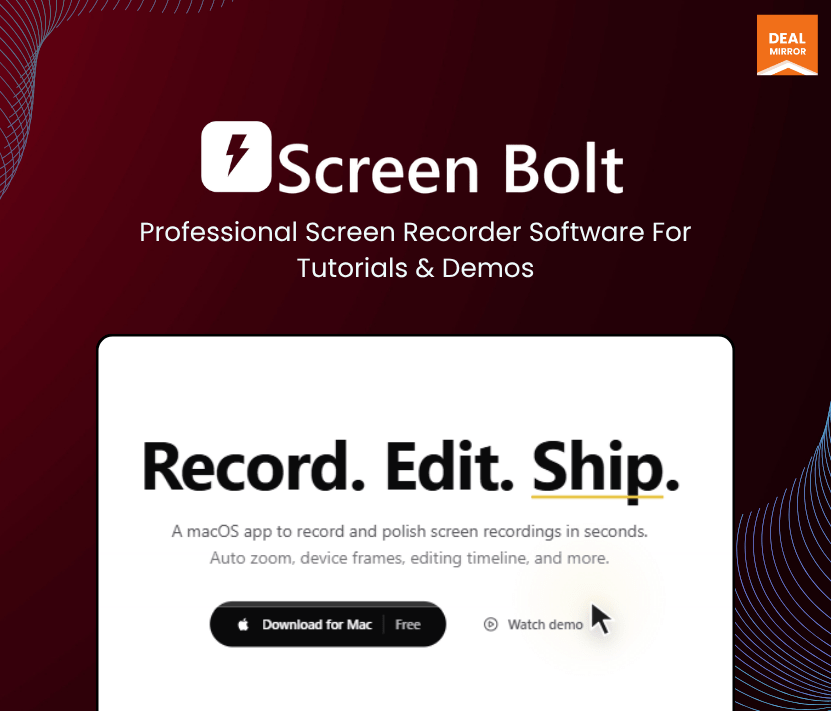
Record professional-looking tutorials and demos with cinematic auto zoom
Edit recordings instantly using built-in timeline tools and annotations
Best For YouTube creators, SaaS founders, Product demo creators & Online educators
Alternative of Screen Studio and ScreenCharm
Screen Bolt Lifetime Deal
Usually, to make polished screen recordings, you need more than just to hit the record button. Most creators, marketers, educators, and SaaS founders struggle with boring recordings, distracting cursor movement, weak audio, awkward zooming, and endless editing after recording. Traditional screen recording tools either feel too basic or overloaded with complicated workflows that slow everything down.
That’s where Screen Bolt makes a difference. Built specifically for macOS creators, it combines professional-grade screen recording with cinematic editing tools like auto zoom, cursor effects, teleprompter support, annotations, webcam overlays, and timeline editing—all inside one lightweight native app.
Whether you’re recording product walkthroughs, YouTube tutorials, onboarding videos, sales demos, online courses, or social media clips, Screen Bolt helps you turn raw recordings into studio-quality content in minutes instead of hours. Unlike many subscription-heavy alternatives, Screen Bolt offers a one-time purchase model with local-first privacy and native macOS performance.
Creators on Reddit and Product Hunt have praised Screen Bolt for its smooth cursor animations, cinematic zoom effects, lightweight performance, and affordable pricing compared to expensive alternatives.
Demo Video
Screen Bolt is an excellent professional screen recorder software for creators who want studio-quality recordings without complicated editing workflows.
Dashboard Images
Key Features
Professional Screen Recording: Capture your full screen, selected window, or custom recording area with high-quality output.
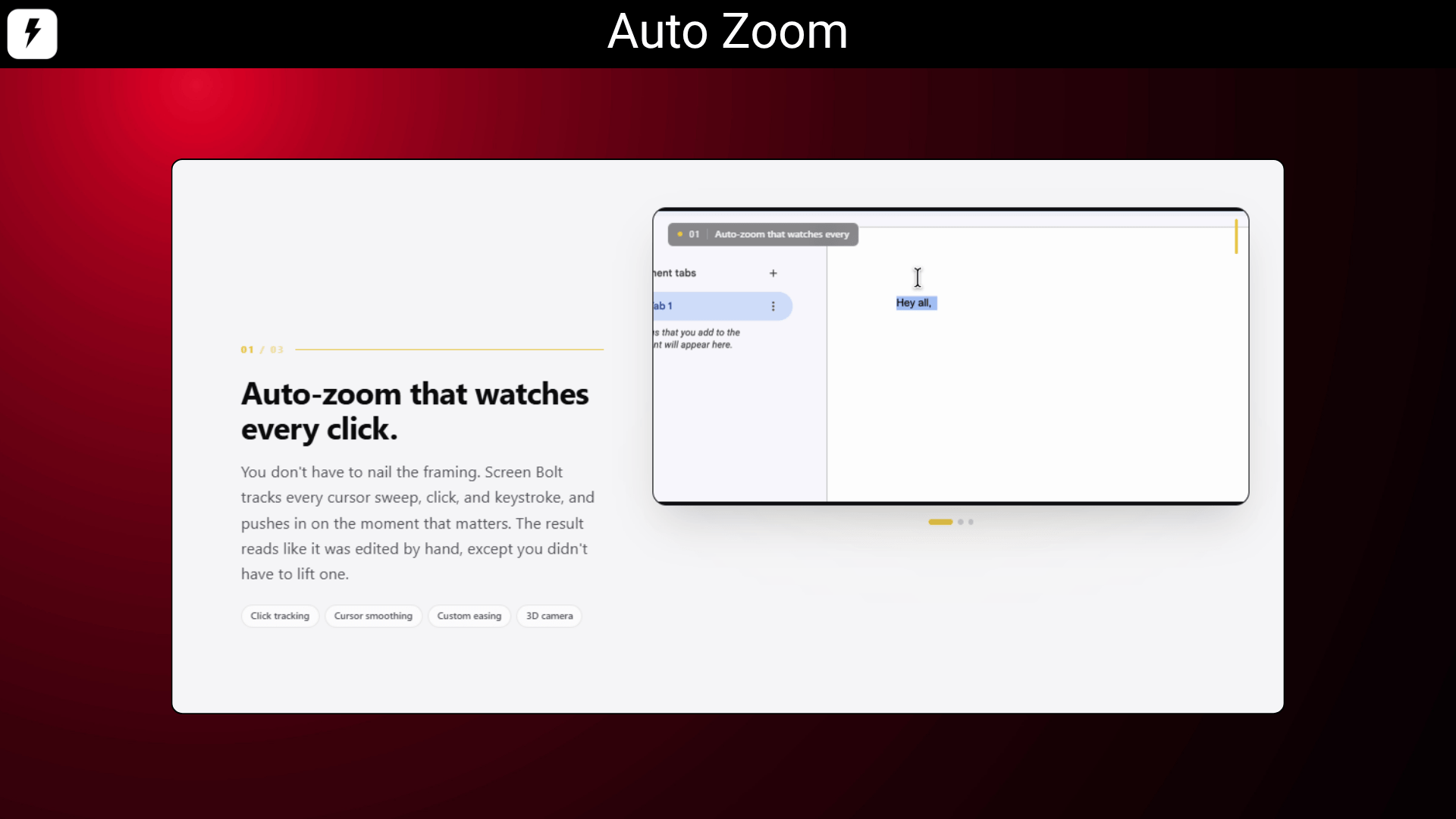
Smart Auto Zoom: Automatically tracks cursor movement and clicks to create polished, engaging recordings.
Built-In Timeline Editor: Trim clips, reorder scenes, remove mistakes, and edit recordings without external software.
Teleprompter Support: Read scripts naturally while recording tutorials, presentations, or product demos.Cursor & C
Cursor & Click Effects: Add smooth cursor animations, click highlights, and motion effects for better viewer focus.
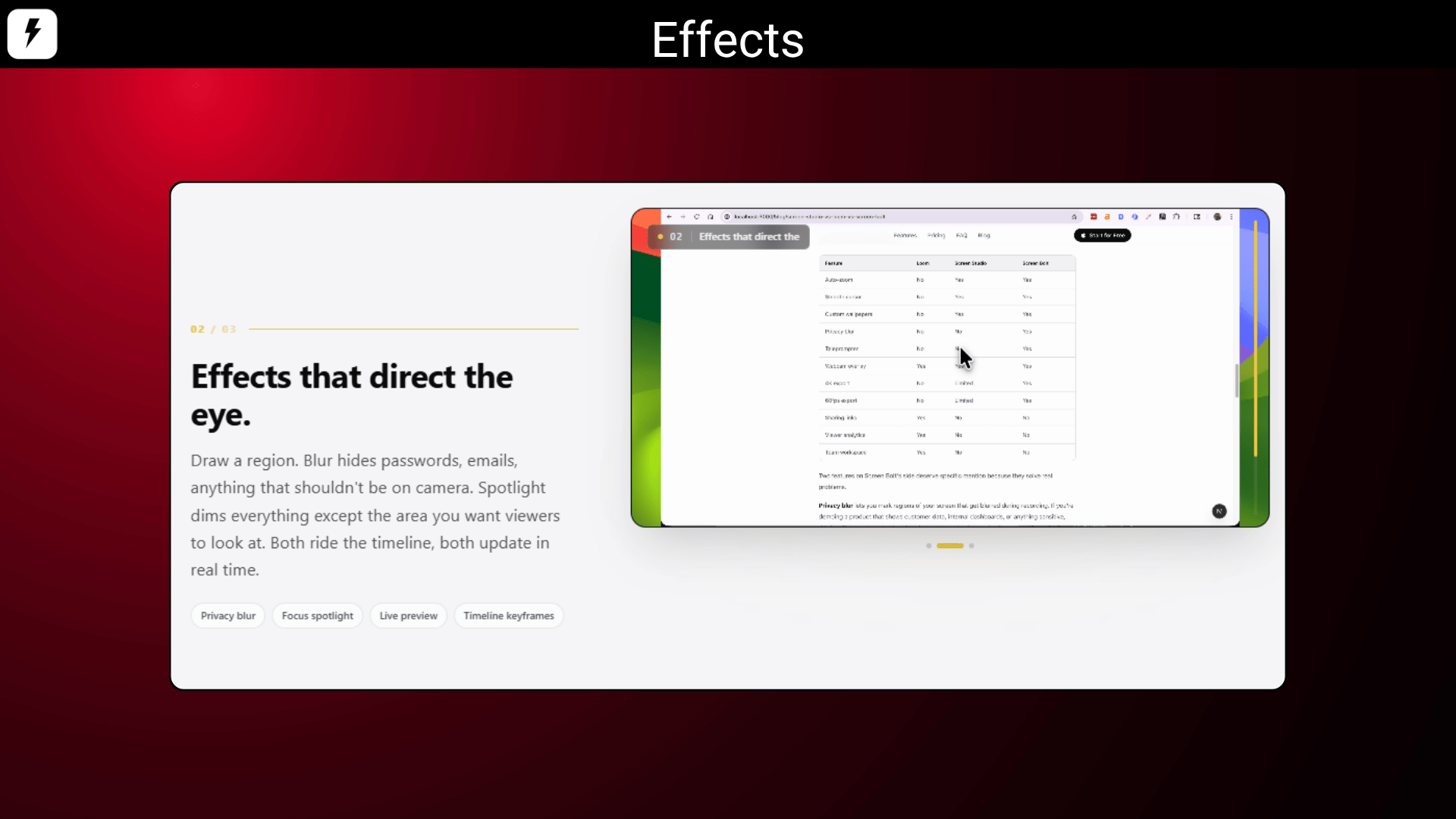
Privacy Blur & Spotlight: Blur passwords, emails, or sensitive information while spotlighting important areas.
Webcam Overlay: Add webcam recording with customizable frames, borders, and layouts.
Audio Enhancement: Use denoise, EQ, and voice isolation tools to improve microphone quality automatically.
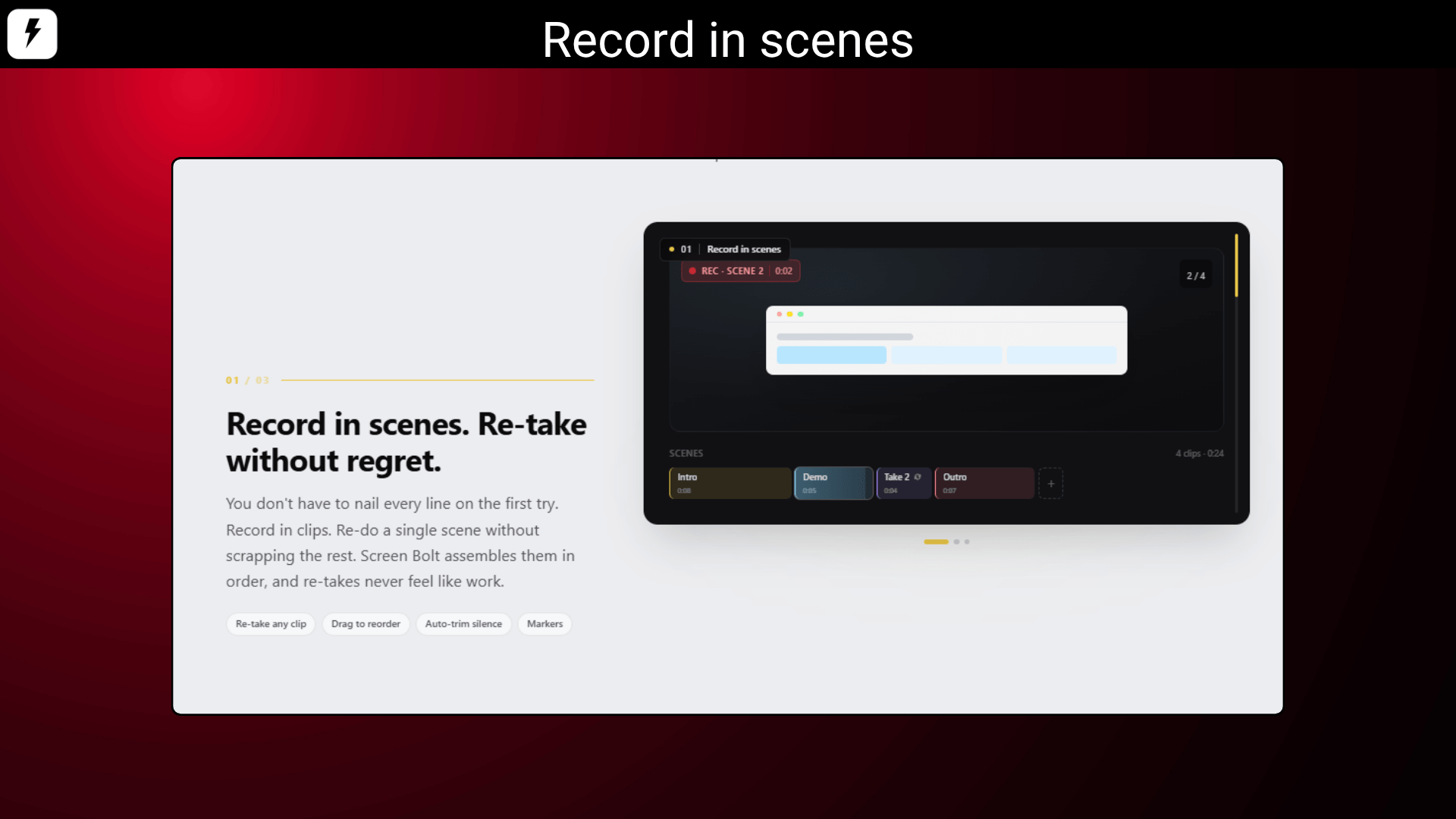
Scene-Based Recording: Re-record only specific sections instead of restarting the entire recording session.
Multiple Export Formats: Export recordings in MP4, MOV, or GIF formats optimized for YouTube, social media, and presentations.
Use Cases:
Create Product Demo Videos: Showcase your SaaS product with cinematic zooms, annotations, and smooth cursor tracking.
Record Online Courses: Use the teleprompter and timeline editor to create professional training videos faster.
Make YouTube Tutorials: Produce polished tutorial videos without spending hours in post-production.
Share Team Walkthroughs: Record async explanations, onboarding instructions, and feedback videos for remote teams.
Build Marketing Content: Turn simple screen recordings into engaging social media and promotional videos.
Record professional-looking tutorials and demos with cinematic auto zoom
Edit recordings instantly using built-in timeline tools and annotations
Best For YouTube creators, SaaS founders, Product demo creators & Online educators
Alternative of Screen Studio and ScreenCharm
Screen Bolt Lifetime Deal
Usually, to make polished screen recordings, you need more than just to hit the record button. Most creators, marketers, educators, and SaaS founders struggle with boring recordings, distracting cursor movement, weak audio, awkward zooming, and endless editing after recording. Traditional screen recording tools either feel too basic or overloaded with complicated workflows that slow everything down.
That’s where Screen Bolt makes a difference. Built specifically for macOS creators, it combines professional-grade screen recording with cinematic editing tools like auto zoom, cursor effects, teleprompter support, annotations, webcam overlays, and timeline editing—all inside one lightweight native app.
Whether you’re recording product walkthroughs, YouTube tutorials, onboarding videos, sales demos, online courses, or social media clips, Screen Bolt helps you turn raw recordings into studio-quality content in minutes instead of hours. Unlike many subscription-heavy alternatives, Screen Bolt offers a one-time purchase model with local-first privacy and native macOS performance.
Creators on Reddit and Product Hunt have praised Screen Bolt for its smooth cursor animations, cinematic zoom effects, lightweight performance, and affordable pricing compared to expensive alternatives.
Demo Video
Screen Bolt is an excellent professional screen recorder software for creators who want studio-quality recordings without complicated editing workflows.
Dashboard Images
Key Features
Professional Screen Recording: Capture your full screen, selected window, or custom recording area with high-quality output.
Smart Auto Zoom: Automatically tracks cursor movement and clicks to create polished, engaging recordings.
Built-In Timeline Editor: Trim clips, reorder scenes, remove mistakes, and edit recordings without external software.
Teleprompter Support: Read scripts naturally while recording tutorials, presentations, or product demos.Cursor & C
Cursor & Click Effects: Add smooth cursor animations, click highlights, and motion effects for better viewer focus.
Privacy Blur & Spotlight: Blur passwords, emails, or sensitive information while spotlighting important areas.
Webcam Overlay: Add webcam recording with customizable frames, borders, and layouts.
Audio Enhancement: Use denoise, EQ, and voice isolation tools to improve microphone quality automatically.
Scene-Based Recording: Re-record only specific sections instead of restarting the entire recording session.
Multiple Export Formats: Export recordings in MP4, MOV, or GIF formats optimized for YouTube, social media, and presentations.
Use Cases:
Create Product Demo Videos: Showcase your SaaS product with cinematic zooms, annotations, and smooth cursor tracking.
Record Online Courses: Use the teleprompter and timeline editor to create professional training videos faster.
Make YouTube Tutorials: Produce polished tutorial videos without spending hours in post-production.
Share Team Walkthroughs: Record async explanations, onboarding instructions, and feedback videos for remote teams.
Build Marketing Content: Turn simple screen recordings into engaging social media and promotional videos.





Reviews
There are no reviews yet.