Home » Store » Poindeo: Browser-Based Video Generator With Zoom-In Effect, Auto Captions & More
Poindeo: Browser-Based Video Generator With Zoom-In Effect, Auto Captions & More
TL;DR
Generate creative demos, presentations, & tutorials easily with no technical skills needed
Spotlight key details with a dynamic zoom-in effect, auto-generate captions and subtitles
Best for Developers, Teachers, Marketers, small businesses, Content Creators & more
Alternative to Cursorful, ScreenRun.app, Screen.now, Phia & more
Poindeo Lifetime Deal
Want to generate creative videos for multiple purposes, but confused & tired of using various time-consuming & technical tools?
But here’s the deal! Meet Poindeo, your Online Video Editor lifetime deal. With this Browser-Based Online Video Recorder and Editor Tool, you can easily create multiple videos, whether it’s a demo, presentation, tutorials, or social media content.
With its multisource recording, support Poindeo simultaneously captures the screen, webcam, and audio for tutorials, demos & interactive quizzes.
Poindeo Online Video Editor helps you bring your vision to life. Highlight key moments with Zoom, combine photos for storytelling, or enhance video with audio addition, then export with popular formats and share on platforms. Make your video creations shine.
Why it matters: Poindeos removes the need for technical skills, allowing creators and teams to focus on the message they want to convey. With this drag-and-drop Online Video Editing Software, you can get professional-looking demos & tutorials faster, with features like a watermark and easy export options.
Poindeo provides cleaner demos and faster Social Media clips, records, and highlights, letting you share videos in minutes, not hours.
Intro Video
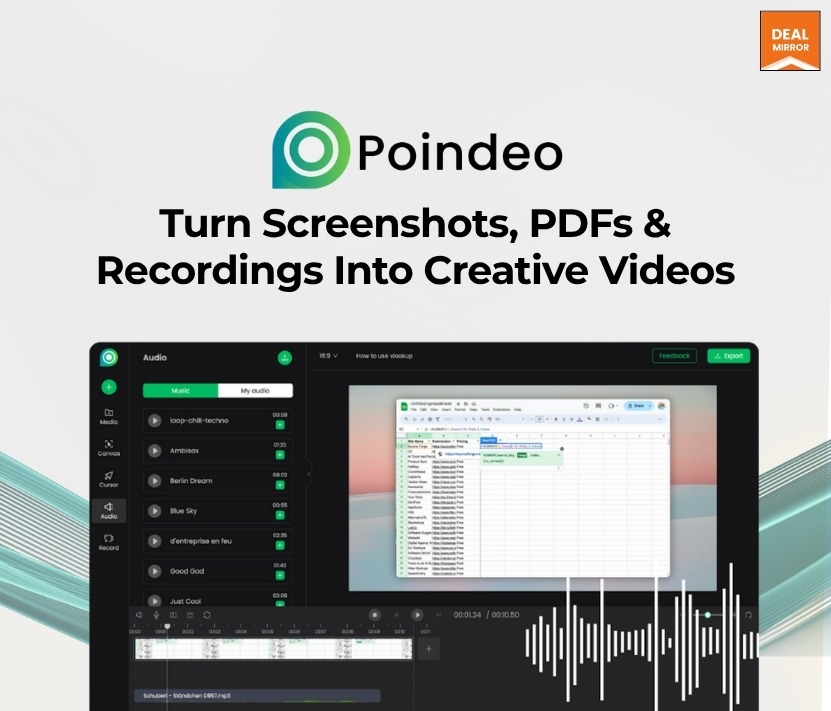
Poindeo is a web-based video editor tool that turns photos, PDFs, and screen recordings into creative videos. It spotlights details with dynamic zoom-in effects, adds a watermark, and provides automatic captions.
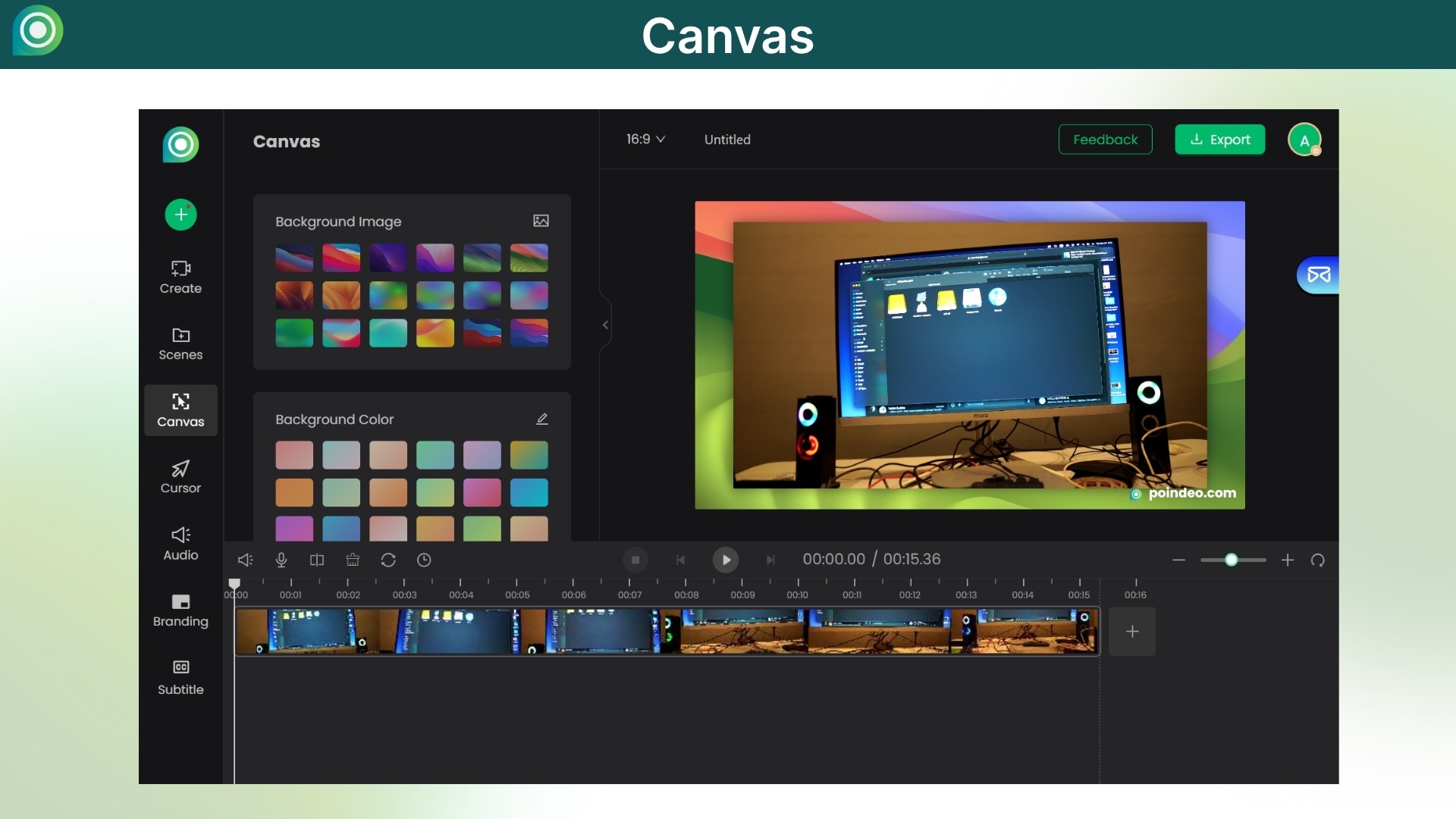
Dashboard Images
Key Features
Dynamic zoom effects: Let you highlight certain parts of videos or pictures with just one click.
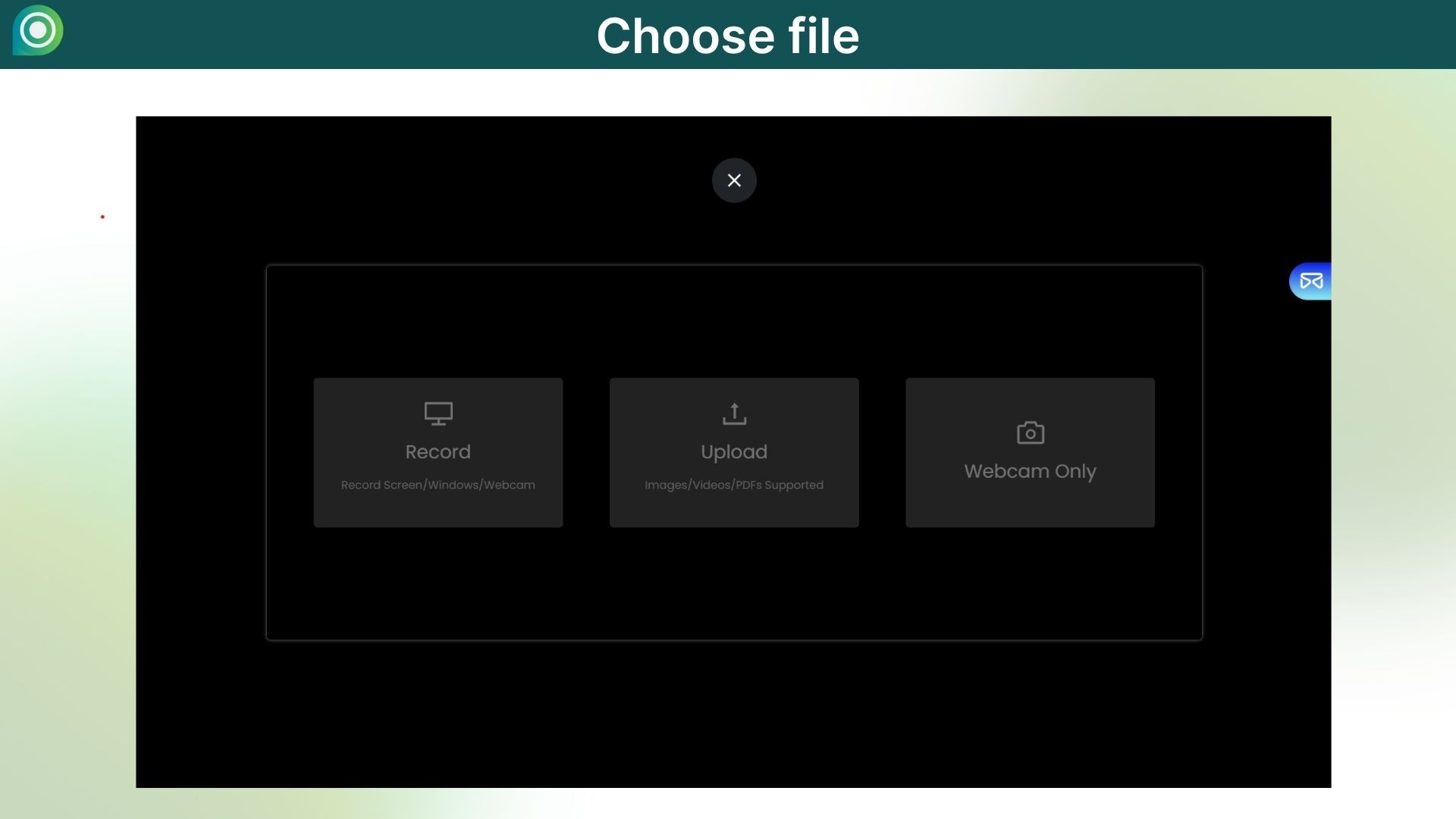
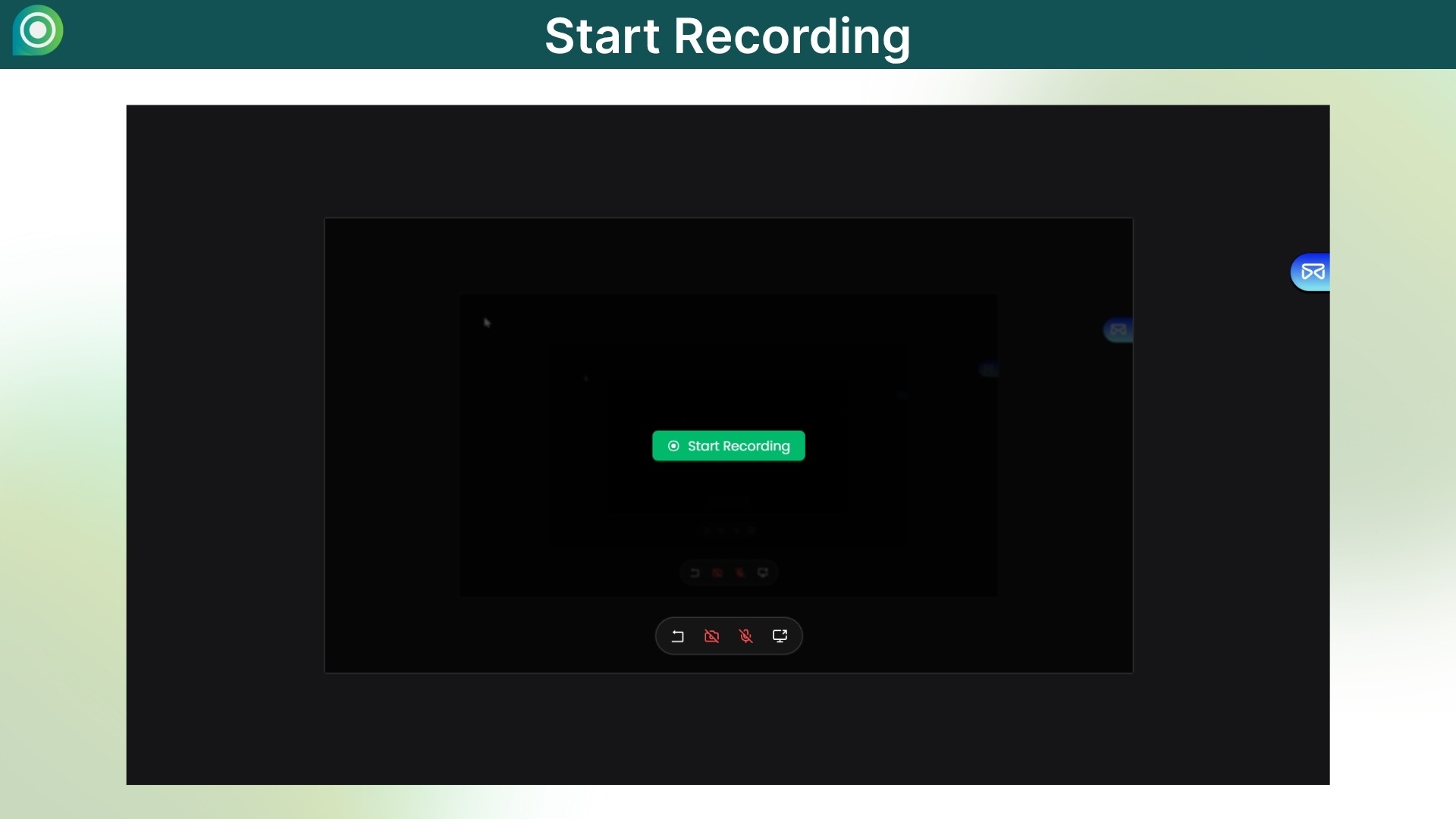
Multisource recording: Lets you record your screen, webcam, and audio all at once, or edit uploads like PDFs, images, and videos. Automatic captions: your video will automatically turn speech into subtitles.
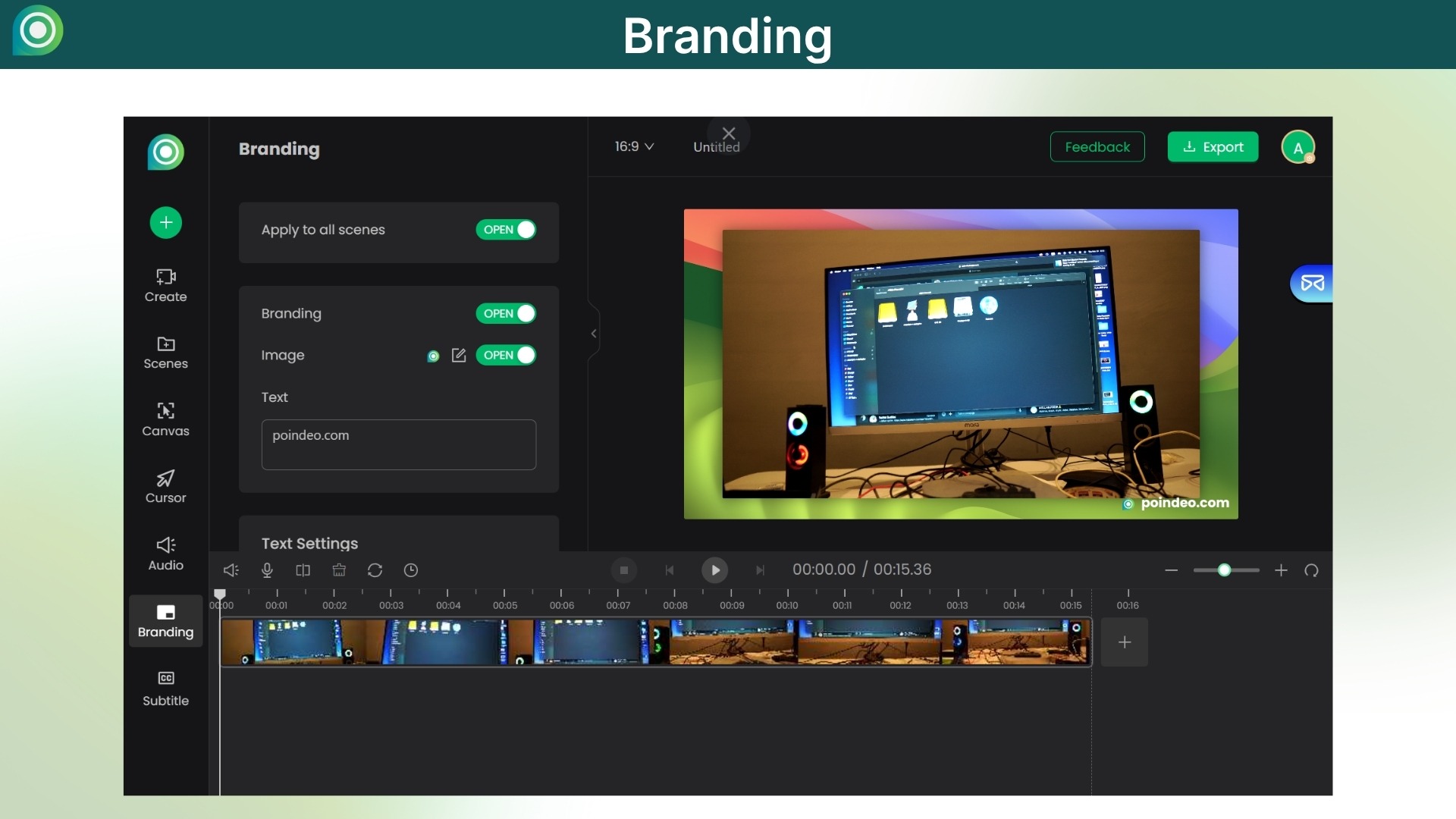
Brand customization: Add logos, watermarks, or custom text to protect your brand and intellectual property.
Export and sharing: Output in many formats, such as high-resolution video, GIF, or image, with the best ratios for sites like YouTube, TikTok, Instagram, LinkedIn, and others.
Editing that works 100% in the browser: No need to install anything or upload anything to a server; all processing is done locally for privacy.
Narrate Images: Give images or PDFs voiceovers and interactive zoom highlights to turn static content into interesting digital stories.
Privacy blur (coming soon): Protect your privacy by blurring sensitive information in your content.
Use Cases:
Indie Developers for Product Demos: A developer can use Poindeo to zoom in on important UI elements, add a background that matches their brand, and record a voice-over explaining how the new feature works.
Teachers for Animated Lessons: A teacher can upload a multi-page PDF of their lesson plan and then make a video in which they explain the lesson while zooming in on certain diagrams, text, or images on the PDF. This makes it much more interesting than a static file.
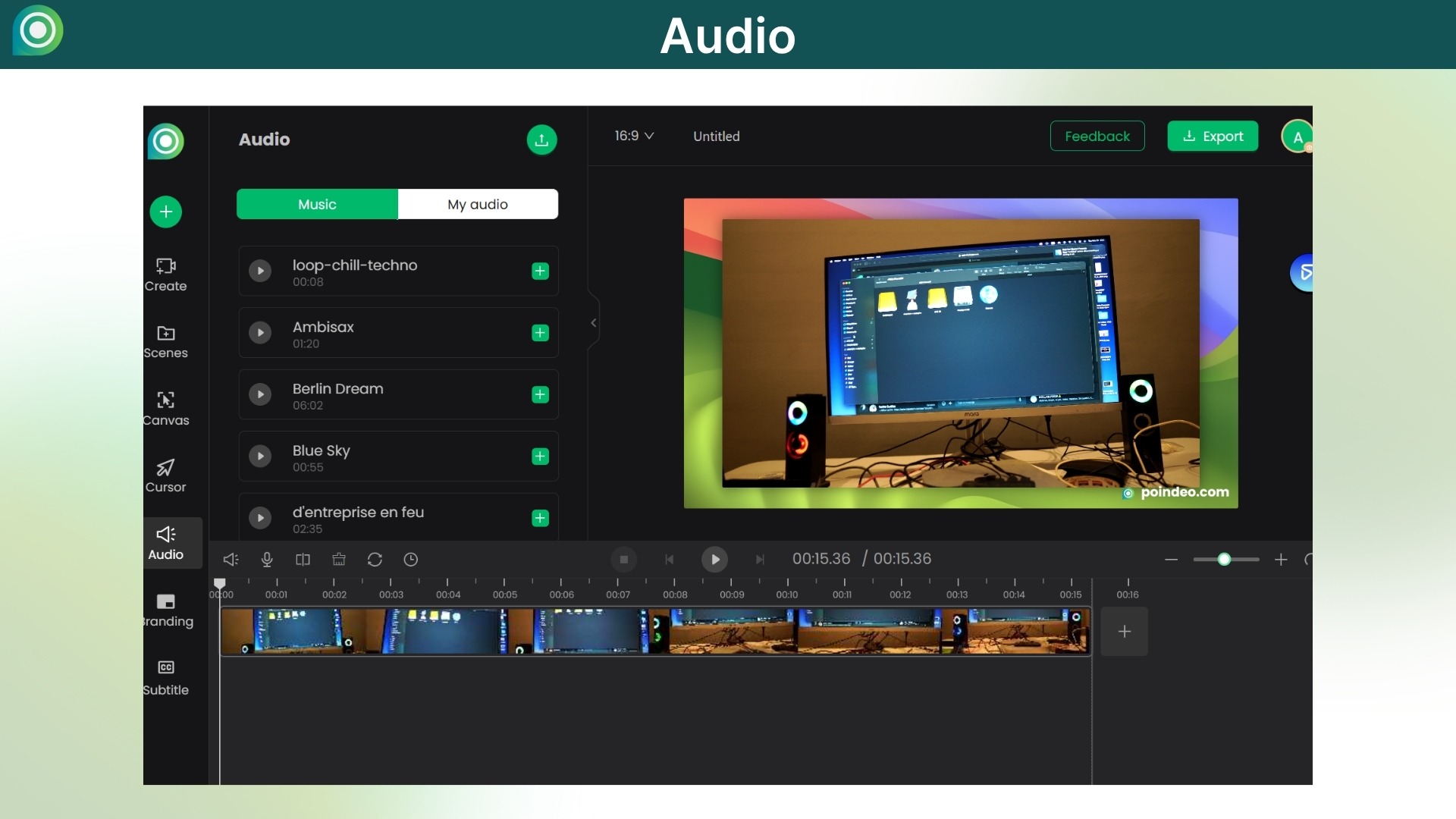
Social Media Video Marketers: A marketing expert can quickly make a short, eye-catching video for social media by adding zoom effects, text callouts, and background music to a series of product screenshots or blog post images.
Small Businesses for Onboarding Guides: An owner or manager can quickly make an employee guide by taking screenshots of a software tool, adding a voice-over that explains the steps, and using the partial blur feature to hide any private customer information.
Online Tutorial Creators: A creator can make a tutorial on any subject by importing pictures or recording their screen. They can then use the zoom and voice-over features to make a clear, step-by-step guide that their audience can easily follow.
Generate creative demos, presentations, & tutorials easily with no technical skills needed
Spotlight key details with a dynamic zoom-in effect, auto-generate captions and subtitles
Best for Developers, Teachers, Marketers, small businesses, Content Creators & more
Alternative to Cursorful, ScreenRun.app, Screen.now, Phia & more
Poindeo Lifetime Deal
Want to generate creative videos for multiple purposes, but confused & tired of using various time-consuming & technical tools?
But here’s the deal! Meet Poindeo, your Online Video Editor lifetime deal. With this Browser-Based Online Video Recorder and Editor Tool, you can easily create multiple videos, whether it’s a demo, presentation, tutorials, or social media content.
With its multisource recording, support Poindeo simultaneously captures the screen, webcam, and audio for tutorials, demos & interactive quizzes.
Poindeo Online Video Editor helps you bring your vision to life. Highlight key moments with Zoom, combine photos for storytelling, or enhance video with audio addition, then export with popular formats and share on platforms. Make your video creations shine.
Why it matters: Poindeos removes the need for technical skills, allowing creators and teams to focus on the message they want to convey. With this drag-and-drop Online Video Editing Software, you can get professional-looking demos & tutorials faster, with features like a watermark and easy export options.
Poindeo provides cleaner demos and faster Social Media clips, records, and highlights, letting you share videos in minutes, not hours.
Intro Video
Poindeo is a web-based video editor tool that turns photos, PDFs, and screen recordings into creative videos. It spotlights details with dynamic zoom-in effects, adds a watermark, and provides automatic captions.
Dashboard Images
Key Features
Dynamic zoom effects: Let you highlight certain parts of videos or pictures with just one click.
Multisource recording: Lets you record your screen, webcam, and audio all at once, or edit uploads like PDFs, images, and videos. Automatic captions: your video will automatically turn speech into subtitles.
Brand customization: Add logos, watermarks, or custom text to protect your brand and intellectual property.
Export and sharing: Output in many formats, such as high-resolution video, GIF, or image, with the best ratios for sites like YouTube, TikTok, Instagram, LinkedIn, and others.
Editing that works 100% in the browser: No need to install anything or upload anything to a server; all processing is done locally for privacy.
Narrate Images: Give images or PDFs voiceovers and interactive zoom highlights to turn static content into interesting digital stories.
Privacy blur (coming soon): Protect your privacy by blurring sensitive information in your content.
Use Cases:
Indie Developers for Product Demos: A developer can use Poindeo to zoom in on important UI elements, add a background that matches their brand, and record a voice-over explaining how the new feature works.
Teachers for Animated Lessons: A teacher can upload a multi-page PDF of their lesson plan and then make a video in which they explain the lesson while zooming in on certain diagrams, text, or images on the PDF. This makes it much more interesting than a static file.
Social Media Video Marketers: A marketing expert can quickly make a short, eye-catching video for social media by adding zoom effects, text callouts, and background music to a series of product screenshots or blog post images.
Small Businesses for Onboarding Guides: An owner or manager can quickly make an employee guide by taking screenshots of a software tool, adding a voice-over that explains the steps, and using the partial blur feature to hide any private customer information.
Online Tutorial Creators: A creator can make a tutorial on any subject by importing pictures or recording their screen. They can then use the zoom and voice-over features to make a clear, step-by-step guide that their audience can easily follow.
Hi everyone, my name is Virgil Dean, and I’m the founder of Poindeo.
In 2024, I left my corporate job to start my own venture. With a background as a front-end engineer and five years of experience in the video editing space, I spent my first few months as an indie developer exploring forums, looking for the right project to build or invest in.
I started noticing a trend: all the most impressive product demo videos looked strikingly similar. They all featured smooth zoom-in and zoom-out effects set against beautiful backgrounds. I wanted to create that same polished look for my own projects, but after searching extensively, I found the existing tools were either incredibly expensive or didn’t support Windows.
After several conversations with a few friends, we decided to solve this problem ourselves. And that’s how Poindeo was born.
We are incredibly optimistic about the space Poindeo operates in. We believe the rise of AI will lead to an explosion of “super individuals”—creators and solopreneurs.
As these individuals promote their own products and services, they need tools like Poindeo to reduce their video creation and editing costs drastically.
Virgil Dean
Founder
FAQ's
Q 1: How do I contact support?
You can contact support at [email protected]
Q 2: How does Poindeo make videos with a PDF?
You can upload a PDF document, and Poindeo will automatically separate it into individual pages, each with an attractive background. From there, you can record a voice-over, add music, and use our zoom-in point feature to highlight specific areas of the document as you explain them, creating a dynamic video presentation.
Q 3: Does it have a captioning ability?
Yes, Poindeo supports video captions and includes an automatic speech-to-text feature to generate them for you.
Q 4: Is it possible to make templates and apply consistent branding to all videos?
You can achieve consistent branding by clicking the “Apply to all scenes” button to apply the same background, cursor style, pointer settings, and other elements across your entire video project. The template is not available yet, but it is planned to be released soon.
Q 5: Is there a way to save a video as a GIF or an animated looped file?
Yes. When exporting your project, you can choose to save it in MP4, GIF, or PNG formats.
Q 6: Is it possible to record my screen and create a video from PDFs simultaneously?
Yes, this is a specific feature of Poindeo. It supports combining multiple media into a video. You can upload your PDFs, images, or existing video clips, and then record your screen to add it to the timeline with PDF pages.
Q 7: Can we use our own image as a background? Do you have animated backgrounds?
Yes, you can upload and use your own static images as a background. While we do not currently offer animated or dynamic backgrounds, this feature is on our product roadmap and planned for a future release.
Reviews
4 reviews for Poindeo: Browser-Based Video Generator With Zoom-In Effect, Auto Captions & More
Rated 5 out of 5
Manar Osman –
Poindeo is an outstanding video creation platform that streamlines the process of producing educational content. Its intuitive interface, dynamic zoom features, and multisource recording capabilities enable teachers to develop clear, engaging tutorials, interactive lessons, and effective presentations with minimal effort. Highly recommended for educators seeking to enrich digital learning experiences and engage students through high-quality multimedia resources.
Rated 5 out of 5
Dogan Kose –
Before Poindeo, I was using some desktop video editing programs. However, Poindeo made creating promotional videos much easier. If you’re a developer new to video editing, Poindeo is the perfect choice for you.
Rated 5 out of 5
Sanath Swaroop Mulky –
Absolutely love the ease of use!
Rated 5 out of 5
Lucy T. –
This is a great tool that allows me to record instructional tutorials. My parents are getting older, so they are less adaptable to new tools and often ask me the same questions even after I’ve explained things many times. Therefore, I’ve always hoped to find a convenient tool for recording instructional tutorials. This way, I can just send the videos to my parents and avoid repeating explanations. Now I’ve found it, and this tool perfectly meets my expectations.






4 reviews for Poindeo: Browser-Based Video Generator With Zoom-In Effect, Auto Captions & More
Manar Osman –
Poindeo is an outstanding video creation platform that streamlines the process of producing educational content. Its intuitive interface, dynamic zoom features, and multisource recording capabilities enable teachers to develop clear, engaging tutorials, interactive lessons, and effective presentations with minimal effort. Highly recommended for educators seeking to enrich digital learning experiences and engage students through high-quality multimedia resources.
Dogan Kose –
Before Poindeo, I was using some desktop video editing programs. However, Poindeo made creating promotional videos much easier. If you’re a developer new to video editing, Poindeo is the perfect choice for you.
Sanath Swaroop Mulky –
Absolutely love the ease of use!
Lucy T. –
This is a great tool that allows me to record instructional tutorials. My parents are getting older, so they are less adaptable to new tools and often ask me the same questions even after I’ve explained things many times. Therefore, I’ve always hoped to find a convenient tool for recording instructional tutorials. This way, I can just send the videos to my parents and avoid repeating explanations. Now I’ve found it, and this tool perfectly meets my expectations.