Your Cart

No products in the cart.

Our Top Picks

RARHost : High-performance servers with NVMe SSD storage and LiteSpeed Web Server
RARHost
$59.00 Starter
Add to Cart
1forAll : Your All-in-One Tool For Voice, Image & Video AI
1forAll
$29.00 Tier 1
Add to Cart
We.Inc: Build Chatbots, Websites & More with AI
We.Inc
$349.00 LTD Tier 1
Add to Cart
Brand2Social : Social Media Management tool for generating automated messages
Brand2Social
$29.00 Brand
Add to Cart

Easter Sale is Live Now – Get 20% OFF Sitewide

Shop Now
00 : 00 : 00 : 00
Day Hour Min Sec
Home » Store » ParseFlow: AI-Powered PDF to JSON Converter

ParseFlow: AI-Powered PDF to JSON Converter

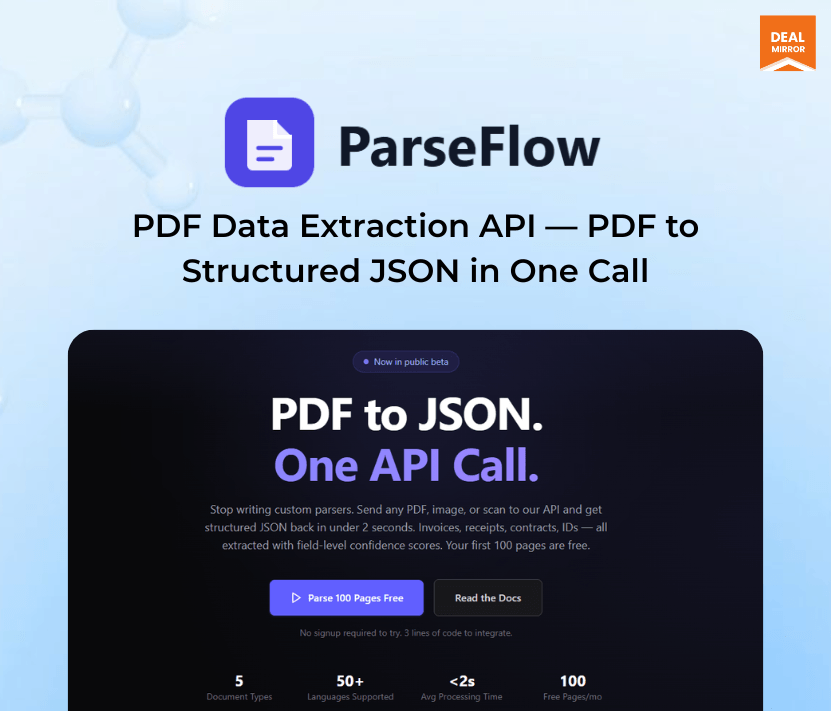
AI PDF to JSON converter API dashboard showing structured data extraction from documents

TL;DR

ParseFlow Lifetime Deal

Convert PDFs into Structured JSON in Seconds — No Templates, No Training.

Stop wasting hours manually extracting data from PDFs.

Stop building fragile parsers that break every time the layout changes.

ParseFlow is a developer API that extracts structured data from PDF documents. Send a PDF (invoice, receipt, form, or report) and get back clean JSON with the extracted fields. No ML model training, no template configuration, no complex setup. One API call.

Send your document → Get structured JSON → Use it instantly in your app.

Built for developers and businesses that need to automate PDF data extraction without building their own OCR/parsing pipeline. ParseFlow handles the messy work of PDF parsing—text extraction, layout analysis, and field identification—and returns structured, usable data.

Dashboard Image

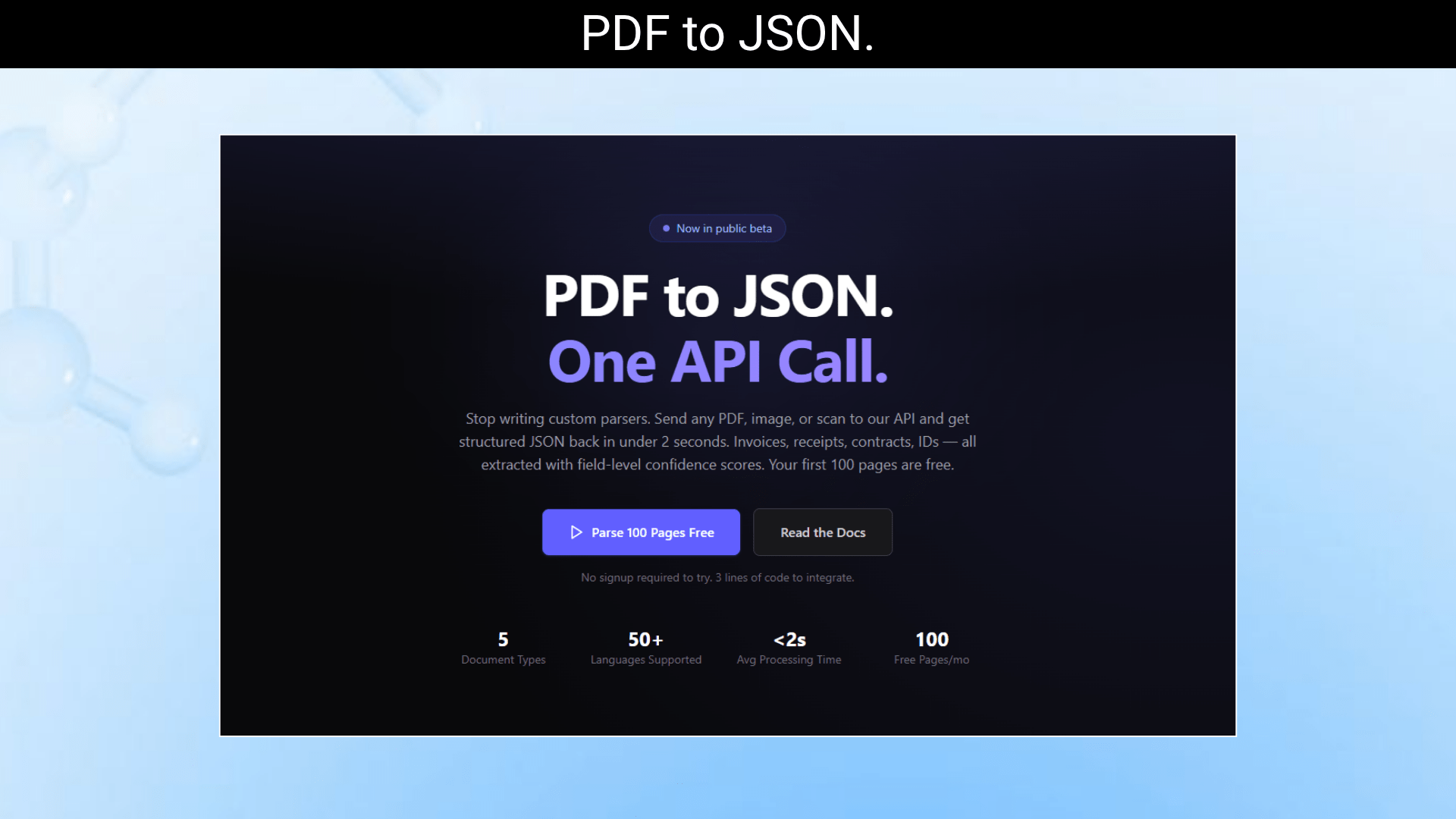
PDF to JSON conversion workflow using ParseFlow API with automated data extraction

ParseFlow is a developer-first PDF to JSON converter that turns invoices, receipts, contracts, IDs, and scanned documents into clean, structured JSON — with just one API call.

Key Features:

1. PDF to JSON Extraction in a Single API Call

  • Convert any PDF into structured JSON with just one simple API request. ParseFlow automatically detects document structure, identifies key fields, and transforms unstructured content into clean, usable JSON — without templates, manual configuration, or model training. This makes integration fast and effortless for developers building automation workflows, data pipelines, or AI applications.

2. Invoice and Receipt Field Extraction

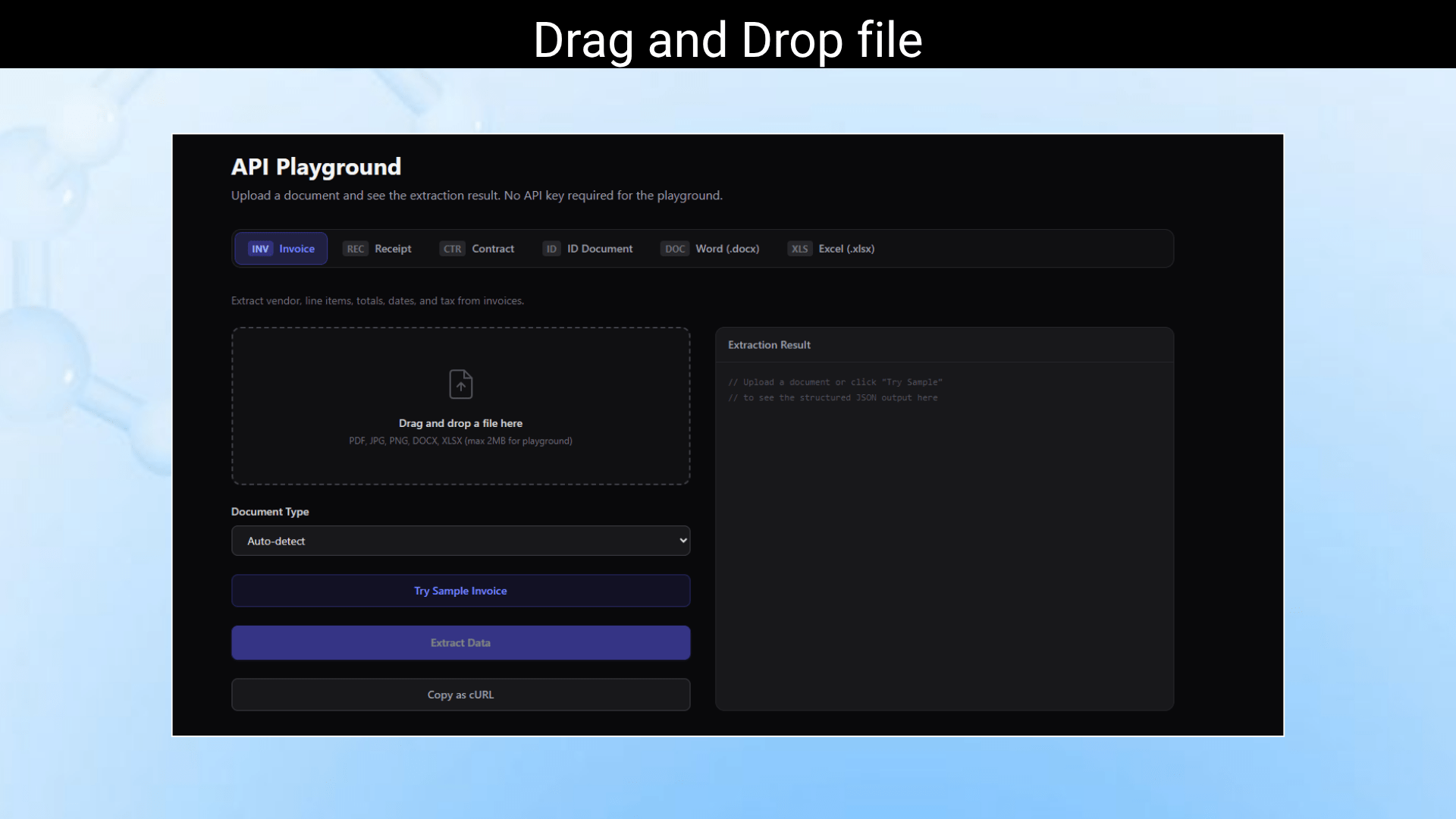
  • Automatically extract important data from invoices and receipts, including vendor name, invoice number, dates, totals, taxes, and line items. ParseFlow intelligently identifies fields even when layouts vary between documents, helping accounting teams, finance apps, and automation workflows process documents without manual entry.

3. Table Extraction with Row/Column Structure Preserved

  • Extract complex tables from PDFs while maintaining the original row and column structure. Whether it’s invoice line items, financial reports, or spreadsheets embedded in PDFs, ParseFlow ensures data remains organized and usable for databases, spreadsheets, or analytics tools.

4. Multi-Page Document Support

  • ParseFlow seamlessly processes multi-page PDFs without breaking structure or losing context. Extract data from long invoices, contracts, reports, or forms with consistent output across all pages. The system intelligently combines information and returns a unified JSON response.

5. Native Text PDFs and Scanned/Image PDFs (OCR)

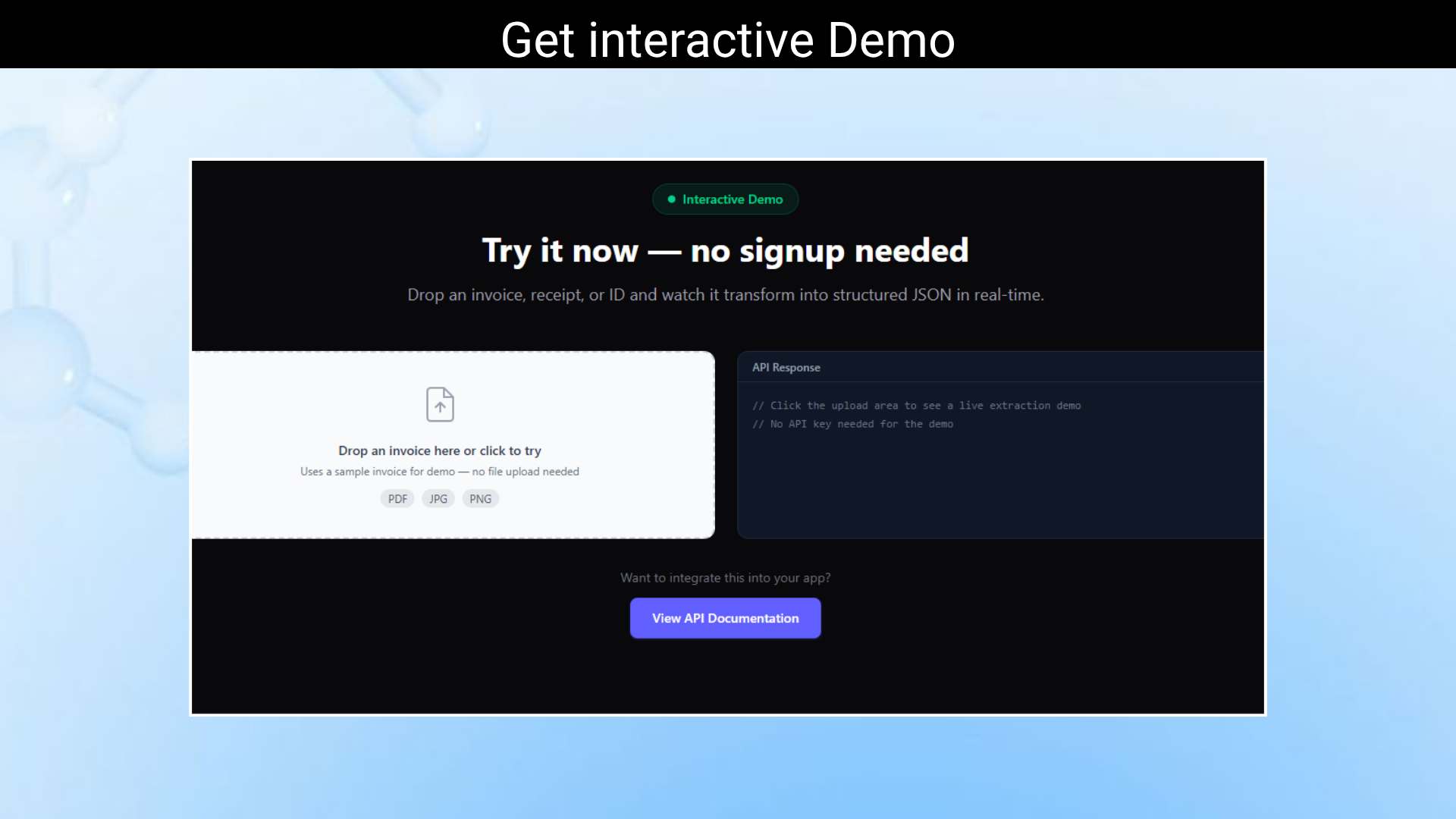
  • Whether your documents are digitally generated or scanned images, ParseFlow handles both. Built-in OCR technology accurately extracts text from scanned PDFs, photos, and image-based documents, making it easy to process handwritten or printed documents.

6. Restful API with JSON Responses

  • Developer-friendly REST API makes integration quick and simple. Send a document via API and receive structured JSON responses instantly. ParseFlow fits seamlessly into existing workflows, automation tools, and backend systems.

7. Batch Processing Support

  • Upload and process multiple documents in one request. Batch processing saves time and improves efficiency for businesses handling large volumes of documents daily. Perfect for automation workflows and high-scale applications.

8. Confidence Scores for Extracted Fields

  • Each extracted field includes a confidence score indicating extraction accuracy. This allows developers and teams to validate data automatically and flag low-confidence fields for review, improving reliability and reducing manual errors.

 Invoice data extraction example with vendor name, totals, and line items converted to JSON

Use Cases

  • Invoice Processing Automation: Accounts payable teams process hundreds of invoices monthly. Instead of manual data entry, feed PDFs into ParseFlow and get structured JSON with vendor name, invoice number, date, line items, totals, and tax amounts. Integrate directly into your accounting system.
  • Receipt Data Extraction: Expense management apps need to extract data from receipt photos/PDFs. ParseFlow handles the OCR and field extraction, returning structured data ready for expense categorization and reporting.
  • Form Data Digitization: Government forms, medical forms, insurance documents — any structured PDF form can be parsed into JSON. Useful for organizations digitizing paper-based workflows.
  • Financial Document Processing: Extract data from bank statements, tax documents, and financial reports. ParseFlow identifies tables, amounts, dates, and account information, making financial data processing automatable.
  • Developer Integration: If you’re building a SaaS product that needs to accept PDF uploads and extract data (a bookkeeping tool, CRM, project management app), ParseFlow provides the extraction layer via API so you don’t have to build and maintain your own PDF parsing engine.

OCR PDF to JSON conversion from scanned documents using AI-powered extraction

Roadmap

Q2 2026 (April – June) — Foundation

  • API v2 with improved rate limiting and error handling
  • Batch processing endpoints for bulk operations
  • Webhook notifications for async operations
  • Improved documentation and SDKs (Node.js, Python)
  • Improved table extraction accuracy, new field types

Q3 2026 (July – September) — Analytics & Teams

  • Analytics dashboard with usage trends and insights
  • Team management (invite team members, role-based access)
  • Enhanced API documentation with interactive playground
  • Improved onboarding flow
  • Non-Latin script support, custom extraction templates

 Q4 2026 (October – December) — Integrations

  • Zapier integration
  • n8n integration
  • Slack notifications
  • White-label option for agencies and resellers
  • Custom branding on reports
  • Pre-built templates for common document types, Zapier actions

 Q1 2027 (January – March) — AI-Powered Features

  • AI-powered insights and recommendations
  • Auto-fix suggestions powered by LLM analysis
  • Natural language querying for analytics
  • Advanced reporting with custom dashboards
  • AI-powered field detection for unknown document types

Deal Terms:

  • Length of access: Lifetime
  • Redemption deadline: 60 days from purchase
  • 30 Days Money Back Guarantee (For Non-Prime Members/Regular Users).
  • 60 Days Money Back Guarantee (For DealMirror Prime Members Only).

Intro Video

Roadmap & Use Cases:

Discount code auto-applied at checkout.

ParseFlow: AI-Powered PDF to JSON Converter

One-time payment. Lifetime access.

What you get in this deal

5,000 requests/month
All three endpoints (screenshot, PDF, OG)
Custom viewport and device emulation
Priority queue processing

$25.00/$99.00 75% Saving

Select Plan Check Plan Details


30 Days Money-back Guarantee

Day
Hrs
Min
Sec

TL;DR

ParseFlow Lifetime Deal

Convert PDFs into Structured JSON in Seconds — No Templates, No Training.

Stop wasting hours manually extracting data from PDFs.

Stop building fragile parsers that break every time the layout changes.

ParseFlow is a developer API that extracts structured data from PDF documents. Send a PDF (invoice, receipt, form, or report) and get back clean JSON with the extracted fields. No ML model training, no template configuration, no complex setup. One API call.

Send your document → Get structured JSON → Use it instantly in your app.

Built for developers and businesses that need to automate PDF data extraction without building their own OCR/parsing pipeline. ParseFlow handles the messy work of PDF parsing—text extraction, layout analysis, and field identification—and returns structured, usable data.

Dashboard Image

PDF to JSON conversion workflow using ParseFlow API with automated data extraction

ParseFlow is a developer-first PDF to JSON converter that turns invoices, receipts, contracts, IDs, and scanned documents into clean, structured JSON — with just one API call.

Key Features:

1. PDF to JSON Extraction in a Single API Call

  • Convert any PDF into structured JSON with just one simple API request. ParseFlow automatically detects document structure, identifies key fields, and transforms unstructured content into clean, usable JSON — without templates, manual configuration, or model training. This makes integration fast and effortless for developers building automation workflows, data pipelines, or AI applications.

2. Invoice and Receipt Field Extraction

  • Automatically extract important data from invoices and receipts, including vendor name, invoice number, dates, totals, taxes, and line items. ParseFlow intelligently identifies fields even when layouts vary between documents, helping accounting teams, finance apps, and automation workflows process documents without manual entry.

3. Table Extraction with Row/Column Structure Preserved

  • Extract complex tables from PDFs while maintaining the original row and column structure. Whether it’s invoice line items, financial reports, or spreadsheets embedded in PDFs, ParseFlow ensures data remains organized and usable for databases, spreadsheets, or analytics tools.

4. Multi-Page Document Support

  • ParseFlow seamlessly processes multi-page PDFs without breaking structure or losing context. Extract data from long invoices, contracts, reports, or forms with consistent output across all pages. The system intelligently combines information and returns a unified JSON response.

5. Native Text PDFs and Scanned/Image PDFs (OCR)

  • Whether your documents are digitally generated or scanned images, ParseFlow handles both. Built-in OCR technology accurately extracts text from scanned PDFs, photos, and image-based documents, making it easy to process handwritten or printed documents.

6. Restful API with JSON Responses

  • Developer-friendly REST API makes integration quick and simple. Send a document via API and receive structured JSON responses instantly. ParseFlow fits seamlessly into existing workflows, automation tools, and backend systems.

7. Batch Processing Support

  • Upload and process multiple documents in one request. Batch processing saves time and improves efficiency for businesses handling large volumes of documents daily. Perfect for automation workflows and high-scale applications.

8. Confidence Scores for Extracted Fields

  • Each extracted field includes a confidence score indicating extraction accuracy. This allows developers and teams to validate data automatically and flag low-confidence fields for review, improving reliability and reducing manual errors.

 Invoice data extraction example with vendor name, totals, and line items converted to JSON

Use Cases

  • Invoice Processing Automation: Accounts payable teams process hundreds of invoices monthly. Instead of manual data entry, feed PDFs into ParseFlow and get structured JSON with vendor name, invoice number, date, line items, totals, and tax amounts. Integrate directly into your accounting system.
  • Receipt Data Extraction: Expense management apps need to extract data from receipt photos/PDFs. ParseFlow handles the OCR and field extraction, returning structured data ready for expense categorization and reporting.
  • Form Data Digitization: Government forms, medical forms, insurance documents — any structured PDF form can be parsed into JSON. Useful for organizations digitizing paper-based workflows.
  • Financial Document Processing: Extract data from bank statements, tax documents, and financial reports. ParseFlow identifies tables, amounts, dates, and account information, making financial data processing automatable.
  • Developer Integration: If you’re building a SaaS product that needs to accept PDF uploads and extract data (a bookkeeping tool, CRM, project management app), ParseFlow provides the extraction layer via API so you don’t have to build and maintain your own PDF parsing engine.

OCR PDF to JSON conversion from scanned documents using AI-powered extraction

Roadmap

Q2 2026 (April – June) — Foundation

  • API v2 with improved rate limiting and error handling
  • Batch processing endpoints for bulk operations
  • Webhook notifications for async operations
  • Improved documentation and SDKs (Node.js, Python)
  • Improved table extraction accuracy, new field types

Q3 2026 (July – September) — Analytics & Teams

  • Analytics dashboard with usage trends and insights
  • Team management (invite team members, role-based access)
  • Enhanced API documentation with interactive playground
  • Improved onboarding flow
  • Non-Latin script support, custom extraction templates

 Q4 2026 (October – December) — Integrations

  • Zapier integration
  • n8n integration
  • Slack notifications
  • White-label option for agencies and resellers
  • Custom branding on reports
  • Pre-built templates for common document types, Zapier actions

 Q1 2027 (January – March) — AI-Powered Features

  • AI-powered insights and recommendations
  • Auto-fix suggestions powered by LLM analysis
  • Natural language querying for analytics
  • Advanced reporting with custom dashboards
  • AI-powered field detection for unknown document types

Deal Terms:

  • Length of access: Lifetime
  • Redemption deadline: 60 days from purchase
  • 30 Days Money Back Guarantee (For Non-Prime Members/Regular Users).
  • 60 Days Money Back Guarantee (For DealMirror Prime Members Only).

Pricing

Tier 1

One-time payment. Lifetime access.

$25.00$99.00


5,000 requests/month
All three endpoints (screenshot, PDF, OG)
Custom viewport and device emulation
Priority queue processing
All future updates during v1.x

From The Founders

ParseFlow Logo

Antonio Altomonte

Founder

Hi, I’m Antonio Altomonte. I’m a solo developer based in Tenerife, Spain, and I built all five DevToolsmith products myself. I want to be upfront about what you’re buying into and what you’re not.

What DevToolsmith is:

These are focused, functional developer tools that solve specific problems. Each product has a live backend and working API endpoints and does what the product description says. I’ve been building developer tools for several years and I take quality seriously.

What DevToolsmith is not (yet):

These are not mature, enterprise-grade platforms with 50-person engineering teams behind them. They’re early-stage products from a solo founder. The UIs are clean but not flashy. The feature sets are focused but not exhaustive. There are bigger, more feature-rich competitors in every category.

Why a Lifetime Deal?

Honest answer: these products need early adopters. LTD buyers get a significant discount compared to where pricing will be once the products mature. In return, I get funding to continue development and real users who provide feedback. It’s a fair exchange.

My commitment to LTD buyers:

  • Regular updates throughout v1.x (no abandoned products)
  • Transparent communication about development progress
  • Priority consideration for feature requests from LTD holders
  • If anything goes wrong and a product is discontinued, the codebase gets open-sourced

Why these five products?

I focused on areas where I saw a gap between expensive enterprise tools and inadequate free alternatives. Accessibility checking, screenshot APIs, EU AI Act compliance, payment recovery, and PDF extraction are all problems where developers and small businesses are underserved. The enterprise solutions exist but are priced for Fortune 500 budgets. Free tools exist but lack the features needed for professional use. DevToolsmith sits in the middle.

The EU angle:

Three of these five products (FixMyWeb, CompliPilot, and PaymentRescue’s Stripe integration) have strong European market relevance. The European Accessibility Act, the EU AI Act, and the growing EU SaaS ecosystem create demand for affordable, compliance-focused tools. I built these products because I see the regulatory wave coming and I want to help small teams navigate it.

If you have questions, feature requests, or just want to say hi, reach out at [email protected]. I read and respond to every email.

— Antonio Altomonte

Founder, DevToolsmith

Tenerife, Spain

FAQ's

Q 1: How do I contact support?

A: You can contact support at [email protected]

Q 2: How accurate is the extraction?

A: Accuracy depends on PDF quality and structure. For well-formatted native text PDFs (like digital invoices), accuracy is typically 90-95%. For scanned documents, accuracy depends on scan quality and may be lower. Each extracted field comes with a confidence score so you can flag low-confidence results for manual review.

Q 3: What types of PDFs does it handle?

A: Both native text PDFs (generated by software) and scanned/image PDFs (which require OCR). Native text PDFs will produce better results. Heavily formatted, multi-column, or visually complex PDFs may require post-processing.

Q 4: How does it compare to AWS Textract?

A: Textract is more powerful and handles a wider variety of documents, especially with its custom queries feature. However, Textract requires AWS infrastructure knowledge, has complex pricing (per page, per feature), and can be expensive at scale. ParseFlow is simpler: one API, one price, focused on the most common extraction tasks.

Q 5: Is there a page limit?

A: The LTD includes 2,000 pages/month processing. A single multi-page document counts as multiple pages. If you need higher volume, contact us for custom pricing.

Q 6: Can I extract data from specific fields only?

A: Yes, You can specify which fields you want extracted (e.g., “total_amount”, “invoice_date”, “vendor_name”) to get targeted results rather than full document extraction.

Q 7: Does it support languages other than English?

A: The OCR engine supports major Latin-script languages. Support for non-Latin scripts (Chinese, Japanese, Arabic, etc.) is planned for Q3 2026.


Reviews

Reviews

There are no reviews yet.

Be the first to review “ParseFlow: AI-Powered PDF to JSON Converter”

Questions & Answers

You need to log in to ask a question.

  • Loading questions...