Notion Flow
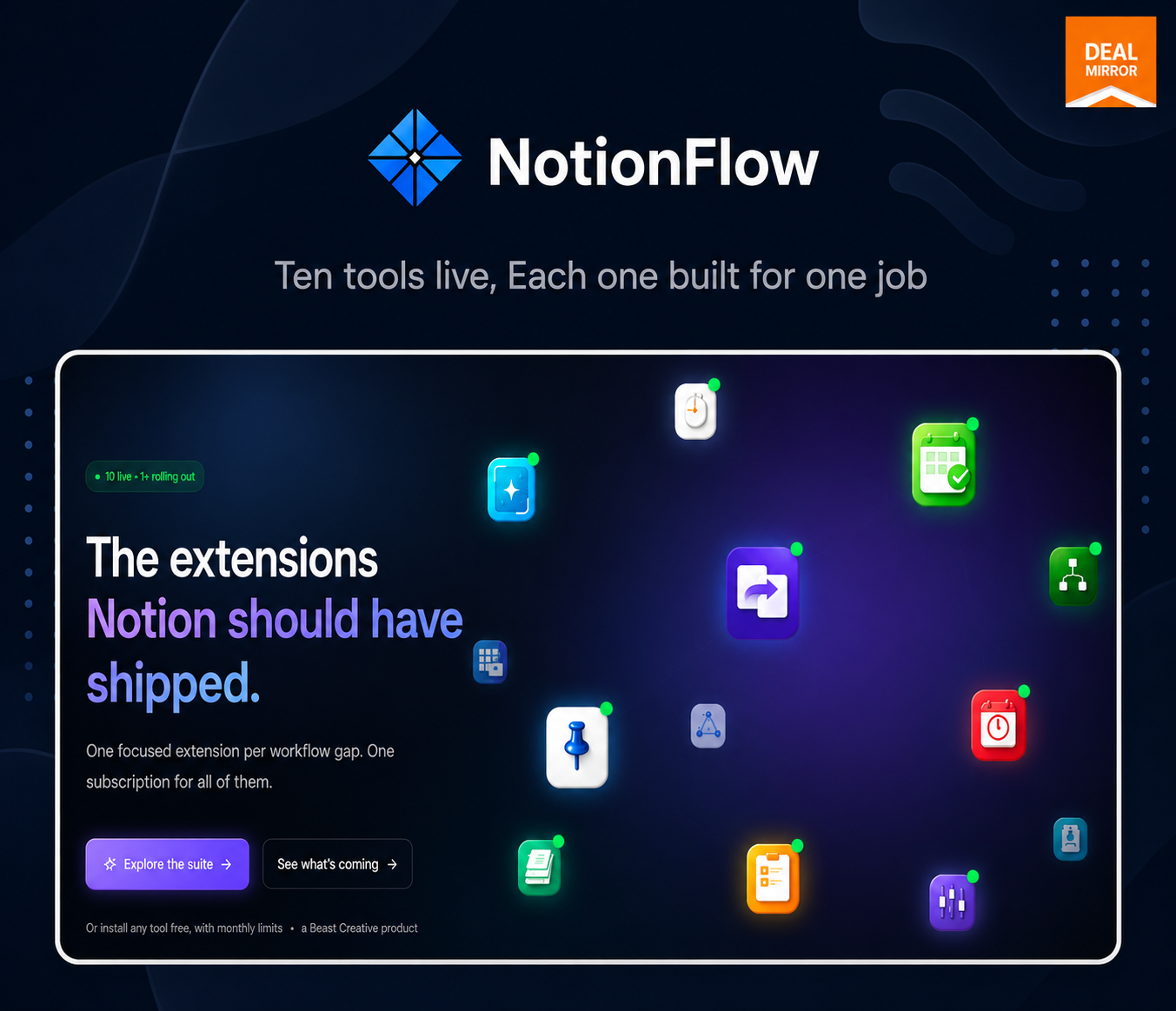
Discover a new way to enhance your Notion workspace with NotionFlow by Beast Creative. Our suite of Chrome extensions is meticulously designed for Notion power users seeking to streamline their productivity and maintain uninterrupted workflow, even while surfing the web.
Explore the Capabilities of NotionFlow
Dive into the versatile features of NotionFlow that transform the way you interact with Notion.
- Clip Web Content: Seamlessly clip articles, images, and other web content directly to your Notion pages without leaving your current browser tab.
- Effortless Organization: Use intuitive tools to organize your pages efficiently, making information retrieval faster and more efficient.
- Stay in Flow: Maintain your focus by performing Notion tasks in your browser without the need to constantly switch tabs.
- Custom Extensions: Tailor your NotionFlow experience with a suite of customizable extensions, each designed to tackle specific productivity hurdles.
Whether you’re a student, professional, or creative, NotionFlow empowers you to maximize productivity by cutting down on digital clutter and distractions. Our extensions are integrated seamlessly into your browser, ensuring a coherent and efficient user experience.
Our Chrome extensions feature an intuitive interface that’s easy for anyone to navigate, ensuring quick adoption and effective use without a steep learning curve.
Join thousands of Notion enthusiasts who have elevated their Notion experience with NotionFlow, the essential tool for efficient digital planning and organization.
The 10 Extensions
- Clipper: Send text, links, and snippets from any webpage straight into Notion—no copy-paste, no formatting cleanup.
- DailyFlow: One hotkey opens today’s note in your Notion daily database — no scrolling, no manual date entry.
- PinFlow: Pin your most-used Notion pages to your browser toolbar. Organize pins into modes (Work, personal, and Client) and switch context in one click.
- DeadlineFlow: Track Notion deadlines across all your databases in one glanceable calendar widget.
- Snapper: Capture any screenshot, prompt with AI, and save the result straight to Notion.
- FocusFlow: Focus timer for Notion tasks. Pull tasks from your database, run focus sessions, and log minutes back automatically.
- FormFlow: Save form entries and data straight into any Notion database.
- TreeView: Navigate your entire workspace with a collapsible Notion page tree.
- TemplateFlow: Browse and apply Notion templates right from your browser.
- Tuner: Hide Notion clutter and fine-tune your Notion’s look and feel.
One price unlocks every tool — current and future. As the suite grows, your access grows with it. No per-tool upsells, no surprises.
Use Cases
- Daily driver: Open today’s note instantly (DailyFlow), pin your active projects (PinFlow), and run focused work sessions that log time back to Notion (FocusFlow).
- Researcher/writer: Clip sources, quotes, and links from the web without breaking flow (Clipper) and screenshot + AI-summarize references into Notion (Snapper).
- Project manager: See every deadline across every database in one calendar (DeadlineFlow), and jump around a big workspace via a page tree (TreeView).
- Client/agency operator: Switch between client contexts in one click (PinFlow modes), collect intake via forms into Notion (FormFlow), and spin up deliverables from templates (TemplateFlow).
Product Roadmap
- Live now: 10 extensions (Clipper, DailyFlow, PinFlow, DeadlineFlow, Snapper, FocusFlow, FormFlow, TreeView, TemplateFlow, Tuner).
- In pipeline: ExportFlow (export Notion pages to other formats), LinkFlow (save & organize bookmarks to Notion), and more.
- Ongoing: New tools ship regularly—everyone is included free for suite members.
Deal Terms:
- Length of access: Yearly & Lifetime Access
- Redemption deadline: 60 days from purchase
- 30 Days Money Back Guarantee (For Non-Prime Members/Regular Users).
- 60 Days Money Back Guarantee (For DealMirror Prime Members Only).






5 reviews for NotionFlow: Your Ultimate Notion Companion
Jordan Lee –
NotionFlow has greatly improved my productivity. I love the seamless integration with my existing Notion setup!
Alex Kim –
As a freelance writer, NotionFlow has become indispensable for organizing web content and notes efficiently.
Morgan R. –
The user-friendly interface makes it easy to clip and organize content. A must-have for Notion users!
Jamie S. –
Highly recommend for anyone looking to enhance their Notion experience. The extensions save me so much time!
Taylor P. –
Solid extension with great functionalities. Looking forward to more features in the future updates.