Q 1 : How do I contact support?
A: You can contact support at [email protected]
Q 2 : What is Nero Platinum Suite 2026?
A: Nero Platinum Suite 2026 is a comprehensive multimedia software package developed by Nero AG, a German software company with over 30 years of experience. The suite bundles more than 23 individual applications into one unified platform for Windows 10 and Windows 11.
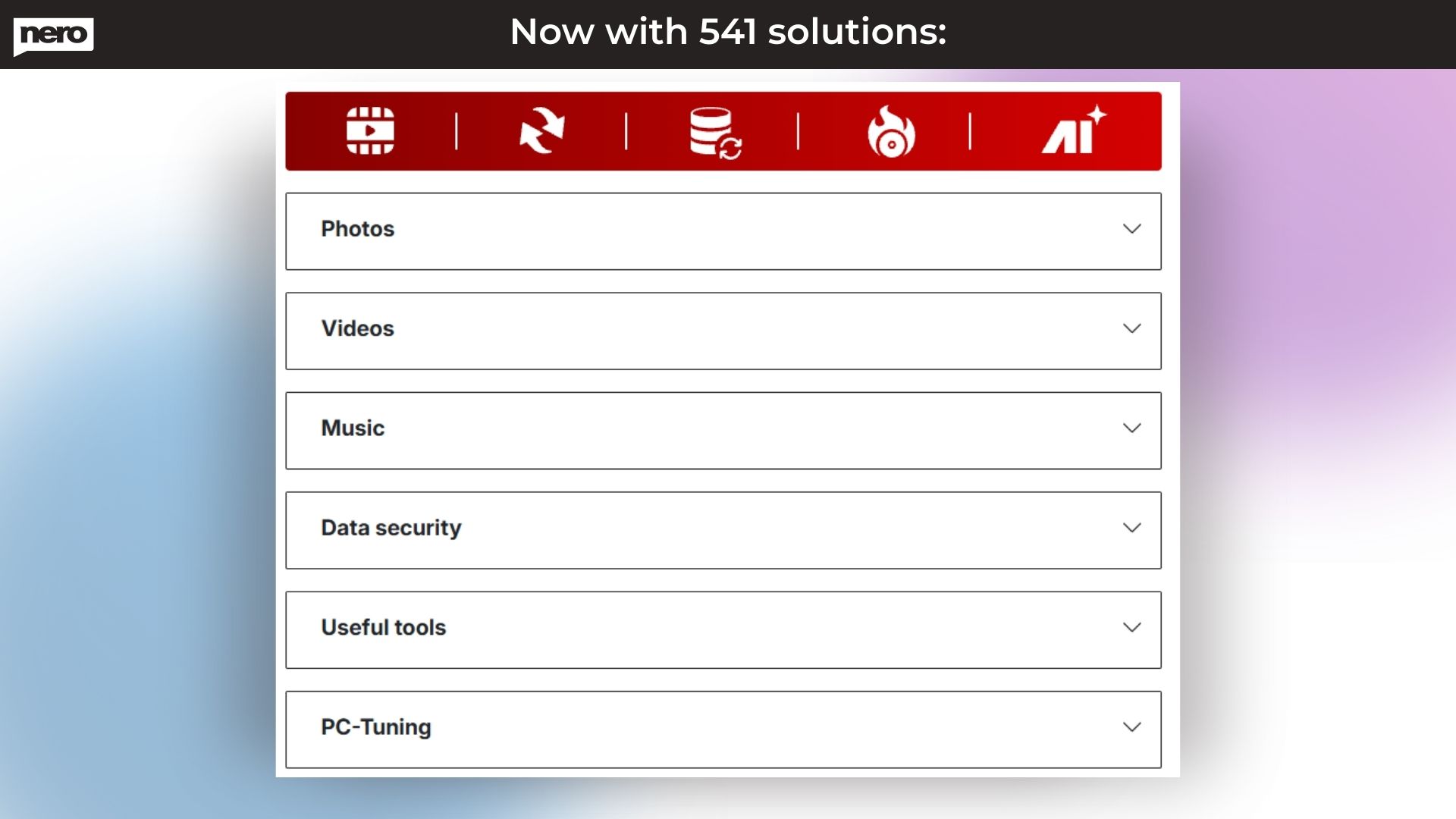
It covers video editing, AI-powered photo enhancement, disc burning and ripping, file backup and recovery, screen recording, audio editing, media conversion, and PC optimisation. Unlike subscription-based competitors, Dealmirror offers Nero Platinum Suite 2026 as a lifetime deal, one payment, and permanent access.
Q 3 : Is Nero Platinum Suite 2026 compatible with Windows 10 and Windows 11?
A: Nero Platinum Suite 2026 has been built and tested for Windows 10 (64-bit) and Windows 11 (64-bit). Whether your PC is running Windows 10 or Windows 11, the suite installs and runs without any compatibility issues.
All 23+ apps in the suite, including Nero Video, Nero AI Image Upscaler, Nero Burning ROM, and Nero BackItUp, are optimized for Windows.
Q 4 : How many apps are included in Nero Platinum Suite 2026?
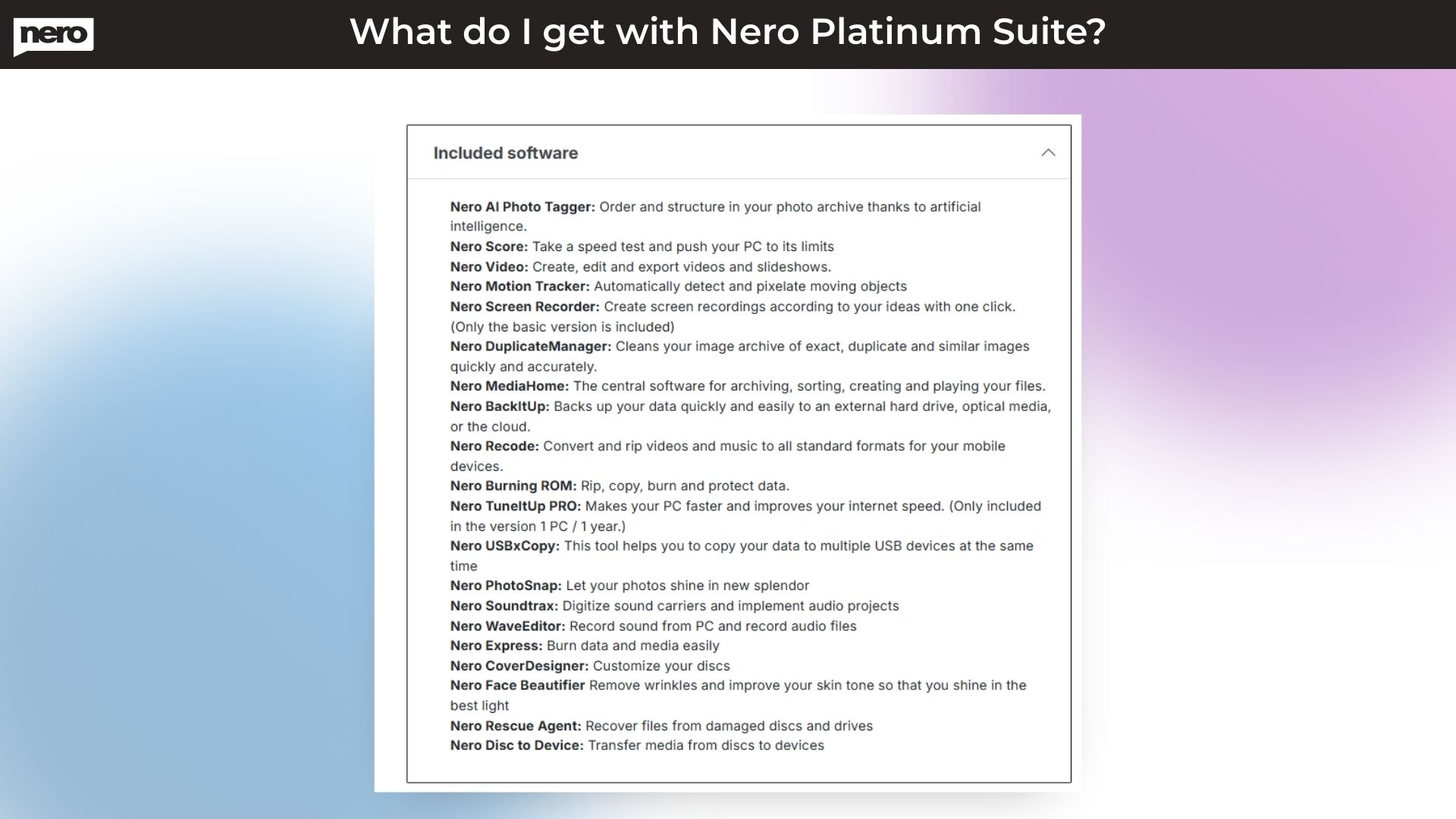
A: The suite ships with the following applications:
•Nero Video — 4K/8K video editor and slideshow creator
•Nero AI Image Upscaler — enlarges and sharpens photos using on-device AI
•Nero AI Photo Tagger — auto-organises and tags your photo library
•Nero Burning ROM — CD, DVD, and Blu-ray burning and ripping
•Nero TuneItUp PRO — PC optimiser and driver updater
•Nero DuplicateManager — removes duplicate photos, videos, and music
•Nero MediaHome — central media organiser and player
•Nero Recode — media converter (50+ formats)
•Nero BackItUp — automated backup to drives and cloud
•Nero USBxCopy — copy files to multiple USBs simultaneously
•Nero Screen Recorder — one-click screen capture
•Nero Score — PC speed benchmark
•Nero Motion Tracker — auto-detect and pixelate moving objects in video
Nero PhotoSnap, Nero Face Beautifier, Nero Soundtrax, Nero WaveEditor, Nero Express, Nero CoverDesigner, Nero Rescue Agent, Nero Disc to Device
Q 5 : Is Nero Platinum Suite 2026 good for beginners?
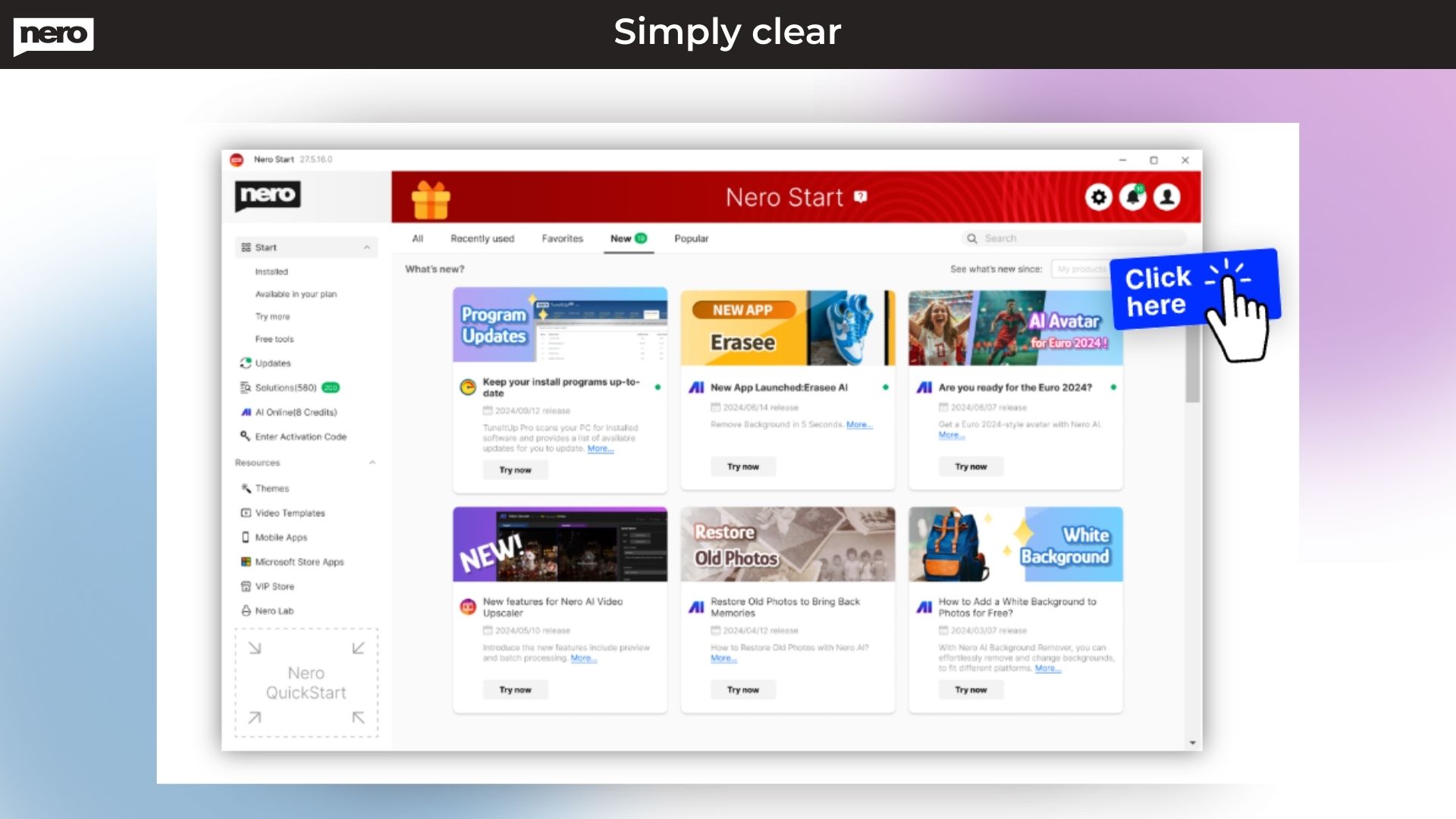
A: Nero Platinum Suite 2026 is one of the best video editing software options for beginners on Windows. Its central launcher (Nero Start) provides a clean, icon-based dashboard where you can access any tool in one click. Nero Video opens in an Express Editing view by default, showing your video as thumbnails for easy navigation.
Hundreds of theme templates for occasions, holidays, and events let beginners create polished videos instantly. The suite also offers extensive online documentation, how-to guides at howto.nero.com, and tutorial videos on the Nero YouTube channel.
Q 6 : Can I use Nero Platinum Suite 2026 for YouTube videos?
A: Content creators and YouTubers will find Nero Platinum Suite 2026 a complete production toolkit. Nero Screen Recorder lets you capture your desktop for tutorials and walkthroughs in one click. Nero Video handles all editing, cuts, effects, music, and transitions and exports in formats optimized for YouTube upload. Nero AI Image Upscaler can sharpen and enhance thumbnail photos.
Nero Motion Tracker automatically detects and blurs moving objects when needed for privacy. The entire pipeline, record, edit, enhance, and export, runs within one suite without needing separate apps.
Q 7 : What AI features are included in Nero Platinum Suite 2026?
A: The AI capabilities in Nero Platinum Suite 2026 are extensive, and all run on your local Windows PC; no internet connection is needed for any AI processing, and your photos and videos never leave your device:
- Nero AI Image Upscaler — enlarges and sharpens low-resolution or blurry photos by up to 400% using multiple AI models.
- Nero AI Photo Tagger—automatically recognizes over 90 scenes and subjects, assigns tags, detects faces, and organizes photos by location on a world map.
- Nero Face Beautifier — removes wrinkles and improves skin tone using AI portrait enhancement.
- Nero Motion Tracker — automatically detects and pixelates moving objects in video (ideal for privacy protection)
- AI Noise Reduction — cleans up grainy or low-light photos automatically.
- AI Photo Restoration — brings old, damaged, or faded photos back to life.
Q 8 : What is the money-back guarantee on Nero Platinum Suite 2026?
A: When you purchase Nero Platinum Suite 2026 through Dealmirror, you are protected by a clear money-back policy. Standard users receive a 30-day money-back guarantee from the date of purchase. DealMirror Prime Members receive an extended 60-day money-back guarantee.
If for any reason, the software does not meet your needs, you can contact Dealmirror support within the applicable period to request a full refund. Additionally, you must redeem your license code within 60 days of purchase to activate the software.
Q 9 : How does Nero Platinum Suite 2026 compare to Adobe Premiere Pro?
A: Adobe Premiere Pro is the industry standard for professional video production but costs around $54.99/month as a subscription and focuses solely on video editing. Nero Platinum Suite 2026 is designed for everyday users, content creators, families, and small businesses who need a broader multimedia toolkit at an accessible price.
Key differences: Nero includes disc burning, AI photo enhancement, file backup, PC tuning, and screen recording, tools not available in Premiere Pro. Nero runs entirely on your Windows PC with no cloud dependency.
Nero is available as a one-time lifetime purchase. For users who need color grading, motion graphics, or broadcast-level features, Premiere Pro remains the specialist choice. For users who want a complete multimedia suite for Windows at a flat price, Nero Platinum Suite 2026 is the better value.
Q 10 : Is Nero Platinum Suite 2026 better than CyberLink PowerDirector or Wondershare Filmora?
A: CyberLink PowerDirector and Wondershare Filmora are strong, dedicated video editors for Windows, but both are primarily video-editing focused and require separate subscriptions. Nero Platinum Suite 2026 bundles all of their core video editing capabilities alongside 15+ additional tools, an AI image upscaler, photo organizer, disc burner, backup utility, screen recorder, audio editor, media converter, and PC optimiser.
If your priority is purely advanced video editing with the latest effects, PowerDirector 365 or Filmora may have a slight edge in their specialist features. But if you want a complete multimedia toolkit that handles everything from photo enhancement to disc burning, all in one Windows suite, one payment, Nero Platinum Suite 2026 is the more practical and cost-effective choice.







Reviews
There are no reviews yet.