N8N AI Gmail Email Manager
Stop spending your day sorting, reading, labeling, and responding to emails manually.
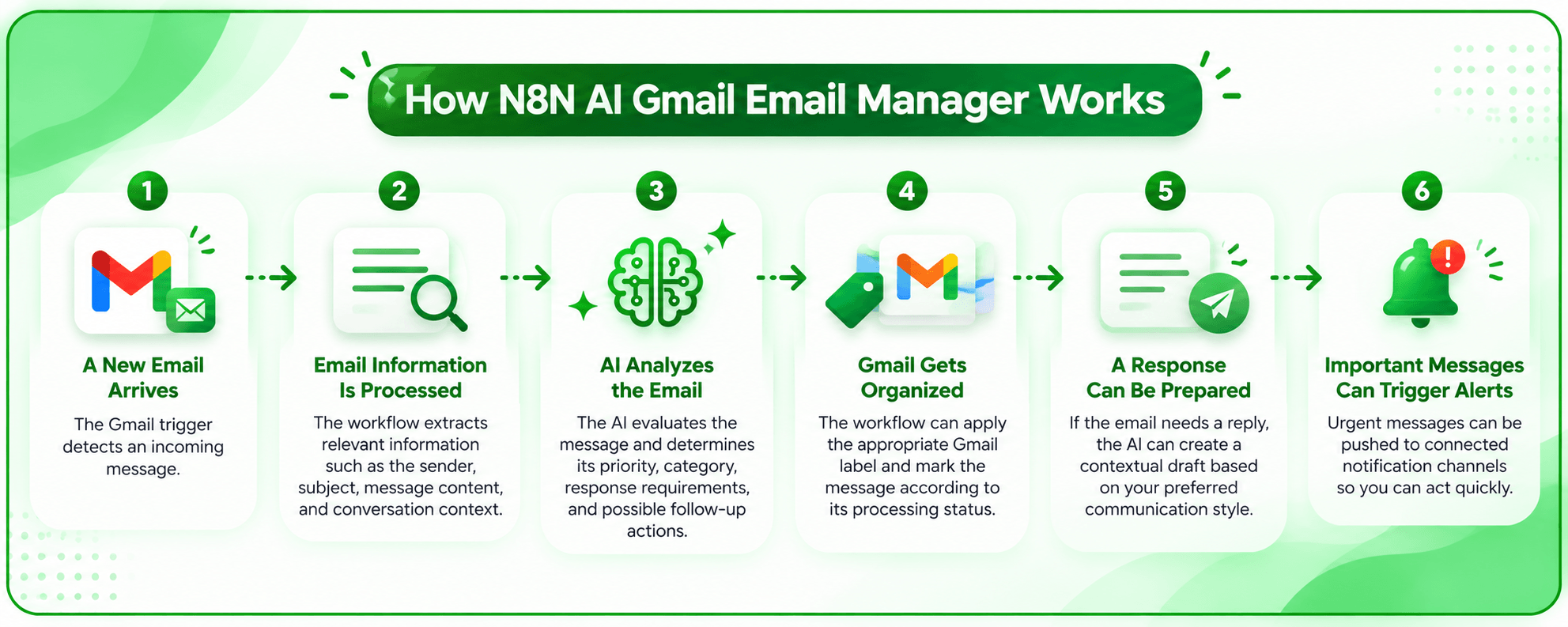
N8N AI Gmail Email Manager turns your Gmail inbox into an intelligent email workflow that can analyze incoming messages, classify them by priority and type, organize them with Gmail labels, prepare response drafts, and alert you when something needs immediate attention.
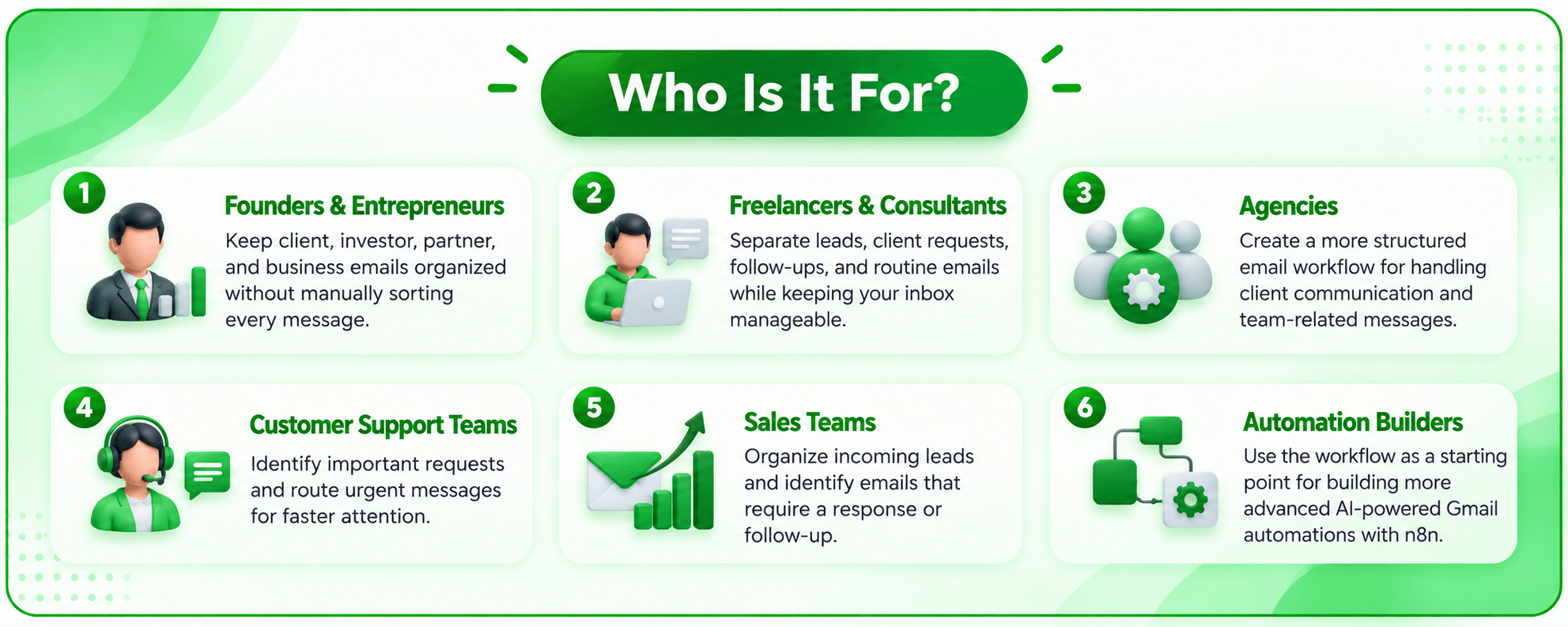
Built with n8n, Gmail, and AI, the workflow can be customized around the way you actually handle email—whether that means separating client requests, identifying urgent messages, tracking follow-ups, or saving important attachments.
Your Inbox Shouldn’t Feel Like Another Job
Email becomes difficult to manage when every message requires the same amount of attention.
A client request can sit next to a newsletter. An urgent message can get buried under routine updates. Important attachments may need to be downloaded and organized separately. And when a reply is required, you still have to open the thread, understand the context, and write the response yourself.
The result is a growing inbox and too much time spent on repetitive work.
Let AI Handle the First Pass
N8N AI Gmail Email Manager brings AI into your existing Gmail workflow.
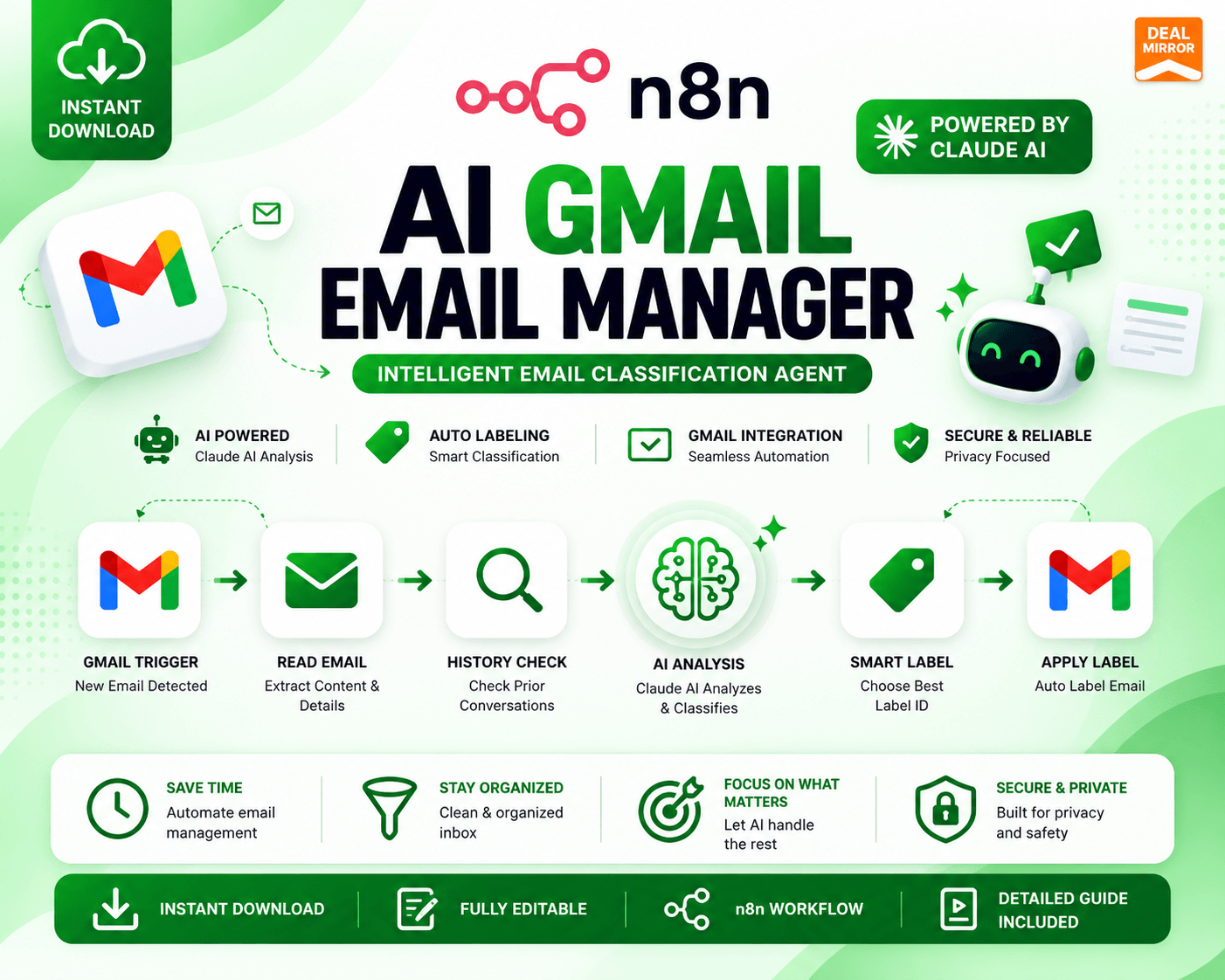
When a new email arrives, the workflow can analyze the message and its conversation context, determine its priority and category, apply the appropriate Gmail label, and identify whether it needs a response or follow-up.
For emails that require a reply, AI can generate a context-aware draft that follows your preferred communication style. Urgent messages can also trigger notifications through connected channels such as Telegram or Slack.
You stay in control while the repetitive inbox work happens automatically.
Key Features
- AI-Powered Email Classification: Analyze incoming emails and categorize them according to priority, urgency, type, and required action.
- Context-Aware Processing: The workflow can consider email threads and conversation history before deciding how a message should be handled.
- Automatic Gmail Labeling: Apply relevant Gmail labels automatically so important messages don’t get lost in an overcrowded inbox.
- AI Response Drafts: Generate professional response drafts based on the context of the conversation instead of starting every reply from scratch.
- Custom Writing Style: Customize the AI instructions to match your preferred tone, greetings, closing lines, and business terminology.
- Urgent Email Alerts: Get notified when an email is classified as high priority or urgent, with optional Telegram or Slack notifications.
- Attachment Management: Automatically send selected email attachments to Google Drive and organize them using information such as sender, date, and content.
- Duplicate Detection: Help prevent the same attachment from being uploaded repeatedly.
- Follow-Up Identification: Identify emails that require additional action, follow-up, or collaboration.
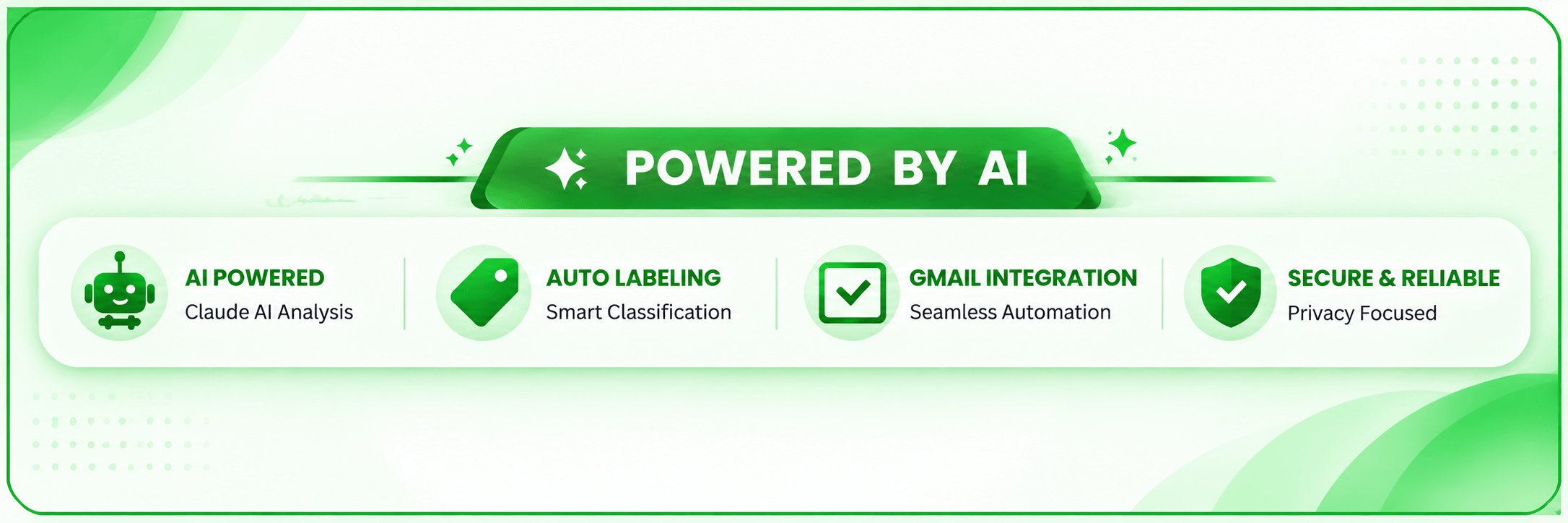
- Flexible AI Models: The documented workflow supports AI model options, including OpenAI, Anthropic Claude, and local LLMs through Ollama.
Example Workflow
New Gmail → AI Analysis → Classification → Gmail Label → Response Draft → Attachment Processing → Urgent Alert
Instead of manually moving between multiple tools, the workflow connects these steps into one automated process.
Compatible With
- n8n Cloud
- Self-Hosted n8n
- Gmail API
- Anthropic Claude AI API
Read Before Purchasing:
- n8n Knowledge: Requires basic knowledge of n8n, including how to import a workflow and configure API credentials.
- Required Accounts: You will need an n8n account (cloud or self-hosted), a Gmail account, and a Google Cloud Project (to get Gmail API access).
- Third-Party API Costs: An Anthropic (Claude) API key is required. Costs associated with AI processing are paid directly to Anthropic based on your usage and are not included in this purchase.
- Fully Editable: This workflow is fully customizable to fit your specific business processes.
Deal Terms
- Length of access: Lifetime
- This deal is non-refundable.

Reviews
There are no reviews yet.