Q 1: How do I contact support?
A: You can contact support at Luminar Neo Team
Q 2: What is Luminar Neo?
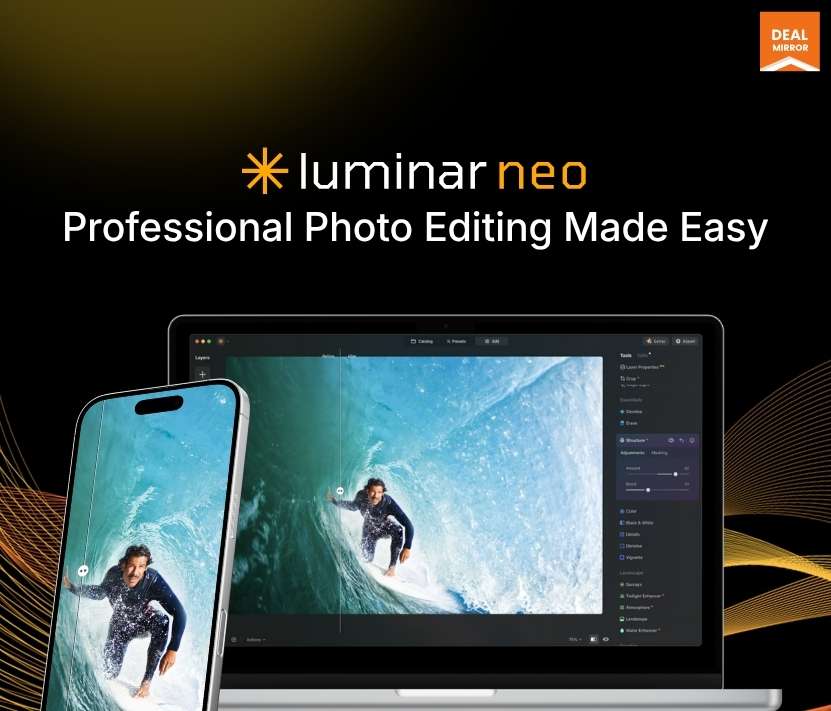
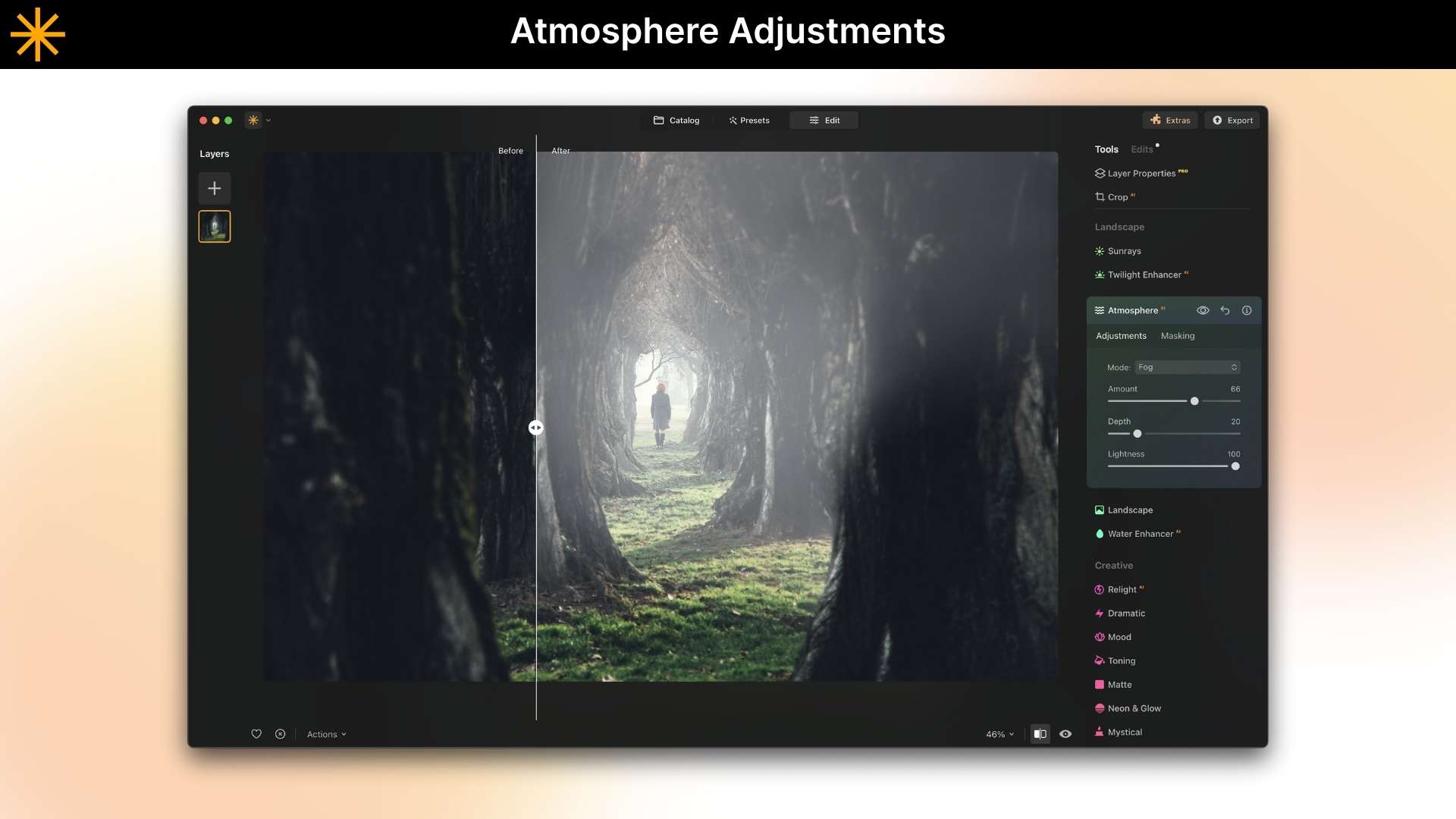
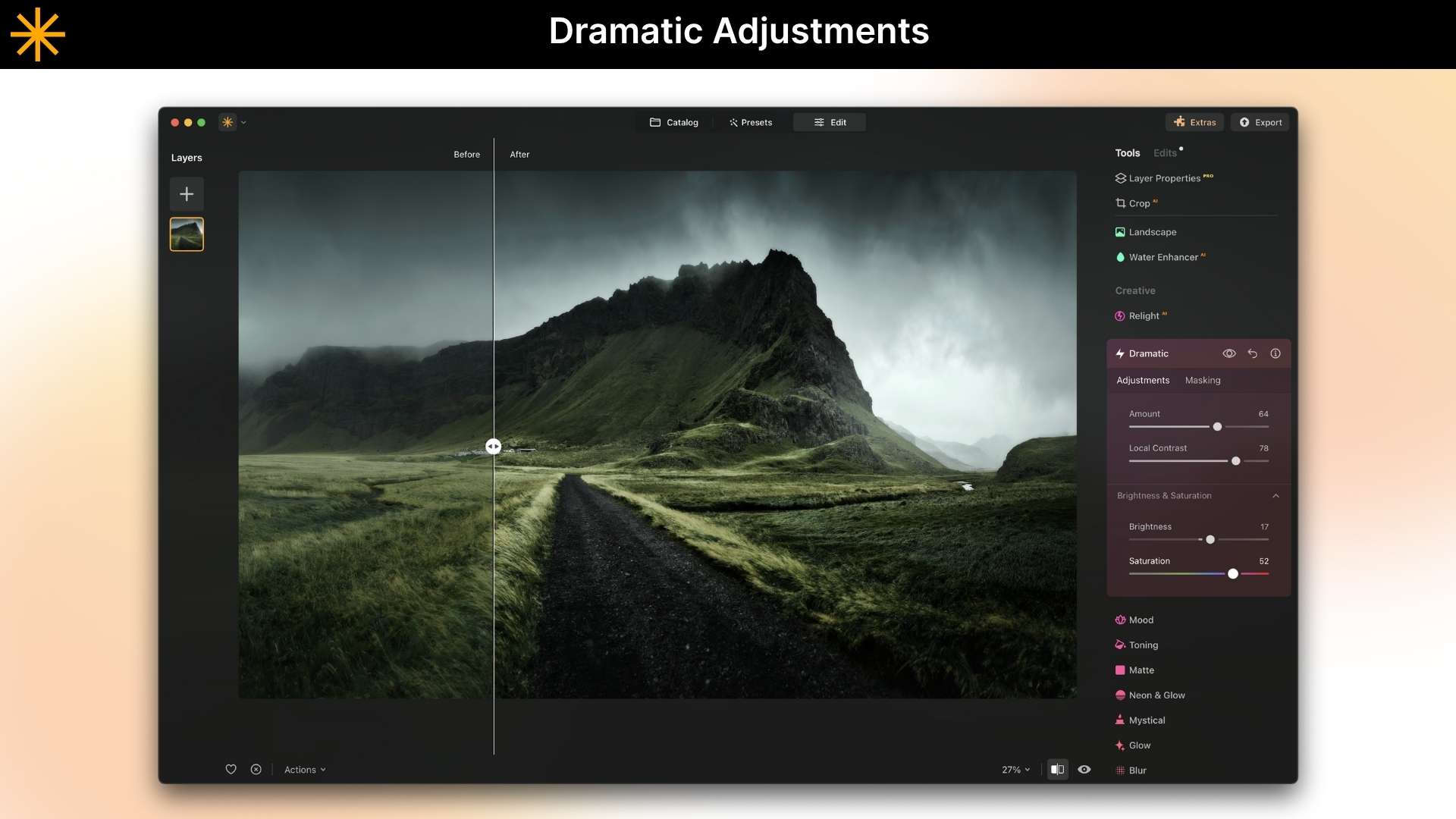
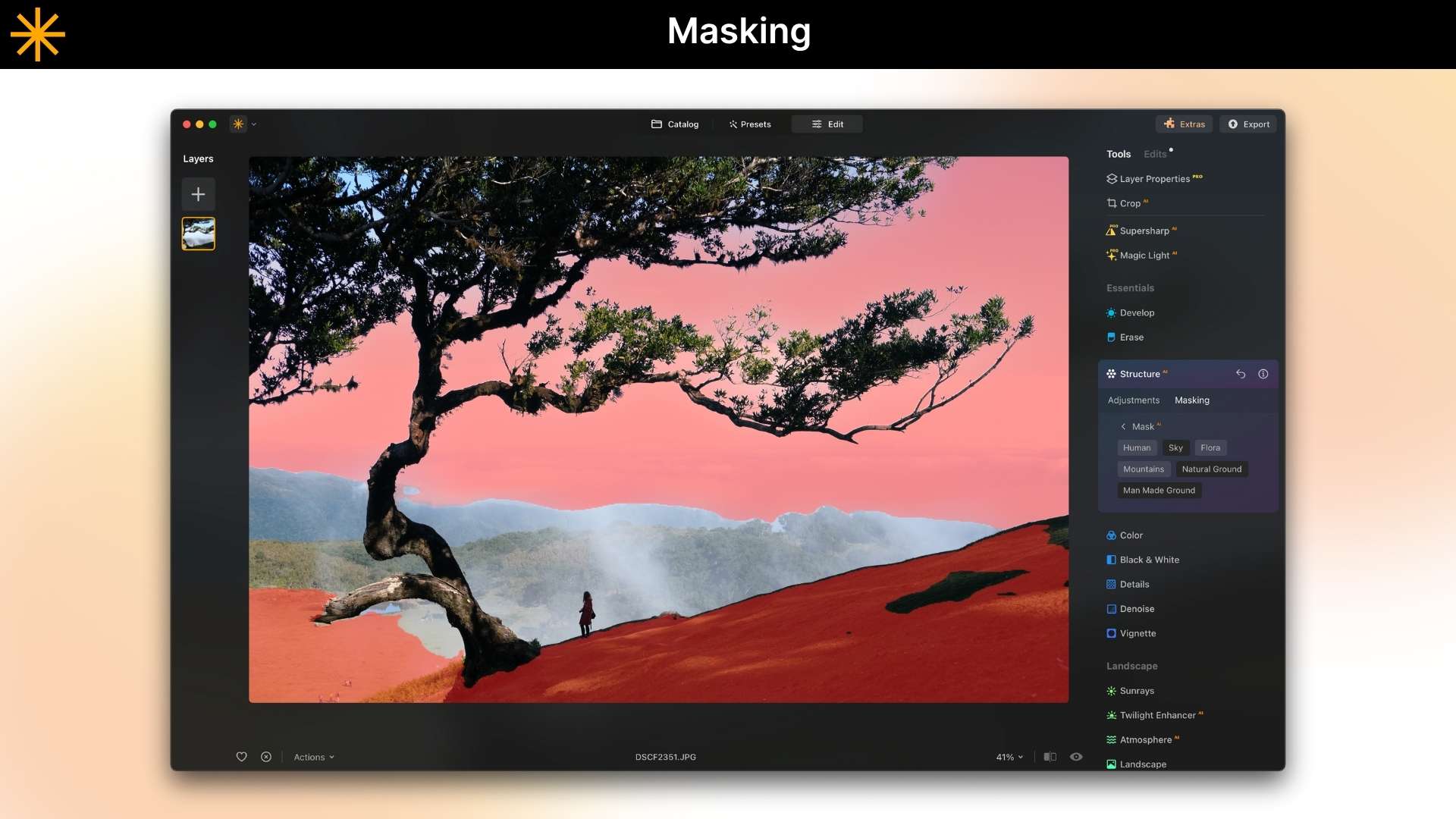
A: Luminar Neo is a next-generation AI photo editing software designed for speed, creativity, and professional results. Powered by cutting-edge AI features like GenEraser (AI object remover), GenSwap, and GenExpand, it offers layer-based workflows, portrait enhancement, sky replacement, and precise editing controls all in an intuitive interface.
Q 3: How do I get Luminar Neo?
A: You can purchase Luminar Neo on DealMirror and download the photo editor from your My Account page. It is available for macOS and Windows as both a standalone application and a plug-in.
Q 3: How many devices can I use Luminar Neo on?
A: You can use Luminar Neo lifetime plan on 2 devices.
Two seats allow you to install and activate Luminar Neo on two devices at once, regardless of their operating system. For example, you can use one seat to activate Luminar Neo on a Mac and the other one to activate Luminar Neo on a Windows computer, or you can use both seats for your Windows or macOS computers. Any combination works!
Moreover, you can always manage your activations in your Skylum Account.
Q 4: What does a photo editor do?
A: A photo editor is a software responsible for enhancing and manipulating digital images to achieve a desired visual outcome. Their primary function is to improve the overall quality and appearance of photographs using image enhancement, restoration, composition, and other image manipulations.
Q 5: What makes Luminar Neo different from other photo editors?
A: Luminar Neo uses next-generation AI engines such as GenEraser, GenSwap, and GenExpand to automate complex editing tasks. Unlike traditional editors like Photoshop, Luminar Neo focuses on speed, simplicity, and AI automation, making it easier to create stunning images in minutes.
Q 6: Can Luminar Neo remove unwanted objects from photos?
A: Yes, Luminar Neo’s GenEraser is an amazing AI object removal tool. The object remover removes all sorts of distractions, such as power lines, reflections, people, trash bins, and background distractions, leaving clean, natural-looking images with no manual editing required.
Q 7: How to use Luminar Neo?
A: Luminar Neo is a convenient photo editor that allows you to easily edit images. After installing it, you can import images, sort them in the Catalogue, apply one-click Presets, edit your photo with tools and layers, and then save and export photos for sharing.
Q 8: Can Luminar Neo replace Photoshop or Lightroom?
A: In many workflows, yes. Luminar Neo offers AI-powered automation, fast object removal, sky replacement, and creative editing tools that make it a strong alternative to Photoshop, Lightroom, Canva, Topaz Photo AI, and Pixelmator Pro.
Q 9: Can Luminar Neo restore old, damaged, or low-quality photos?
A: Yes, The AI restoration tools improve sharpness, color, and lighting in old photos while removing noise, scratches, and other damage automatically.
Q 10: Is this a lifetime deal?
A: Yes, the Luminar Neo Lifetime Deal is available exclusively on DealMirror.





3 reviews for Luminar Neo: AI-Powered Photo Editing Tool For Photos That Describe Your Vision
Neha Sharma –
Luminar Neo gives me professional-quality photos without hiring an editor. It’s fast, powerful, and perfect for everyday use.
Emily Chen –
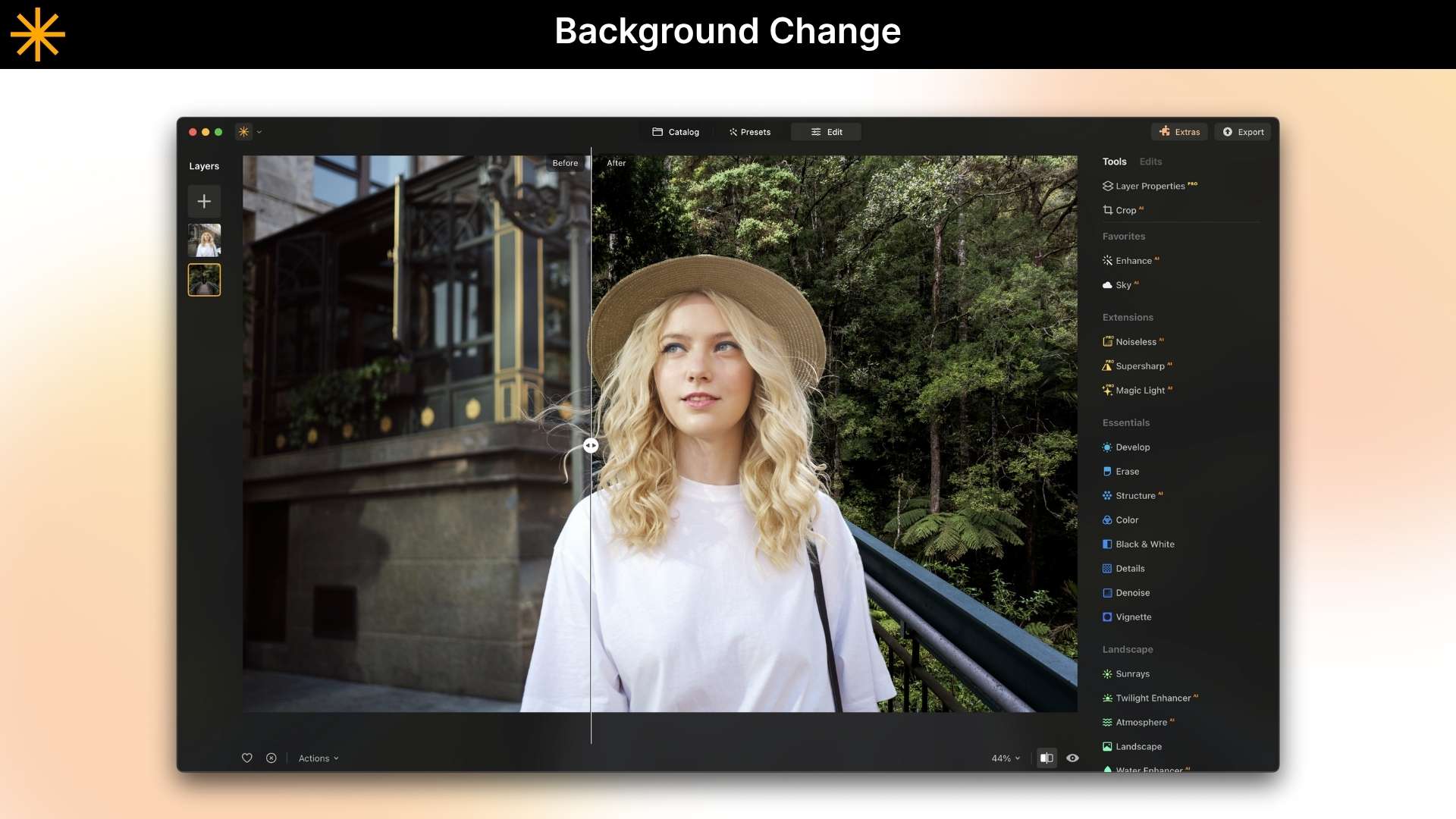
AI background removal works perfectly for my photos. I can instantly separate the subject and change the background to match my content style.
Priya Kapoor –
Removing unwanted objects is so easy. I’ve erased power lines, signs, and random people from my photos, and the final result looks clean and realistic.