iBeesoft iPhone Data Recovery for Windows & Mac
Need iPhone data recovery tool? Not having a recovery solution?
Data recovery for iPhone—and all your iOS devices—isn’t a problem. We can retrieve or restore treasured family photos and lost iTunes library data from all your iOS devices including iPhone, iPad, and iPod.
“The data which appears to be lost and inaccessible, in real terms is not lost forever. The lost data can be recovered with the help of professional data recovery utilities and services.”
Meet iBeesoft iPhone Data Recovery Lifetime Deal for Windows & Mac.
An all-in-one iOS data recovery software to recover lost data from iPhone, iPad, and iPod touch, iTunes, and iCloud backup files, making it the almighty iPhone data recovery solution.
Limited Time Offer Only at $19.99

Hurry Up !! Grab this Lifetime Deal
iPhone Data Recovery For Windows & Mac:
Wanna recover deleted files on your iPhone or your files just trapped on a damaged or stolen iPhone? iBeesoft iPhone Data Recovery for Windows & Mac is able to help you recover lost pictures, videos, contacts, text messages, call history, and more on iPhone. It is all-in-one data recovery software to recover iPhone data. It’s running on the computer. Here are some of its main features.
3 Recovery Mode to recover lost iPhone files: Scan iPhone recover deleted files, extract files from iPhone iTunes backup file, and extract files from iPhone iCloud backup file.
- Recover iPhone file lost in various scenarios, covering deletion, virus attack, iPhone reset to factory settings, iPhone damaged/stolen, iOS update, jailbreak, iPhone stuck at Apple logo, etc.
- Over 20 file types, including pictures, videos, audio files, contacts, text messages, call history, notes, calendars, Whatsapp messages, and more can be recovered from iPhone.
- Besides iPhone, it supports data recovery from iPad and iPod touch as well.
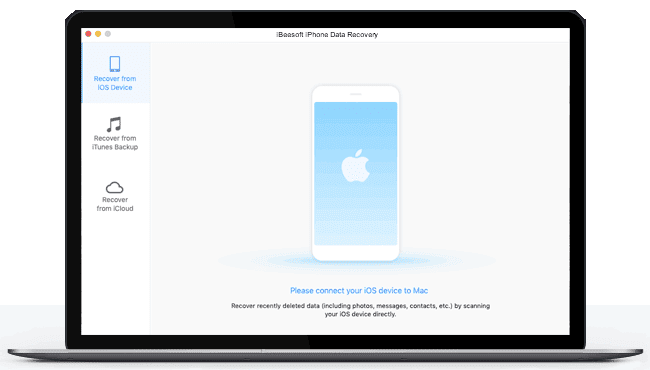
Dashboard Overview
Recover iPhone Data on Windows & Mac in Any Scenarios You Might Encounter
The iPhone Recovery software enables you to recover lost, deleted, or existing data from iPhone in any Scenarios, not limited to deletion or factory reset, but to stolen/lost/system crash, and more. Check out the lists below:

All-in-one Data Recovery from iPhone Solution on Windows & Mac
Integrated with all the iPhone data recovery solutions you can find on the Internet: recover deleted/lost data directly from iPhone, recover data from iPhone iTunes backup, and recover files from iPhone iCloud backup. All the solutions ensure you the best result for iPhone data recovery on Windows & Mac.

Recover 20+ File Types on iPhone/iPad/iPod touch
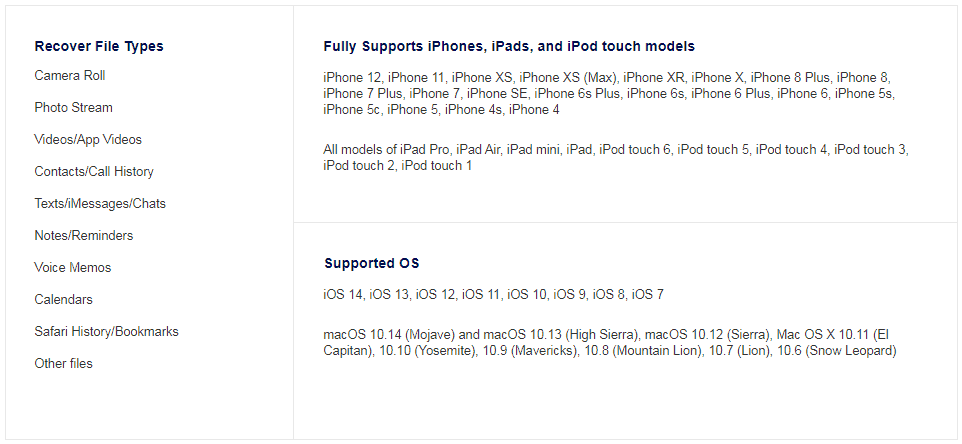
The best iPhone data recovery software allows you to recover almost all the file types you value on an iOS device, covering photos, contacts, videos, text messages, notes, call history, and more.


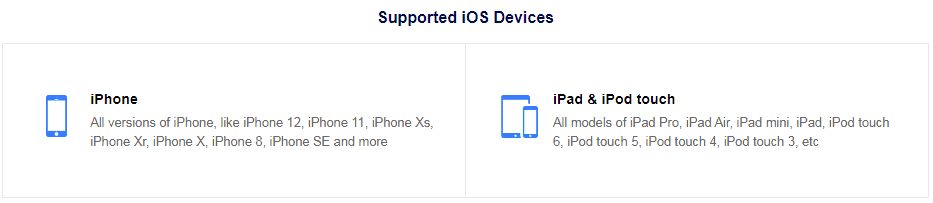
Covering All the Files and Devices You Commonly Used
As the best iPhone data recovery software for Windows & Mac, the software allows users to recover almost all the files users contact on iPhone, including pictures, videos, contacts, text messages, notes, Safari history, and more.
Streamlined Ways to Perform iPhone/iPad/iPod touch Recovery on Windows
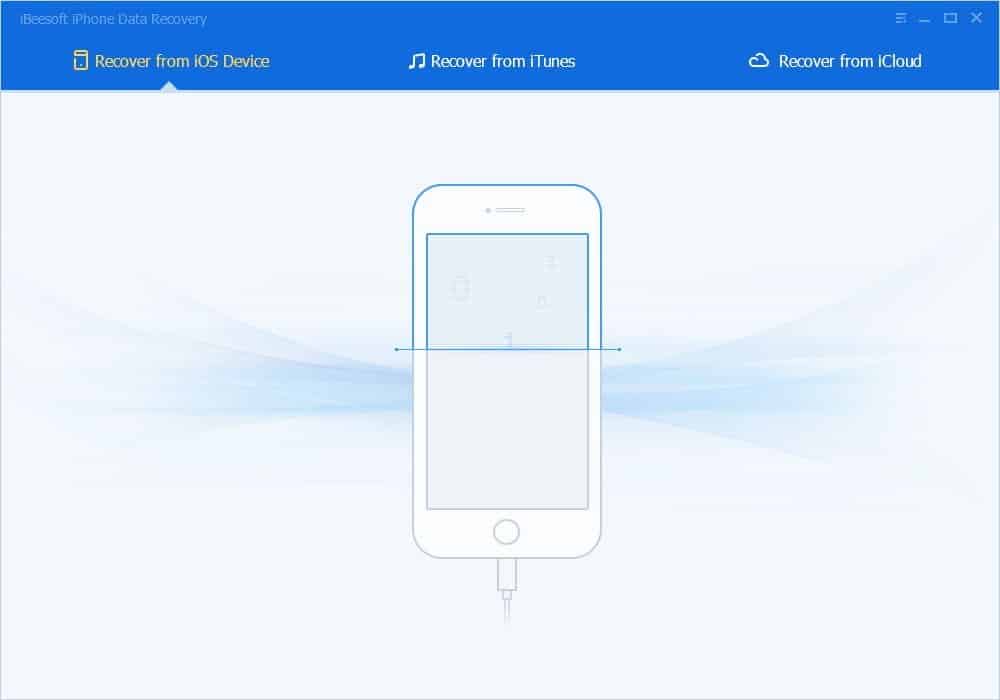
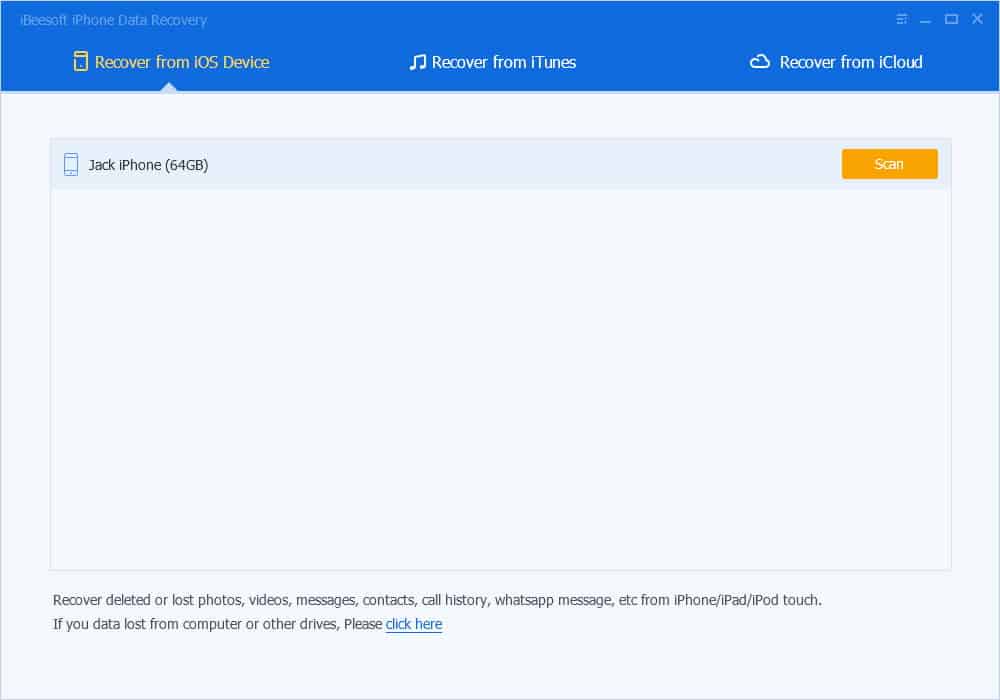
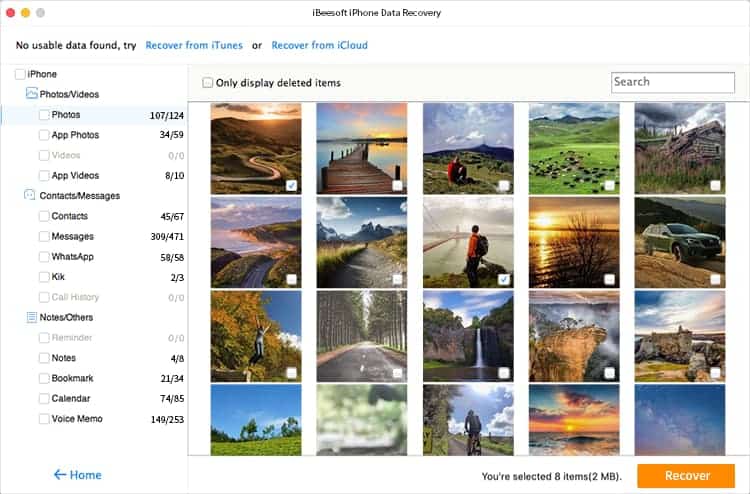
It’s a foolproof way to recover deleted data from iPhone/iPad/iPad touch. The built-in recovery data from iPhone wizard will guide you through the whole process. It only takes you 3 simple steps to recover data from iPhone.
Step 1: Connect iOS device to PC
Step 2: scan iOS device
Step 3: iPhone/iPad/iPod touch Recovery

Simple Steps to Recover Data from iPhone on Mac
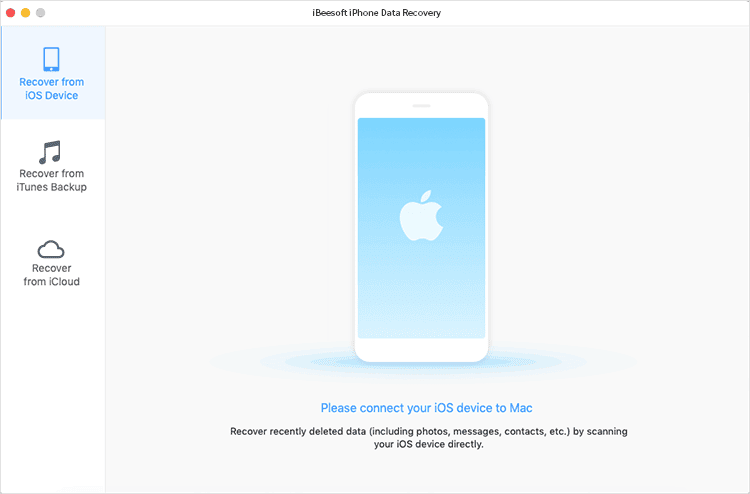
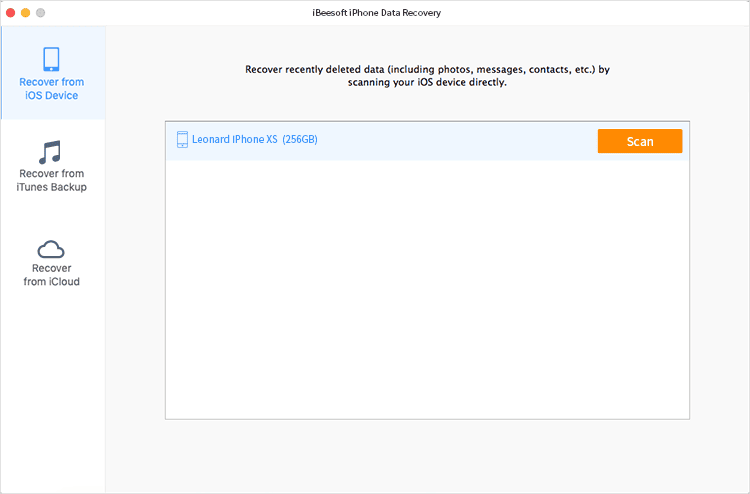
No matter you recover iPhone data by scanning iPhone, extracting iTunes Backup or iCloud backup, it only takes you 3 simple steps to perform the data recovery from iPhone on Mac.
Step 1: Connect iPhone with Computer (Select iTunes/iCloud Backup File)
Step 2: Scan iPhone for lost Data (Extract iTunes/iCloud Backup File)
Step 3: Preview and select files to recover
Professional Yet Affordable iPhone Recovery Software for Windows & Mac
iBeesoft iPhone Data Recovery for Windows & Mac is a professional yet affordable software. And if you have any problem with the iPhone recovery on Windows or Mac, the support is always there for help. 3 recovery modes for 1 price, it’s the biggest super value set compared with other iPhone data recovery tools on the market :)
Deal Terms:
-
- Length of access: Lifetime.
- Redemption deadline of coupon code: 60 Days from purchase.
- All future updates included.
Limited Time Offer Only at $19.99
Hurry Up !! Grab this Lifetime Deal
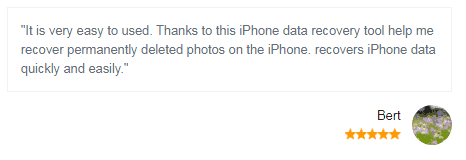
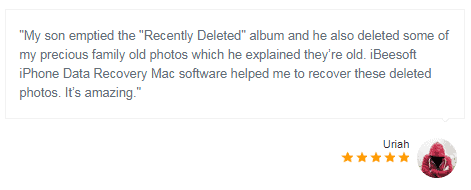
Our Customers Love Us Here are some precious words from our customers
View Honest Review
Vendor Testimonial
Customer Reviews

Plan Details:
- 1 License for 1 PC/Mac
- Free Lifetime Technical Support
- Free upgrade for the purchased iBeesoft iPhone Data Recovery for a lifetime.