What if you could save and manage all your favorite pieces of stuff in one easy place?
Just screen it with GoScreenify
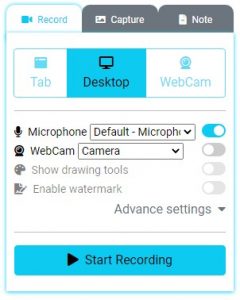
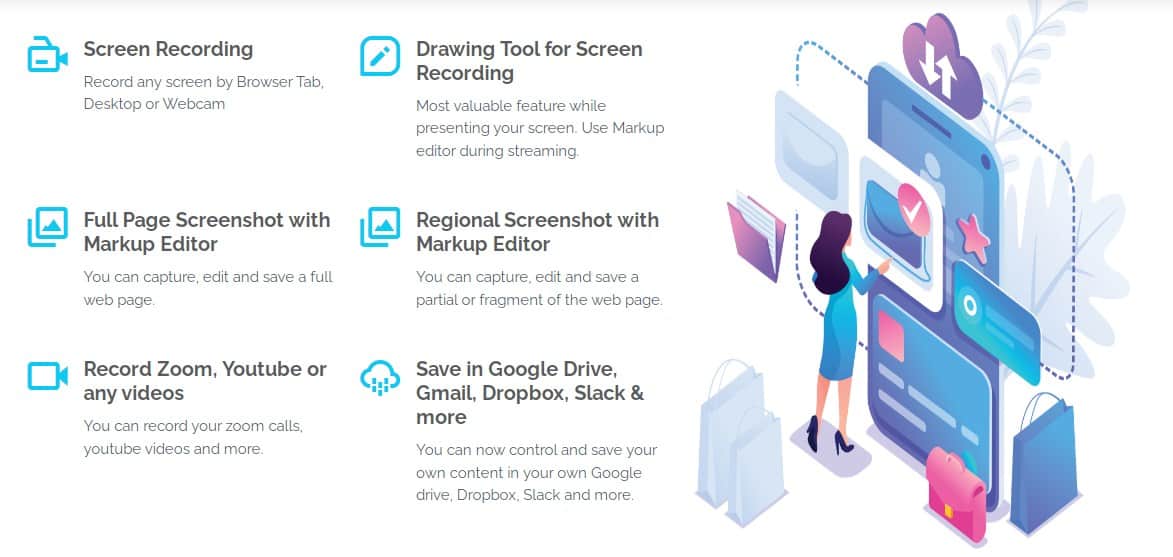
Screen Recording
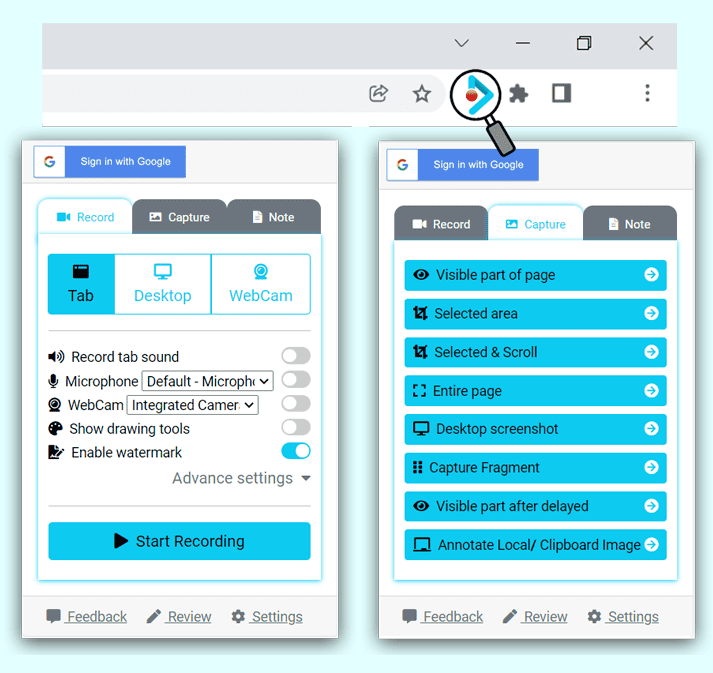
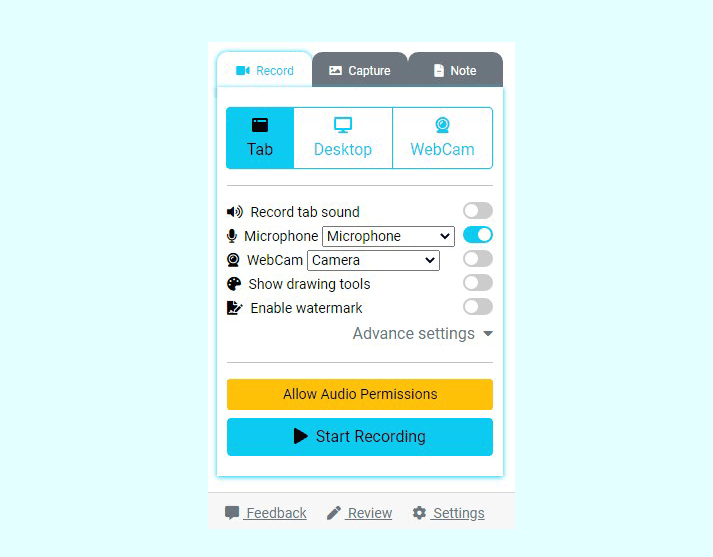
Record any screen by Browser Tab, Desktop, or Webcam
Drawing Tool for Screen Recording
Most valuable feature while presenting your screen. Use Markup editor during streaming.
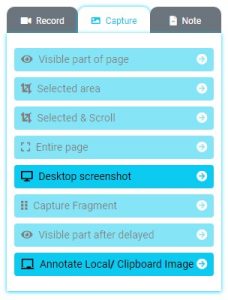
Full Page Screenshot with Markup Editor
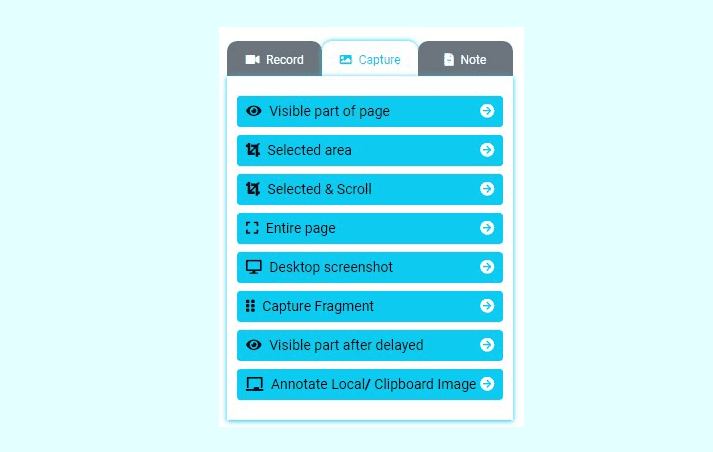
You can capture, edit and save a full web page.
Regional Screenshot with Markup Editor
You can capture, edit and save a part or fragment of the web page.
Record Zoom, Youtube, or any videos
You can record your zoom calls, youtube videos, and more.
Save in Google Drive, Gmail, Dropbox, Slack & more
You can now control and save your own content in your own Google Drive, Dropbox, Slack, and more.
What can you do with your Saved Data?
Whatever you save from the internet, you can download or organize it to your own Cloud Storage. Once you connect your account with Goscreenify, everything will be sorted automatically.
You can always Download your Recorded files in different formats, Captured Data, or any Content to your local drive.
You can Connect your Cloud Storages (Google Drive, Dropbox, Google Classroom) to upload and organize your data later on.
You can connect to your Thrid-party Apps (Gmail, Slack, Zoom) to manage your data.
There is NO limit in Video Size, Data content, or Storage.
Share your content with anyone on Facebook, Instagram, Twitter, WhatsApp, LinkedIn, or by e-mail.
Why GoScreenify?
GoScreenify found a way for users to communicate with ease and work effectively. And to make editing a part of their browser experience.
Screen Recording
Record any screen by Browser Tab, Desktop, or Webcam
Capturing and Editing
Full page, Selected Area, Page fragments, and more
Multiple Storage & Sharing
Organize your work on your storage & Share to collaborate