Faceless Shorts AI Agent Setup Guide
Creating engaging YouTube Shorts, Instagram Reels, and TikTok videos consistently can take more time than expected. From researching ideas and writing scripts to generating voiceovers, creating visuals, and assembling videos, every step adds another task to your content production process.
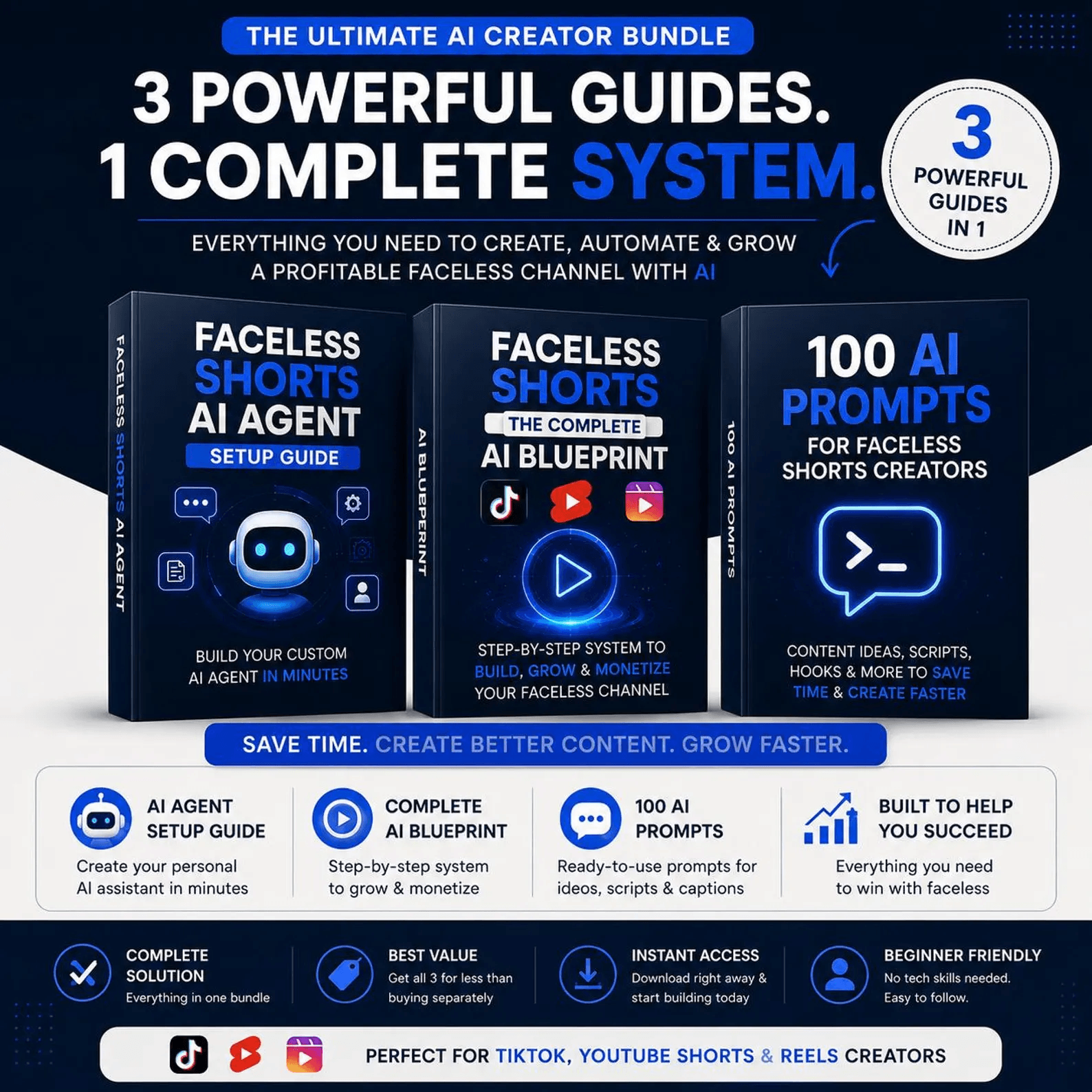
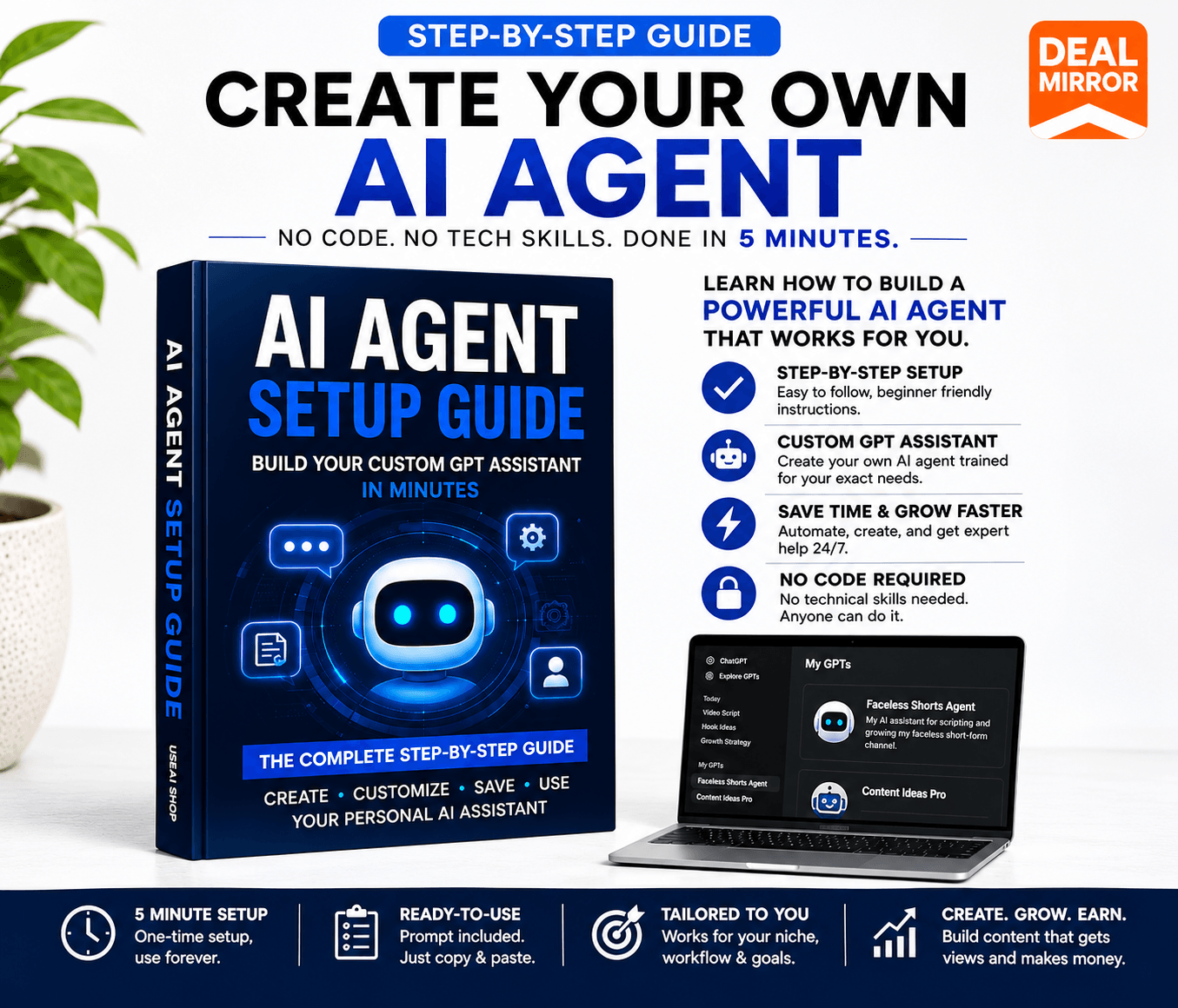
Faceless Shorts AI Agent Setup Guide is designed to help you simplify that process with an AI-powered approach.
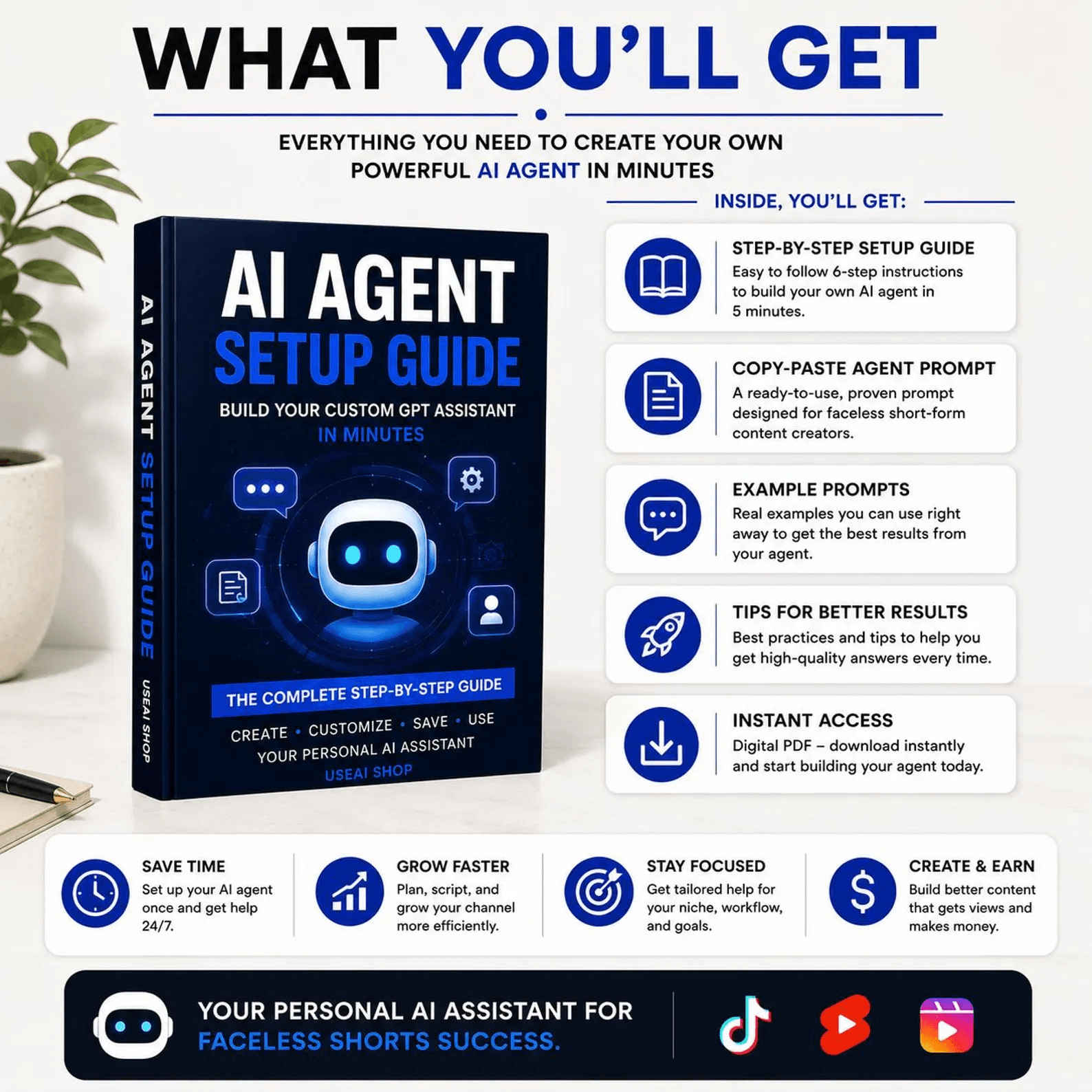
Instead of figuring out every technical step from scratch, use this setup guide to understand how an AI agent-based workflow can support your faceless content creation strategy. Whether you’re exploring a new YouTube channel, experimenting with AI video automation, or looking to improve your content production process, this guide gives you a starting point.
Build your workflow, reduce repetitive work, and focus more on creating content that connects with your audience.
Stop Spending Hours Creating Short Videos Manually
Running a faceless video channel sounds simple until you start producing content regularly.
You need fresh ideas, engaging scripts, suitable visuals, voiceovers, captions, and a finished video that feels consistent. Doing everything manually can quickly become overwhelming, especially when you’re trying to publish frequently.
Common challenges include:
-
- Spending too much time researching video topics.
- Writing scripts for every new video.
- Managing multiple AI tools and production steps.
- Repeating the same tasks for every Short.
- Struggling to maintain a consistent publishing schedule.
- Learning complicated automation workflows without proper guidance.
The solution is to build a repeatable AI-assisted production process.
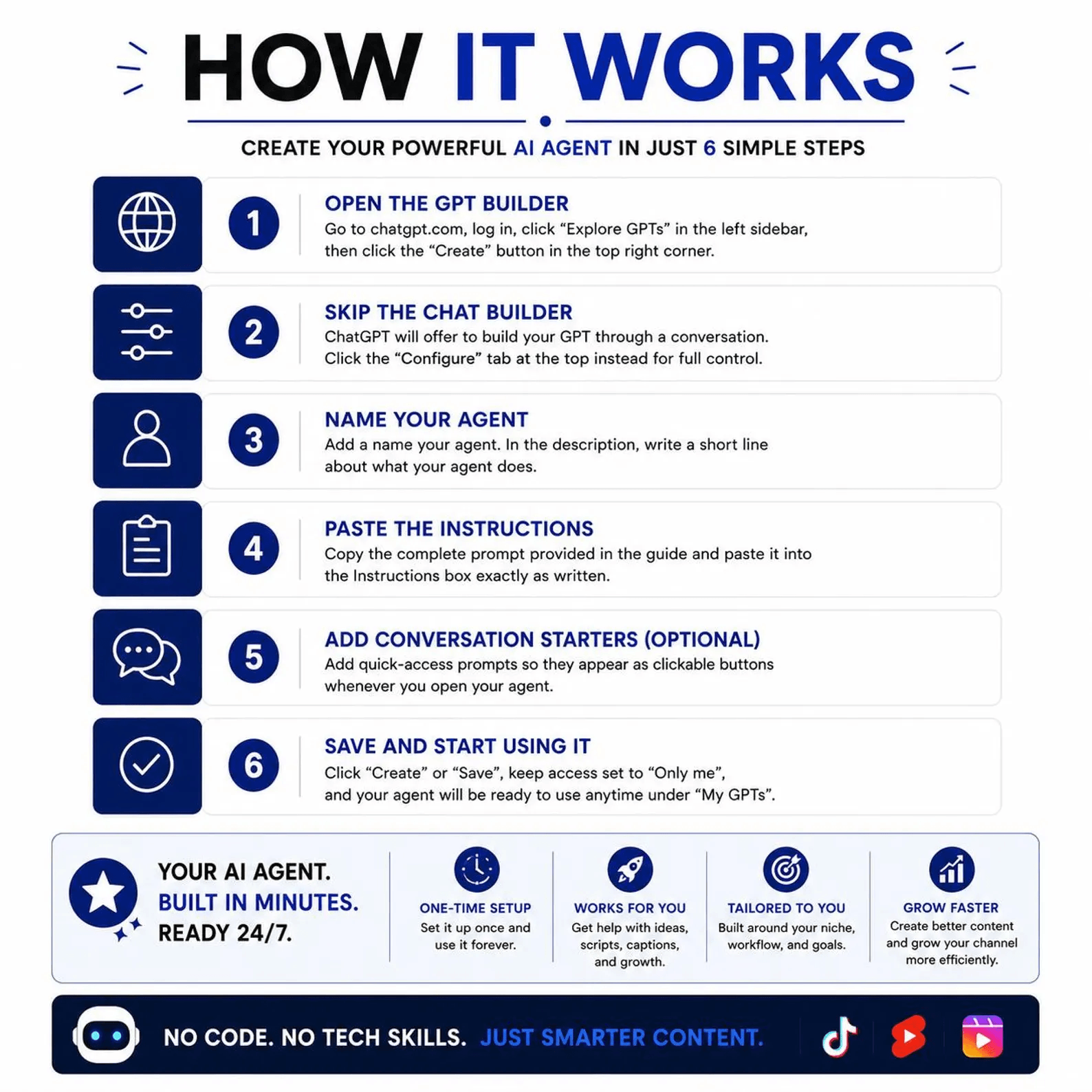
With the Faceless Shorts AI Agent Setup Guide, you can explore how AI agents and connected tools can help organize your video creation workflow, making it easier to approach short-form content production systematically.
Key Features
1. Build an AI-Assisted Faceless Video Workflow
Understand how AI agents can support your faceless video creation process. Learn how to organize the workflow around your content goals instead of managing every production step independently.
2. Create Content Without Appearing on Camera
Explore faceless content formats that allow you to create videos without recording yourself on camera. Focus on narration, visuals, storytelling, and useful information.
3. Simplify Video Content Production
A structured workflow can help reduce repetitive tasks associated with planning and producing short-form videos, making content creation easier to manage.
4. Explore AI-Powered Script Creation
Use AI-assisted approaches to develop video ideas and scripts for your chosen niche. Create a repeatable process for turning topics into engaging short-form content.
5. Organize Your Video Creation Process
Understand how different production stages fit together, from content planning and scripting to visual creation and final video assembly.
6. Build a Repeatable Content Workflow
Develop a process that can be reused for future videos. Consistency becomes easier when your content creation approach follows a clear structure.

Use Cases
-
- Faceless YouTube Shorts Channels: Explore AI-assisted workflows for producing educational, entertainment, storytelling, or niche-focused videos.
- TikTok Content Creation: Develop short-form video content that can be adapted for TikTok audiences.
- Instagram Reels: Create faceless video content for social media marketing, audience engagement, and niche pages.
- Educational Video Content: Turn useful information, tips, and explanations into short-form video ideas.
- Digital Marketing: Use faceless video formats to communicate product information, marketing messages, and promotional content.
- Content Automation Experiments: Explore how AI agents can support repetitive content production tasks and help establish a more organized workflow.
Deal Terms
- Length of access: Lifetime
- This deal is non-refundable.





Reviews
There are no reviews yet.