EaseUS RecExperts Screen Recorder : Buy 3 Get 1 Free
Let’s face it, we as a society have been completely dependent on mobile devices and computers to get through any task or day.
One great feature that has been gaining more limelight and becoming a popular way for businesses, developers, and education systems to share instant information is a screen recording and mirroring.
Businesses have a high demand for sharing information with their partners, employees, and other departments, and what better way to reach a large number of people than screen recording.
Screen recording is a way of sharing a captured screen or video, recording in a window or full-screen modes, sharing video instructions all while allowing users to visually see the information in the same way as the sharer.
EaseUS RecExperts is a simple and intuitive Windows screen recorder to record and capture anything from your PC screen.
Limited Time Offer Only at $62.95
Hurry Up !! Grab this Lifetime Deal
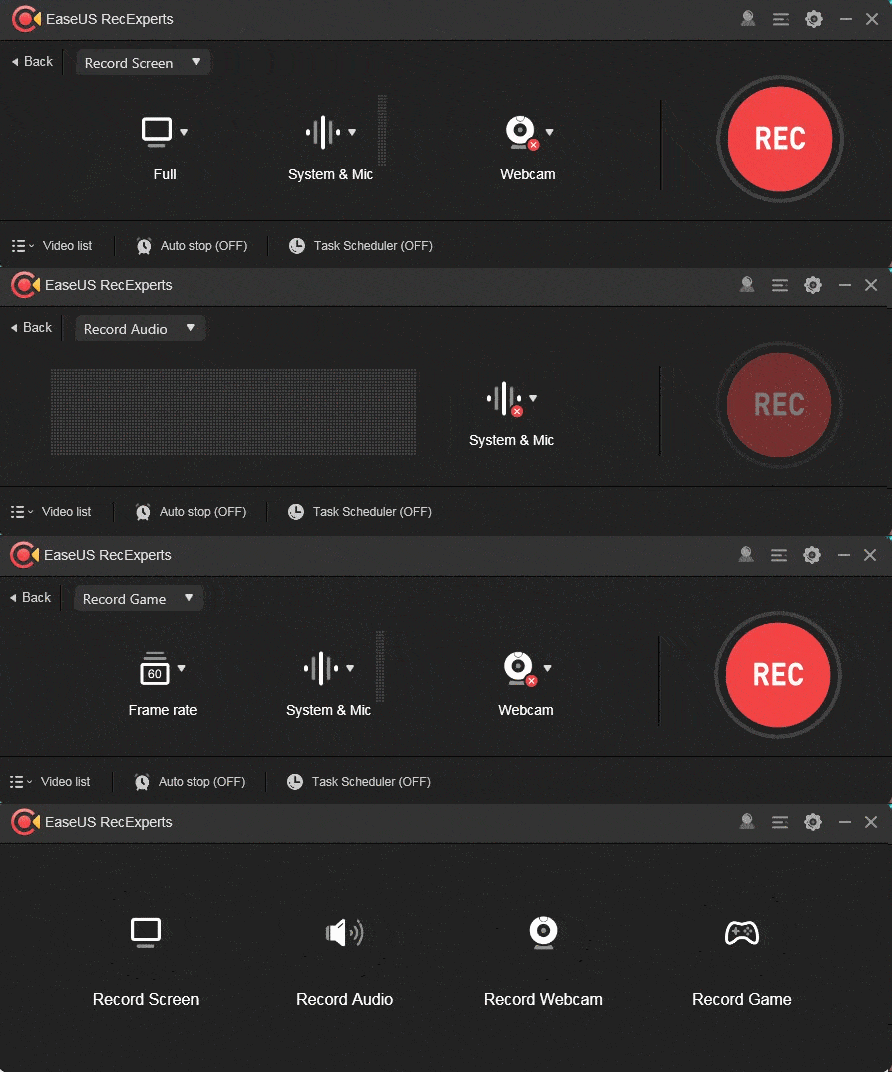
Dashboard View
EaseUS RecExperts is a multipurpose screen recording software integrated with the ability to annotate recordings, create recording tasks, edit the videos, share the captured videos with your friends, and more. This video will introduce the main features of this software and guide on how to get started with the software.
“Best Screen Recording Software with A Full Set of Features”
Full-featured but lightweight free screen recorder to make professional-looking videos on your PC.
It makes it possible to record any area on the screen with/without system sound or webcam, no matter it’s a full screen,a selected area, or a fixed area, even a locked window.
It’s also available to use the drawing board to annotate the screen, mark an area, and do some other editing actions during recording.
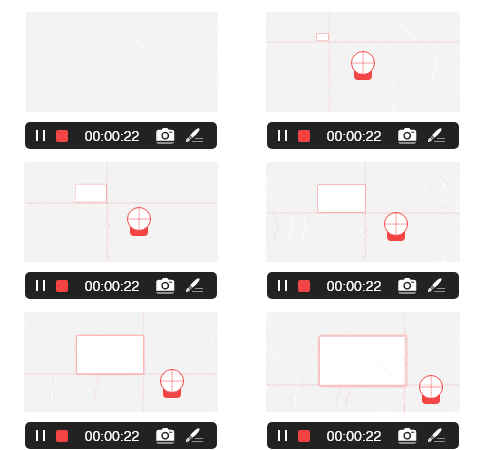
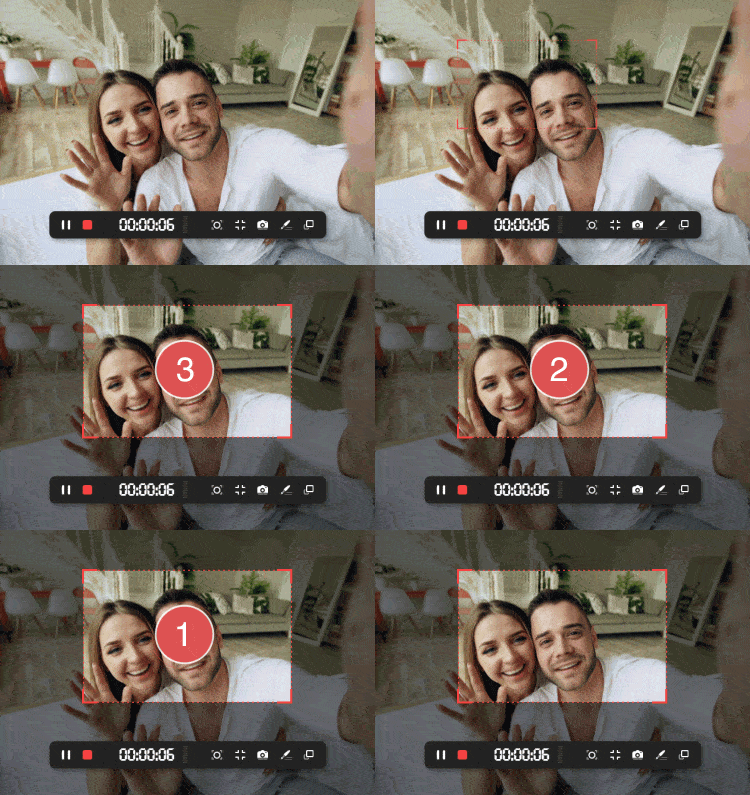
Flexible Capture Any Area of Your Screen
Flexible capture your full screen, a selected area of the screen, or a single window.
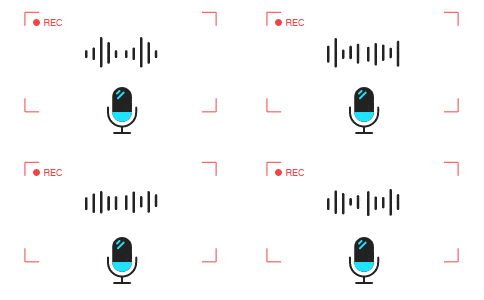
Record Video and Audio Simultaneously
You can record the background sounds and a voice with your microphone at the same time.
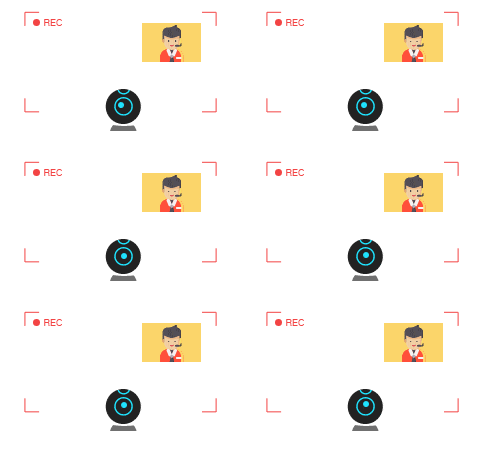
Record Webcam
Record webcam or as a webcam overlay to increase engagement and help viewers connect with your content.
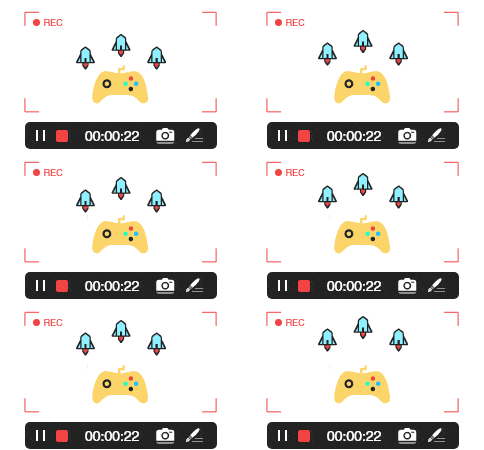
Game Recording Mode
Record various high-quality and popular 2D/3D games in 4K UHD resolution.
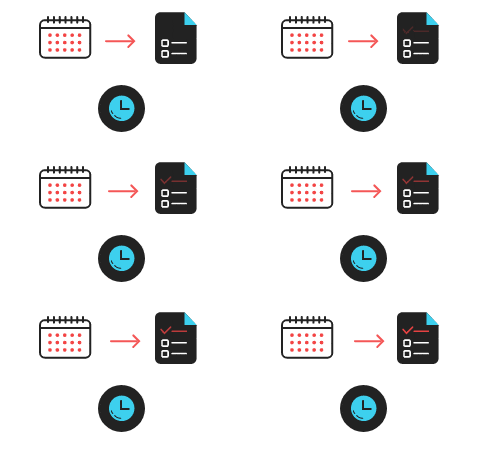
Task Scheduler
EaseUS RecExperts Lifetime Deal supports to create recording tasks automatically. Start Recording at a specific time. What’s more, it allows you to schedule multiple tasks simultaneously conveniently.
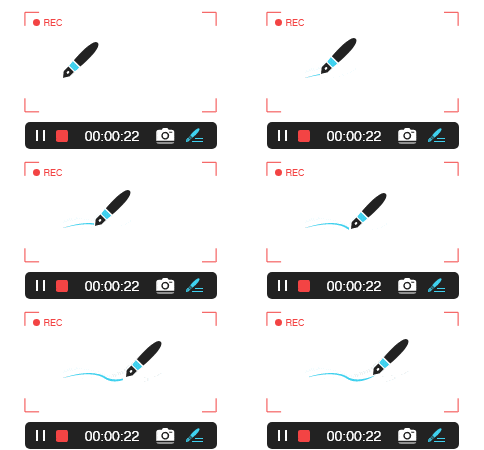
Advanced Editing
Add texts, lines, arrows, and other real-time editing works. Trim video length, add a watermark, and another advanced editing.
Record Anything and Activities On Your Screen
There are lots of reasons why we need screen recording software as a necessity. It simplifies our daily tasks such as delivering instruction, onboarding new employees, recording a video call, and sharing lectures.
EaseUS RecExperts Lifetime Deal, as one of the most efficient screen recorder, can do a lot more than that. You can capture what’s happening on your entire screen or just a selected Windows and even create a scheduled recording task to record screen and webcam at a specific time automatically.
A handy and effective screen recording tool to export your videos in the best results.
Record
Capture your PC screen, webcam, video calls, online games-everything happening on your desktop and audio.
Edit
Flexibly add text and highlight important content while recording or carry out more advanced editing in your video.
Share
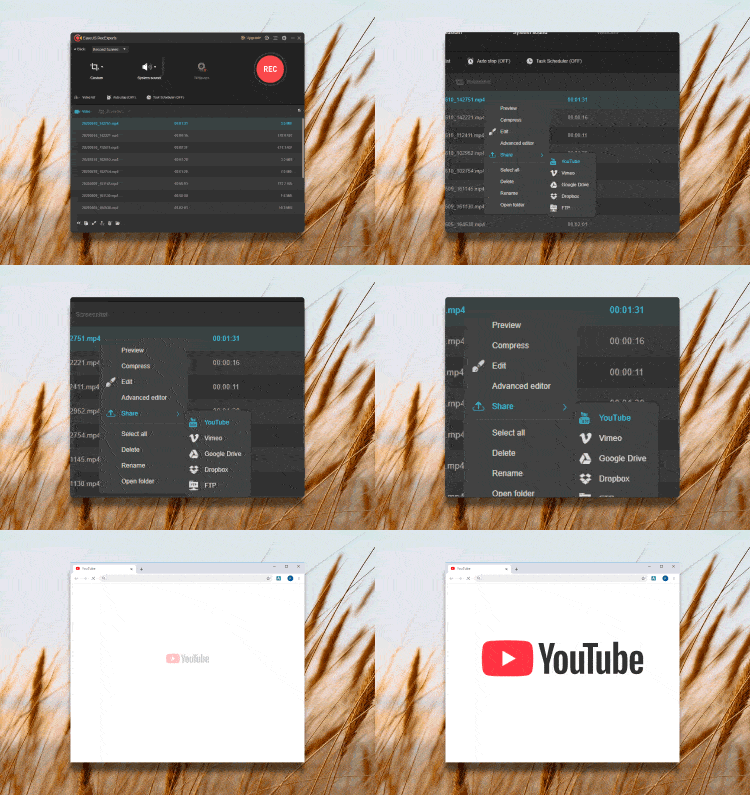
Upload videos to popular platforms like Youtube, Vimeo and directly download your videos to google drive or dropbox.
System Requirements
For Windows: Windows 7/Windows 8.1/Windows 10.
Supported video/audio formats
Video – mp4, wmv, avi, FLV, mpeg, vob and more.
Audio – wav, mp3,aac and a lot more.
Supported image formats
bmp, jpg, png, gif, tiff and more.
Inside OF RecExperts Lifetime Deal
Unlimited Recording Time
No Watermark
Video Editing
Compressing
Many other advanced features
Flexible capture any area of a PC screen with customized settings.
Record video, audio, webcam, and gameplay on screen.
Record a task with a scheduled time.
Add texts, lines, arrows, and other real-time editing works.
Trim video length, add a watermark, and another advanced editing.
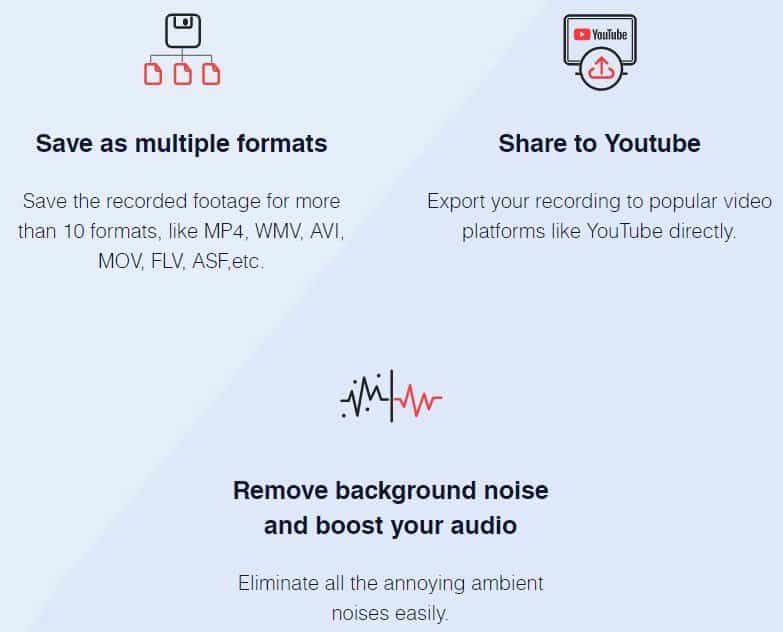
Export recording directly to YouTube, Google Drive, Vimeo, etc.
Remove background noise and boost audio.
Compress videos without losing the original quality of the video.
Save recorded video/audio up to 10 formats
One License code for one pc
30-day Money Back Guarantee
Premium 24/7 Support
Lifetime Updates and Support FREE
Deal Terms
Redemption Deadline of coupon code: 60 Days from purchase.
Length of access: Lifetime
Updates Included
Limited Time Offer Only at $ 62.95
Hurry Up !! Grab this Lifetime Deal
Our Customers Love Us Here are some precious words from our customers
Questions:- Does EaseUs RecExperts provide support?
–EaseUs RecExperts offers Livechat options or customer support via email. Drop your queries at[email protected]
Questions:- How to move the license to a new computer if I want to retire my old computer?
-Please contact EaseUS Support via email or live chat to reset your license code when you need to move it to another computer. The license code can be activated to a new computer after resetting.
Questions:- Can I use the license to more than one computer?
-One license code is only for a one p.c, you could contact EaseUS Support via email or live chat to reset activation for your license if you want to move the license from an old computer to a new one.
Questions:- Where can I save the recording video? Is it safe on EaseUS Cloud?
-EaseUS doesn’t provide a cloud for saving your videos, you could save the video to your local disk or upload it to Dropbox, Google Drive, FTP, Youtube, and Vimeo.
Questions:- For more FAQ?
-EaseUS RecExperts FAQ.
Questions:- What is DM Wallet Cashback Offer??
– DM Wallet Cashback Offer is an offer which you avail after the purchase of your product directly to your DealMirror wallet. So that you can use that amount for future purchases from DealMirror products.
It is store credit automatically credited in your DM Wallet after purchasing a product from DealMirror. and it is better than coupon code no need to enter code to avail offer during buying a product.
DM Wallet Cashback has no expiry date you can use that amount for future purchases from DealMirror products.
There is no restriction for future purchases.
Questions:- What is a lifetime deal?
-As per our agreement with the vendor, once you redeem your code then you’ll get lifetime access to the tool. (Lifetime means – Lifetime of the product).
We do our level best to provide you the latest deals at an affordable price but as a third party, we can’t control what happens on the vendor’s side.
In a few cases, our partners get acquired or stop their services and in such unfortunate situations where the product does not last long, there is not much DealMirror can do about it. So, it’s suggested to check the tool thoroughly once you redeem your code and if you are fully satisfied with the tool then keep it otherwise you have 30 days for a refund.
Questions:- Can I get an invoice for my subscription under my company name?
-Yes, you can. Just send us an email at [email protected] and we will take care of this.