Q: 1. Does DocGPT AI provide support?
– Yes, Write to online support on the site Live Chat: https://docgpt.ai/ or [email protected] (if high critical only).
Q: 2. Can one output populate multiple rows?
– Yes, it can. You can use the functions as regular functions in Google Sheets. Just pull down to apply to all rows.
Q: 3. How do you compare other compatitros?
– Our product supports more AI models (Gemini, Mistral, Claude), has a lower price, more reviews in the Workspace Store, and a higher rating. Additionally, we support web scraping functions and GOOGLE INDEXING, API() function to request any other service/database (over http/s).
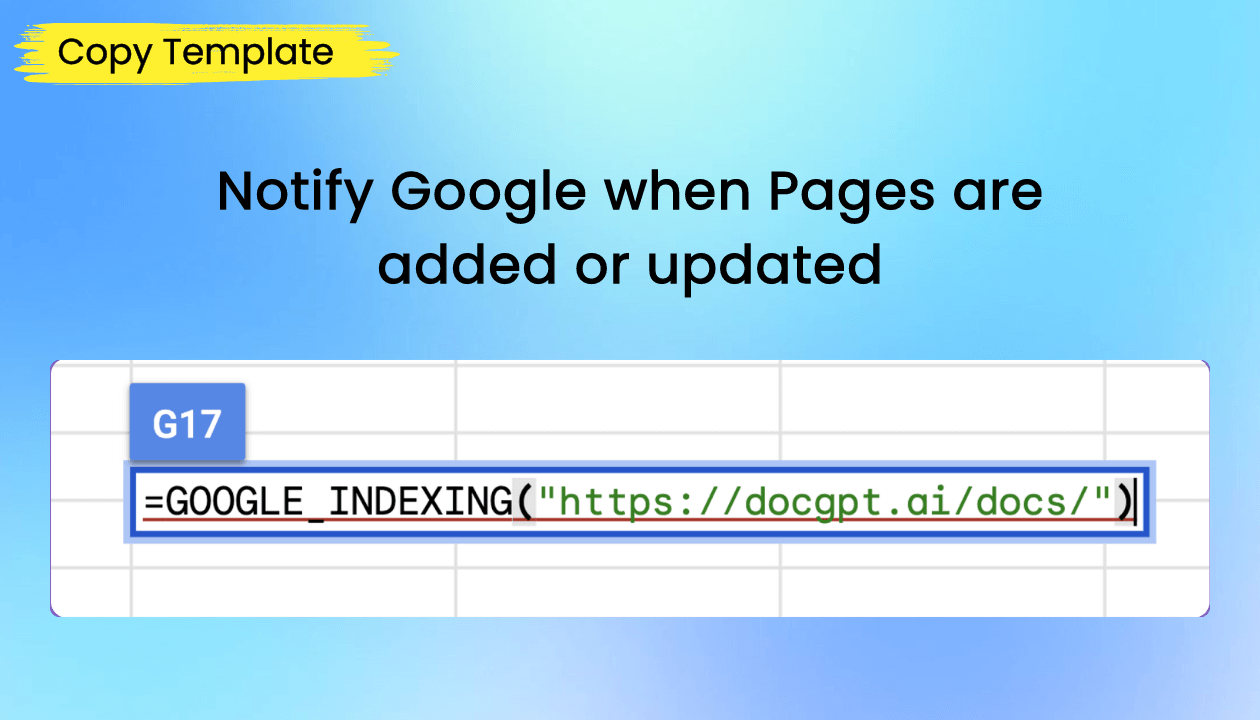
Q: 4. Does it support Google Indexing from Google Sheets?
– Yes, you can use GOOGLE_INDEXING() function to request for indexing by GOOGLE
Q: 5. Is it possible to connect prompts from different Google Sheets cells?
-Yes, you can use functions like GPT_TABLE, GPT_LIST, and GPT_HLIST (horizontal) to generate outputs that populate multiple rows.
Q: 6. Are there scraping capabilities?
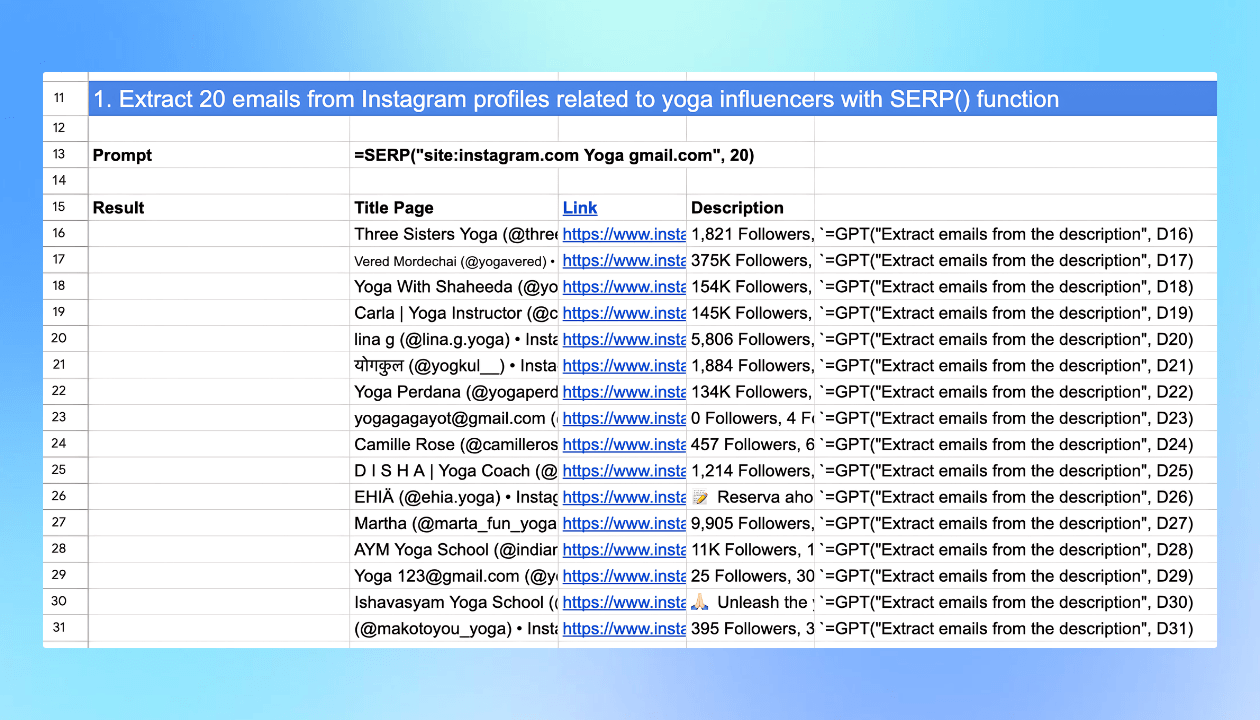
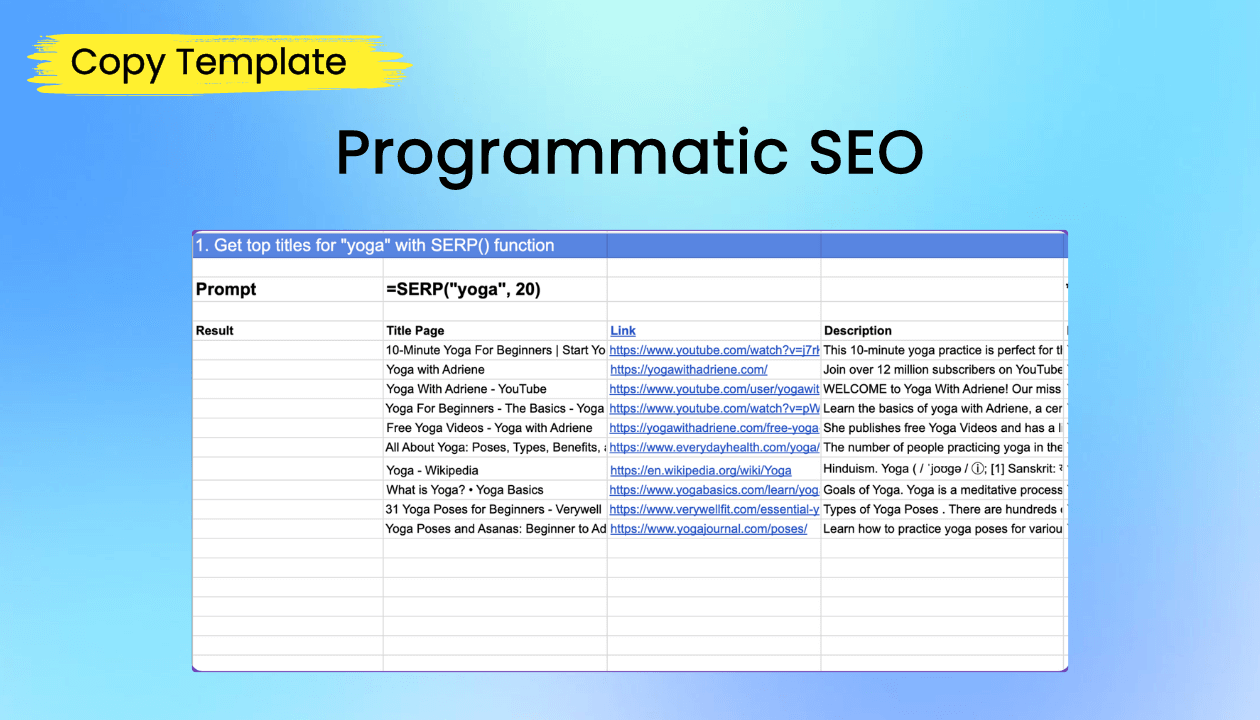
– Yes, we support web scraping with functions such as:
=WEB_URL(“https://docgpt.ai”)
=WEB_TITLE(“https://docgpt.ai”)
=WEB_DESCRIPTION(“https://docgpt.ai”)
=WEB_H1(“https://docgpt.ai”)
=WEB_H2(“https://docgpt.ai”)
=WEB_HEADINGS(“https://docgpt.ai”)
=WEB_PARAGRAPHS(“https://docgpt.ai”)
=WEB_URLS_DATA(A37:A39)
Q: 7. If I don’t enter my API key, how many requests do I have per month? Or do I necessarily have to place my API key?
– For lifetime access, an API key is required. However, there are other plans available if you prefer to use the service without an API key.
Q: 8. What does your tool do to avoid timeouts, throttling of requests, and retries for failed requests?
– Our add-on makes direct calls from formulas without any middleware, providing the fastest response time. To refresh failed formulas, simply refresh the page, and Google Sheets will re-request them. There are no limitations on the number of requests from our side; any limitations are imposed by the AI provider.
Q: 9. Can certain functions avoid using an external LLM, like extracting emails using an internal regex script?
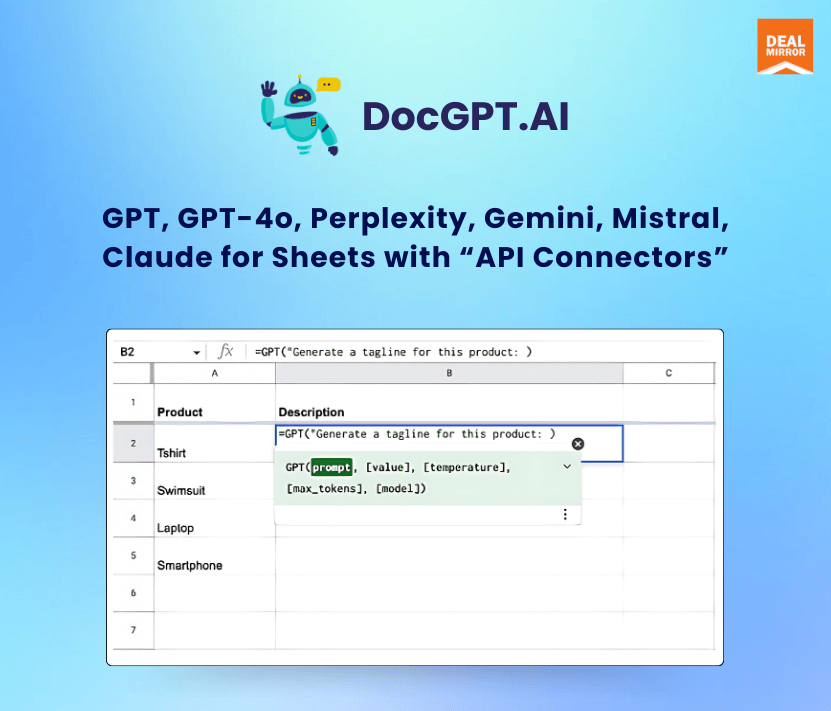
– Yes, you can use the =GPT_EXTRACT() function for data extraction or custom prompts like =GPT/Mistral/Gemini/Claude(“Extract email from the text:”, A1).
Q: 10. Can one output populate multiple rows?
– Yes, you can use functions like GPT_TABLE, GPT_LIST, and GPT_HLIST (horizontal) to generate outputs that populate multiple rows.
Q: 11. Are there any plans to integrate with Groq?
– We are considering the integration and will look into it.
Q: 12. Which libraries are the cheapest?
– GPT-3 Turbo is very cheap, and Gemini is also affordable but currently available only for USA accounts.
Q: 13. Can I share the tool with my team members? Are there any limitations?
– Yes, you can share the sheet as usual. Team members need a subscription to the add-on to use the formulas.
Q: 14. Will refreshing the sheet call the API again, costing more credits?
– Yes, refreshing the sheet will call the API again. The add-on has buttons to replace selected or all functions with actual text to avoid repeated API calls.
Q: 15. Can you combine AI formulas with standard sheet formulas?
– Yes, you can combine AI functions with standard sheet formulas and use cells, ranges, and & within AI functions.
Q: 16. Do the API keys go at a sheet level or account level?
– API keys are used at the account level, allowing for one-time setup. You can reset the key for different clients to track consumption.
Q: 17. Is there support for image generation models like DALL-E 3?
– Yes it is.
Q: 18. Can the tool use chat history to build on previously written content?
– If it is possible with ChatGPT, it can be done with our add-on. Please share an example for specific help.
Q: 19. How does this tool handle timeouts and retries?
– We make direct calls from formulas without middleware for fast responses. To handle timeouts and retries, refresh the page, and Google Sheets will re-request the formulas.





Reviews
There are no reviews yet.