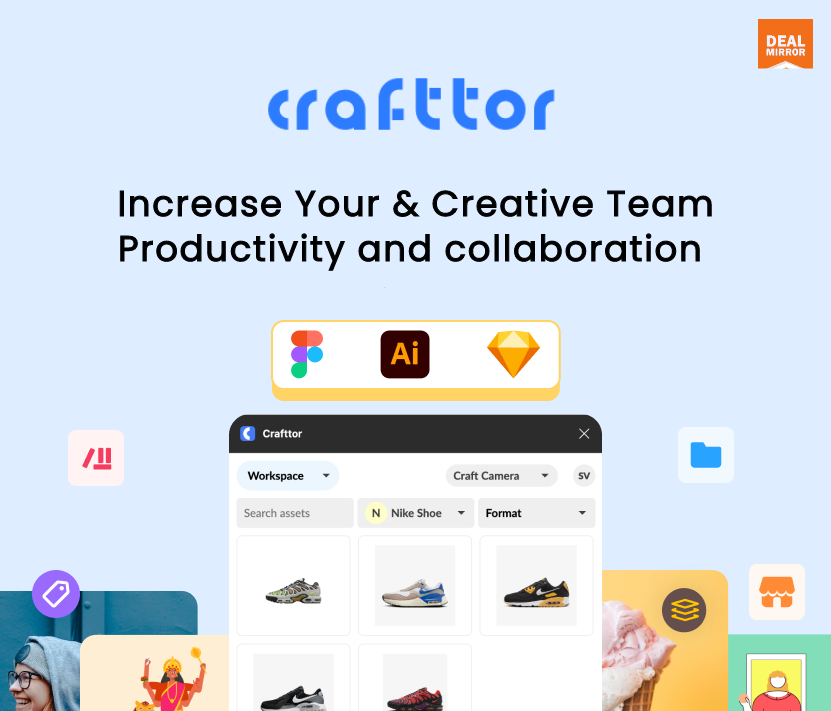
Q: 1. Does Crafttor provide support?
–Crafttor offers customer support via email email to [email protected]
Q: 2. What is the Version History meaning?
–Version history refers to a record of changes made to a document, file, or project over time.
It allows users to:
- View a Version: Users can pan around and see a snapshot of the document or project at a specific point in time, providing a clear view of how it looked during that particular version.
- Restore Previous Versions: Users can revert to previous versions, enabling them to edit and export assets from an earlier state. This is useful for correcting mistakes or revisiting earlier stages of the work.
- Create Versions: Users can create new versions to make it easier to view and access a set of changes, ensuring that each significant modification is captured and can be referenced or restored later.
Overall, version history enhances document management by preserving a detailed timeline of edits and changes, promoting better organization, collaboration, and revision control.
Q: 3. What are the benefits of subscribing to Workspace?
-Subscribing to Workspace unlocks a range of benefits, including access to more storage space, a larger number of workspaces and admin seats, early access to new features, premium content, and priority support.
Q: 4. How many assets can I upload?
-At Crafttor’s workspace, you can upload any number of digital assets inside boards/categories you create. There is no limitation on uploading the assets.
We will provide you with enough space as per your plans for uploading an unlimited number of assets. You can upgrade your storage if you want more storage.
Q: 5. Is it free to upload assets?
-Yes, of course, we do have a free space to upload and access digital assets but our free plan has a limited space along with other limitations.
Based on the user’s requirements and the space needed for uploading and managing assets we provide different plans.
Q: 6. What type of digital assets I can upload?
-A user can upload digital assets, which include images, illustrations, pictures.
There are multiple kind of image formats which you can easily upload to your workspace.
Currently we support SVG, PNG, GIF & JPG formats for uploading/downloading or for accessing.
Q: 7. What type of formats one can upload?
-You can upload any image & video format. In case if a user needs to upload assets other formats, please email us the same.
Q: 8. How to use plugins for my assets?
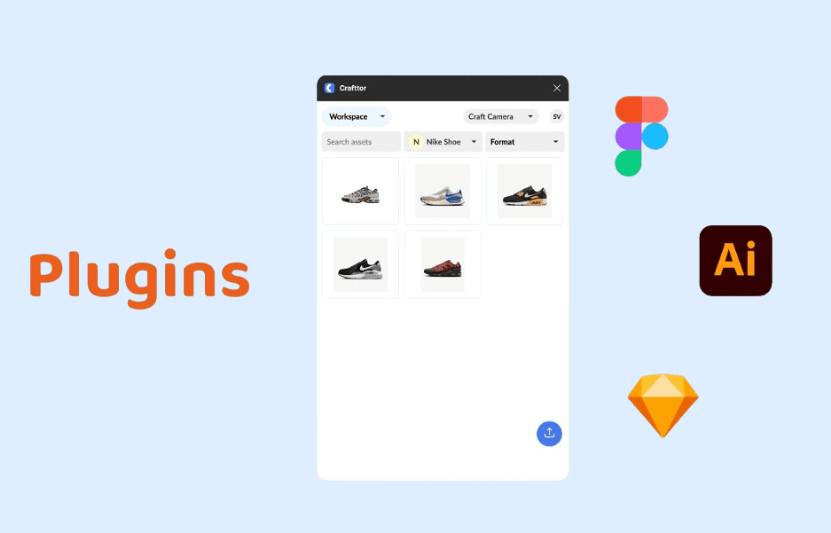
-Find your desired plugin and then set up as per the plugin document.
Once done with the set up a user needs to signin and after signin success a user is good to go using the plugin for crafttor’s illustrations along with their own assets uploaded at Crafttor’s workspace.
Q: 9. Is there any assets download limit?
-No, Please note that when a user creates a workspace, it is their personal space for uploading/downloading or accessing their assets.
A user can download any number of images or illustrations uploaded by them in a day/week/month.


2 reviews for Crafttor : Organise, Share & Collaborate
Shivani Diwaker –
Crafttor is easier to view and access a set of changes, ensuring that each significant modification is captured.
D shiva –
Its price is cheaper in the market as compared to other products.