1. How can I contact Support?
-You can contact support at [email protected]
2. What is ContactBook?
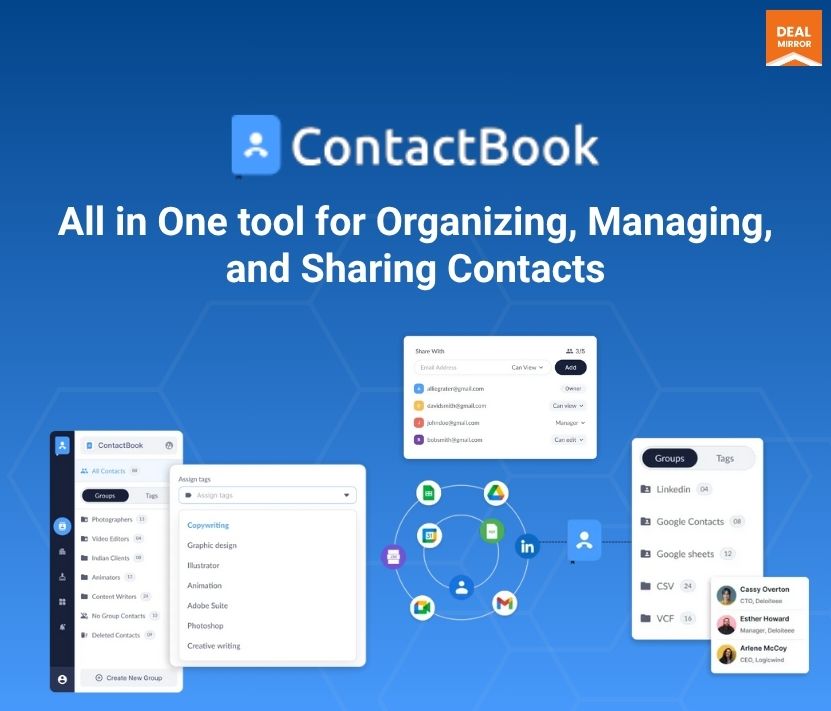
– ContactBook is a cloud-based contact management system that allows users to store, organize, and share contact information with their team. It’s designed to provide easy access to contacts from anywhere, ensuring efficient collaboration.
3. How do I create an account on ContactBook?
-You can create an account by visiting the ContactBook website or app and signing up with your email. Some platforms may also allow sign-up via third-party services like Google or Microsoft accounts. Book a demo with us.
4. Can I share my contacts with my team?
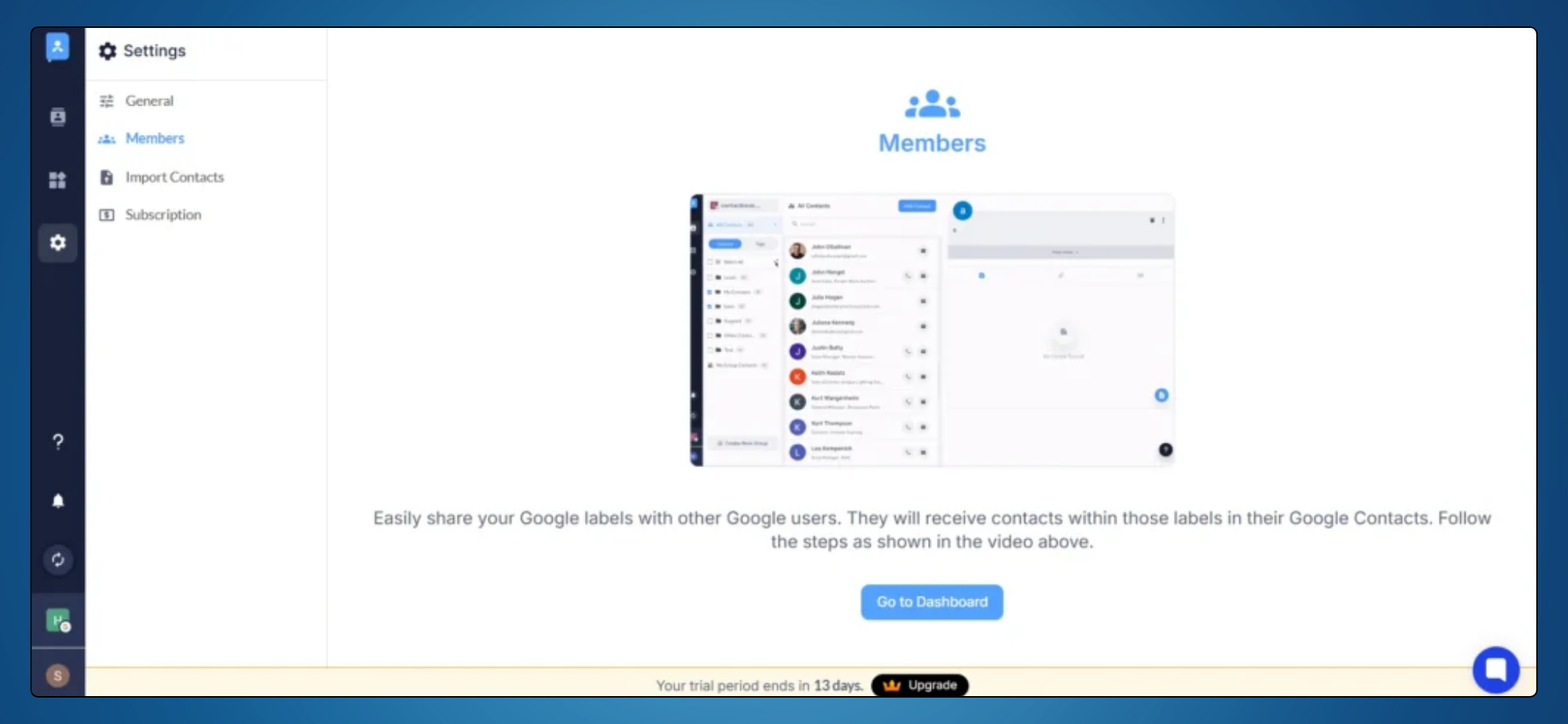
– Yes, ContactBook is designed for collaboration. You can share contact lists with team members and manage access permissions to control who can view, edit, or manage the contacts.
5. How do I organize contacts in ContactBook?
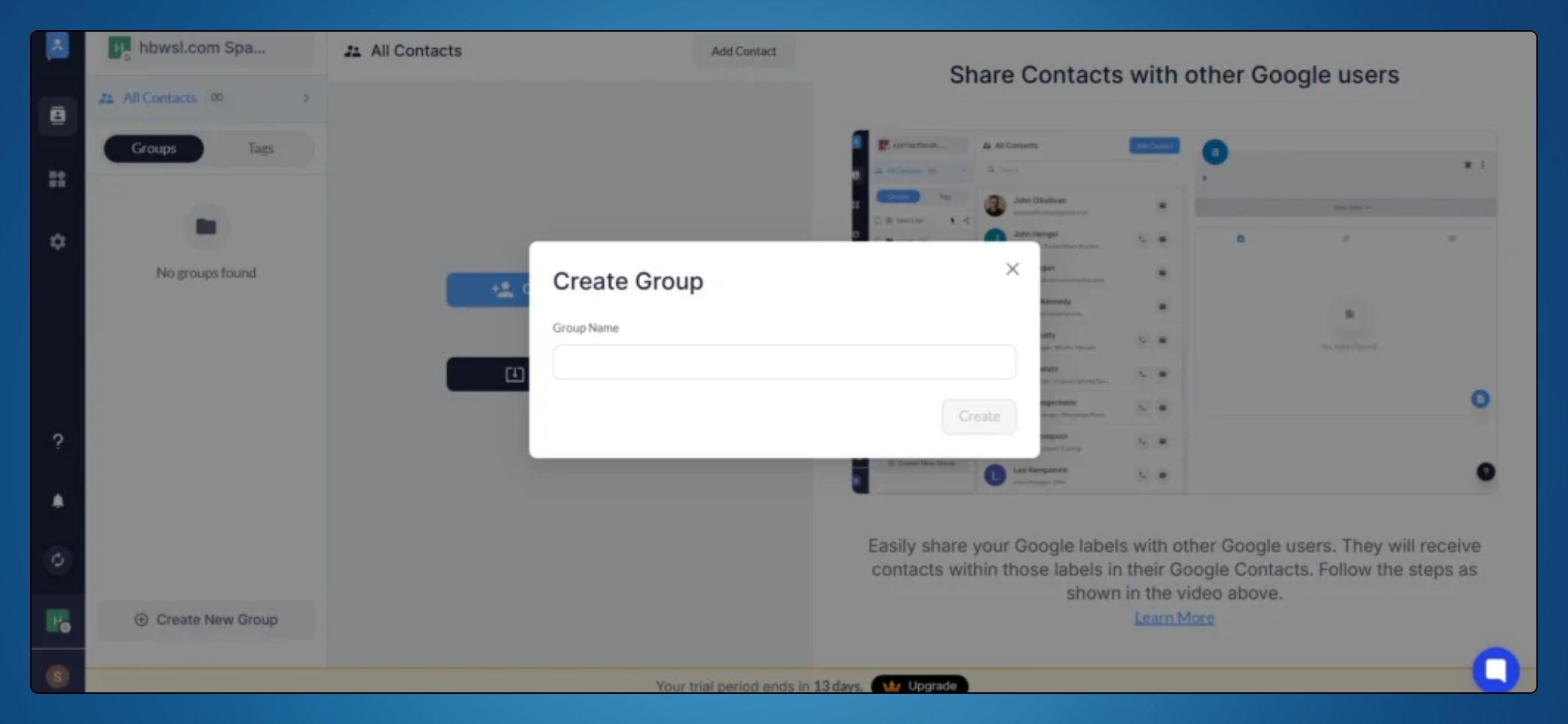
– Contacts can be organized using tags, groups, or categories. You can also create custom fields to tailor the contact details to your needs.
6. What are custom tags, and how can I use them?
– Custom tags allow you to categorize your contacts based on specific criteria, such as expertise, location, or relationship type. This helps you filter and search through your contacts more efficiently.
7. Is there a mobile app for ContactBook?
– Yes, ContactBook is available as a mobile app for both Android and iOS. You can manage your contacts on the go, ensuring you have access to all your important information wherever you are. Download the app from the Google Play Store or the Apple App Store.
8. Can I sync ContactBook with my Google Contacts?
– Yes, ContactBook offers seamless integration with Google Contacts, allowing you to keep your contact information up-to-date across platforms.
9. What is the ContactBook Contact Extractor Chrome extension?
-The ContactBook Contact Extractor is a Chrome extension that helps you extract contact details from Gmail, LinkedIn, Twitter, Instagram, and other platforms directly into your ContactBook account, simplifying contact management.





5 reviews for ContactBook: Effortlessly Manage & Share Contacts with Your Team Anywhere
Nakul Jain –
Avail 20% OFF early bird offer discount.
Must say DealMirror offers the best price in the market.
D. King –
Well, it manages all my business and personal contacts in one place.
It centralises your contacts, enhances collaboration, and provides tools to keep your data organised and accessible, no matter where you are.
Choy CM –
How is this different in Google contacts?
Admin –
While Google Contacts is a basic contact storage solution, ContactBook goes beyond that by offering advanced contact management features. With ContactBook, you can:
1. Share specific contact groups with team members while keeping private contacts separate.
2. Add notes, attachments, and tags to contacts for better organisation.
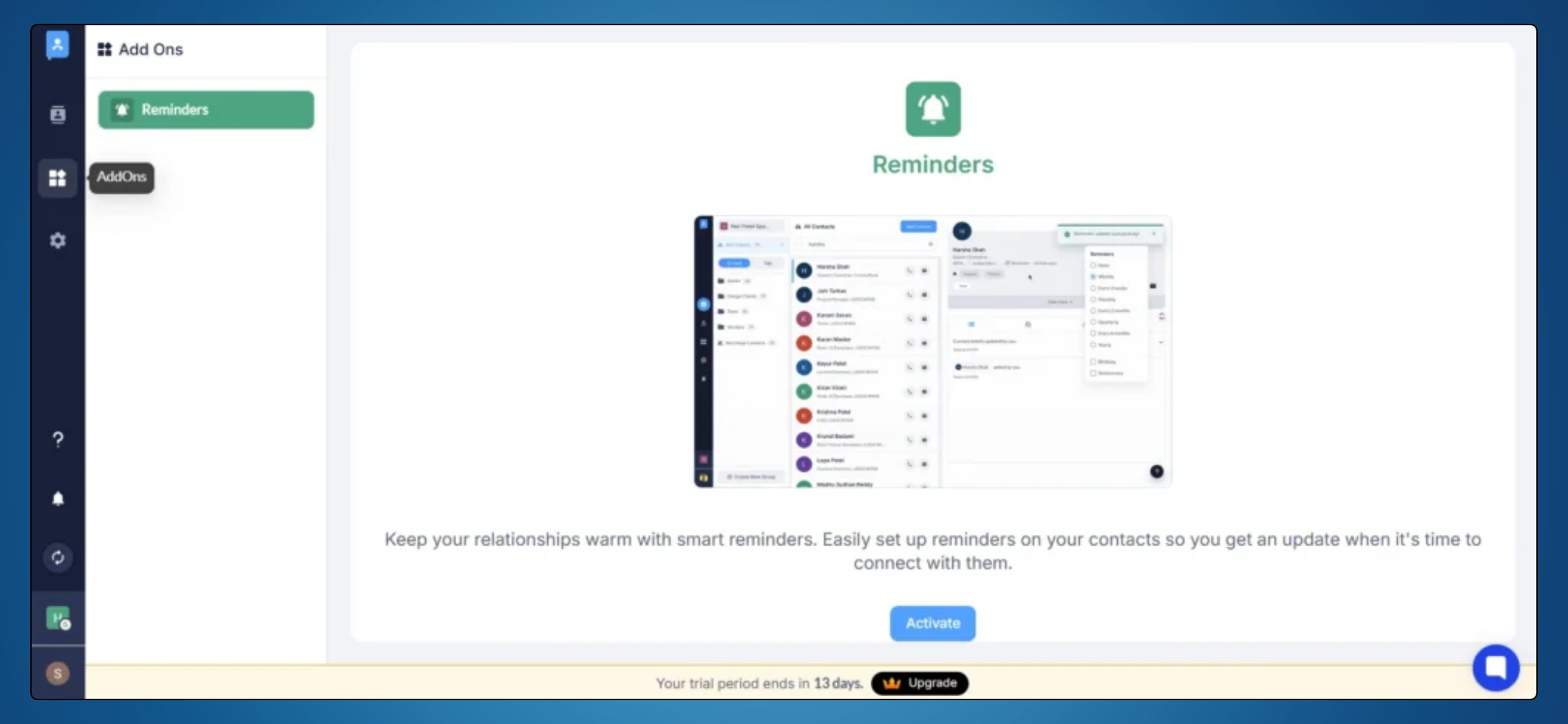
3. Set reminders for follow-ups and important interactions.
4. Detect and merge duplicate contacts seamlessly.
4. Manage contacts across multiple workspaces efficiently.
It’s designed for professionals and teams who need more control, collaboration, and organisation in their contact management.
Rahul Sharma –
Is this a CRM?
Admin –
ContactBook functions like a personal CRM, allowing you to efficiently manage and organise your contacts. It helps you categorise, share, and collaborate on contacts while adding notes, reminders, and attachments for better organisation. Whether you’re an individual or a team, ContactBook makes contact management seamless and efficient.
Steven Goh –
I’m Dr. Steven, and I’m really excited about ContactBook! As someone who manages a lot of professional and personal contacts, this tool seems like a lifesaver. The centralized contact management and team collaboration features are exactly what I need to stay organized. I also love the idea of dynamic updates and custom fields—it’s great to have a tool that adapts to my specific needs.
I do have a few questions, though:
1. How does ContactBook handle data security, especially for sensitive industries like healthcare?
2. Can it manage large contact lists and automatically clean up duplicates?
3. Are there plans to integrate with more tools in the future?
Admin –
Thank you, Dr. Steven, for your detailed feedback and thoughtful suggestions! We’re thrilled to hear that you see value in ContactBook.app and how it can support your professional and personal contact management needs.
To answer your questions:
1. Data Security: We take security very seriously, especially for industries like healthcare. ContactBook ensures secure cloud storage, encryption, and role-based access controls to protect sensitive information. We are also exploring 2FA and audit logs to further enhance security.
2. Managing Large Contact Lists & Duplicates: Yes, ContactBook is designed to handle large-scale contact management efficiently. We are working on smart duplicate detection and cleanup to keep your contact list organized.
3. Future Integrations: Absolutely! Expanding our integrations with productivity tools like Slack, CRMs, and automation platforms is on our roadmap.
Your insights on sales pipeline tracking, analytics, AI-powered insights, and customisable automation are fantastic! While ContactBook currently focuses on contact management and team collaboration, we are actively considering these enhancements to offer even more value to businesses.