Q: 1. How do I contact support?
A: You can contact support at [email protected]
Q: 2. Do I need to download or install anything?
A: No, Camisual runs entirely in your web browser (Chrome, Safari, Firefox, or Edge). No installation, no plugins. Open a tab and start designing instantly on any device, including Mac, Windows, and tablets.
Q: 3. Can I remove image backgrounds for free?
A: Yes, AI background removal is available on the free plan. Upload your image, click remove BG, and download the result with a transparent background. No selection tools or manual masking needed.
Q: 4. Is Camisual good for beginners with no design experience?
A: Absolutely. The interface is built to be intuitive from day one. Drag-and-drop elements, pre-made templates, and context-aware toolbars mean you can create professional-looking designs without any design training or prior experience.
Q: 5. How does Camisual compare to Canva or Photoshop?
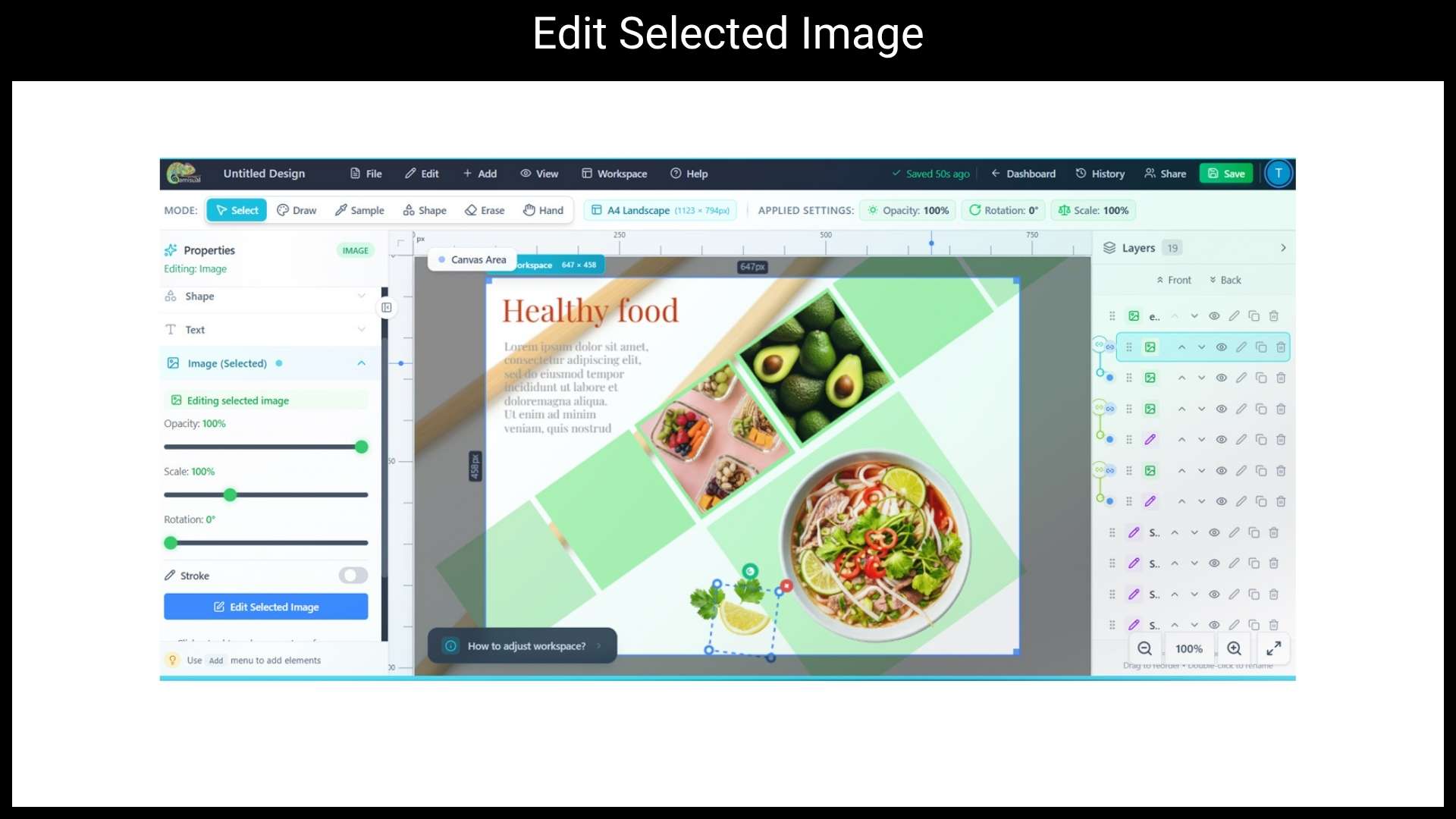
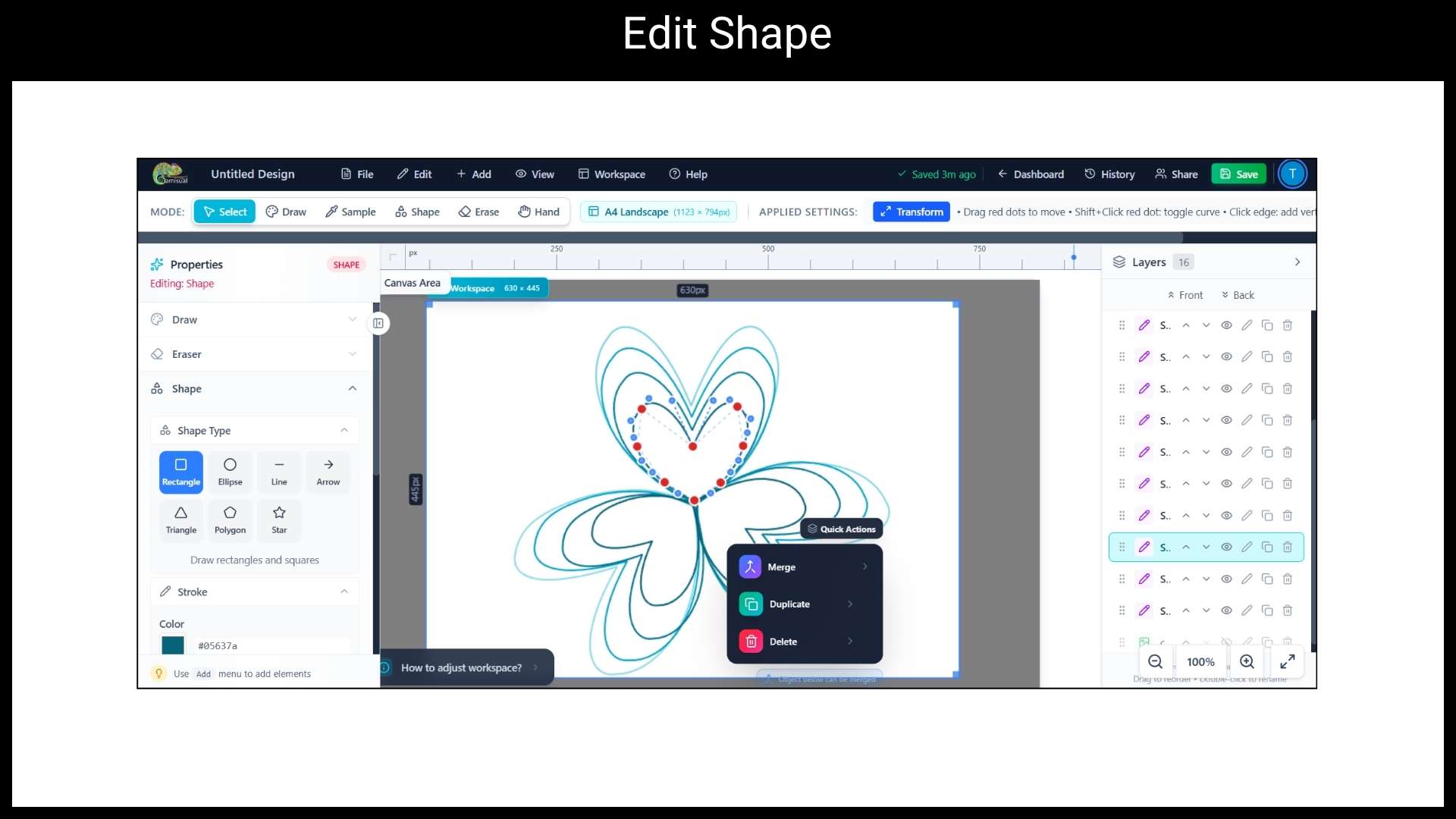
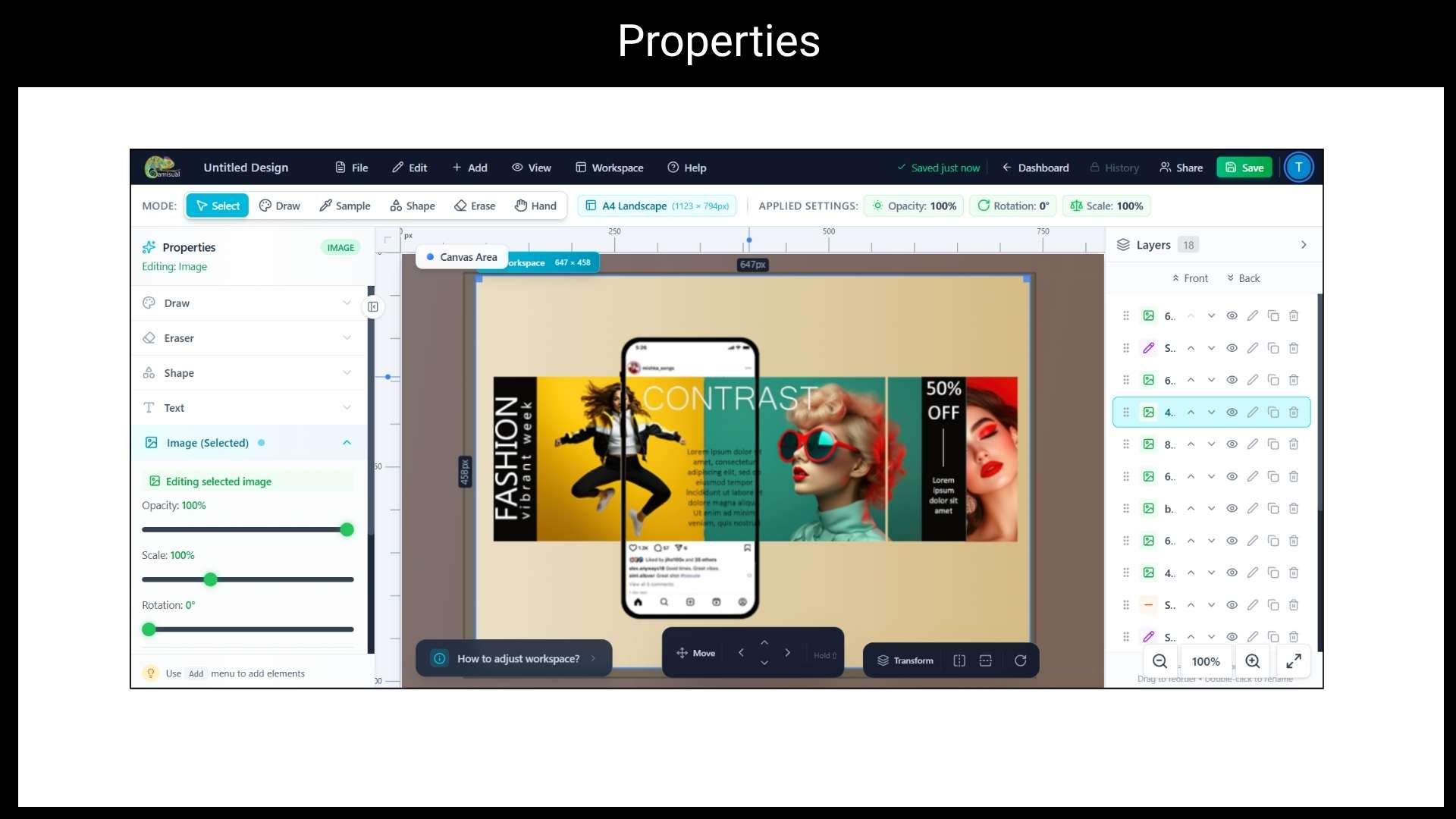
A: Camisual bridges the gap between the two. It’s as easy to start as Canva but includes deeper creative tools: professional pressure-sensitive brushes, bezier curve editing, pixel-level object removal, and full layer management. Features typically reserved for Photoshop or Illustrator, available in a browser for free.
Q: 6. Can I use Camisual for commercial projects or client work?
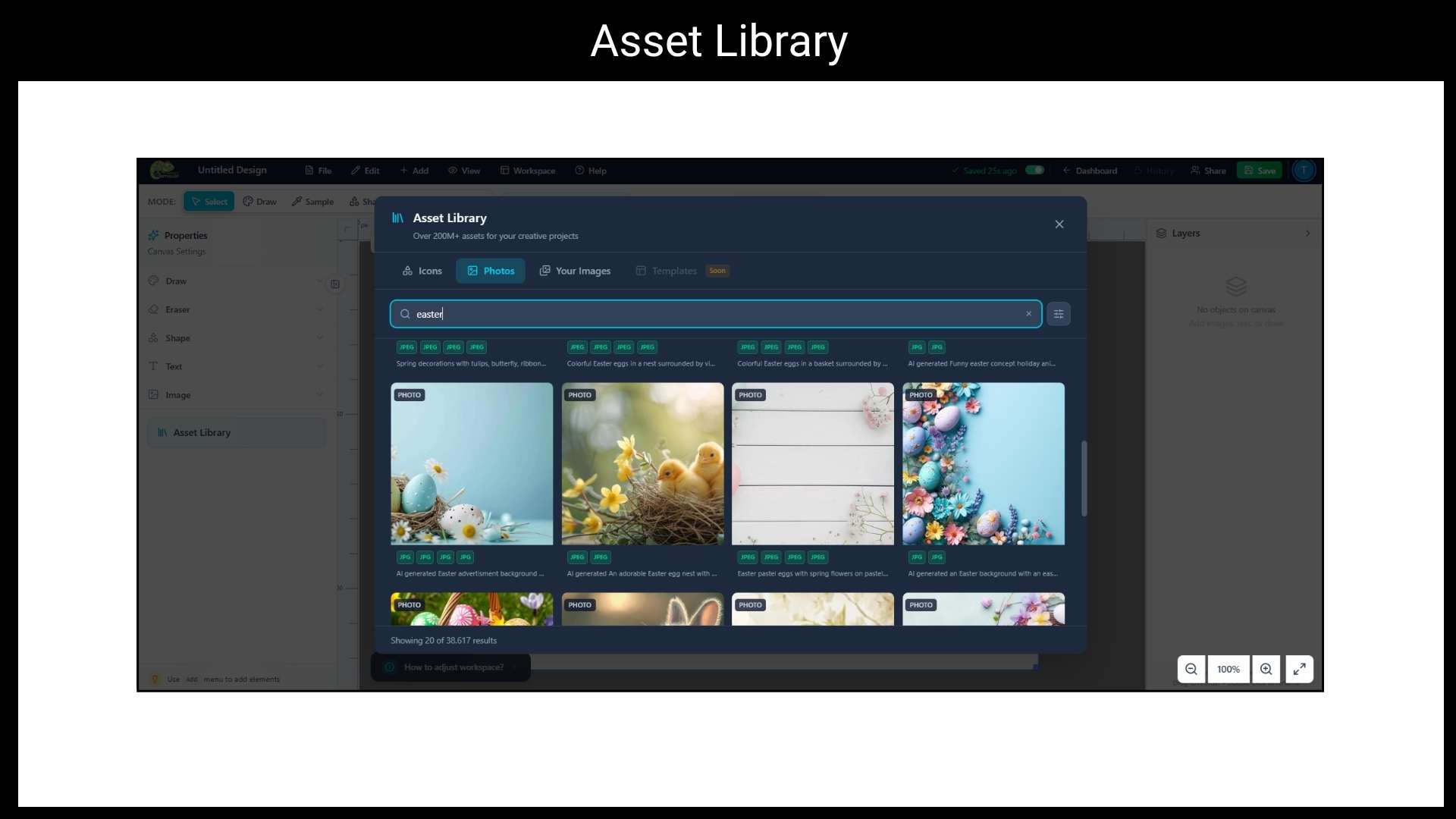
A: Yes, Designs you create in Camisual are yours to use commercially. For stock images or assets sourced from the built-in 200M+ asset library, please review the individual asset license shown at the time of use.
Q: 7. What formats can I export to?
A: You can export your designs as PNG, JPG, SVG, and PDF. High-DPI/retina-quality exports is supported for print-ready output. PNG with a transparent background is available on all plans.
Q: 8. Does Camisual support team collaboration?
A: Yes, You can invite team members to your designs, share read-only preview links with clients, leave comments for feedback, and manage all projects in shared folders. No separate file-sharing tools needed.





4 reviews for Camisual : Cloud-Based Graphic Design Tool
Glen M. –
I’m not a designer by any means but I needed to take some product photos for my Etsy shop. The background removal just… works? Honestly, like magic.
Math. T –
Been using Photoshop for years. Not a replacement of course, but for quick edits and social content? Much quicker. I really like using it.
Josh R. –
The asset library is massive. I used to spend 20 minutes searching for free icons, and now it’s just… there. A little thing but saves so much time.
JK –
Tried out a bunch of browser-based tools, most look like toys. This one actually has real layers and brushes. Tbh impressed.