Q: 1. How do I contact support?
A: You can contact support at [email protected]
Q: 2. What functionalities does BusinessHRM offer?
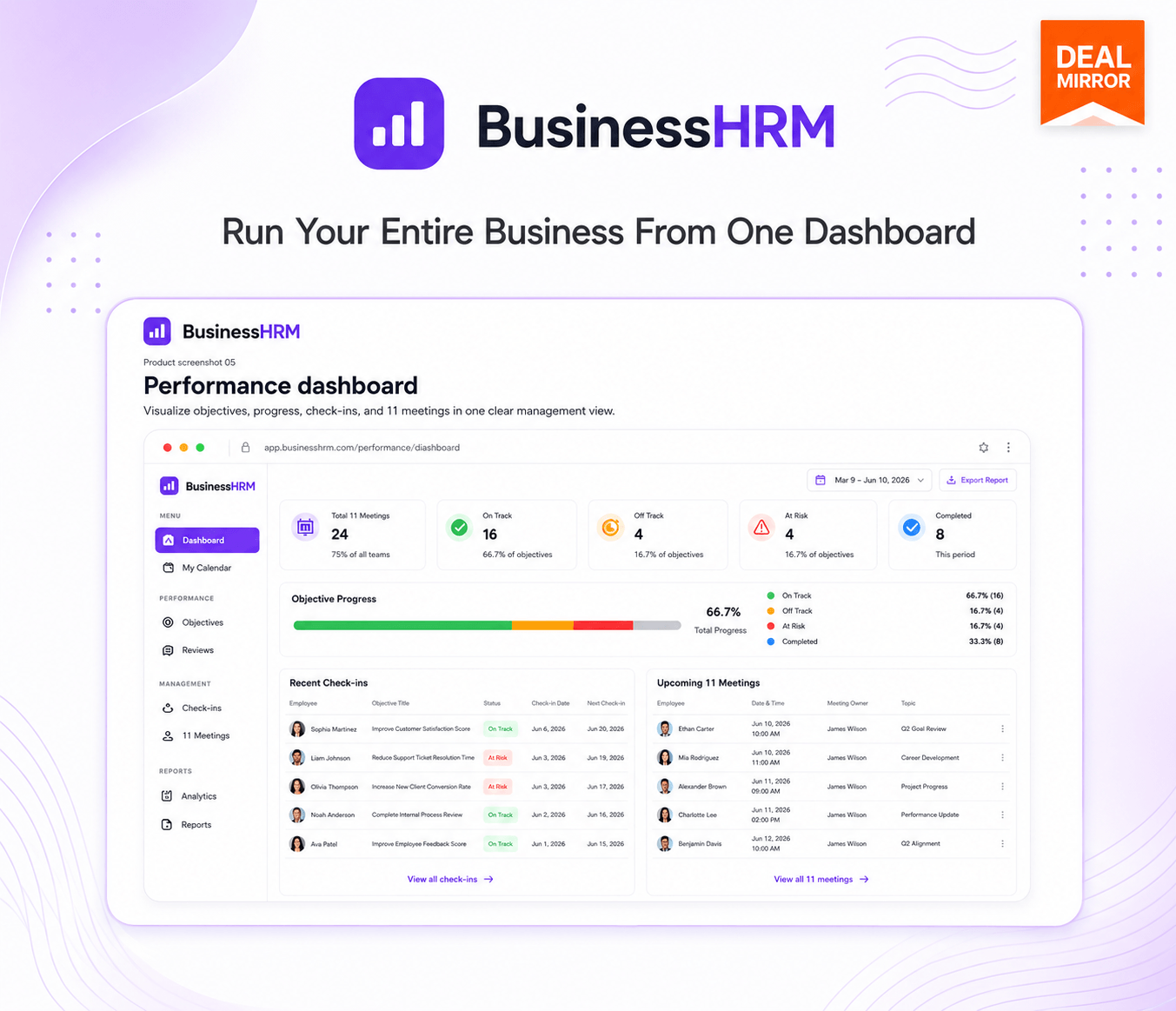
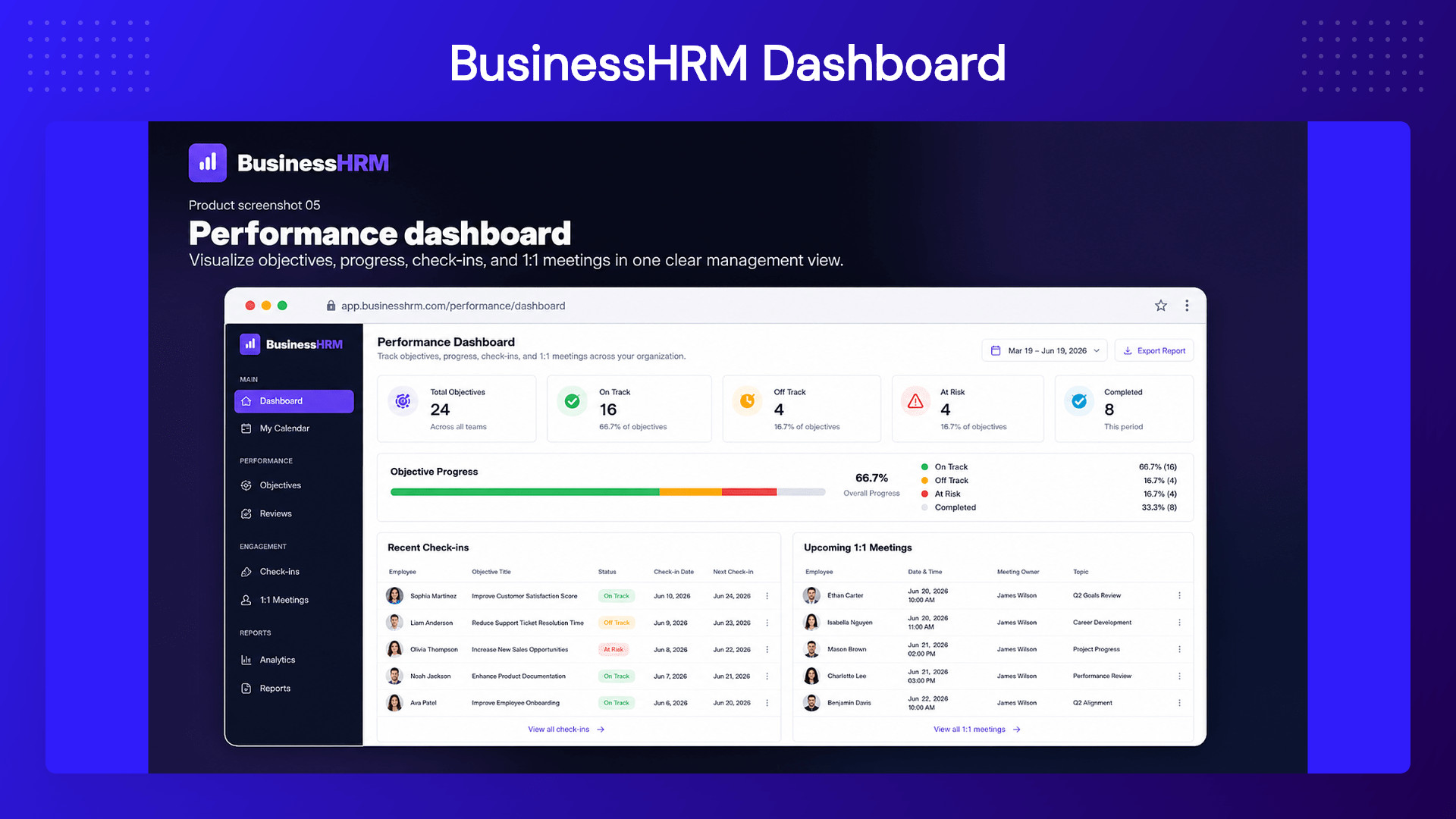
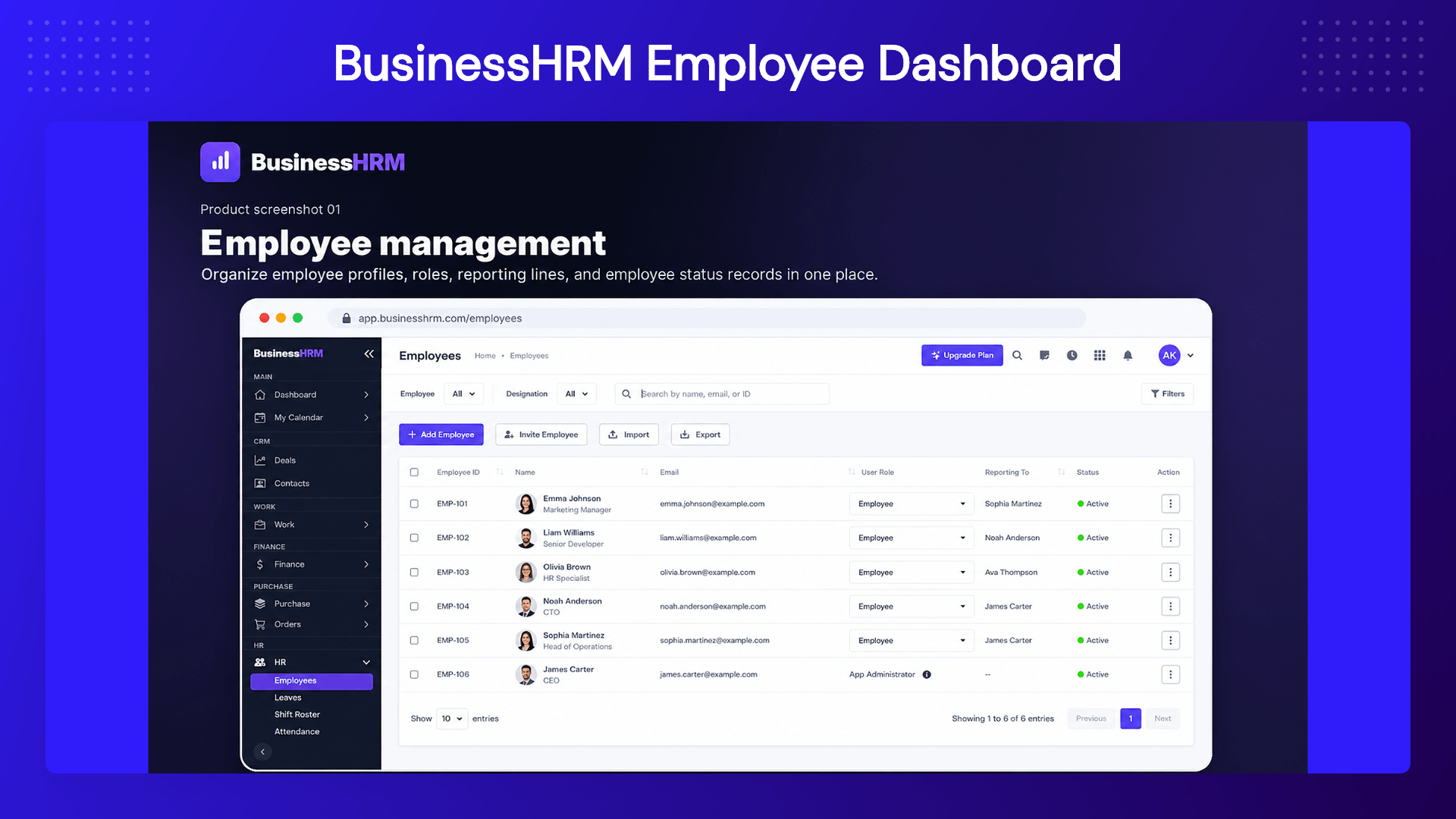
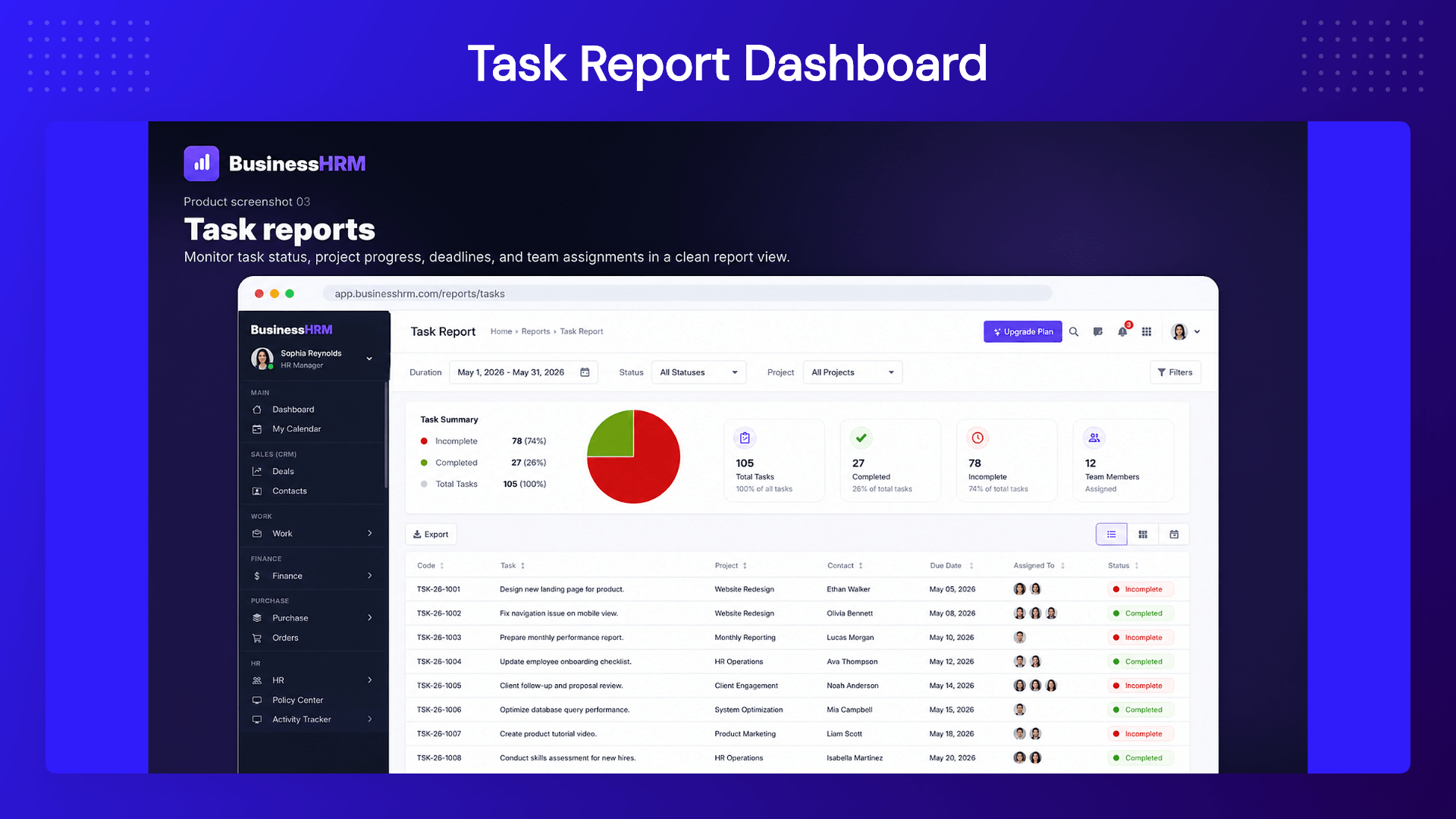
A: Business HRM offers functionalities including HR management, time tracking, project management, CRM, invoicing, and customer support all within one platform.
Q: 3. How long does it take to set up BusinessHRM?
A: BusinessHRM is designed for rapid deployment, allowing your business to go live within a single day, minimizing downtime and setup hassle.
Q: 4. Can I track employee productivity within BusinessHRM?
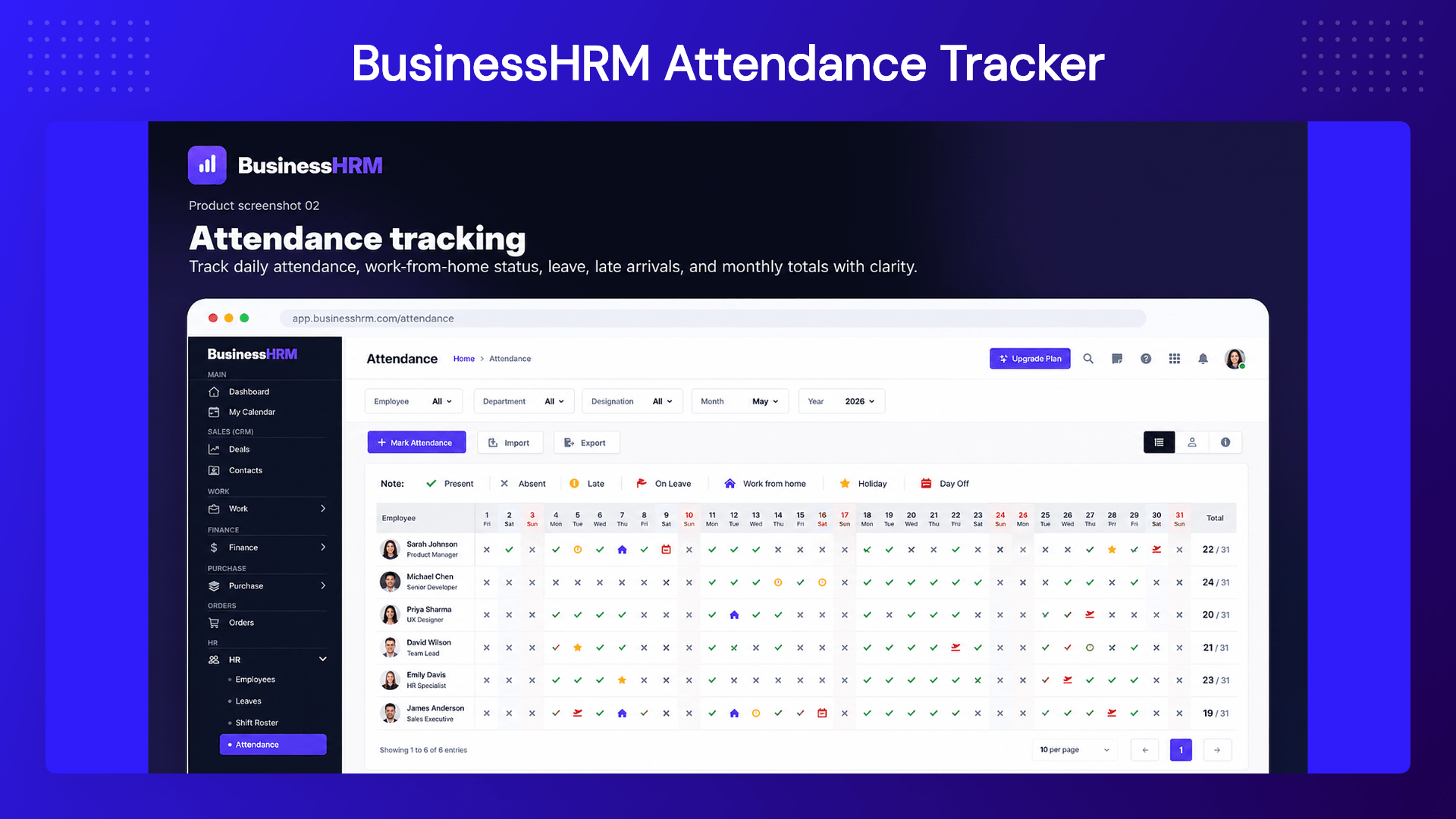
A: Yes, you can track time against tasks with optional screenshots and activity levels, offering transparent insights into employee productivity.
Q: 5. What makes BusinessHRM different from other platforms?
A: BusinessHRM integrates multiple business functionalities into one cohesive platform, reducing the need for multiple tool subscriptions and increasing operational efficiency.
Q: 6. How is BusinessHRM different from using separate tools like BambooHR, Asana, and Hubstaff?
A: Those are excellent single-purpose tools, but they don’t share data — you end up re-keying hours into payroll and copying deals into projects. BusinessHRM runs all nine functions on one database, so the same people, clients, and hours flow through every module automatically. One login, one source of truth, no integrations to maintain.
Q: 7. How does the lifetime deal and code stacking work?
A: Each code unlocks lifetime access to all nine modules. Stacking codes increases your team members and storage—redeem more codes on the same account to move up tiers. You can stack up to 5 codes. It’s a one-time payment, with all future Pro Plan updates included.
Q: 8. Can I import my data from Asana, Monday, or my current HR tool?
A: Direct imports are on our roadmap. In the meantime, our team will help you migrate your boards, tasks, and people manually so you’re not starting from scratch — just reach out via support after you redeem.
Q: 9. Is the time tracking respectful of employees?
A: Yes. Tracking is consent-based: screenshots are optional and can be blurred, idle time can be discarded, and keystroke content is never recorded. It’s built to give teams accurate hours without surveillance.
Q: 10. How long does setup take?
A: Most teams are up and running the same day. Import your people and projects, switch on the modules you need, and you’re working. Our team helps with larger migrations.
Q: 11. What counts as a team member?
A: Any active user with login access to your workspace. You can add members up to your plan’s limit, and stack more codes anytime if your team grows.
Q: 12. How is my data secured?
A: All data is encrypted in transit and at rest, with role-based access controls and audit trails so you control who sees what.




5 reviews for BusinessHRM: Manage HR, Projects, Payroll & CRM From One Platform
John D. –
Absolutely brilliant! BusinessHRM has streamlined our workflow and drastically cut down the time spent toggling between different tools. A must-have for any organization.
Lisa M. –
We’ve integrated all our departments with BusinessHRM. The learning curve was minimal, and our team loves the centralized platform. Support has been exceptional as well.
Mark R. –
BusinessHRM saved us from tool fatigue! Everything we need is now in one place, and our productivity has soared. The time tracking feature is particularly helpful.
Sara P. –
Going live was a breeze with BusinessHRM. Our HR and finance teams now collaborate seamlessly. Few glitches, but customer support was quick to resolve them.
Emily K. –
Switching to BusinessHRM has been a game changer for us. Easier project tracking and improved communication across the board. Great value for the price.