Your Cart

No products in the cart.

Shop Now
00 : 00 : 00 : 00
Day Hour Min Sec
Home » Store » Zumie: Turn Screen Recording to Stunning Zoom-In-Video With Just a Few Clicks

Zumie: Turn Screen Recording to Stunning Zoom-In-Video With Just a Few Clicks

Zumie.io: Smart online Screen Recorder With Automatic Zoom & Easy Editing for Mac and Windows

TL;DR

Zumie.io Lifetime Deal

Have you ever wanted to make a cool screen video to show your friends how to do something, or for a school project? Maybe you tried, but the video was hard to see or looked a bit boring.

What if you could make your videos look amazing without learning complicated editing?

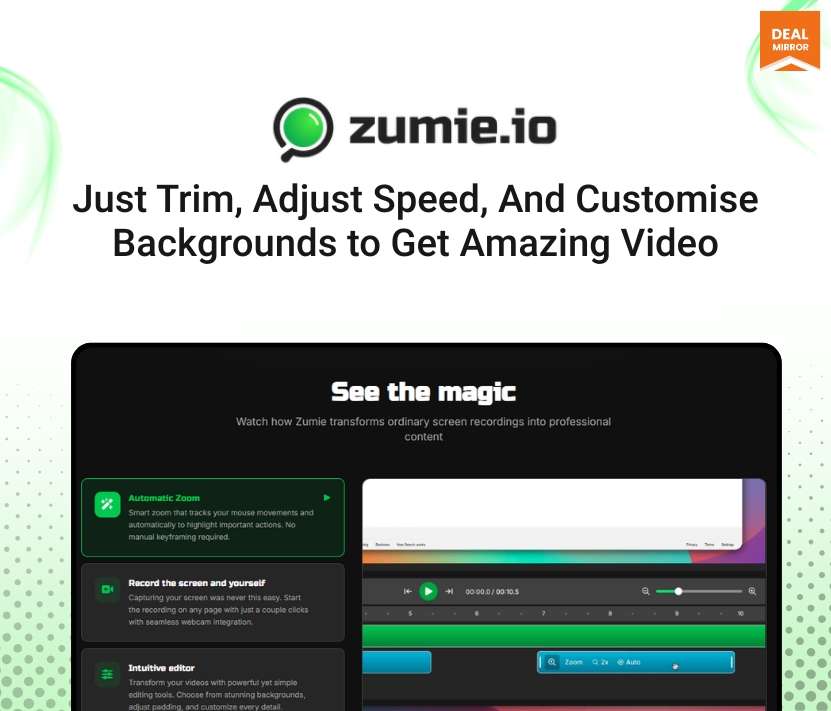
Meet Zumie.io screen recorder. It’s a super simple tool that makes your screen recordings look professional. The magic happens with automatic zoom. 

It follows your mouse around to make sure everyone can see the essential parts, all by itself.

Just click record, and Zumie captures your screen. After you finish, you can quickly edit with fun backgrounds and even add highlights for your clicks to give your video a personalised touch. It’s that easy. In just a few minutes, you can create a video you’ll be proud to share.

Intro Video

Zumie.io is the best screen recording software. It lets you record your screen and turn it into a zoom-in video that highlights every detail. You can adjust speed and edit the background to give it a personalised touch.

Overview Images

Screen recorder with audio

Key Features

  • Automatic and Manual Zoom: Smart zoom keeps your content clear and engaging, or take control when you need precision.
  • Keep the Cursor in View: Smoothly follows your mouse so viewers always know what’s happening.
  • Record Screen, Webcam, and Voice: Capture everything you need in one recording.
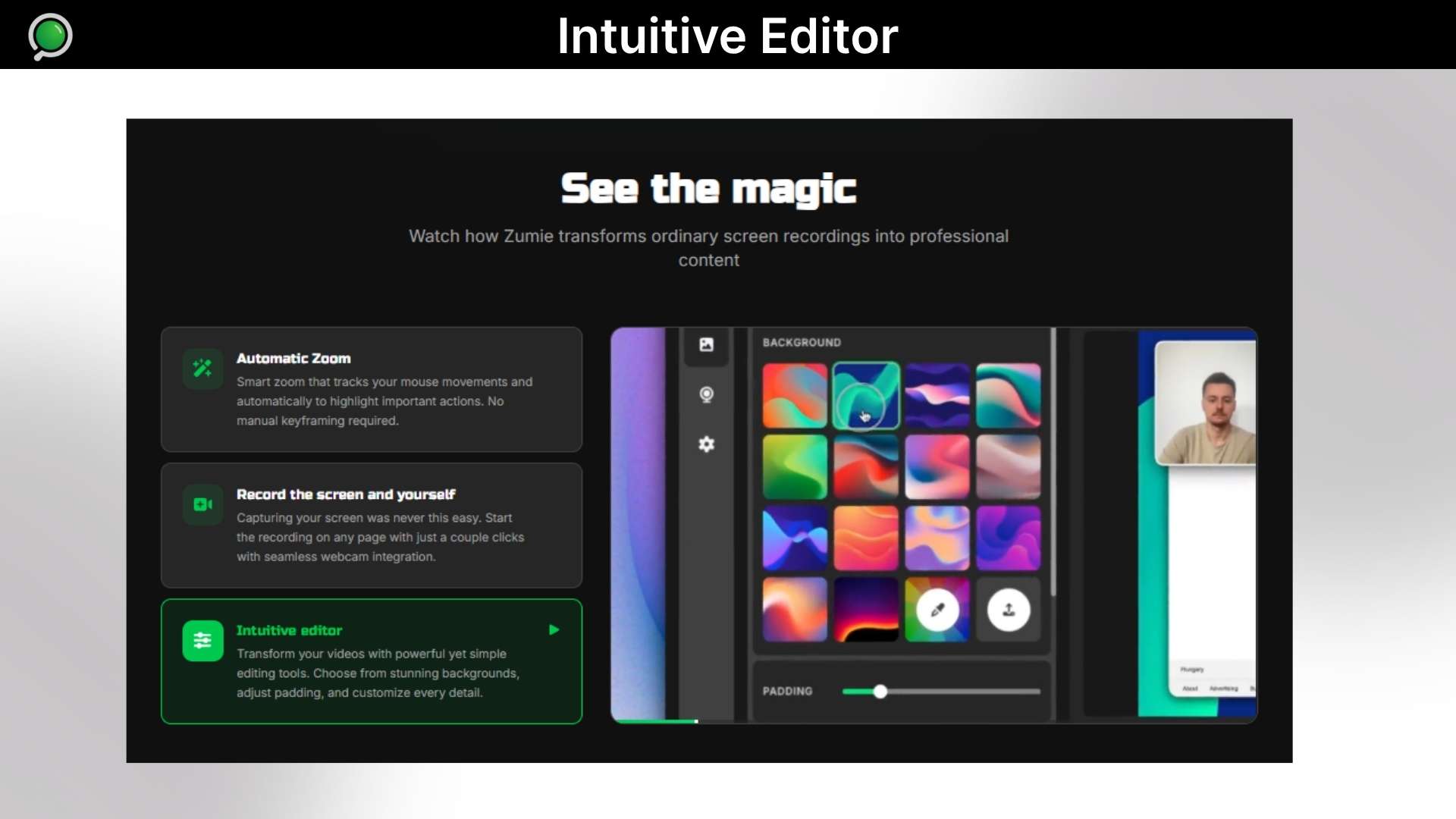
  • Customizable Style: Add gradient backgrounds, padding, and webcam frames for a professional look.
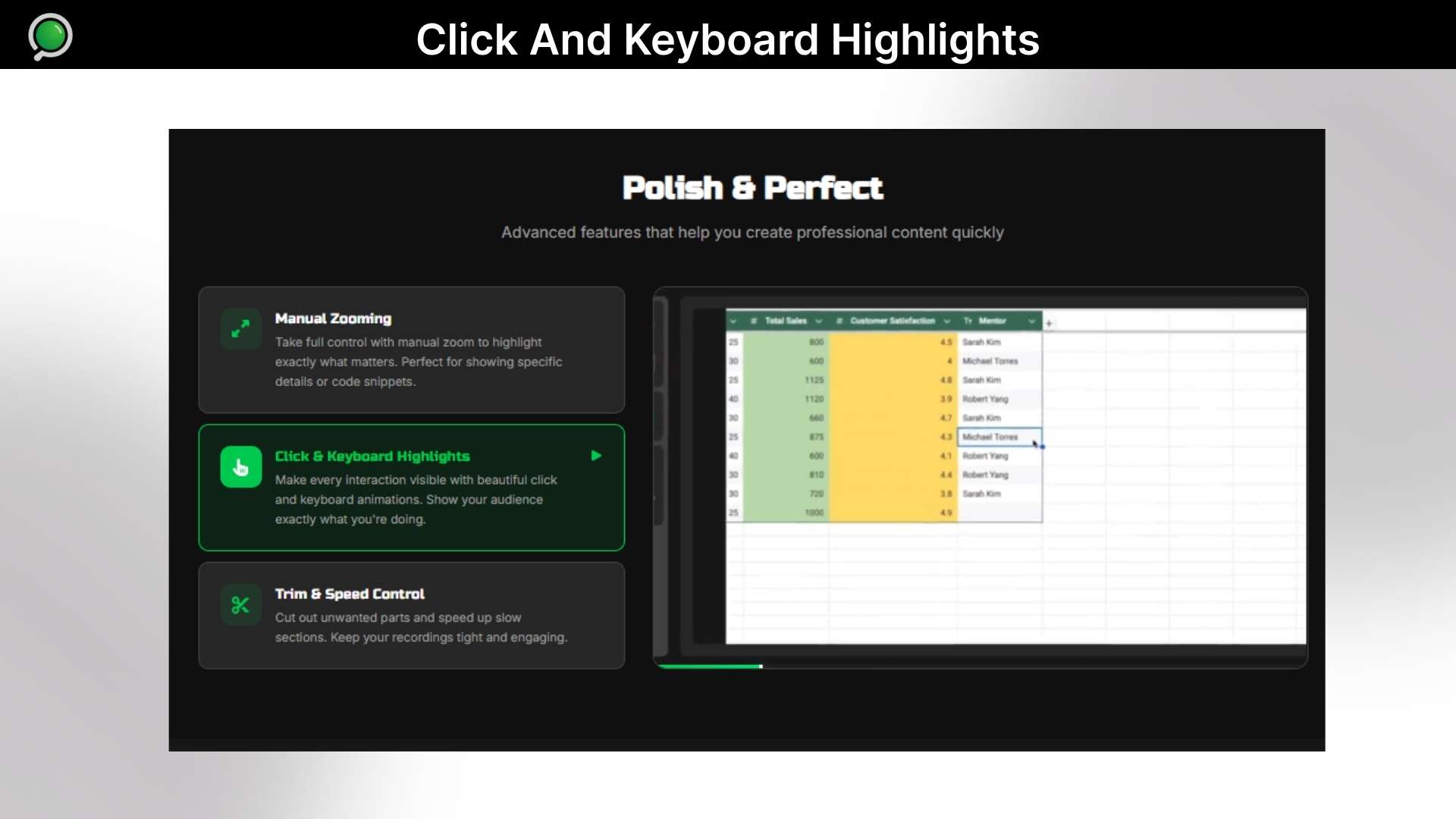
  • Click and Keyboard Highlights: Show clicks and key presses for better tutorials.
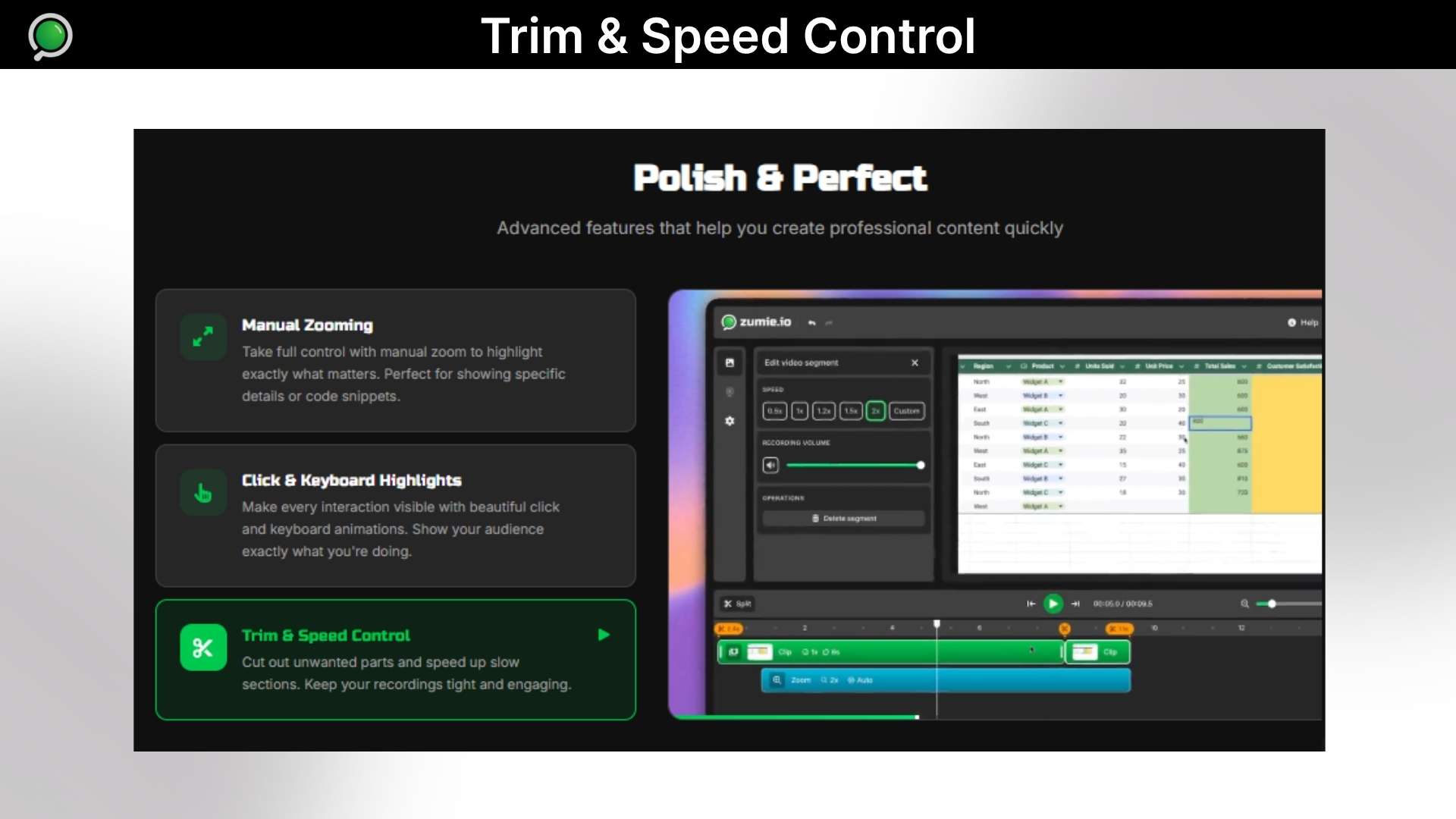
  • Built-in Editing Tools: Trim, cut, or speed up your video without leaving Zumie.

Best screen recording software

Use Cases:

  • Product demos: Clean, zoom-focused recordings for landing pages or updates.
  • Tutorials & guides: Great for educators, creators, and YouTubers.
  • UX/UI walkthroughs: Showcase flows and prototypes clearly.
  • Customer support: Quick, easy-to-follow explanation videos.
  • Social media content: Short, polished screen clips for X, TikTok, LinkedIn, etc.
  • Team communication: Clear internal walkthroughs and updates.
  • Training materials: Professional recordings without editing.

Screen recording software

Product Roadmap (2025):

https://trello.com/b/HC1XUxP5/ 

Deal Terms

  • Length of access: Lifetime Access
  • Redeem your code within 60 days of purchase
  • 30-Days Money-Back Guarantee (For Non-Prime Members and Regular users)
  • 60-Day Money-Back Guarantee (For DealMirror Prime Members Only)

Intro Video

Roadmap & Use Cases:

Discount code auto-applied at checkout.

Zumie: Turn Screen Recording to Stunning Zoom-In-Video With Just a Few Clicks

One-time payment. Lifetime access.

What you get in this deal

Unlimited exports
Full feature set
Project history
HD export

$39.00/$59.00 34% Saving

Select Plan Check Plan Details


30 Days Money-back Guarantee

Day
Hrs
Min
Sec

TL;DR

Zumie.io Lifetime Deal

Have you ever wanted to make a cool screen video to show your friends how to do something, or for a school project? Maybe you tried, but the video was hard to see or looked a bit boring.

What if you could make your videos look amazing without learning complicated editing?

Meet Zumie.io screen recorder. It’s a super simple tool that makes your screen recordings look professional. The magic happens with automatic zoom. 

It follows your mouse around to make sure everyone can see the essential parts, all by itself.

Just click record, and Zumie captures your screen. After you finish, you can quickly edit with fun backgrounds and even add highlights for your clicks to give your video a personalised touch. It’s that easy. In just a few minutes, you can create a video you’ll be proud to share.

Intro Video

Zumie.io is the best screen recording software. It lets you record your screen and turn it into a zoom-in video that highlights every detail. You can adjust speed and edit the background to give it a personalised touch.

Overview Images

Screen recorder with audio

Key Features

  • Automatic and Manual Zoom: Smart zoom keeps your content clear and engaging, or take control when you need precision.
  • Keep the Cursor in View: Smoothly follows your mouse so viewers always know what’s happening.
  • Record Screen, Webcam, and Voice: Capture everything you need in one recording.
  • Customizable Style: Add gradient backgrounds, padding, and webcam frames for a professional look.
  • Click and Keyboard Highlights: Show clicks and key presses for better tutorials.
  • Built-in Editing Tools: Trim, cut, or speed up your video without leaving Zumie.

Best screen recording software

Use Cases:

  • Product demos: Clean, zoom-focused recordings for landing pages or updates.
  • Tutorials & guides: Great for educators, creators, and YouTubers.
  • UX/UI walkthroughs: Showcase flows and prototypes clearly.
  • Customer support: Quick, easy-to-follow explanation videos.
  • Social media content: Short, polished screen clips for X, TikTok, LinkedIn, etc.
  • Team communication: Clear internal walkthroughs and updates.
  • Training materials: Professional recordings without editing.

Screen recording software

Product Roadmap (2025):

https://trello.com/b/HC1XUxP5/ 

Deal Terms

  • Length of access: Lifetime Access
  • Redeem your code within 60 days of purchase
  • 30-Days Money-Back Guarantee (For Non-Prime Members and Regular users)
  • 60-Day Money-Back Guarantee (For DealMirror Prime Members Only)

Pricing

Pro

One-time payment. Lifetime access.

$39.00$59.00


Unlimited exports
Full feature set
Project history
HD export
No watermark
Priority support

From The Founders

Zumie Logo

Daniel

Founder

Hi, I’m Daniel — the creator of Zumie.

I built Zumie because screen recording tools were either too basic or too time-consuming to edit. I wanted something simple that still produced polished, professional-looking videos. That’s why Zumie focuses on automatic zooming, smooth cursor tracking, and clean visuals – all inside a lightweight Chrome extension.

I’m committed to improving Zumie continuously and delivering real value to creators, teams, and anyone who wants better screen recordings with less effort.

FAQ's

Q 1: How do I contact support?
You can contact support at [email protected]

Q 2: How does the automatic zoom work?
Zumie uses intelligent tracking algorithms to follow your mouse movements and automatically zoom to highlight important areas. It analyses your screen activity in real-time to create smooth, professional zoom transitions without any manual keyframing.

Q 3: Can I edit the video after recording?
Absolutely! The editor opens automatically after recording with smart zoom already applied. You can fine-tune zoom levels, timing, and positions, or even remove automatic zoom entirely if you prefer manual control.

Q 4: Does it work on all websites and applications?
Yes! Zumie can record any content visible on your screen, including websites, desktop applications, and more. It works as a Chrome extension but can capture your entire screen or specific windows.

Q 5: Do I need video editing skills to use Zumie.io?
No. Zumie.io automatically applies zoom, smooth transitions, highlights, and clean visuals. You can customize the video using simple editing tools like trim, speed adjustment, background styles, and frame settings.

Q 6: Where are the recordings stored?
All recordings are stored locally on your device, giving you full control over your content. We do not upload anything to our servers.

Reviews

2 reviews for Zumie: Turn Screen Recording to Stunning Zoom-In-Video With Just a Few Clicks

  1. Rated 5 out of 5

    Jigar Dhulla

    “Love this! Just gave it a try and it works as expected!”

  2. Rated 5 out of 5

    Chris Hicken

    “This looks super clean, Zumie really focuses on fixing all those little UX annoyances that most recording tools still have.”

Add a review
Dealmirror