Home » Store » TurboStyle: A Chrome Extension That Lets You Edit & Style Any Webpage In Clicks
TurboStyle: A Chrome Extension That Lets You Edit & Style Any Webpage In Clicks
TL;DR
Customize a webpage by editing its text and media in seconds
Apply instant style presets, and export your design in CSS
Best for E-Commerce Owners, Retailers, SaaS founders, and more
Alternative to SuperDev Pro, CSS Pro, etc
TurboStyle Lifetime Deal
A webpage says a lot about your product; it can make or break your website’s traffic. Many websites attract users purely through strong visuals, but editing a webpage the way you want often requires multiple tools, long workflows, and an entire team to work together.
Well, not anymore!
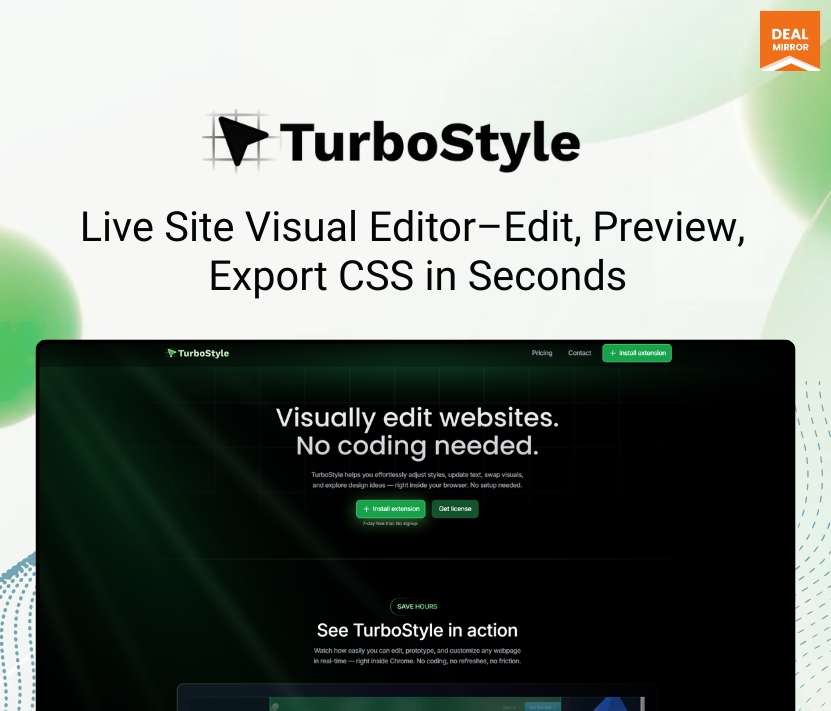
Introducing TurboStyle, a live visual website editor. A simple, powerful Webpage Editor Chrome extension that lets you design or modify any landing page, even one you’re using as inspiration.
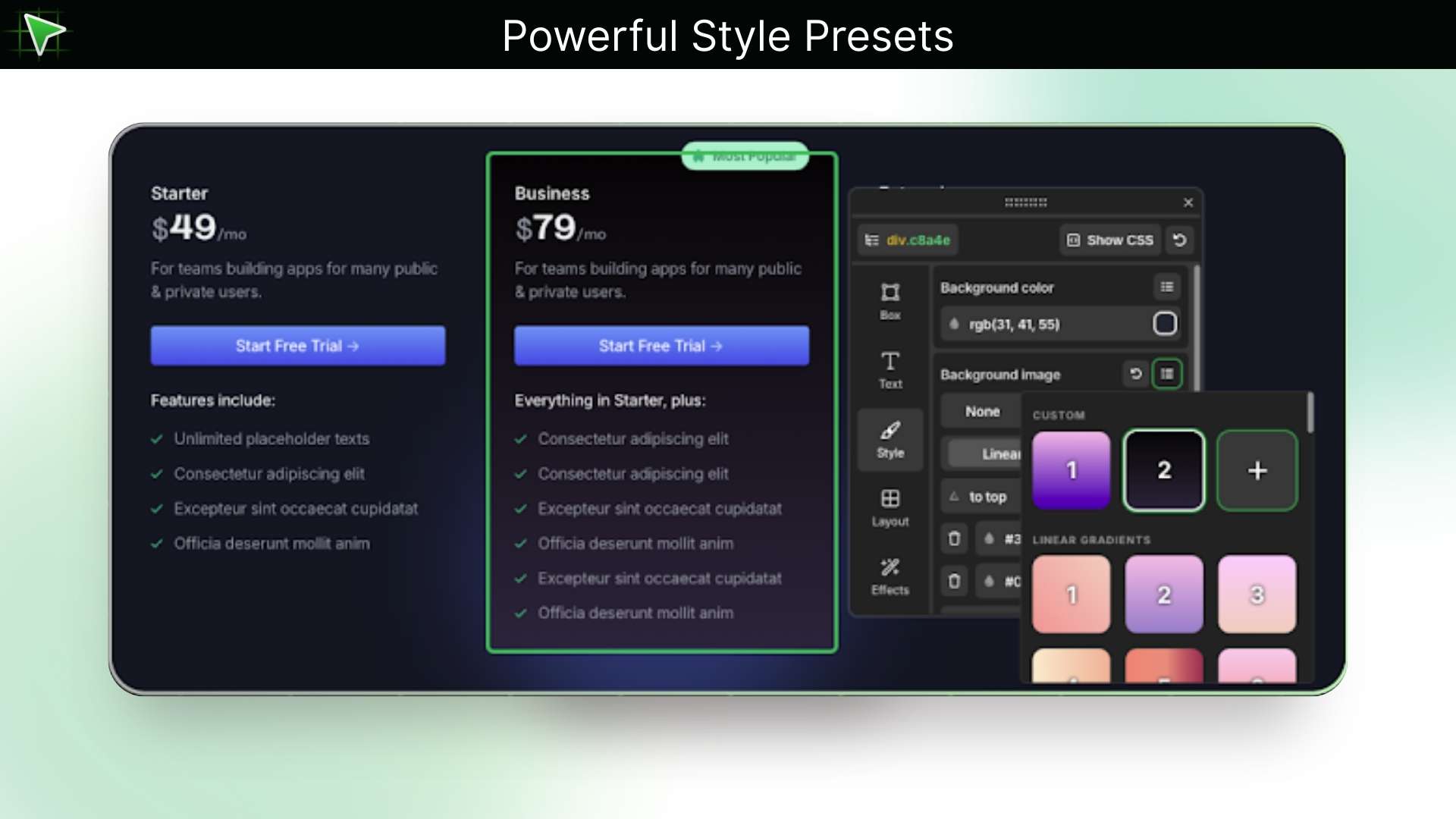
The extension installs in seconds and works smoothly. Simply change text, swap images, and replace videos, or create your own presets, or choose from our curated list of colors, backgrounds, shadows, animations, and more.
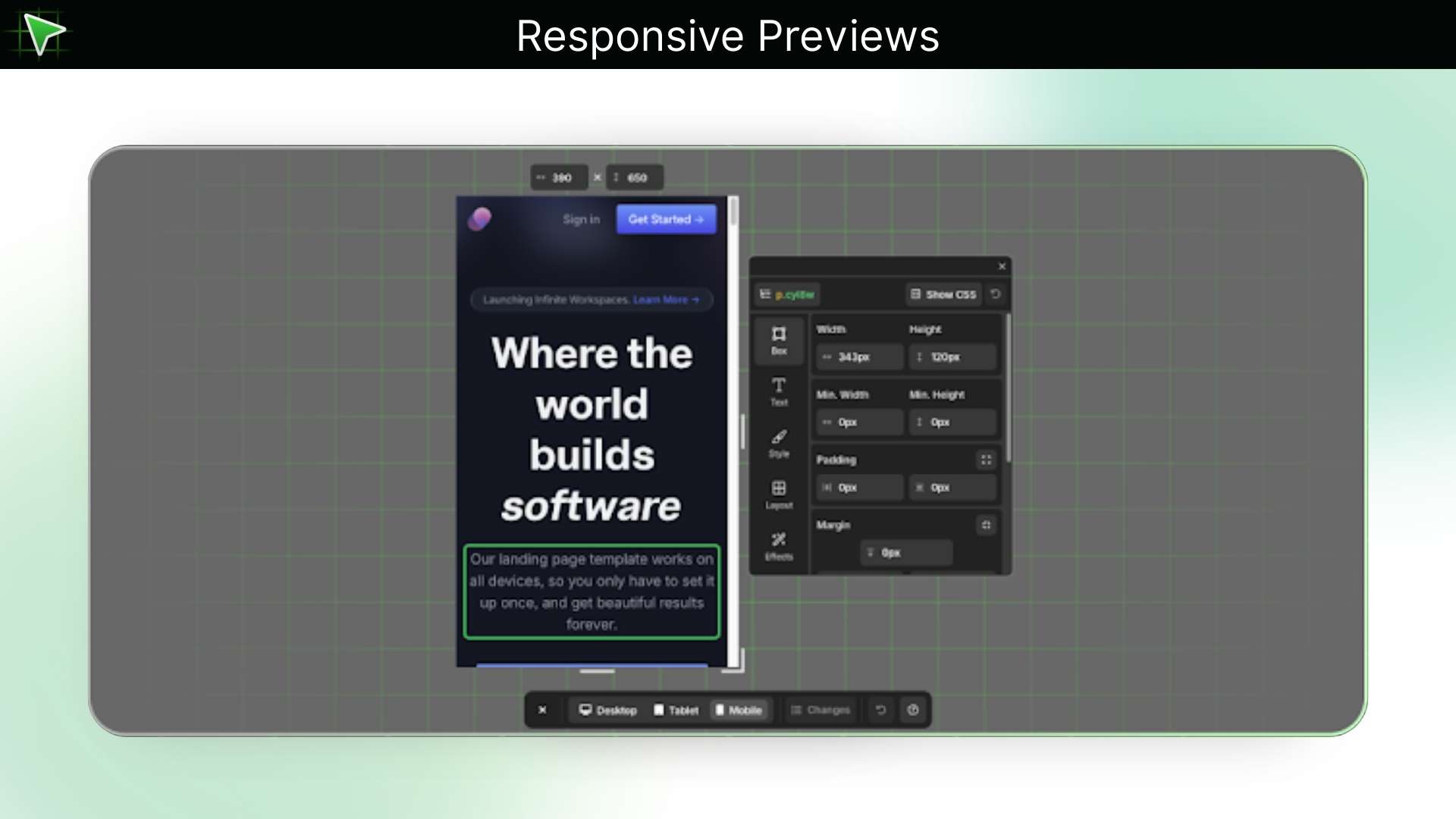
With TurboStyle, you can quickly switch between mobile, tablet, desktop, or custom screen sizes to preview changes seamlessly and instantly compare your changes with the original page for precise design control. Export all your changes in clean, ready-to-use CSS in seconds.
Demo Video
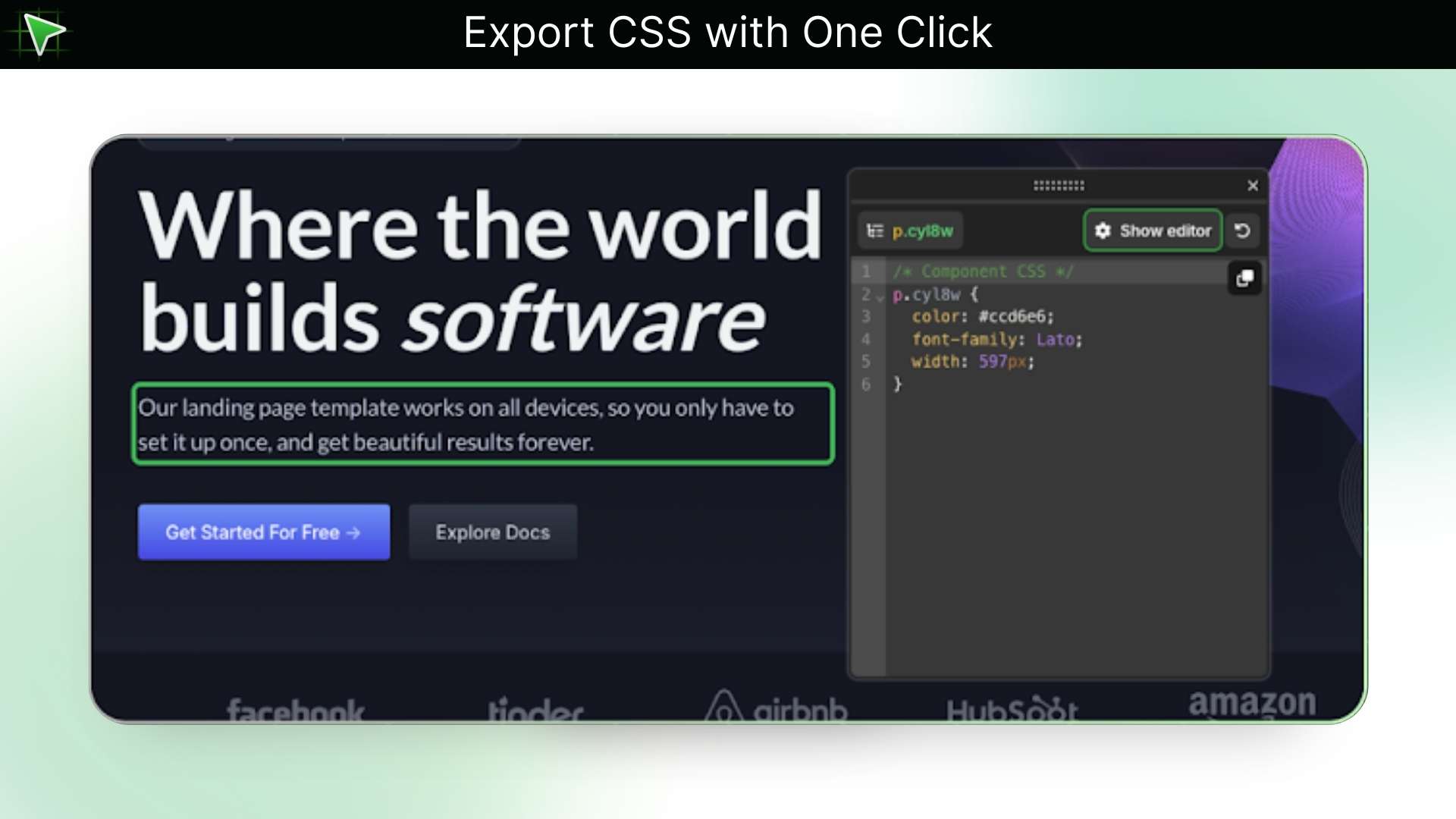
TurboStyle is a simple, easy Chrome extension that lets you visually edit any webpage. You can edit text and media, choose from our lists of colors, backgrounds, and more, and customize it to match your style. You can also export all in CSS with just a click.
Key Features
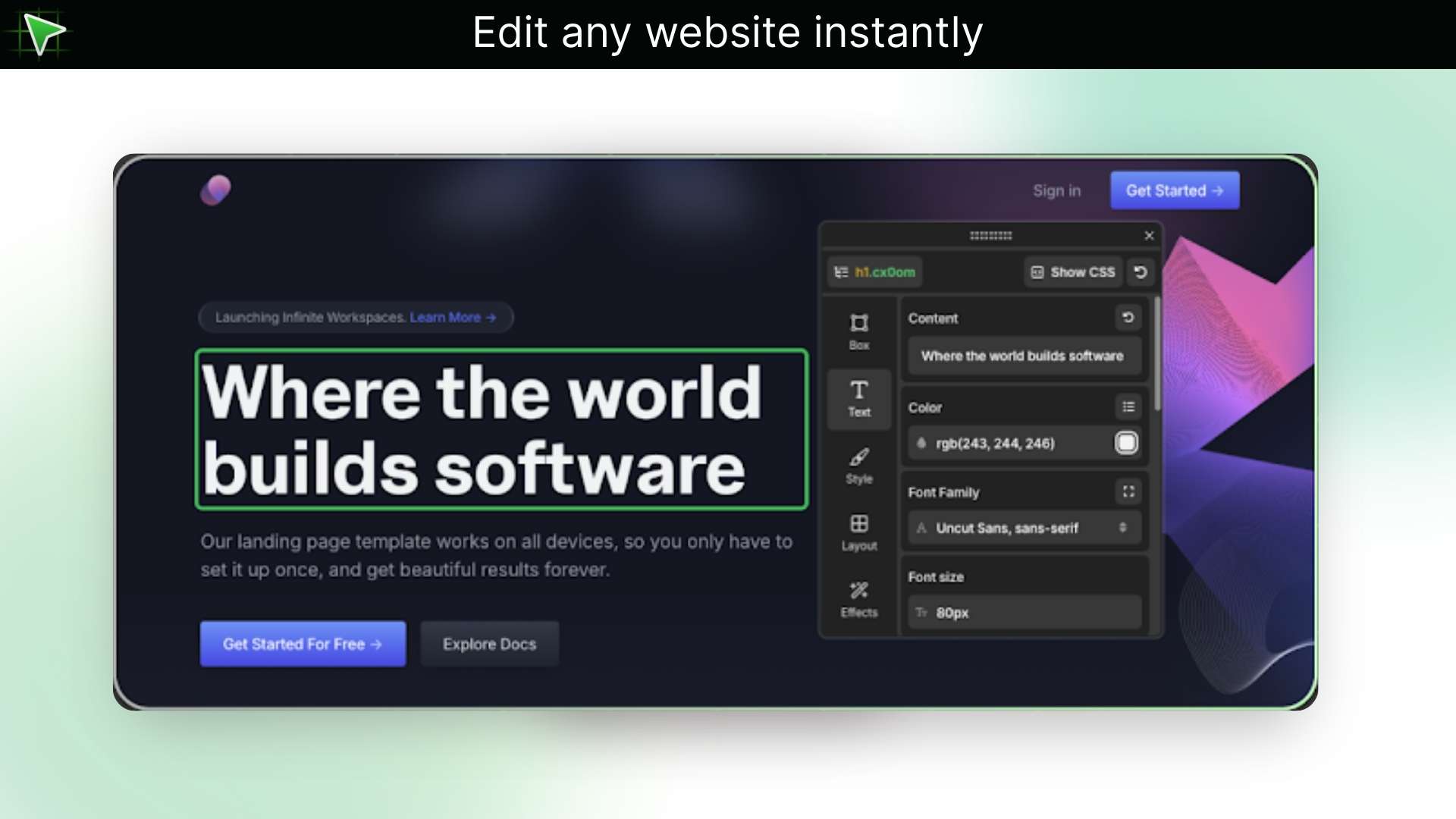
Visual Right-Click Editor: Click anything on a page and edit it like a document; change text, swap images, or tweak styles directly where you see them.
Live Responsive Preview: Switch between desktop, tablet, and mobile views with a single click and see your changes in real time.
Export Clean, Ready-To-Use CSS: When your design is final, export it in CSS so your changes are delivered in neat, organised, and ready-to-paste code for your site.
Quick Content Edits (Text and Images): Edit headlines, correct copy, or replace images right on the page, perfect for last-minute changes during reviews or demos.
Use Cases
SaaS/Product: Swap a headline or screenshot on your landing page to test which version converts better, without waiting on engineering.
E-commerce: Change a hero image or price badge for a sale and preview it on mobile so your promo looks right everywhere.
Design agency: Mock a client’s homepage live during a call so they can see the idea on their actual site and sign off faster.
Marketing/Growth: Try different CTA text and layouts on the fly to find what gets more clicks for your campaign.
Publisher/Blog: Fix spacing, image alignment, or headline styles in an article quickly when an editor spots a problem.
Customize a webpage by editing its text and media in seconds
Apply instant style presets, and export your design in CSS
Best for E-Commerce Owners, Retailers, SaaS founders, and more
Alternative to SuperDev Pro, CSS Pro, etc
TurboStyle Lifetime Deal
A webpage says a lot about your product; it can make or break your website’s traffic. Many websites attract users purely through strong visuals, but editing a webpage the way you want often requires multiple tools, long workflows, and an entire team to work together.
Well, not anymore!
Introducing TurboStyle, a live visual website editor. A simple, powerful Webpage Editor Chrome extension that lets you design or modify any landing page, even one you’re using as inspiration.
The extension installs in seconds and works smoothly. Simply change text, swap images, and replace videos, or create your own presets, or choose from our curated list of colors, backgrounds, shadows, animations, and more.
With TurboStyle, you can quickly switch between mobile, tablet, desktop, or custom screen sizes to preview changes seamlessly and instantly compare your changes with the original page for precise design control. Export all your changes in clean, ready-to-use CSS in seconds.
Demo Video
TurboStyle is a simple, easy Chrome extension that lets you visually edit any webpage. You can edit text and media, choose from our lists of colors, backgrounds, and more, and customize it to match your style. You can also export all in CSS with just a click.
Key Features
Visual Right-Click Editor: Click anything on a page and edit it like a document; change text, swap images, or tweak styles directly where you see them.
Live Responsive Preview: Switch between desktop, tablet, and mobile views with a single click and see your changes in real time.
Export Clean, Ready-To-Use CSS: When your design is final, export it in CSS so your changes are delivered in neat, organised, and ready-to-paste code for your site.
Quick Content Edits (Text and Images): Edit headlines, correct copy, or replace images right on the page, perfect for last-minute changes during reviews or demos.
Use Cases
SaaS/Product: Swap a headline or screenshot on your landing page to test which version converts better, without waiting on engineering.
E-commerce: Change a hero image or price badge for a sale and preview it on mobile so your promo looks right everywhere.
Design agency: Mock a client’s homepage live during a call so they can see the idea on their actual site and sign off faster.
Marketing/Growth: Try different CTA text and layouts on the fly to find what gets more clicks for your campaign.
Publisher/Blog: Fix spacing, image alignment, or headline styles in an article quickly when an editor spots a problem.
Q 1: How do I contact support?
– You can contact support at [email protected]
Q 2: Do I need to know coding to use TurboStyle?
– No, TurboStyle is fully visual—no coding required.
Q 3: Is TurboStyle a Chrome extension?
– Yes, TurboStyle installs directly into Chrome in seconds. Also, all other Chromium-based browsers are supported, like Opera, Brave, Arc, Edge, and so on.
Q 4: How many devices can I use it on?
– One license covers 3 devices.
Reviews
2 reviews for TurboStyle: A Chrome Extension That Lets You Edit & Style Any Webpage In Clicks
Rated 5 out of 5
Ajitesh –
The UI is super sleek—the before/after toggle and device-switch buttons make experimentation feel effortless and fun.
Rated 5 out of 5
Qi Jin –
As a designer who isn’t deeply familiar with frontend code, I find it to be an incredibly valuable tool.





2 reviews for TurboStyle: A Chrome Extension That Lets You Edit & Style Any Webpage In Clicks
Ajitesh –
The UI is super sleek—the before/after toggle and device-switch buttons make experimentation feel effortless and fun.
Qi Jin –
As a designer who isn’t deeply familiar with frontend code, I find it to be an incredibly valuable tool.