1. How do I contact support?
-You can reach out to our support team at [email protected]
2. So what is Speech to Note?
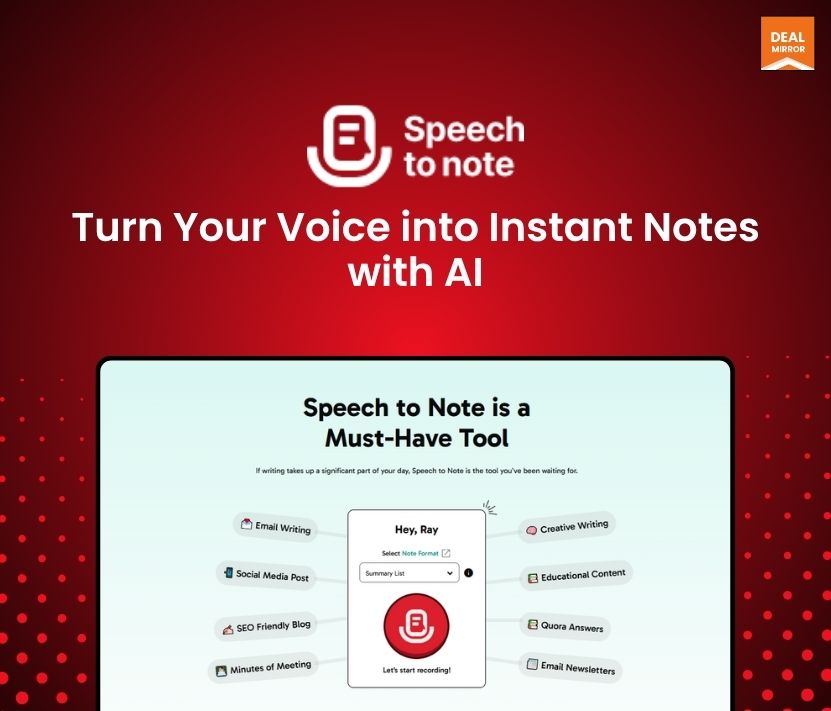
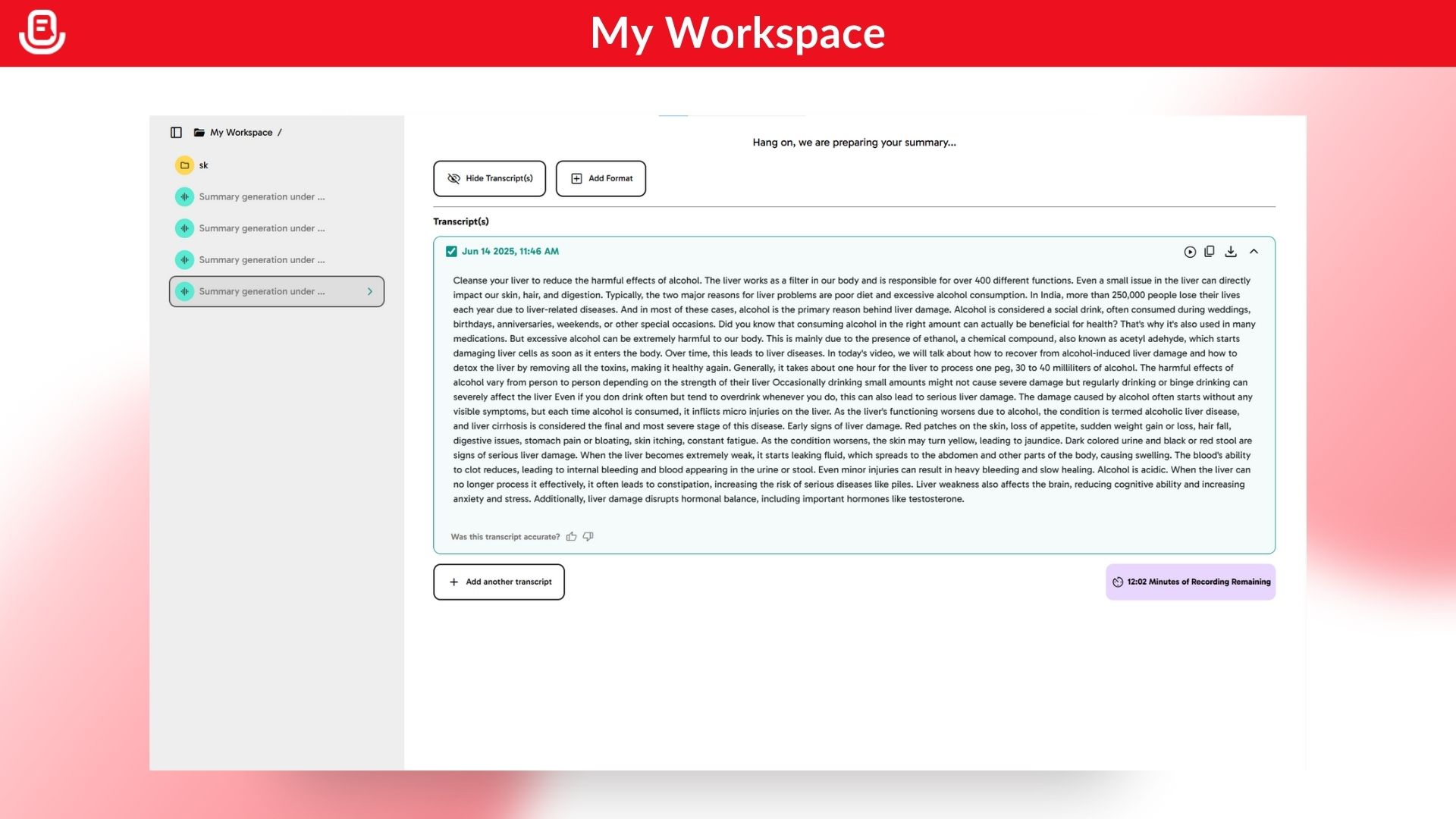
-Speech to Note is a voice-first note-taking application that converts your spoken words into text notes. It allows you to capture ideas, observations, and meeting notes on the go.
3. How is it different from ChatGPT?
-While ChatGPT is a conversational AI chatbot, Speech to Note specializes in converting your speech to text and giving you tools to organize, format, and share notes. It also uses large language models (LLMs) to help refine and enhance your notes if you want.
4. What all languages does Speech to Note support?
-Speech to Note supports over 50 languages, including English, Hindi, Spanish, French, German, Mandarin, and many others. You can record notes in your preferred language.
5. How many formats does Speech to Note support?
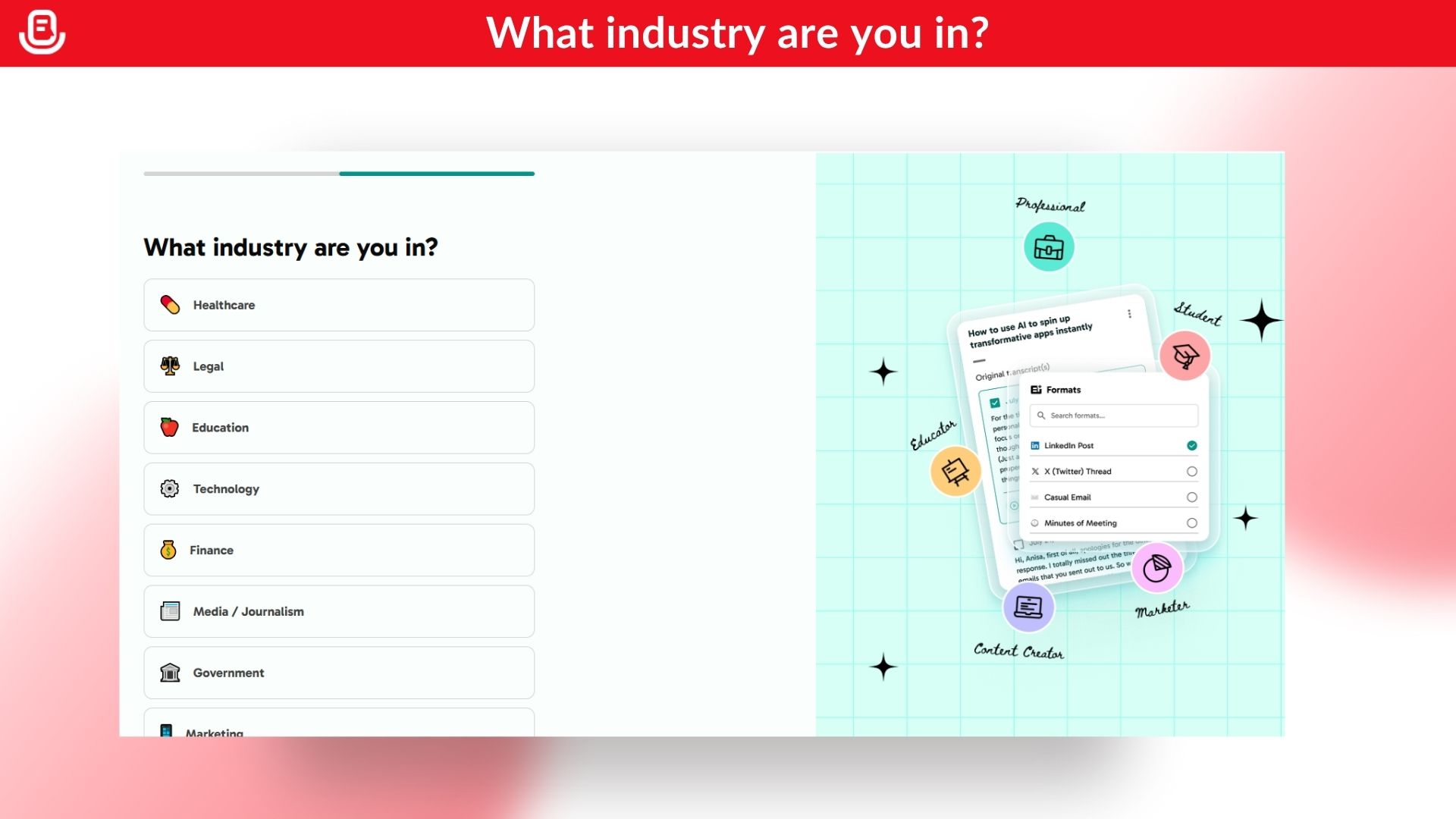
-Speech to Note supports multiple formats for your notes—like meeting summaries, to-do lists, story drafts, and more. These formats help you quickly turn your speech into structured, actionable notes.
6. What language models does Speech to Note support?
-We use advanced large language models like GPT-4o, Claude Haiku 3.5, and Meta Llama 3.3 70b Versatile to help enhance and refine your notes. Paid users can pick and choose which model to use for their notes.
7. Can I share my documents?
-Yes! You can share notes via public URLs. In future updates, you’ll be able to share directly with specific users via email.
8. Is there a team plan available?
-Currently, we don’t offer a team plan, but we’re exploring ways to introduce this for organizations in the future.
9. What software is Speech to Note a good alternative for?
-Speech to Note can be an alternative to tools like Otter.ai, Google Recorder, or Apple’s native voice notes apps.
10. What software can you accompany Speech to Note with?
-Speech to Note works well alongside project management tools like Notion, Trello, or Google Docs for organizing your captured notes.
11. What are the use cases for using Speech to Note?
-You can use it for:
- Recording meeting summaries
- Brainstorming ideas
- Creating to-do lists
- Journaling
- Recording lectures or class notes
- Personal reflection and audio diaries
12 What are the recent features?
-Some of the latest updates include:
- “Format on the Go”
- More sharing options
- Audio storage expiration indicators
- Enhanced transcript editing and highlighting
13. What are the top five features of Speech to Note?
- Record up to 60-minute notes (Pro+)
- “Format on the Go” for tailored note templates
- Multilingual transcription
- AI-powered note enhancement
- Public sharing via URLs
14. How accurately can I transcribe my voice?
-Accuracy depends on clarity of speech and background noise, but Speech to Note generally delivers high-quality transcripts with minimal errors.
15. Can I record notes offline?
-Yes, offline recording is available on the native apps of Android, iOS, and iPadOS. However, transcription requires an internet connection.
16. How can I organize my notes in Speech to Note?
-You can organize notes by creating folders and adding tags to easily search and categorize them.
17. What is custom formats?
-Custom formats allow all users to create their own formats for their unique purposes. These formats are not available or predefined on the platform, giving users the flexibility to tailor notes to their specific needs. This feature is only available to Pro+ users.
18. What is “Format on the Go”?
-“Format on the Go” is an extension of custom formats. It allows you to experiment with creating your own custom formats freely, using your voice to describe exactly what you want from your transcripts. Speech to Note then generates a detailed format on the fly and provides you with the formatted output instantly.
19. Do you have a mobile app?
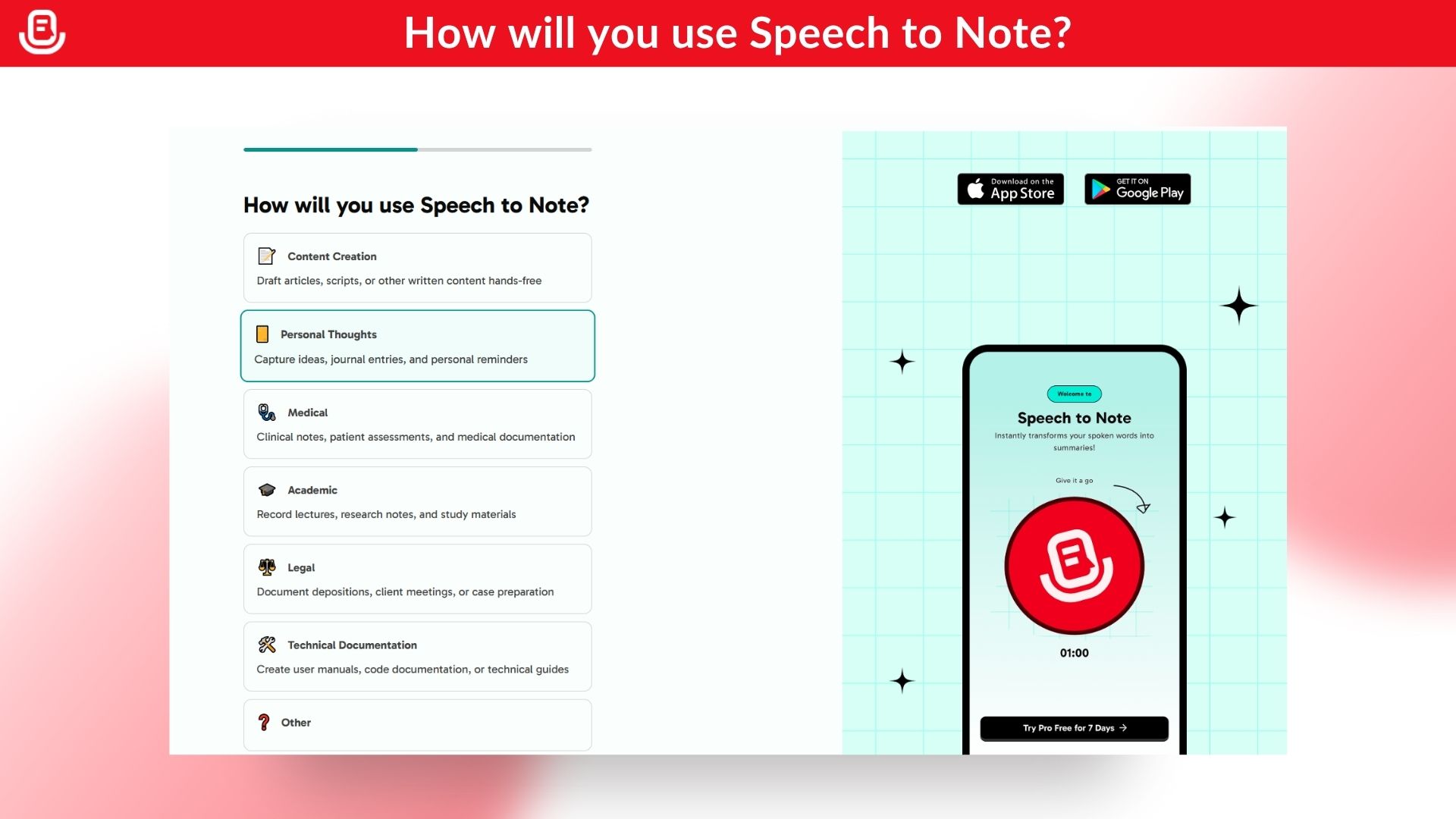
-Yes! Speech to Note has a mobile app for both Android and iOS devices.
20. Is Speech to Note available for Android?
-Yes, it’s available on the Google Play Store.
21. Is Speech to Note available for iOS?
-Yes, you can download it from the App Store for iPhones.
22. Is Speech to Note available for iPad?
-Yes, it’s fully compatible with iPads through the App Store.








Reviews
There are no reviews yet.