1. How do I contact support?
– You can contact support at- [email protected]
2. What core functions does SEODoC.io provide?
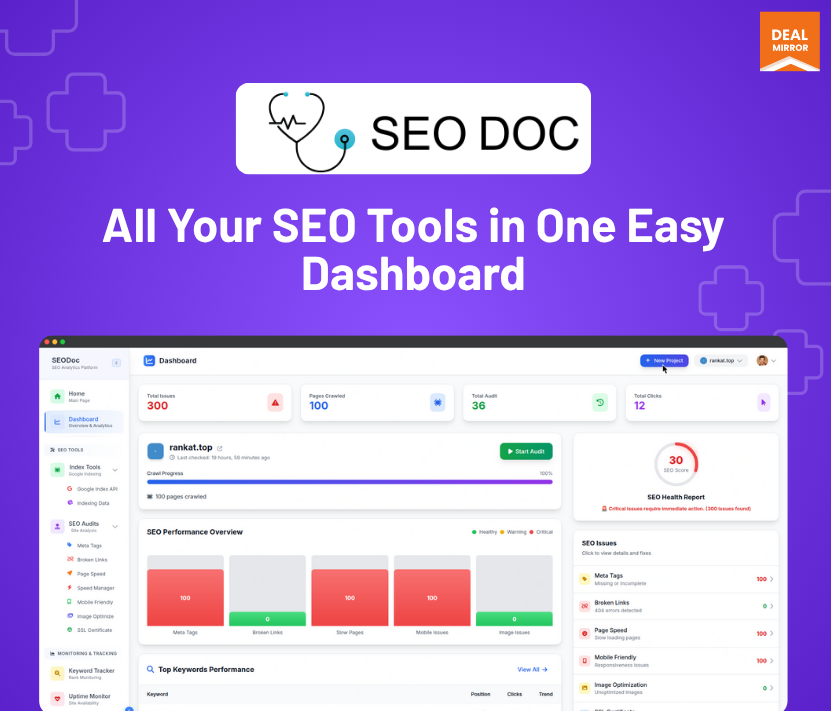
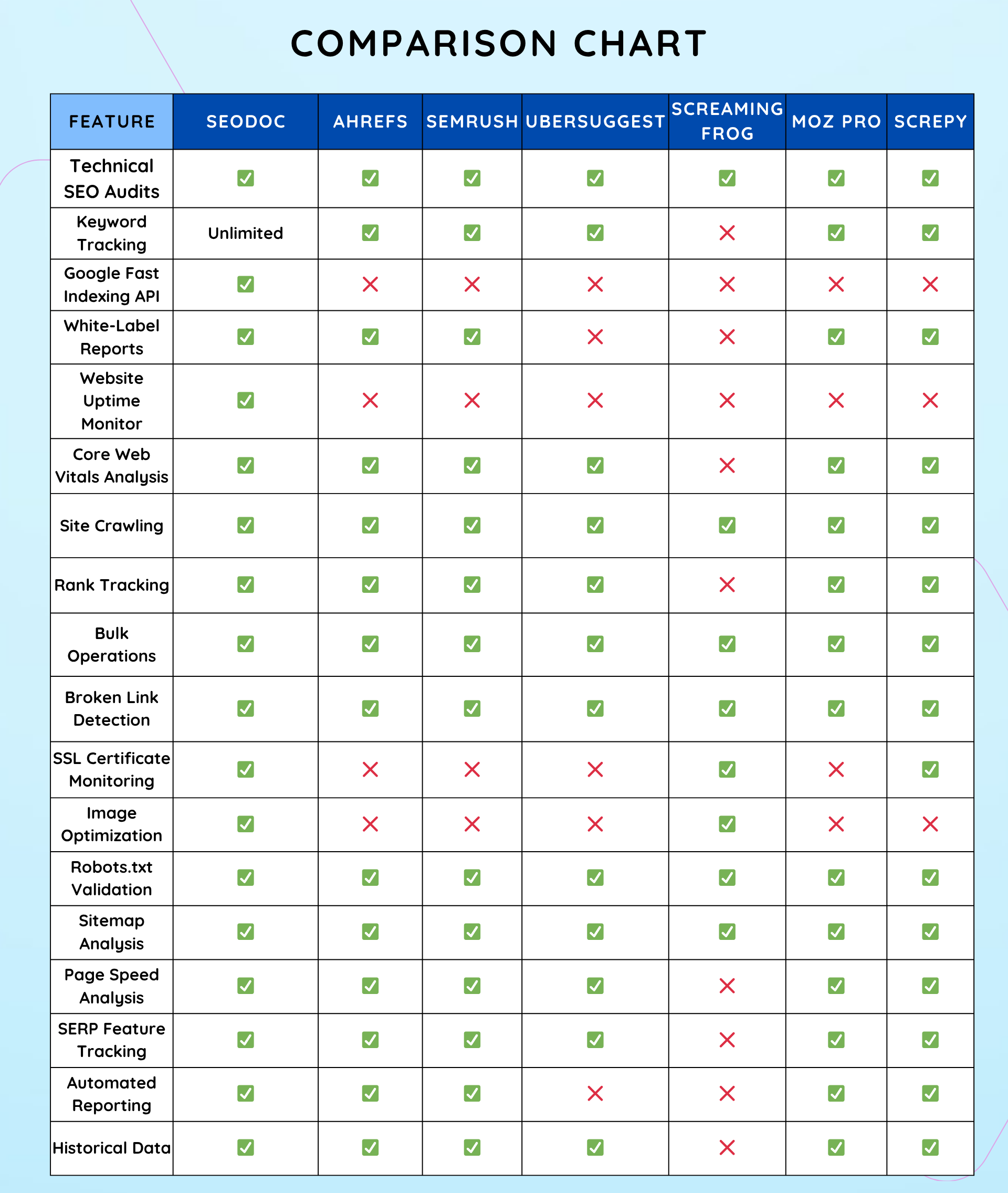
– SEODoC.io centralizes all essential SEO operations in one dashboard, including technical audits, keyword tracking, Core Web Vitals analysis, uptime monitoring, bulk operations, reporting, and more.
3. How comprehensive are SEODoC.io’s website audits?
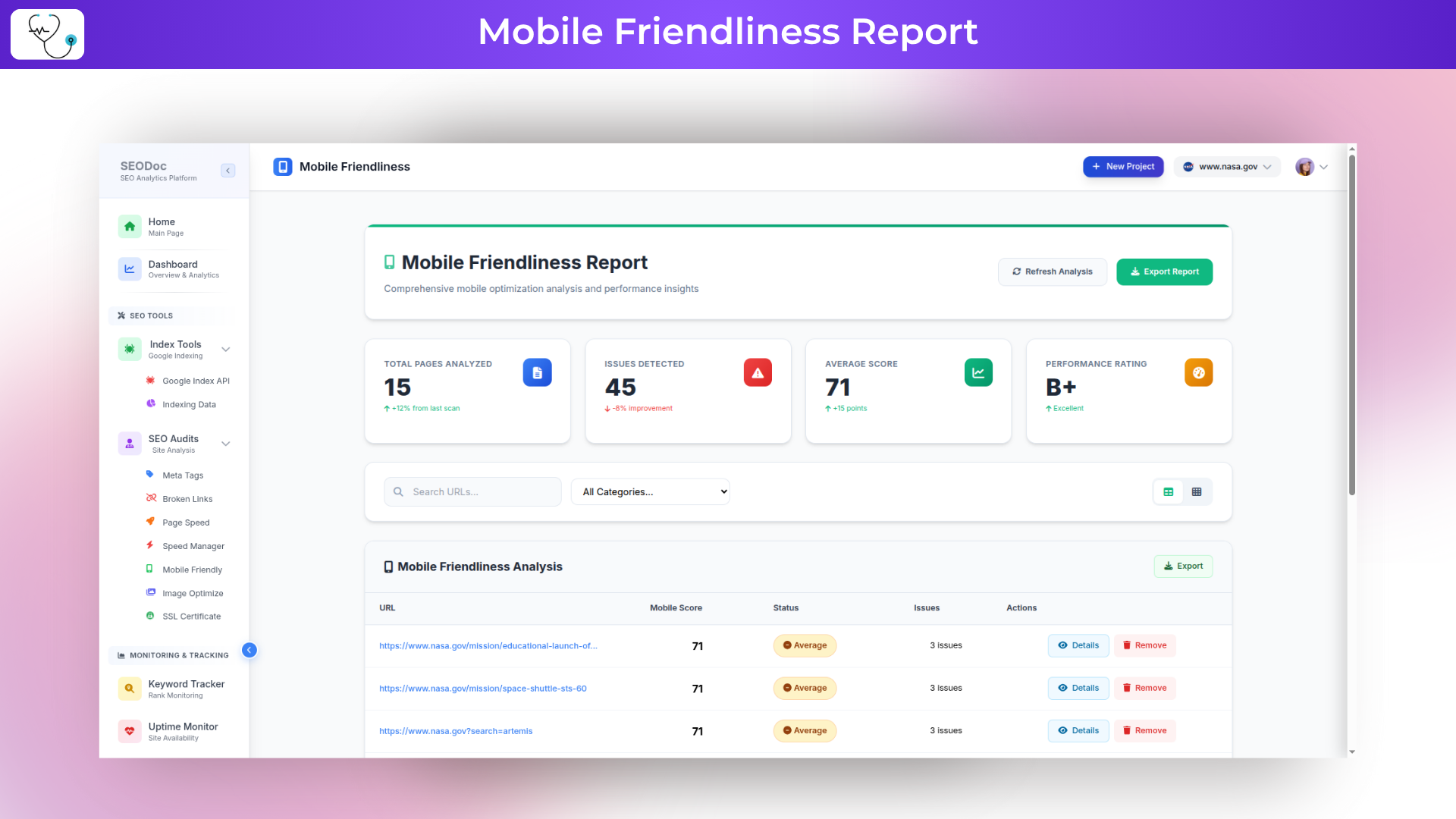
– You can scan up to 50,000 pages per day. Audits cover on-page issues (missing meta tags, duplicate content), technical SEO (crawl errors, SSL, robots.txt, sitemap), performance metrics, mobile-friendliness, and broken-link detection.
4. What keyword tracking capabilities are available?
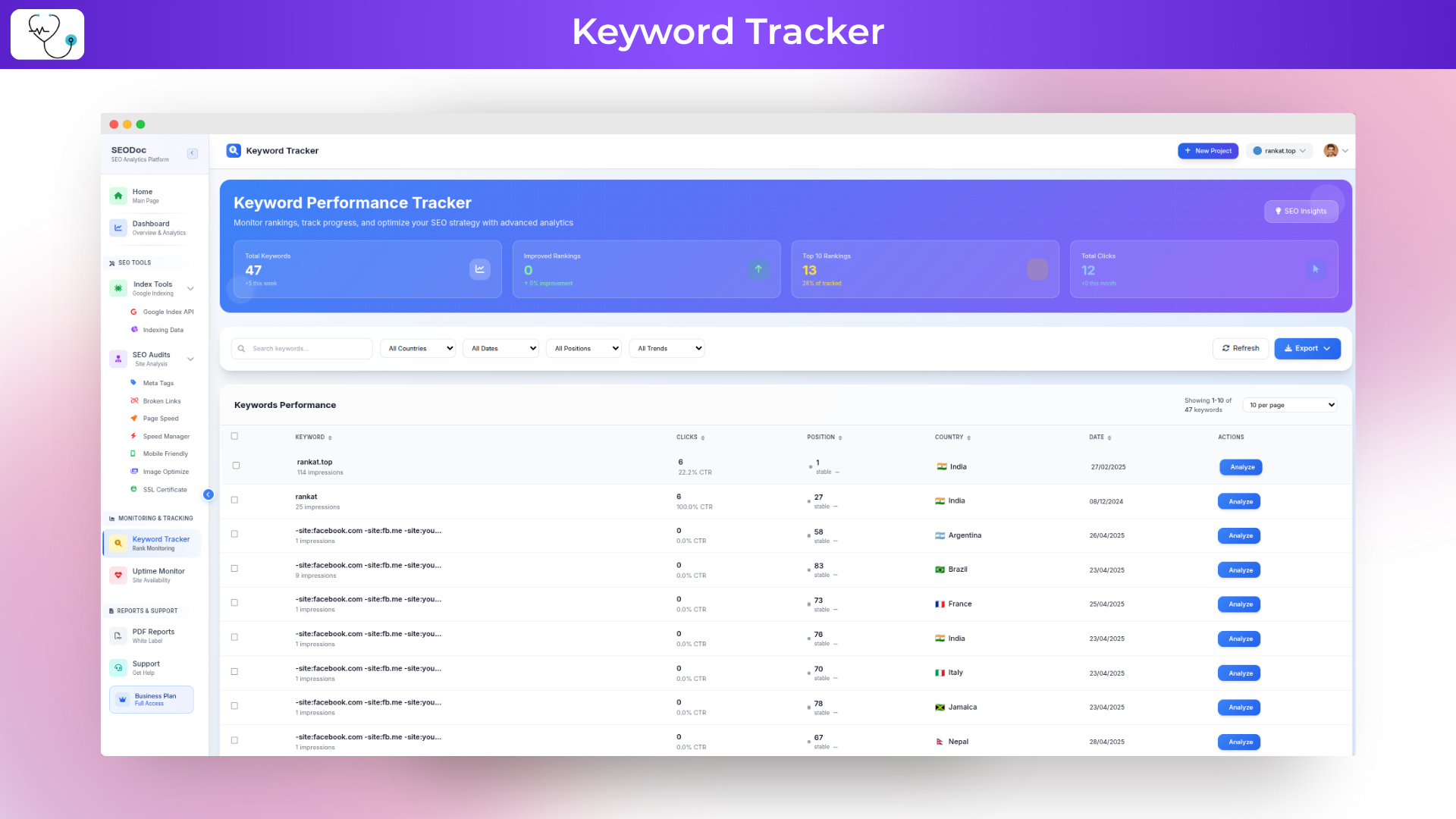
– Track an unlimited number of keywords across major search engines. View daily ranking updates, historical performance charts, and competitor keyword movements to uncover new opportunities.
5. How does the Google Fast Indexing API integration work?
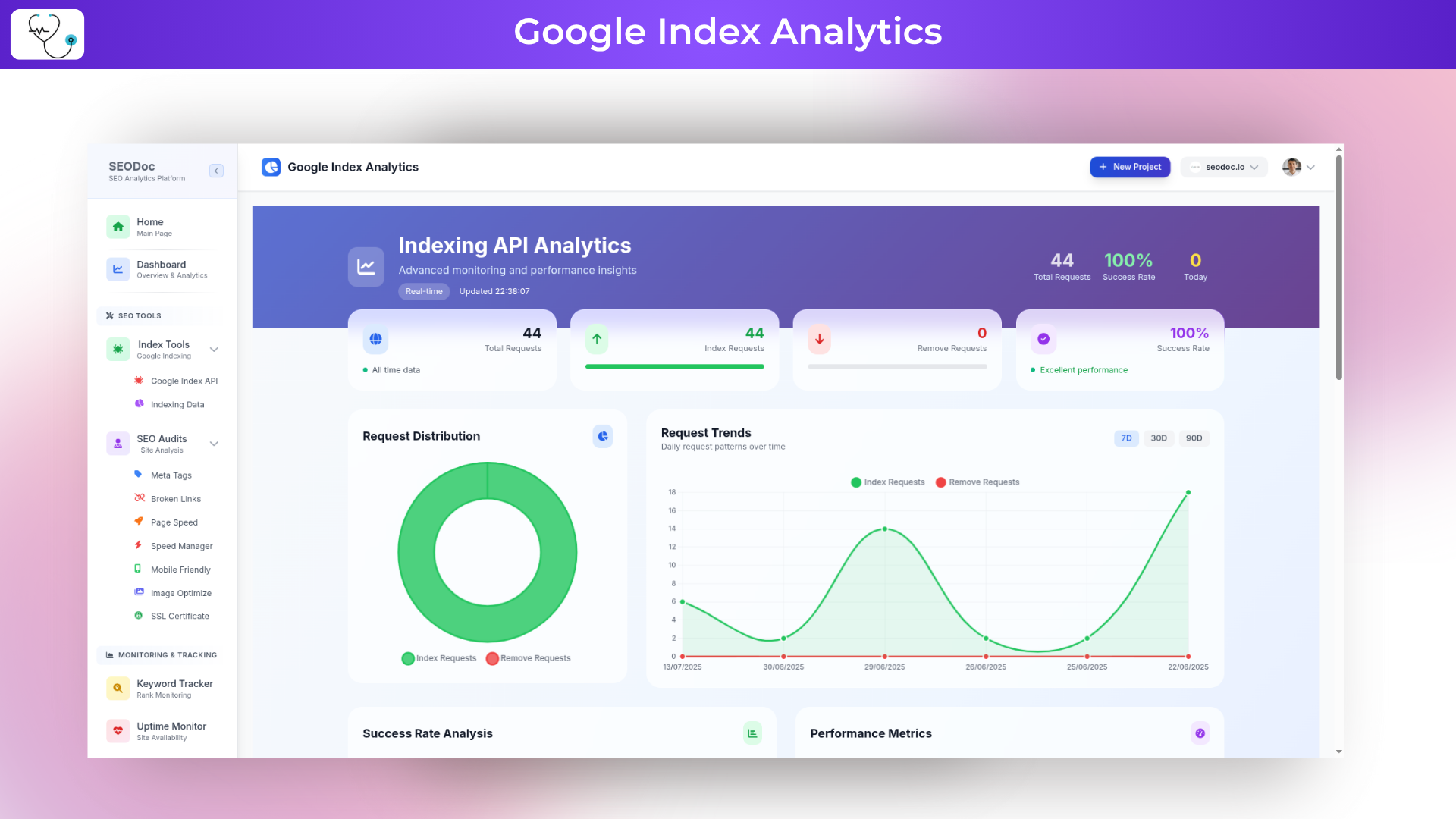
– Submit individual or bulk URLs directly to Google’s Indexing API for rapid discovery. New or updated pages can appear in search results within hours instead of days.
6. What Core Web Vitals metrics are measured?
– SEODoC.io tracks Largest Contentful Paint (LCP), First Input Delay (FID), and Cumulative Layout Shift (CLS) on both desktop and mobile. Detailed reports highlight regressions and provide optimization recommendations.
7. Describe SEODoC.io’s uptime monitoring?
– Continuous checks run from multiple global locations. You receive instant alerts (email) for downtime or slow response times, with historical uptime reports to assess reliability.
8. What does “bulk operations” entail?
– Execute large-scale tasks—audits, keyword updates, index submissions, report generation—across multiple sites or projects in a single action, streamlining workflows for agencies and high-volume sites.
9. What reporting options are available?
– Generate fully customizable, white-label PDF and online reports. Choose from prebuilt templates for audits, rankings, Core Web Vitals, and uptime. Reports can be scheduled and automated.
10. How does SEODoC.io handle site crawling and broken links?
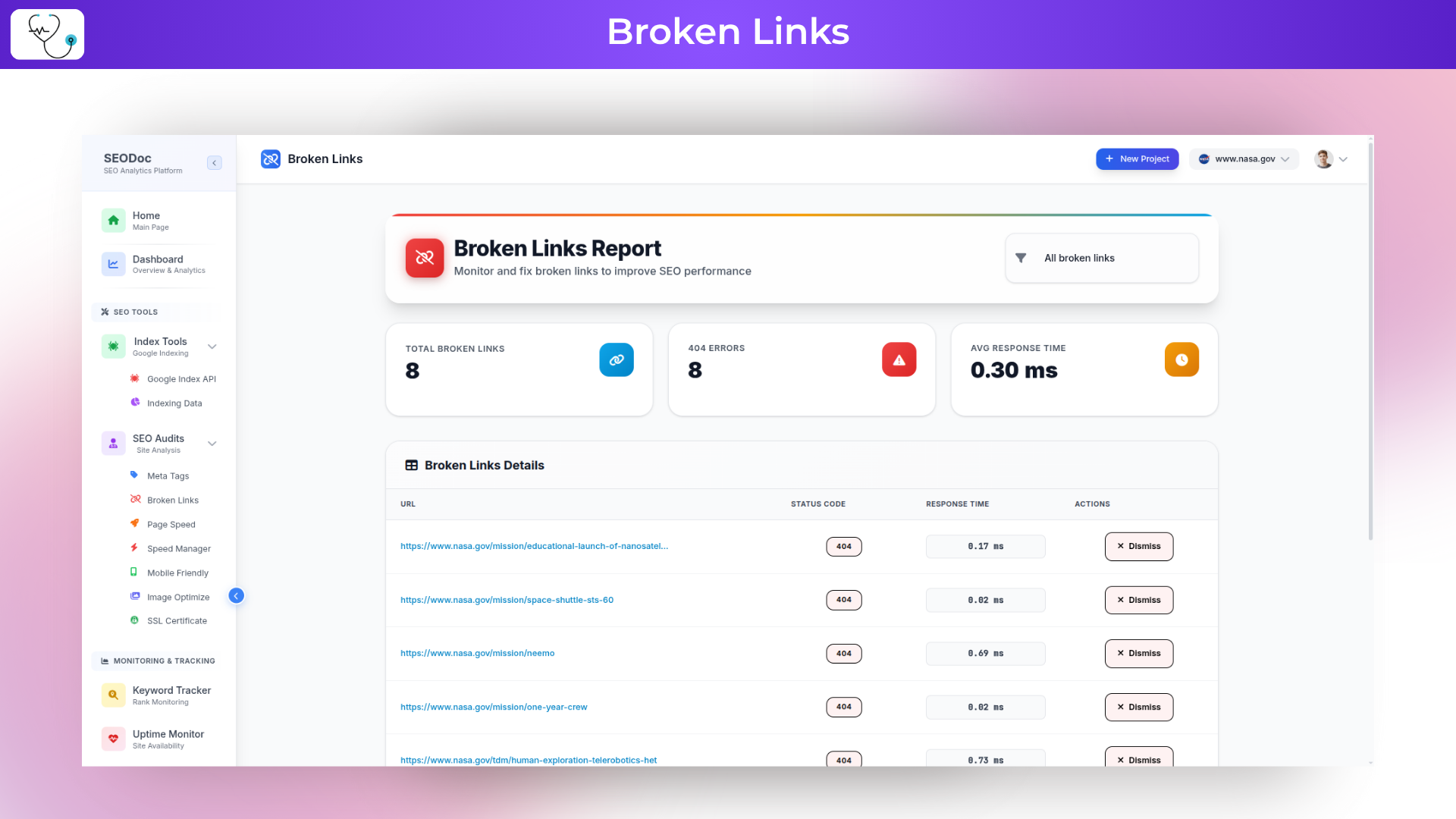
– Perform deep site crawls to uncover hidden pages and issues. Identify and list broken internal and external links, with exportable logs for developer handoff.
11. What image optimization features exist?
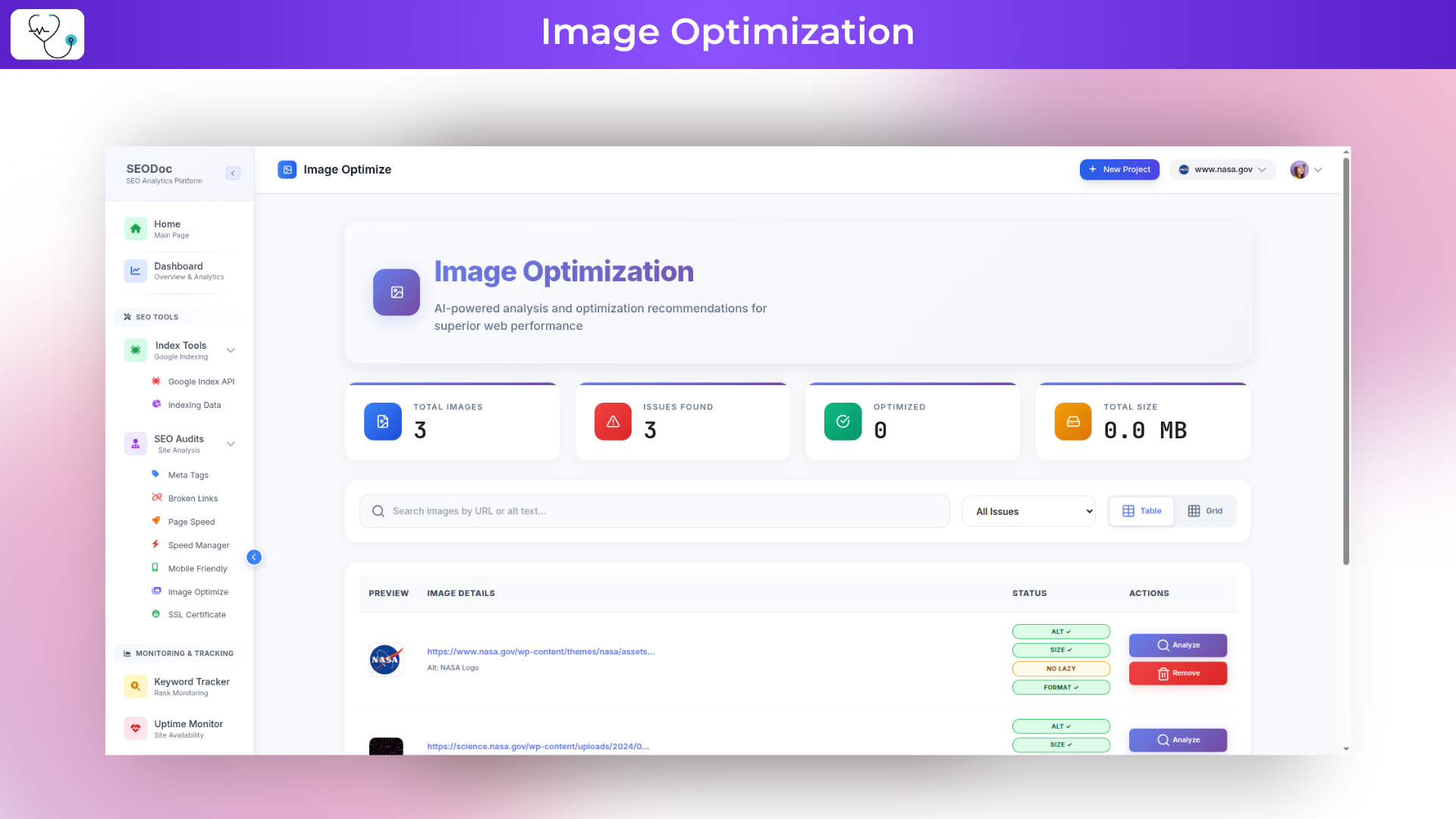
– Automated image resizing and compression reduce file sizes and improve page load times. Bulk processing flags and optimizes uncompressed assets site-wide.
12. How are robots.txt and sitemap files validated?
– SEODoC.io checks syntax, accessibility, and inclusion of all URLs. It alerts you to missing, malformed, or unsubmitted files and verifies successful search-engine submissions.
13. Can I set up automated alerts and dashboards?
-Yes, Create custom dashboards with widgets for audits, keywords, Core Web Vitals, and uptime. Configure real-time alerts for critical issues, delivered via email or SMS.
14. Does SEODoC.io store historical data?
– All audit results, keyword rankings, performance metrics, and uptime logs are stored indefinitely. Use trend charts to measure improvements or identify regressions over time.
15. How does project and team management work?
– Organize websites into projects, assign team members with role-based permissions, and track activity logs to monitor tasks and audit history across collaborators.






5 reviews for SEODoC: Get Unlimited Audits, Fast Indexing & White‑Label Reports
Aadarsh Kashyap –
SEODoC is an amazing SEO tool! It helped me improve my website’s ranking significantly. The lifetime deal is incredible value!
Suraj Pandey –
The keyword tracking feature is fantastic. I’ve seen a 300% improvement in my site’s organic traffic within 3 months!
Gurprasad Routh –
I love the detailed audits and easy-to-understand reports. SEODoC is a game-changer for my agency’s workflow!
Manas Patra –
The support team is outstanding! They guided me through using all the features effectively. Best investment ever!
nexusdms.net (verified owner) –
We have used it only for one day (Tier 1), UI/UX is clean, easy to understand and works with even non-technical users. Within couple of hours we realized that we have to upgrade to Tier 3 (Business). We purchased Tier 3 and reached out to the support to help us to upgrade. Support is good, usually they respond within couple of hours. Our recommendations if you are looking for a good SEO tool with all the Bells and Whistle, go for SEO Doc but go for Agency Package. Lifetime deal is on Dealmirror.com. If you are running a company or agency buy Agency package for unlimited limits. Don’t think what you need now but think about future growth of your company coz this lifetime deal might not be available at that time. we are upgrading to Agency Tier as well.