Home » Store » Purple Photo : Create Social Media Posts in Seconds
Purple Photo : Create Social Media Posts in Seconds
TL;DR
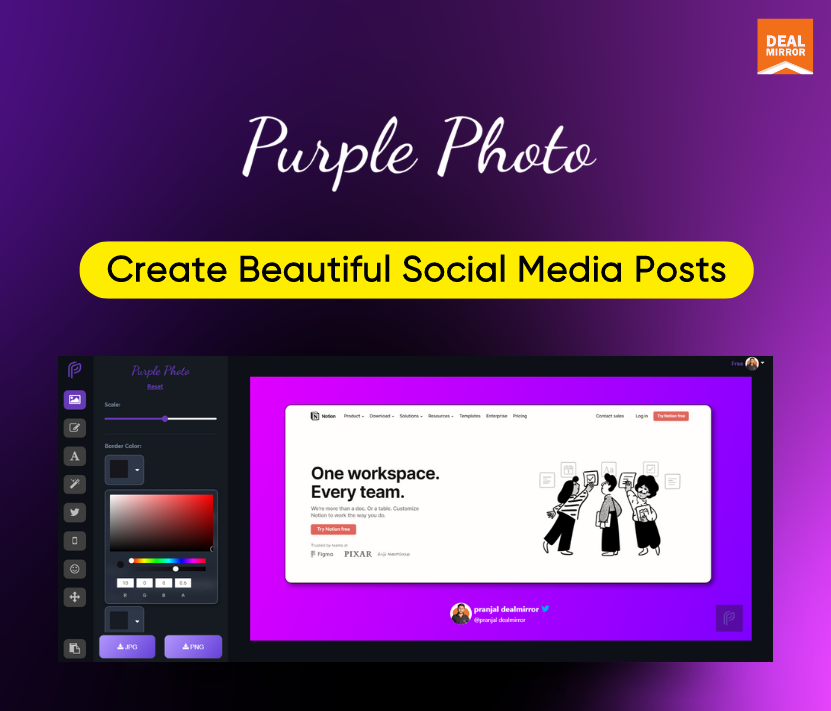
Create beautiful screenshots & posts in seconds.
Get stunning results quickly using robust editing tools.
Alternative to Canva, pika.style, and Brandbird.
Best for makers, content creators, designers & many more.
Purple Photo Lifetime Deal
Everyone wants to grow their social media following, win over the public, and gain more likes and followers in today’s world.
If we take Twitter, in a single day, there are roughly around 500 million tweets. Now if we add Instagram, Facebook, Reddit, etc., posts, the number goes way up.
To stand out among all these tweets and posts, you need to have unique and rich content that everyone loves.
Create beautiful screenshots and posts in seconds with the Purple Photo without any design skills.
Promo Videos
Top Features:
Get stunning results quickly, or use robust editing tools to fine-tune every aspect.
Add fantastic illustrations and emojis with a single click.
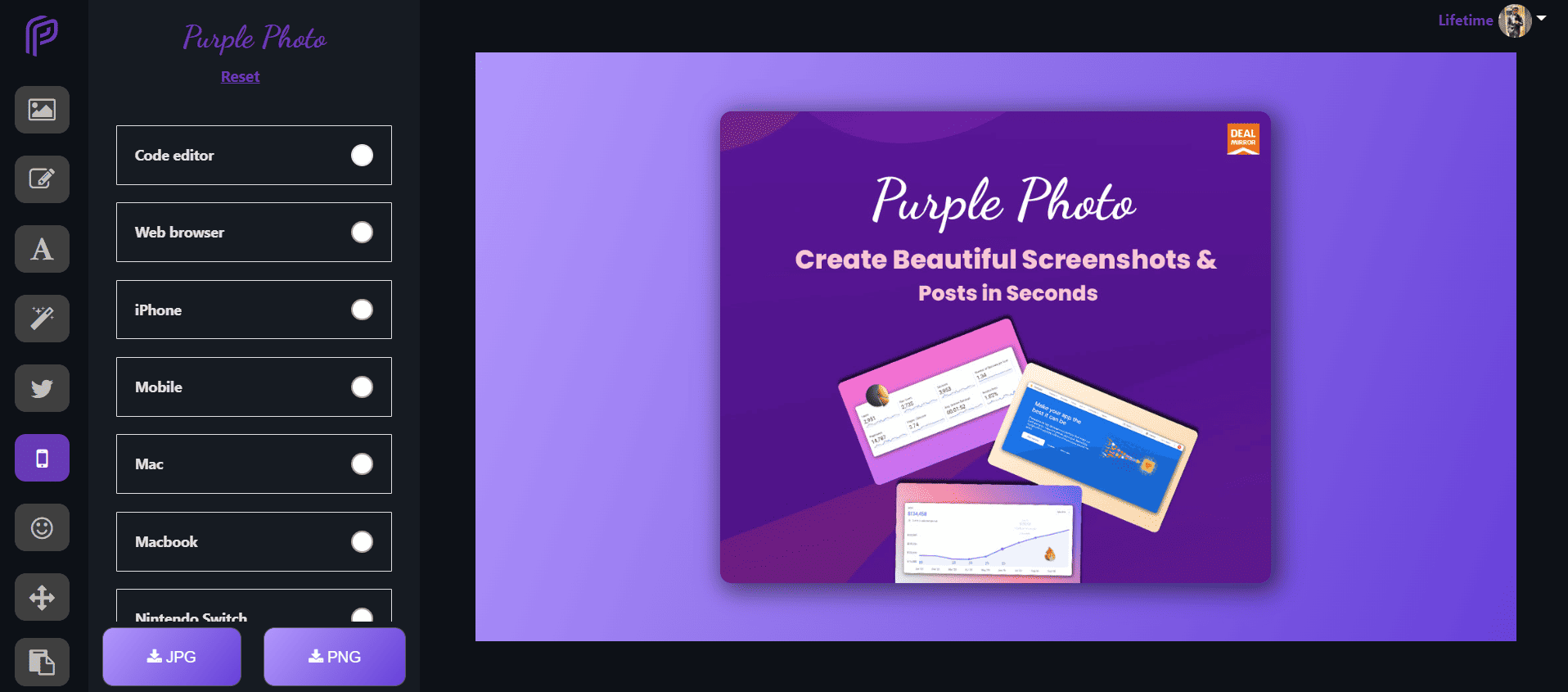
Wrap your pictures around mockups of actual devices to further enhance the professionalism of your work.
Share your knowledge and code with the rest of the world easily.
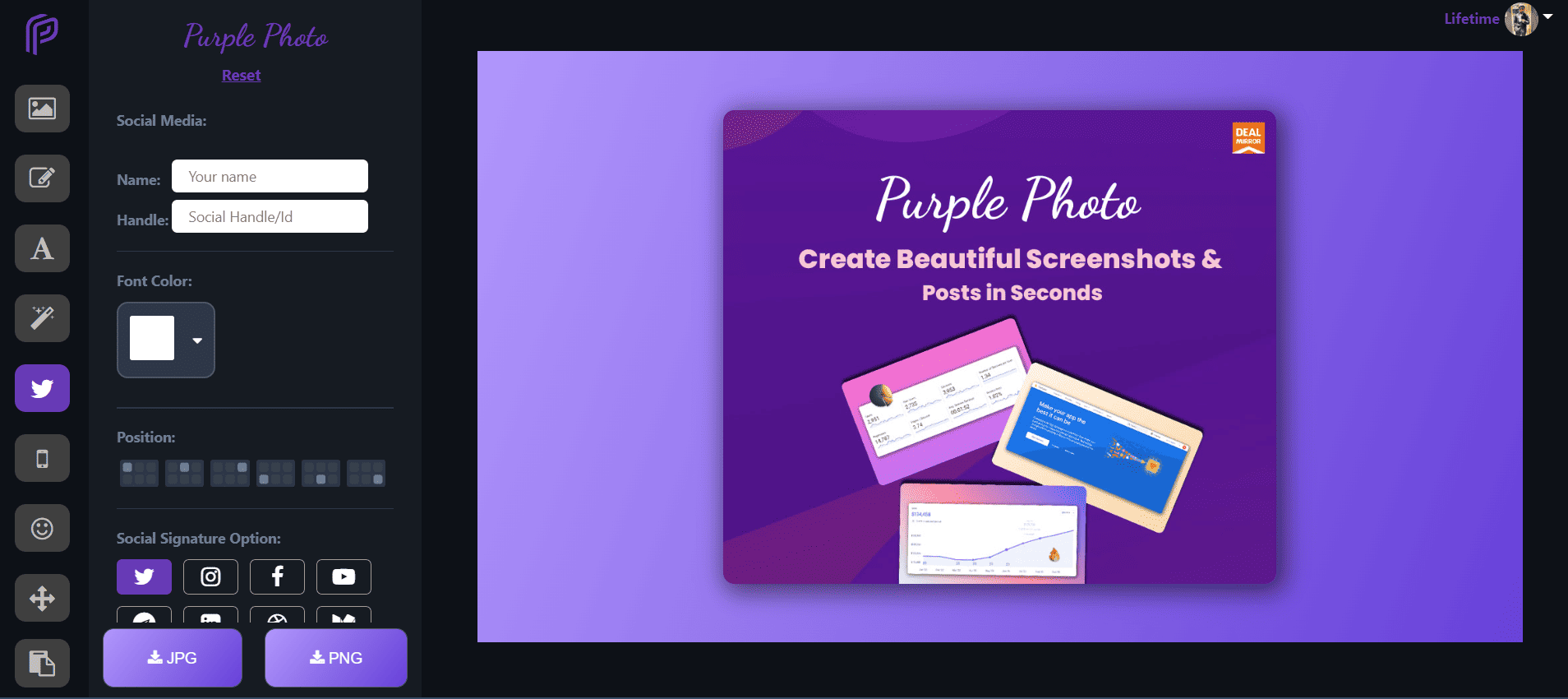
With built-in signature combinations, you can add your branding and specify a username for Twitter, Instagram, LinkedIn, and many more.
Check out how it works!
Dashboard Overview
Pro Feature:
Create seamless images from text or existing images with real-time previews.
Change the background with awesome gradients and powerful Unsplash images.
Add your social signature.
Add the title to the image.
Not sure what to post? Get inspiration on different topics.
Get stunning results quickly using robust editing tools.
Alternative to Canva, pika.style, and Brandbird.
Best for makers, content creators, designers & many more.
Purple Photo Lifetime Deal
Everyone wants to grow their social media following, win over the public, and gain more likes and followers in today’s world.
If we take Twitter, in a single day, there are roughly around 500 million tweets. Now if we add Instagram, Facebook, Reddit, etc., posts, the number goes way up.
To stand out among all these tweets and posts, you need to have unique and rich content that everyone loves.
Create beautiful screenshots and posts in seconds with the Purple Photo without any design skills.
Promo Videos
Top Features:
Get stunning results quickly, or use robust editing tools to fine-tune every aspect.
Add fantastic illustrations and emojis with a single click.
Wrap your pictures around mockups of actual devices to further enhance the professionalism of your work.
Share your knowledge and code with the rest of the world easily.
With built-in signature combinations, you can add your branding and specify a username for Twitter, Instagram, LinkedIn, and many more.
Check out how it works!
Dashboard Overview
Pro Feature:
Create seamless images from text or existing images with real-time previews.
Change the background with awesome gradients and powerful Unsplash images.
Add your social signature.
Add the title to the image.
Not sure what to post? Get inspiration on different topics.
Question:- Does Purple Photo Lifetime Deal provide support?
-Purple Photo offers customer support via email at [email protected]
Question:- Can I get an invoice for my subscription under my company name?
-Yes, you can. Just send us an email at [email protected] and we will take care of this.
Reviews
3 reviews for Purple Photo : Create Social Media Posts in Seconds
Rated 5 out of 5
Kieu Manh –
I have tried it for a week. This screenshot software has many sample interfaces, so it’s easy to use.
Rated 5 out of 5
Minakshi –
Design time is relatively fast. Many features support the publishing of images, and email support is very responsive and polite.
Rated 5 out of 5
Shijor –
It helps me to turn images into beautiful, branded images that can be used on social media like Facebook, Instagram, Twitter, and more. I can even add titles and captions to make the image unique.
3 reviews for Purple Photo : Create Social Media Posts in Seconds
Kieu Manh –
I have tried it for a week. This screenshot software has many sample interfaces, so it’s easy to use.
Minakshi –
Design time is relatively fast. Many features support the publishing of images, and email support is very responsive and polite.
Shijor –
It helps me to turn images into beautiful, branded images that can be used on social media like Facebook, Instagram, Twitter, and more. I can even add titles and captions to make the image unique.