Home » Store » Nero Screen Recorder: Easy 4K Capture with AI Subtitles & Editing Access
Nero Screen Recorder: Easy 4K Capture with AI Subtitles & Editing Access
TL;DR
AI-powered desktop tool for high-quality screen recording and video capture
Record gameplay, tutorials, presentations, or meetings with ease, up to 4K 60 fps
Best for Gamers, Educators, Content Creators, YouTubers, and Business Professionals
Alternative to OBS Studio, Focusee, Camtasia, Bandicam, and ScreenFlow
Nero Screen Recorder Yearly Deal
Are you also tired of using multiple tools for screen recording & still end up with screen recordings that look blurry or take forever to set up?
Many screen recorders feel confusing and slow you down when you just want to record and move on.
But not anymore. Meet Nero Screen Recorder, a screen and audio recorder for Windows.
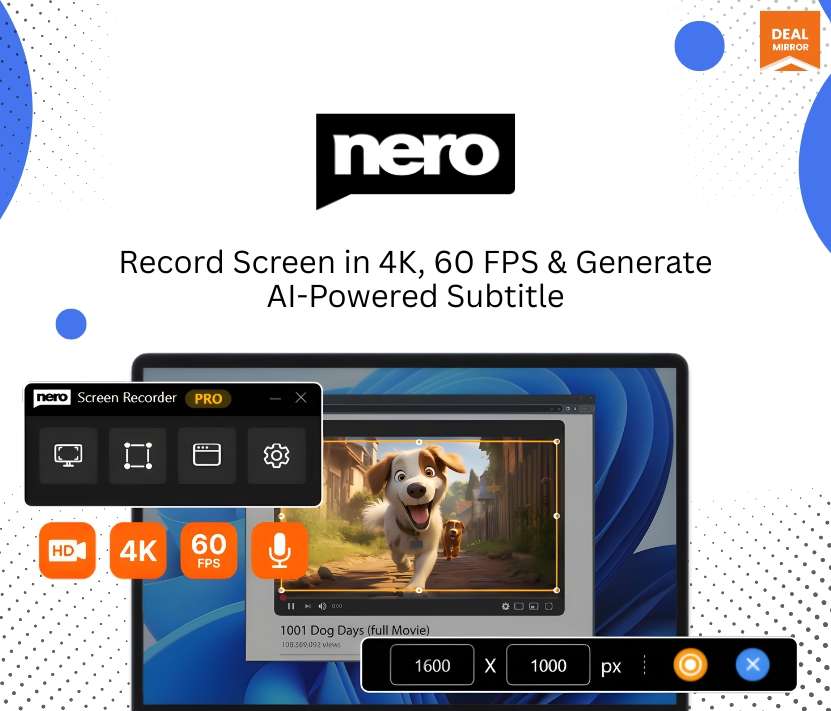
Nero Screen Recorder helps you capture your screen in clear, smooth quality, even up to 4K at 60 frames per second.
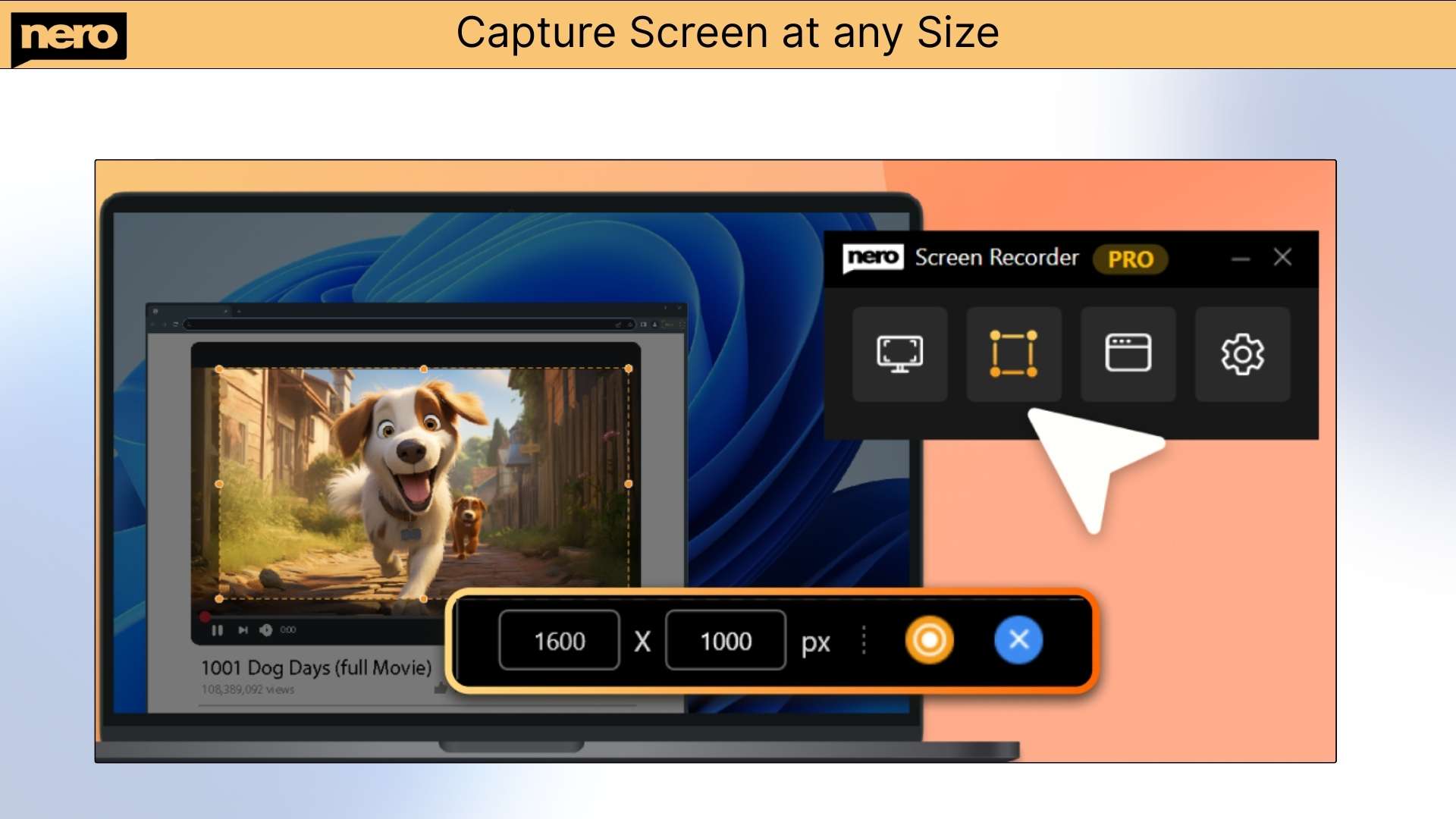
You can record your full screen, one window, or just a small area you choose. It works great for games, tutorials, meetings, and videos.
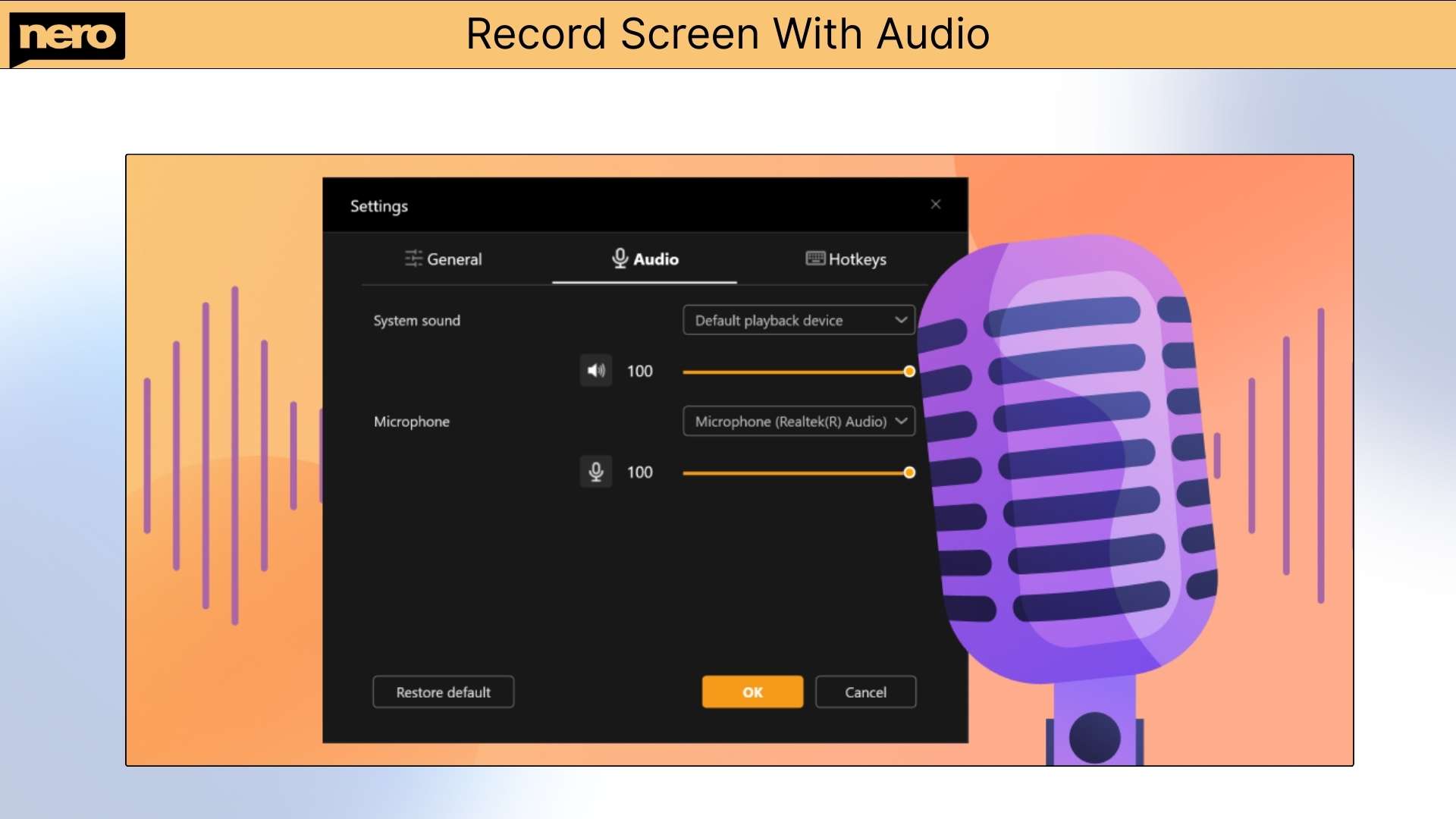
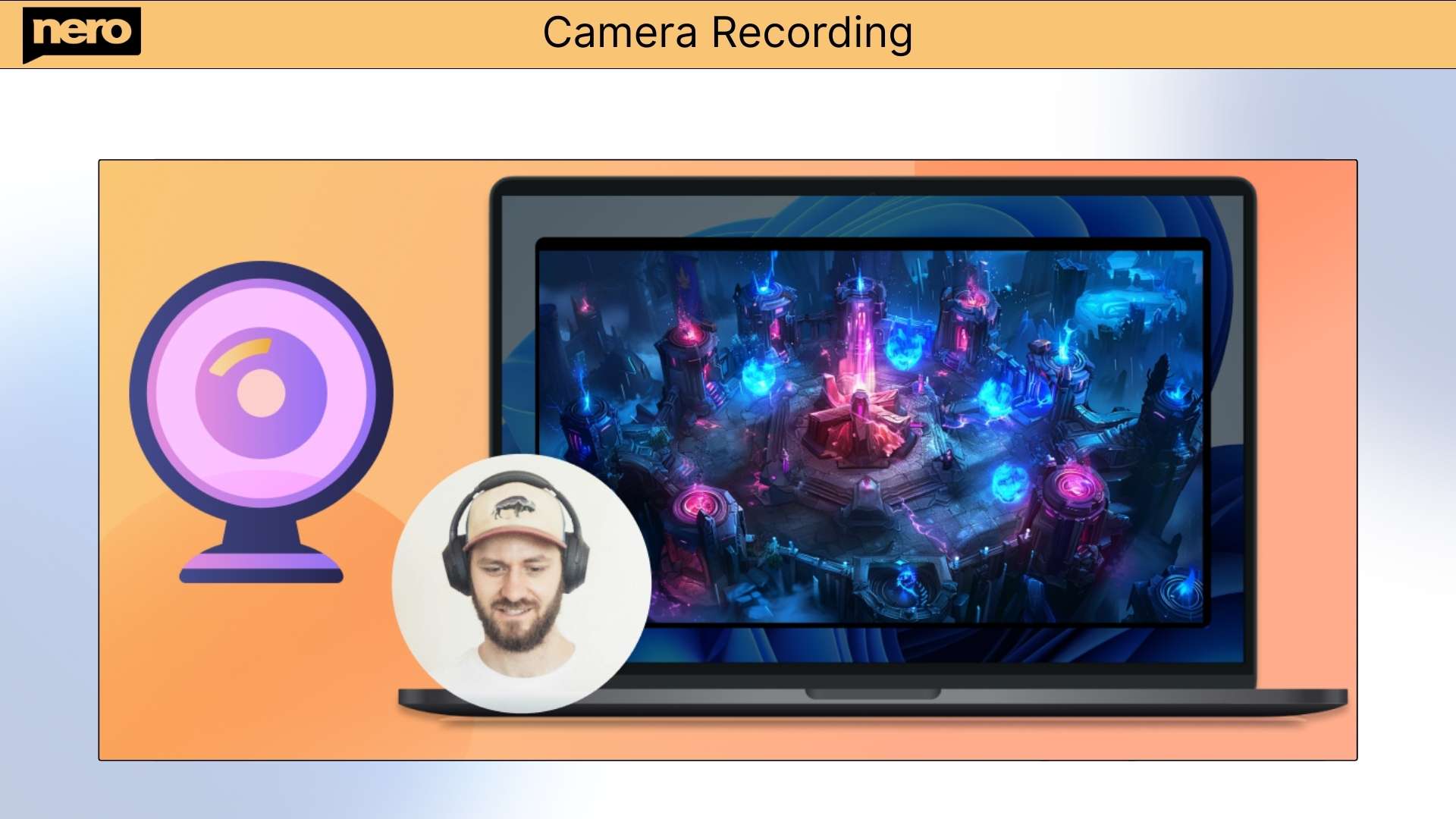
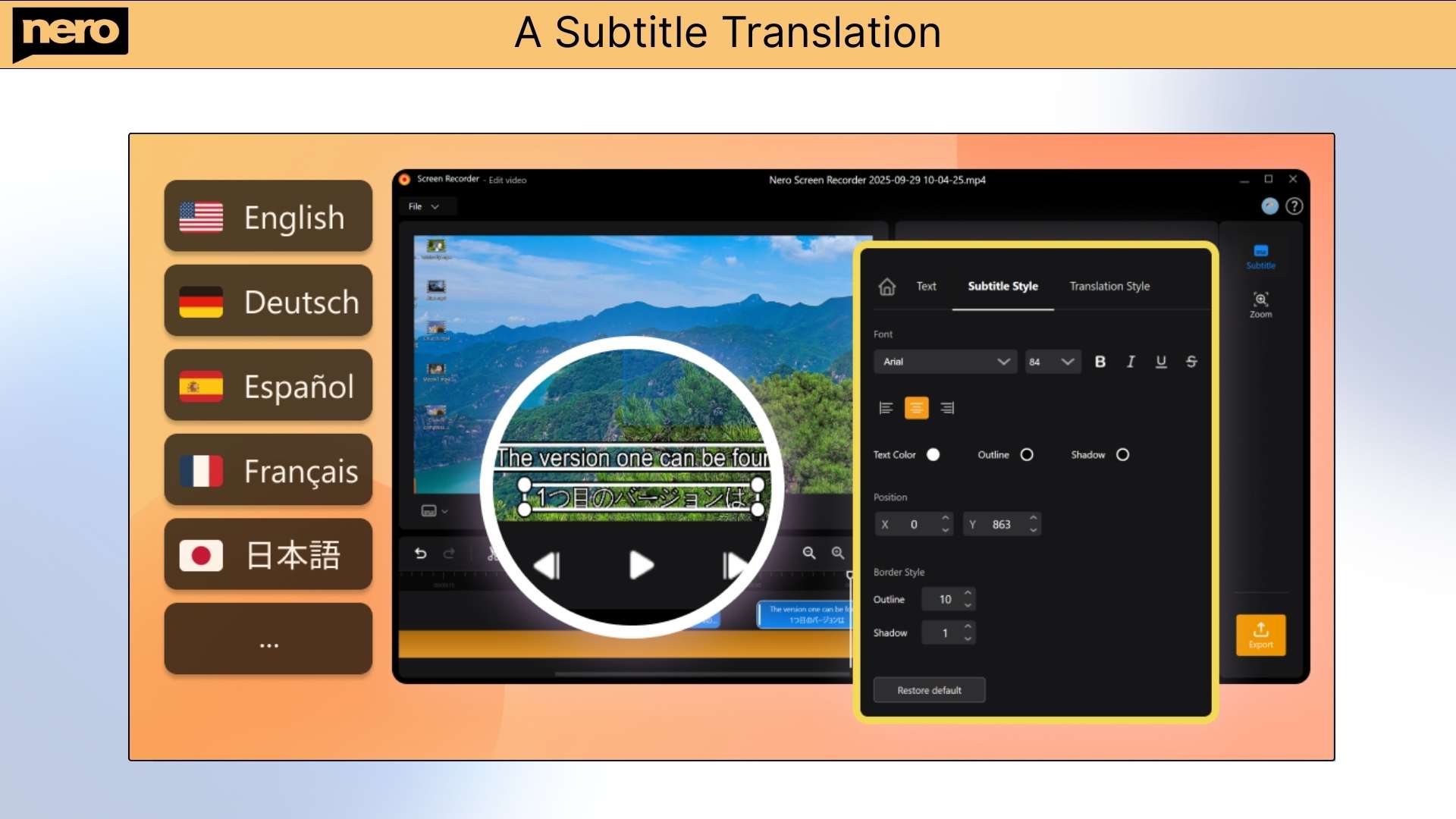
You can record your screen, camera, and sound at the same time, then trim unwanted parts right inside the app. It also uses AI to turn your voice into subtitles and even translate them into multiple languages, so your videos are easier to understand and share.
Whether you’re teaching online, recording gameplay, making YouTube videos, or showing how software works, Nero Screen Recorder gives you everything in one tool. No confusing steps, no extra apps, just press record and create videos that look clean and professional.
Tutorial Video
Nero Screen Recorder is a screen and audio recorder for Windows. It lets you capture your screen in stunning clarity, up to 4K at 60 FPS, and edit. AI-powered subtitles translate into multiple languages, and you can export your videos in minutes.
Dashboard Images
Key Features
1. High-Quality Capture: Record your screen in resolutions up to 4K (3840×2160) at 60 fps for smooth, crystal-clear videos.
2. Flexible Recording Modes
Full Screen: Capture your entire display.
Window Recording: Record only a specific application window.
Free Form: Select and record any custom area on your screen.
Nero Screen Recorder: Easy 4K Capture with AI Subtitles & Editing Access
Yearly Access
What you get in this deal
Record everything: Screen, webcam and audio in top quality Maximum performance: 4K recording and streaming without compromise Share immediately: Publish tutorials, games and presentations directly
AI-powered desktop tool for high-quality screen recording and video capture
Record gameplay, tutorials, presentations, or meetings with ease, up to 4K 60 fps
Best for Gamers, Educators, Content Creators, YouTubers, and Business Professionals
Alternative to OBS Studio, Focusee, Camtasia, Bandicam, and ScreenFlow
Nero Screen Recorder Yearly Deal
Are you also tired of using multiple tools for screen recording & still end up with screen recordings that look blurry or take forever to set up?
Many screen recorders feel confusing and slow you down when you just want to record and move on.
But not anymore. Meet Nero Screen Recorder, a screen and audio recorder for Windows.
Nero Screen Recorder helps you capture your screen in clear, smooth quality, even up to 4K at 60 frames per second.
You can record your full screen, one window, or just a small area you choose. It works great for games, tutorials, meetings, and videos.
You can record your screen, camera, and sound at the same time, then trim unwanted parts right inside the app. It also uses AI to turn your voice into subtitles and even translate them into multiple languages, so your videos are easier to understand and share.
Whether you’re teaching online, recording gameplay, making YouTube videos, or showing how software works, Nero Screen Recorder gives you everything in one tool. No confusing steps, no extra apps, just press record and create videos that look clean and professional.
Tutorial Video
Nero Screen Recorder is a screen and audio recorder for Windows. It lets you capture your screen in stunning clarity, up to 4K at 60 FPS, and edit. AI-powered subtitles translate into multiple languages, and you can export your videos in minutes.
Dashboard Images
Key Features
1. High-Quality Capture: Record your screen in resolutions up to 4K (3840×2160) at 60 fps for smooth, crystal-clear videos.
2. Flexible Recording Modes
Full Screen: Capture your entire display.
Window Recording: Record only a specific application window.
Free Form: Select and record any custom area on your screen.
Q 2: What recording options does Nero Screen Recorder offer?
-Nero Screen Recorder provides flexible recording modes and high-quality output for every need:
Full Screen Recording: Capture your entire display.
Window Recording: Record only a specific application window.
Free Form Recording: Select and record any custom area on your screen.
You can record videos in resolutions up to 4K (3840×2160) and frame rates up to 60 fps, ensuring smooth, crystal-clear results for tutorials, gameplay, or professional presentations.
Q 3: Can I edit my recordings after capturing them?
-Yes, Nero Screen Recorder includes intuitive post-processing tools that allow you to trim and cut unwanted sections from your videos. You can refine your recordings quickly and easily without using separate editing software.
Q 4: Does Nero Screen Recorder support AI-generated subtitles?
-Yes, With AI Speech-to-Subtitle, Nero Screen Recorder can automatically convert spoken audio into accurate subtitles.
To ensure high-quality results, this feature uses Nero’s secure cloud servers for AI speech recognition. Your audio is uploaded temporarily for processing, and the resulting subtitle text is then returned to your local project. All uploaded data is automatically deleted after processing is completed.
Q 5: Can I translate subtitles into other languages?
-Yes, with Nero Screen Recorder Pro, you can access the Subtitle Translation feature.
This feature also uses secure cloud-based AI translation to convert subtitles into multiple languages accurately and efficiently. Only subtitle text is uploaded for translation; no video files or personal data are stored. All data is deleted automatically after the process.
Q 6: What is the Auto Zoom feature, and how does it work?
-The Auto Zoom feature intelligently zooms in on the mouse click position during recording or playback. This automatically highlights key actions and helps viewers follow your workflow more easily, ideal for software tutorials, presentations, and guides.
Q 7: Can I manually control the zoom area?
-Yes, Nero Screen Recorder also includes a Manual Zoom option, allowing you to define your own zoom area, scale, and timing. This gives you complete creative control to emphasize exactly what matters in your video.
Q 8: Can I export my processed videos?
-Absolutely, Once you’ve finished editing, subtitling, and enhancing your recording, you can export your processed video in your preferred resolution and format. The exported file is ready to share, upload, or use in other projects.
Q 9: Does Nero Screen Recorder upload my videos to the cloud?
-No, All recording, editing, and exporting operations are processed locally on your computer.
Only the AI Speech-to-Subtitle and Subtitle Translation features temporarily use Nero’s secure cloud servers for processing. Your video files are never permanently uploaded or stored on the cloud.
Reviews
Reviews
There are no reviews yet.
Be the first to review “Nero Screen Recorder: Easy 4K Capture with AI Subtitles & Editing Access” Cancel reply





Reviews
There are no reviews yet.