Home » Store » Motherboard: A Modern Tool That Brings All Key Metrics Into One Dashboard
Motherboard: A Modern Tool That Brings All Key Metrics Into One Dashboard
TL;DR
Keep your data private by saving it in your private storage, no logins are required
Click on any visible value on a webpage and add it simply to your personalized dashboard
With its auto-refresh background, all your metrics data stays up to date
Best for Founders and Product Managers, E-commerce owners, Researchers, etc
Motherboard Lifetime Deal
Are you tired of switching between tabs to find numbers, like how much money you made, follower counts, or price changes? It wastes time, and you can miss important updates.
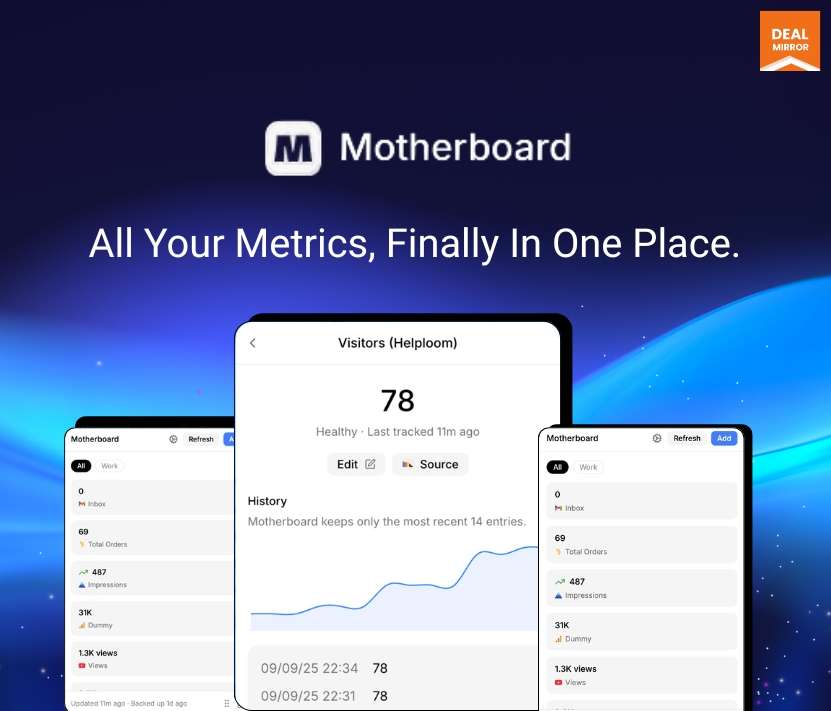
But not anymore. Meet Motherboard, a KPI Tracking Software. It is a Browser-Based Extension that makes a private dashboard on your own computer.
Install it in Chrome, Edge, Brave, or Arc. When you see a number or text you care about–totals, YouTube stats, prices, form counts, or anything on a page, just click it. Motherboard will add it to your dashboard.
It keeps checking those numbers for you, even in background tabs, so the info stays fresh. All data is saved only in your browser profile, so nothing is sent to other servers.
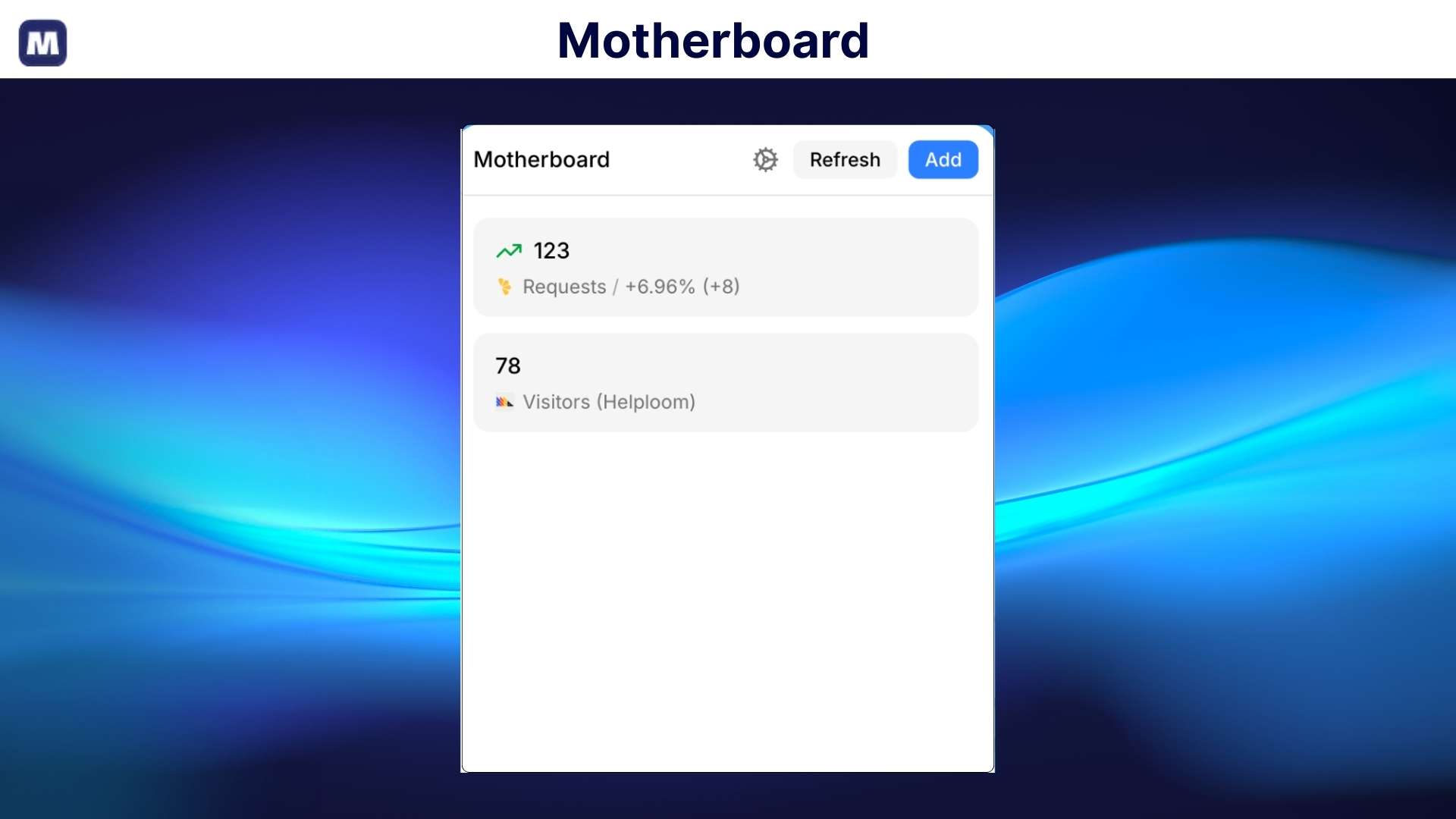
No coding, no complicated setup. Point, click, and watch your important numbers in one clean view.
Spend less time searching for info and more time doing the things that matter. Use it to watch revenue, followers, prices, and form responses, great for founders, makers, and teams.
Intro Video
Motherboard is a browser extension that lets you click any number or text on a website and track it in one local dashboard. It saves everything locally on your browser, updates automatically, and needs no coding or setup.
Dashboard Images
Key Features
Click to track anything: Click any number or text on a website and add it to your dashboard instantly.
Works on any website: Track stats from Stripe, YouTube, pricing pages, forms, analytics, and more.
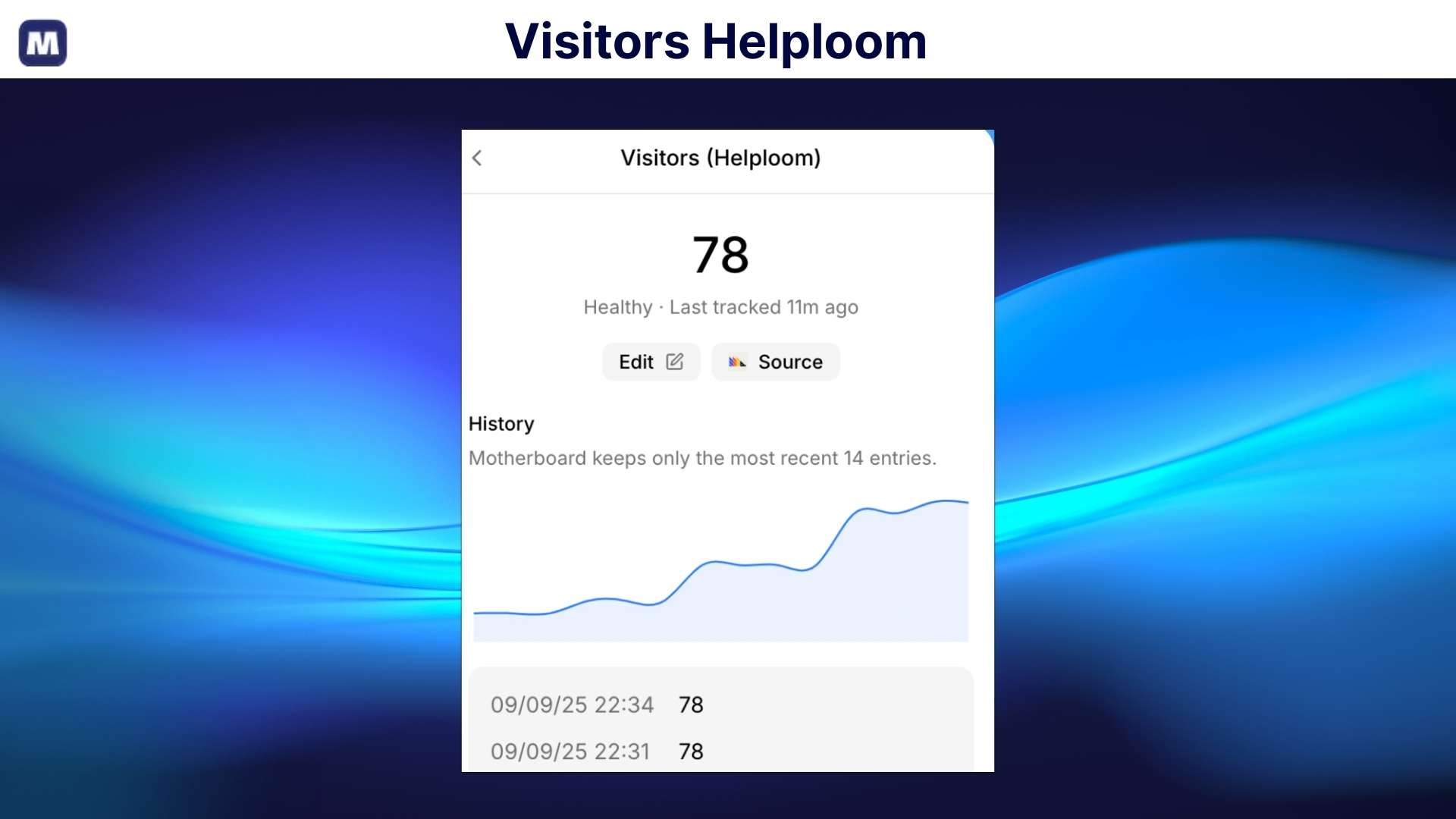
Auto-updating numbers: The motherboard continuously checks and updates your tracked values in the background.
Private by default: All data stays saved locally in your browser. Nothing is sent to external servers.
No setup or coding needed: no APIs, no integrations, no technical steps, just install and start clicking.
Clean, personal dashboard: See all your important numbers in one simple, easy-to-read view.
Use Cases:
Founders and makers: Track revenue, sign-ups, and key growth numbers without opening multiple tools.
Creators and YouTubers: Keep an eye on views, subscribers, and earnings in one simple dashboard.
Marketers: Watch traffic, leads, and form responses without logging into different platforms.
Sales teams: Track deals, conversions, and daily numbers without spreadsheets.
Product teams: Monitor feature usage, feedback counts, or pricing changes in real time.
Price watchers: Track competitor prices or discounts and get updates automatically.
Freelancers and agencies: Follow client stats and results without switching tabs all day.
Motherboard: A Modern Tool That Brings All Key Metrics Into One Dashboard
One-time payment. Lifetime access.
What you get in this deal
1 Browser profile at a time Track product prices, stock & inventory Track metrics from payment dashboards & analytics Track responses from Google Forms, Microsoft Forms, social media & YouTube
Keep your data private by saving it in your private storage, no logins are required
Click on any visible value on a webpage and add it simply to your personalized dashboard
With its auto-refresh background, all your metrics data stays up to date
Best for Founders and Product Managers, E-commerce owners, Researchers, etc
Motherboard Lifetime Deal
Are you tired of switching between tabs to find numbers, like how much money you made, follower counts, or price changes? It wastes time, and you can miss important updates.
But not anymore. Meet Motherboard, a KPI Tracking Software. It is a Browser-Based Extension that makes a private dashboard on your own computer.
Install it in Chrome, Edge, Brave, or Arc. When you see a number or text you care about–totals, YouTube stats, prices, form counts, or anything on a page, just click it. Motherboard will add it to your dashboard.
It keeps checking those numbers for you, even in background tabs, so the info stays fresh. All data is saved only in your browser profile, so nothing is sent to other servers.
No coding, no complicated setup. Point, click, and watch your important numbers in one clean view.
Spend less time searching for info and more time doing the things that matter. Use it to watch revenue, followers, prices, and form responses, great for founders, makers, and teams.
Intro Video
Motherboard is a browser extension that lets you click any number or text on a website and track it in one local dashboard. It saves everything locally on your browser, updates automatically, and needs no coding or setup.
Dashboard Images
Key Features
Click to track anything: Click any number or text on a website and add it to your dashboard instantly.
Works on any website: Track stats from Stripe, YouTube, pricing pages, forms, analytics, and more.
Auto-updating numbers: The motherboard continuously checks and updates your tracked values in the background.
Private by default: All data stays saved locally in your browser. Nothing is sent to external servers.
No setup or coding needed: no APIs, no integrations, no technical steps, just install and start clicking.
Clean, personal dashboard: See all your important numbers in one simple, easy-to-read view.
Use Cases:
Founders and makers: Track revenue, sign-ups, and key growth numbers without opening multiple tools.
Creators and YouTubers: Keep an eye on views, subscribers, and earnings in one simple dashboard.
Marketers: Watch traffic, leads, and form responses without logging into different platforms.
Sales teams: Track deals, conversions, and daily numbers without spreadsheets.
Product teams: Monitor feature usage, feedback counts, or pricing changes in real time.
Price watchers: Track competitor prices or discounts and get updates automatically.
Freelancers and agencies: Follow client stats and results without switching tabs all day.
Track responses from Google Forms, Microsoft Forms, social media & YouTube
Forever updates
From The Founders
Preet Mishra
Founder
A few months ago, I started building out my own ideas. Since then, I’ve shipped many apps. Like many founders, I care a lot about the numbers. Every morning, I’d check payments, analytics, bug reports, feature requests, and everything else across all my apps. It took way too many tabs and way too much time.
It gives me a single place to keep track of everything I care about from any website. Revenue, trials, prices, tickets, subscribers, followers, or anything else. Just click to track, and it refreshes the data automatically in the background.
-Each license key works with a single browser (Chrome) profile at a time. You’ve the option to deactivate it from the extension. Once deactivated, you are free to reactivate it anywhere else.
Q 3: What is Motherboard and how does it work?
-Motherboard is a private KPI tracking browser extension that lets you click any number on a website and add it instantly to your personal dashboard. No APIs, no coding, no integrations, just open a page, click the value you want to track, and Motherboard auto-refreshes it in the background.
Q 4: What kind of data can I track with Motherboard?
-You can track any visible metric from any website, including:
Revenue from Stripe or Paddle
Followers and other growth data from social media platforms
Website stats from analytics dashboards
Prices, inventory, form responses, and more
If you can see it on your screen, you can track it.
Q 5: Is Motherboard safe and private to use?
-Yes, Motherboard works 100% locally inside your browser. Your data is never sent to any server, no account or login is required, and nothing is shared with third parties, making it one of the most private KPI tracking tools available.
Q 6: Do I need any technical skills or API access?
-No, Motherboard is built for non-technical users. There are no API keys, no scripts, and no setup; simply click on the metric you want, and it appears in your dashboard.
Q 7: Which browsers support Motherboard?
-Motherboard works on Chrome and all Chromium-based browsers, including Chrome, Edge, Brave, Arc, and other Chrome extension-supported browsers.
Reviews
3 reviews for Motherboard: A Modern Tool That Brings All Key Metrics Into One Dashboard
Rated 5 out of 5
Taniya Oberoi –
Managing multiple dashboards for different tools was a nightmare. I needed one place where I could see everything at a glance. This extension pulled everything together, so I no longer have to waste time switching between tabs. It gives me a comprehensive view, all in one place.
Rated 5 out of 5
Steve Smith –
I didn’t realize how much time I was wasting! I used to juggle RevenueCat, Google Forms, and MixPanel every morning to track my app’s performance. Now, it’s all in one place, and I can finally focus on the work that matters.
Rated 5 out of 5
Olivia Miller –
I used to have a million tabs open, trying to track prices on books, event tickets, and other things. This extension pulls all that data into one spot, so I don’t have to juggle different websites. It keeps me organized and saves me a ton of time.






3 reviews for Motherboard: A Modern Tool That Brings All Key Metrics Into One Dashboard
Taniya Oberoi –
Managing multiple dashboards for different tools was a nightmare. I needed one place where I could see everything at a glance. This extension pulled everything together, so I no longer have to waste time switching between tabs. It gives me a comprehensive view, all in one place.
Steve Smith –
I didn’t realize how much time I was wasting! I used to juggle RevenueCat, Google Forms, and MixPanel every morning to track my app’s performance. Now, it’s all in one place, and I can finally focus on the work that matters.
Olivia Miller –
I used to have a million tabs open, trying to track prices on books, event tickets, and other things. This extension pulls all that data into one spot, so I don’t have to juggle different websites. It keeps me organized and saves me a ton of time.