Q 1. How do I contact support?
– You can contact support at [email protected]
Q 2. How do I upload audio files for transcription?
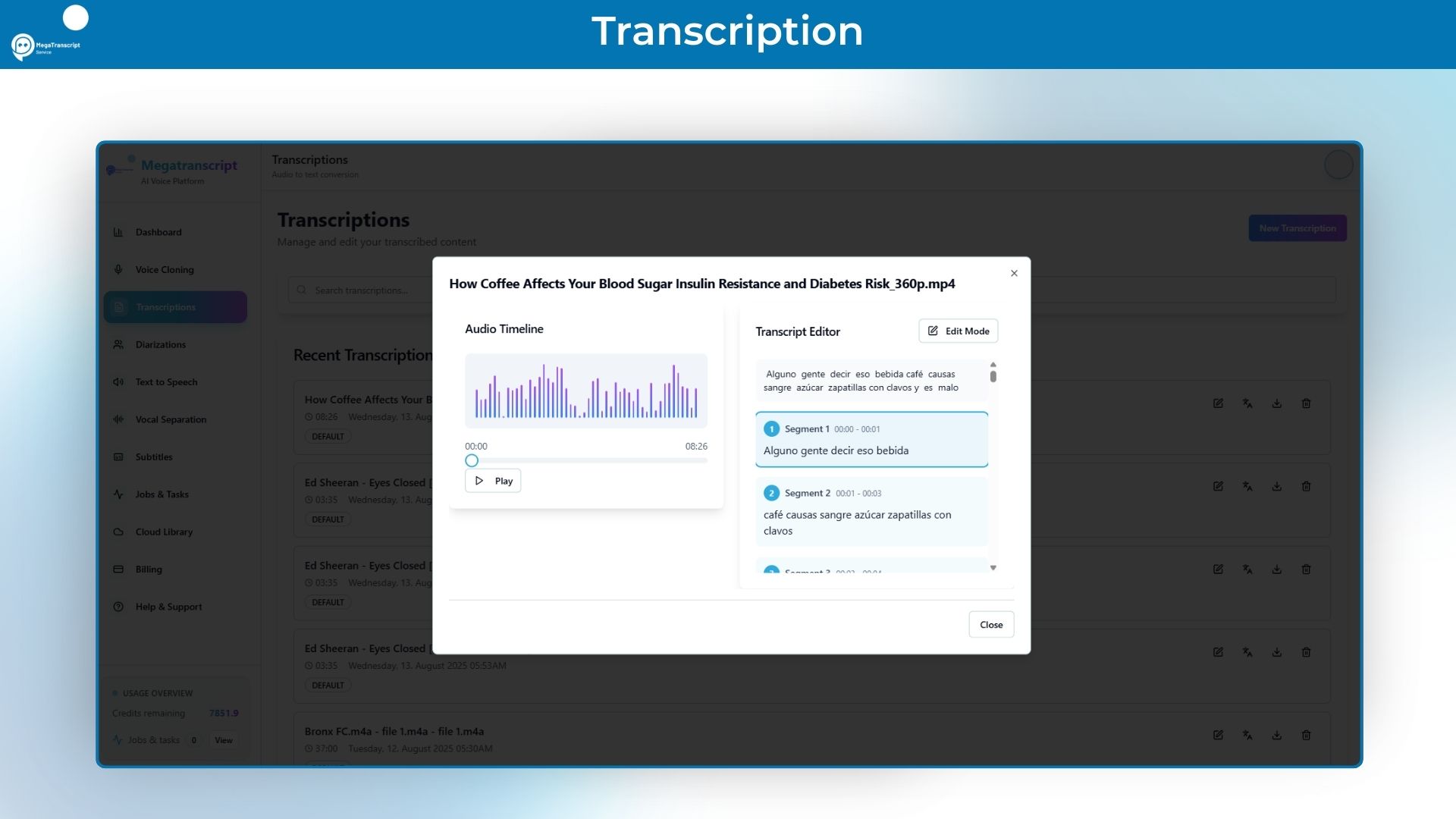
– You can upload audio files by clicking the ‘Upload Audio’ button on the Transcriptions page. We support MP3, WAV, M4A, and other common audio formats.
Q 3. What languages are supported for voice cloning?
– Currently, we support English, Spanish, French, German, and Italian for voice cloning. More languages are being added regularly.
Q 4. How accurate are the transcriptions?
– Our AI-powered transcription typically achieves 95-98% accuracy for clear audio. Accuracy may vary based on audio quality, background noise, and speaker clarity.
Q 5. Can I export subtitles in different formats?
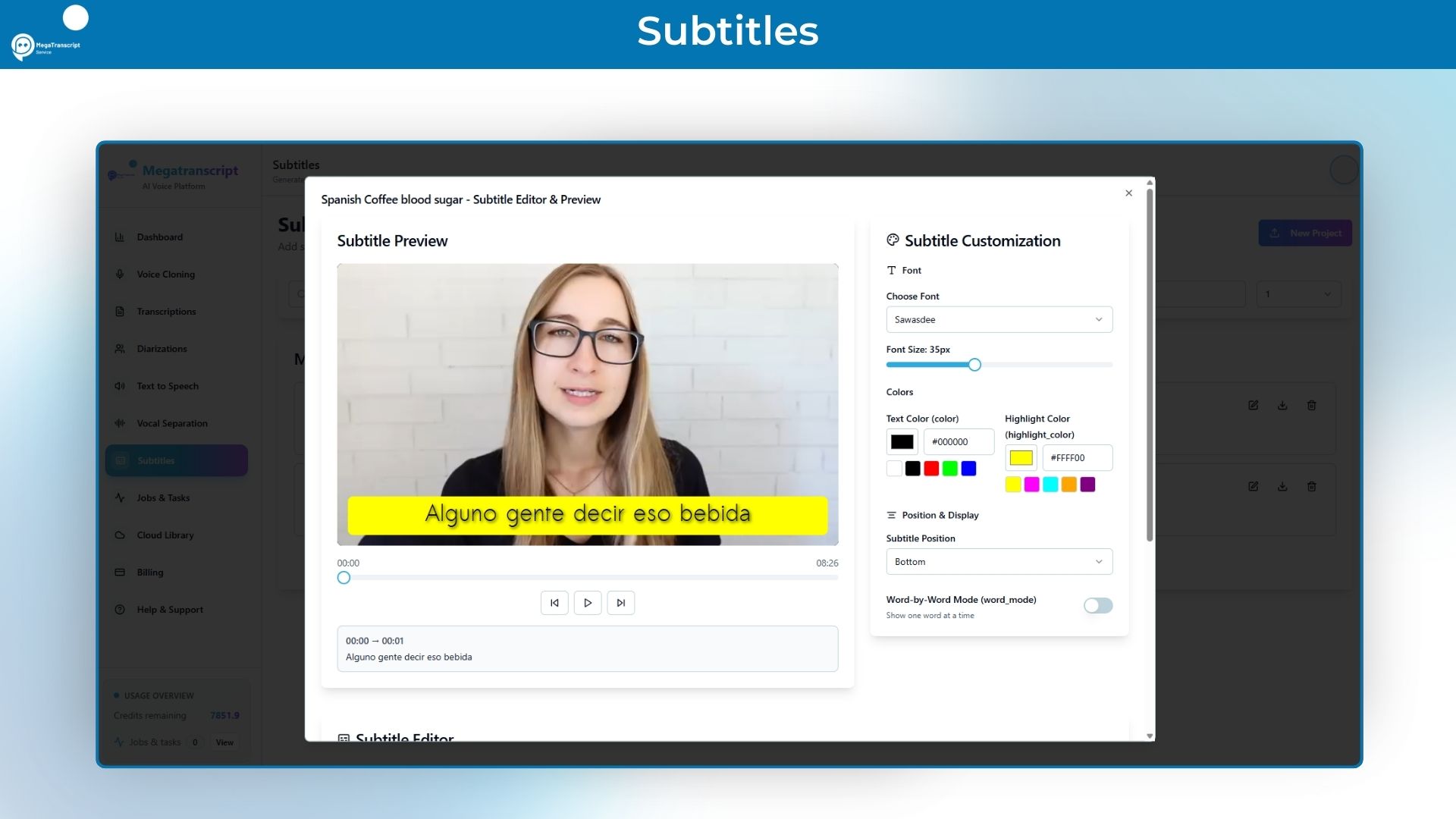
– Yes, we support SRT, VTT, ASS, and other popular subtitle formats. You can choose your preferred format when exporting.
Q 6. How long does voice cloning take?
– Voice cloning typically takes 2-5 minutes for processing, depending on the length and quality of your voice sample.
Q 7. What audio quality is recommended for the best results?
– For optimal transcription and voice cloning results, we recommend audio files with at least 16kHz sample rate, minimal background noise, and clear speech.
Q 8. How is my data protected?
– We use enterprise-grade encryption for all data in transit and at rest. Your audio files and personal data are never shared with third parties.
Q 9. What’s the maximum file size for uploads?
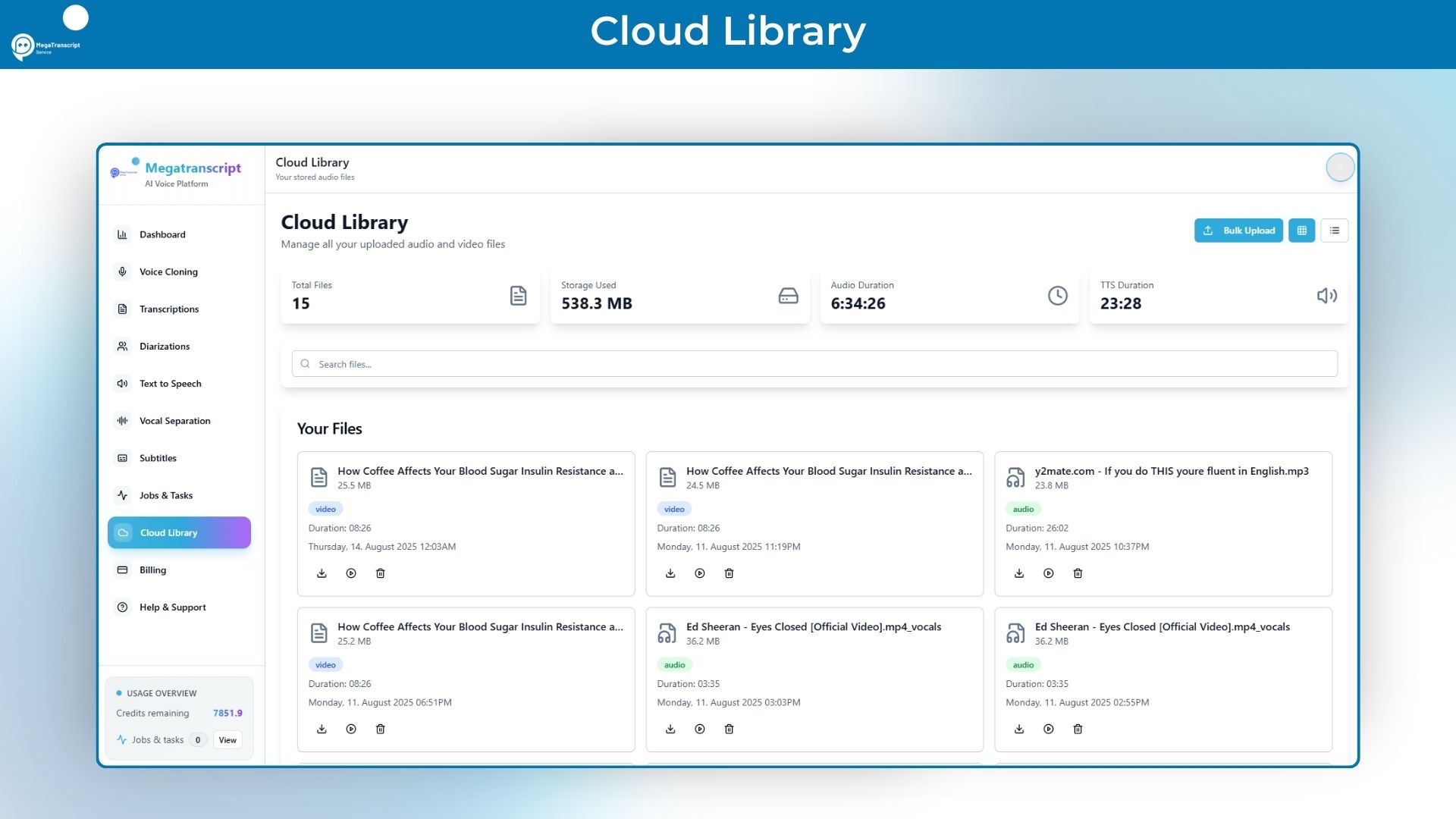
– Free accounts can upload files up to 100MB, while premium accounts support files up to 1GB. For larger files, contact our support team.
Q 10. How do I create custom voice profiles?
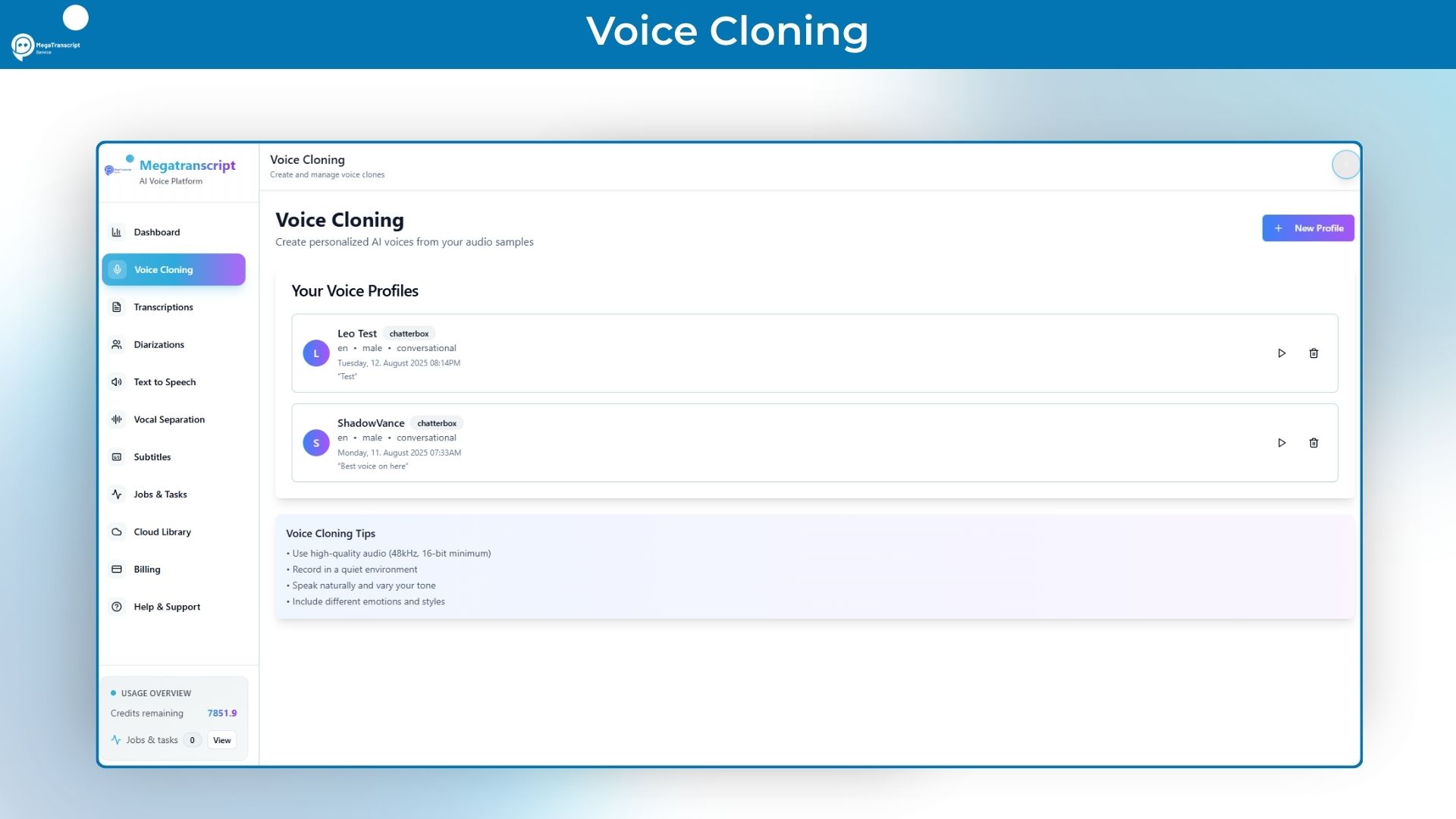
– Navigate to Voice Cloning, click ‘Create New Profile’, and upload a clear 30-60 second audio sample of the voice you want to clone.





5 reviews for Megatranscript : Text-to-Speech & Voice Cloning AI Tool
Jamie L –
I’ve used a bunch of transcription tools over the years, but Megatranscript is on another level. Uploading is fast, the AI picks up crazy accuracy, and I can export in every format I need. What used to take me 2–3 hours now takes 15 minutes. Worth every penny.
Priya R. –
I use Megatranscript to transcribe all my lectures, and it’s been a game-changer. The accuracy is about 95%.
Marcus D. –
I was skeptical about AI transcripts for legal work, but Megatranscript proved me wrong. It’s fast, secure, and surprisingly accurate with legal jargon.
Eduardo S. –
I create content in both Spanish and English, and Megatranscript handles both languages like a pro — even when I mix them.
Jenna T. –
Besides the great transcription quality, what really impressed me was the customer support.