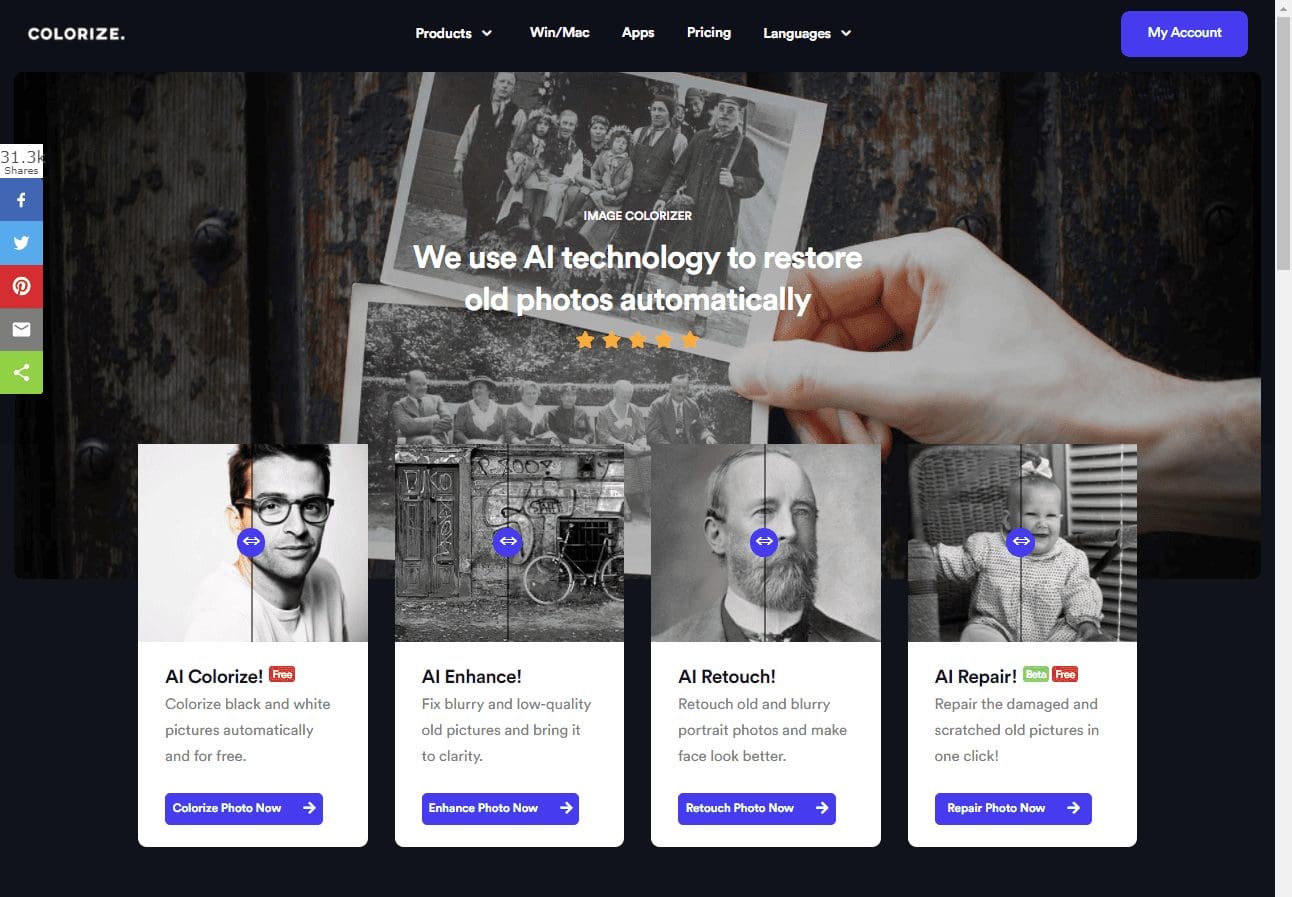
We use AI technology to restore old photos automatically.
Image Colorizer Introduction | Colorize Black and White Photos Online Automatically
Colorize! The Best Mobile Phone App for B&W Colorization
The Benefits of Using AI Technology
Minimal human intervention
Automatically works without you having to learn complicated software
Can train itself with required inputs
A one-click solution made possible
Drastically reduces the time taken to complete a task
Can complete complex tasks at a significantly lower cost
Can work 365 days a year without breaks or any downtime
It makes the process faster and smarter
It has the potential to work in mass markets
It reduces the workload on existing resources
Four Main Features
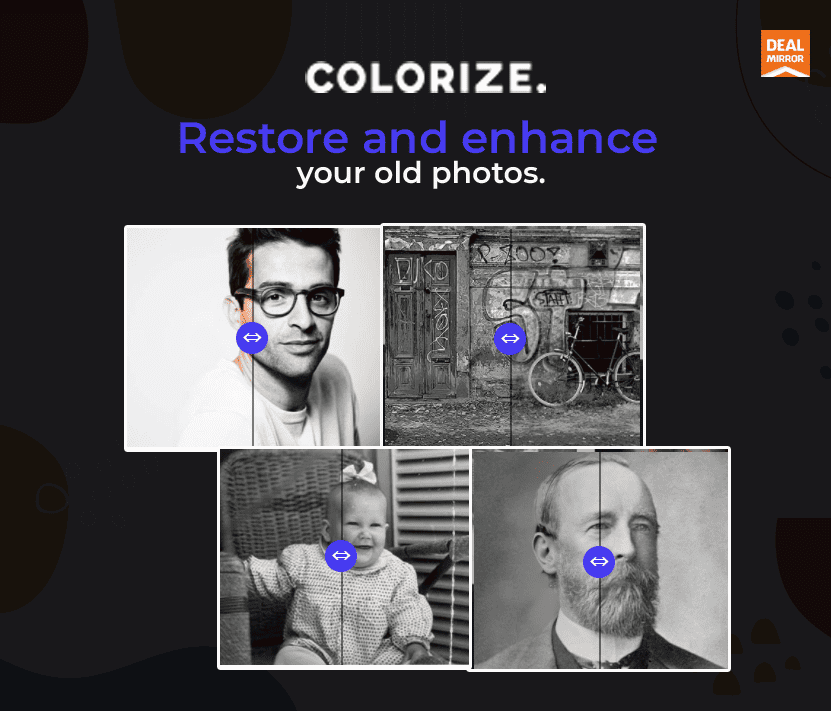
1. AI Colorize: Turn black and white pictures into color. 2. AI Enhance: Unblur old and blurry pictures. 3. AI Retouch: Retouch old and fix the blurry portrait photo. 4. AI Repair: Repair the old photos and remove scratches automatically.
Working of ImageColorizer Lifetime Deal
ImageColorizer Lifetime Deal is a powerful tool that helps you restore old photos and turn your black and white pictures to color automatically.
Powered by four useful AI technology, you can reimagine the past and bring the old memory back to life.
Step 1. Black And White Old Photo Colorization
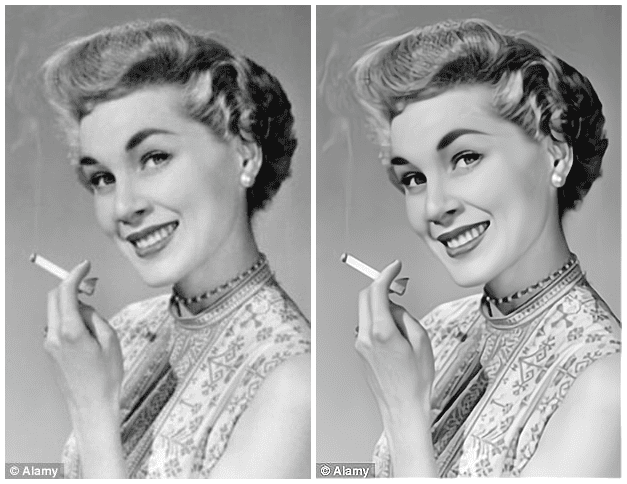
The Colorize! feature adds colors to black and white images. It uses artificial intelligence by training the system to complete the work in a few seconds.
This picture colorizer can restore old photos without any Photoshop skills. All you need is a few clicks. The converted images look like you took them using a digital camera.
Moreover, the online tool ensures to delete uploaded photos within 24 hours and cannot use the pictures for other purposes without your permission.
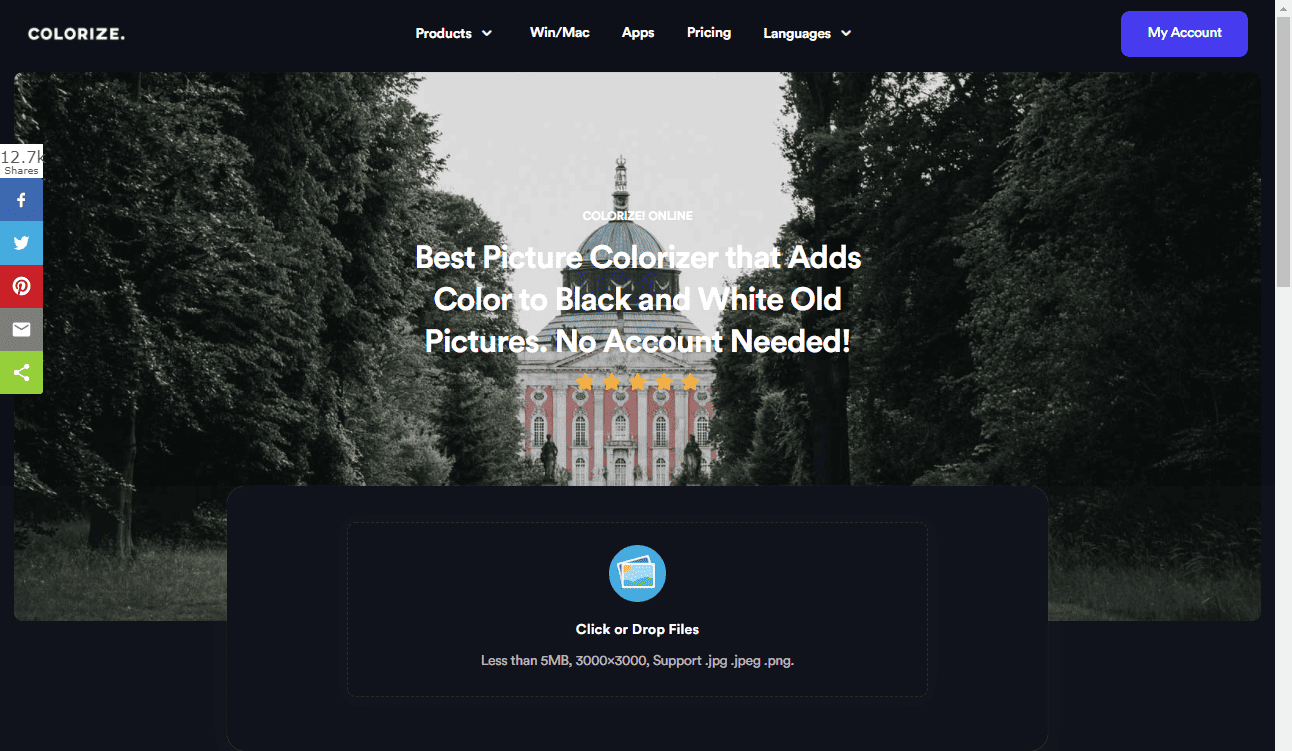
Click or drop files in this tool online. Ensure that each file has a maximum size of 5MB and a resolution of 3000 x 3000. You can only upload jpg, jpeg, or png files.
Once you click OK, the tool automatically starts the work. It displays the uploading and progressing messages, and then a download button appears.
Click on the download button, and the colorful image opens in front of you in a new tab. It appears like a fresh photo taken with your smartphone or digital camera.
You can right-click and save the picture to your device.
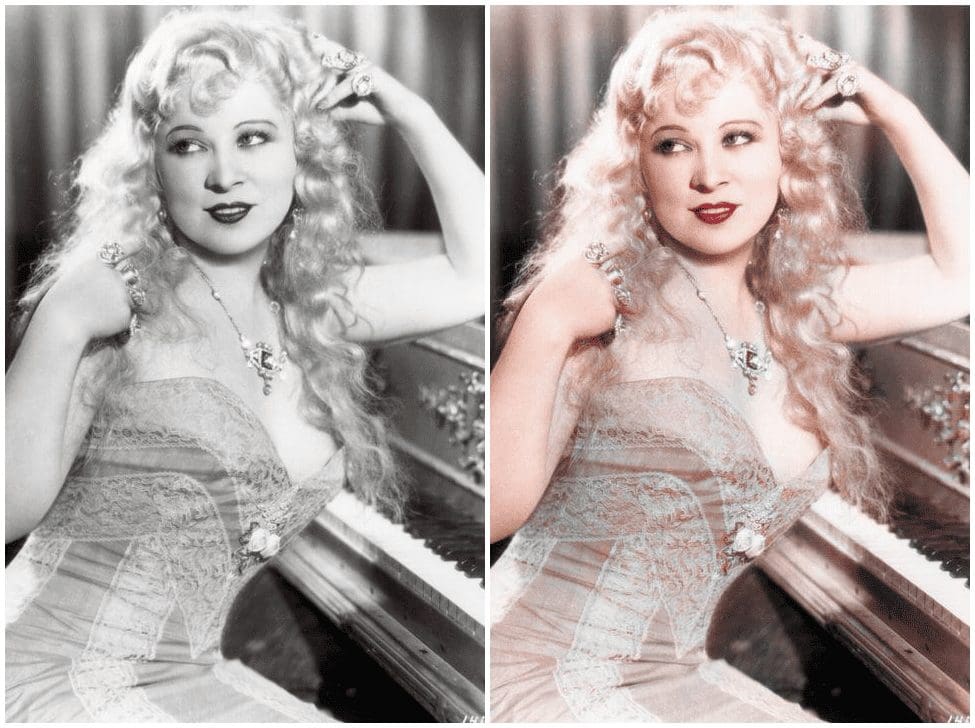
The resulted of the before-after picture by using our AI Colorize!
Step 2. Blurry Old Photo Enhancement
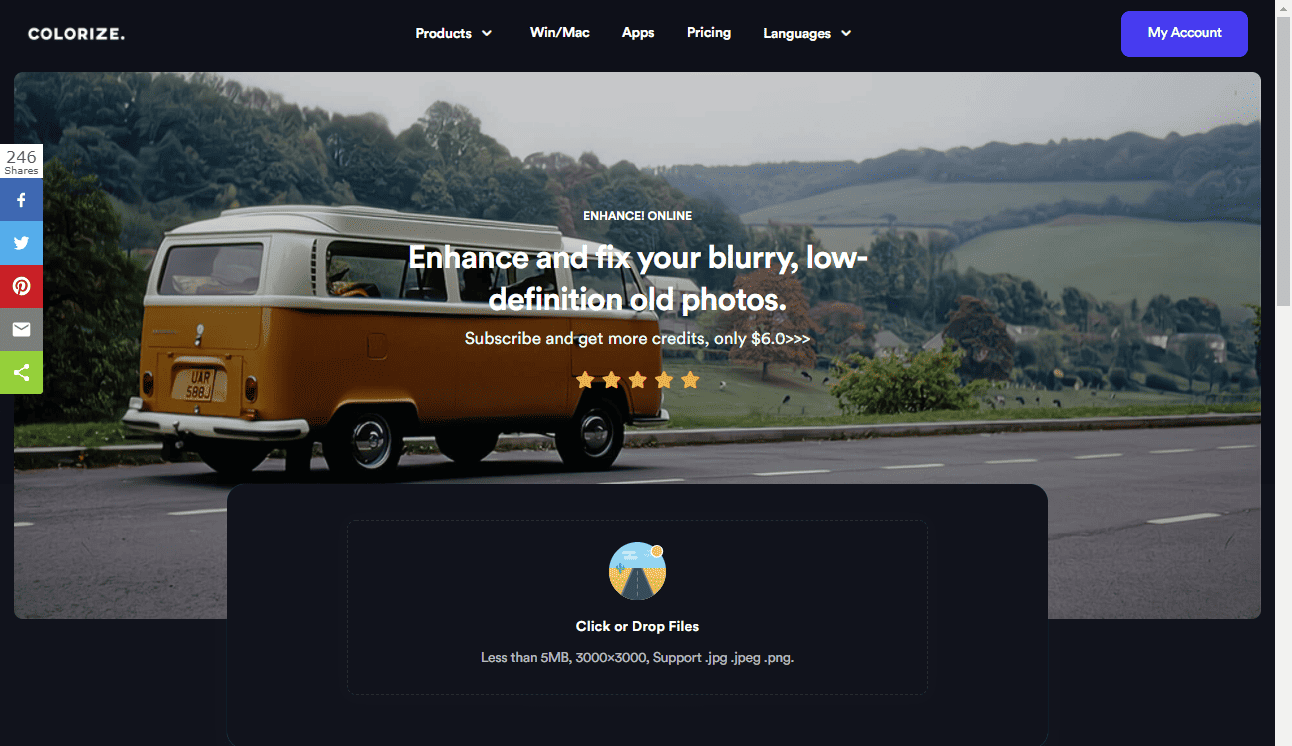
Sometimes, we find that our photos are out-of-focus or blurred or motion blurred. The Enhance! feature allows you to enhance and fix your blurry, low-definition old images.
It also uses AI technology without learning photoshop skills and restores old photos in low-definition to high-definition in only a few seconds.
You can make your old blurry photos crystal clear using this remarkable feature of an old photo restoration app called the Imagecolorizer online tool.
Go to the window “Click or drop files” and click on it. After selecting the file, it displays a message saying “Please Log in Your Account” with three options of Cancel, Free Account, and Log in.
If you are a registered user, you can log in with your credentials and fix old photos online.
If you select the free account option, it takes you to the pricing page.
Here, you can either subscribe to a premium or professional account monthly or yearly or access the free version.
You need to provide your email address to register with a new password in the free account option.
After login, once you click start, it processes your uploaded photos and enhances them by deblurring them.
The resulted of the before-after picture by using our AI Colorize!
Step 3. Old Portrait Photo Enhancement
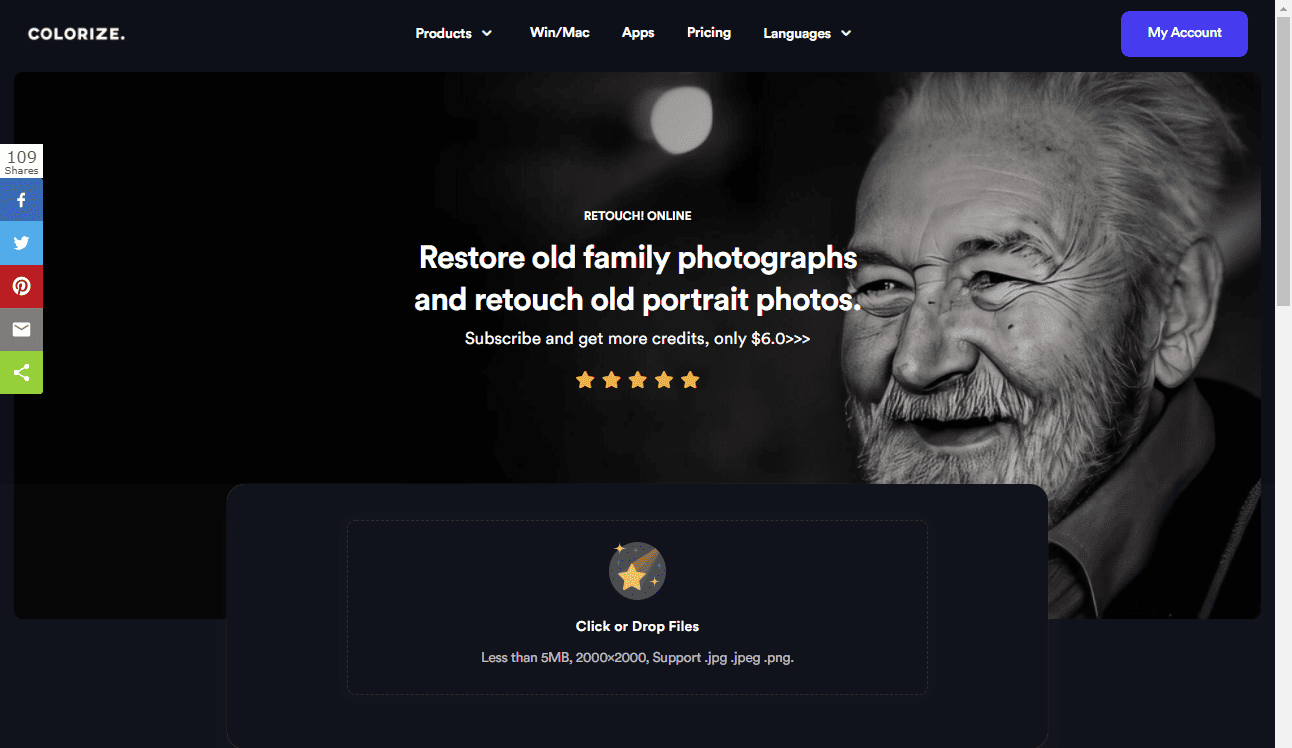
The Retouch! feature lets you restore old family photographs and retouch old portrait photos. It was never so easy to retouch and enhance your ancestor’s face.
You can quickly get the best look for your aging family pics with the latest AI-based technology and a promise of privacy protection. It can fix old photos online by repairing old portrait pictures naturally and intelligently.
The tool helps you to improve the quality of the badly faded portraits of your ancestors. You can fully optimize the skin, eyes, and lips naturally.
Here, you get a size limit of 5MB per image with a max resolution of 3000×3000.
You cannot use this feature without any free or paid registration.
After putting in your credentials, you can upload photos and retouch old portrait photos in few seconds.
You can only convert jpg, jpeg, and png images.
It is a one-click feature that automatically retouches your photos without you having to intervene. After conversion, you can download and save the images to your device.
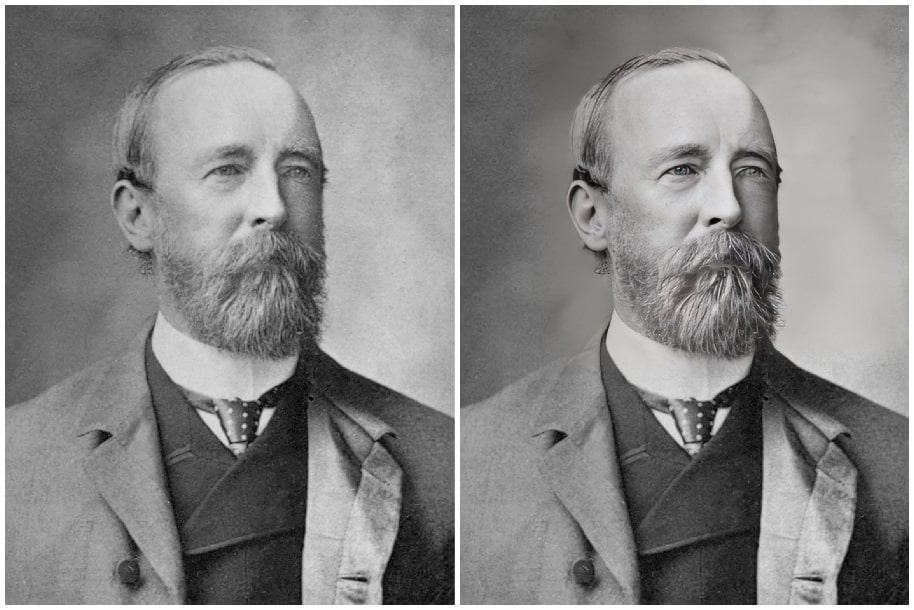
The resulted of the before-after picture by using our AI Retouch!
The resulted of the before-after picture by using our AI Colorize!
Step 4. Fix Damaged And Scratched Old Photo
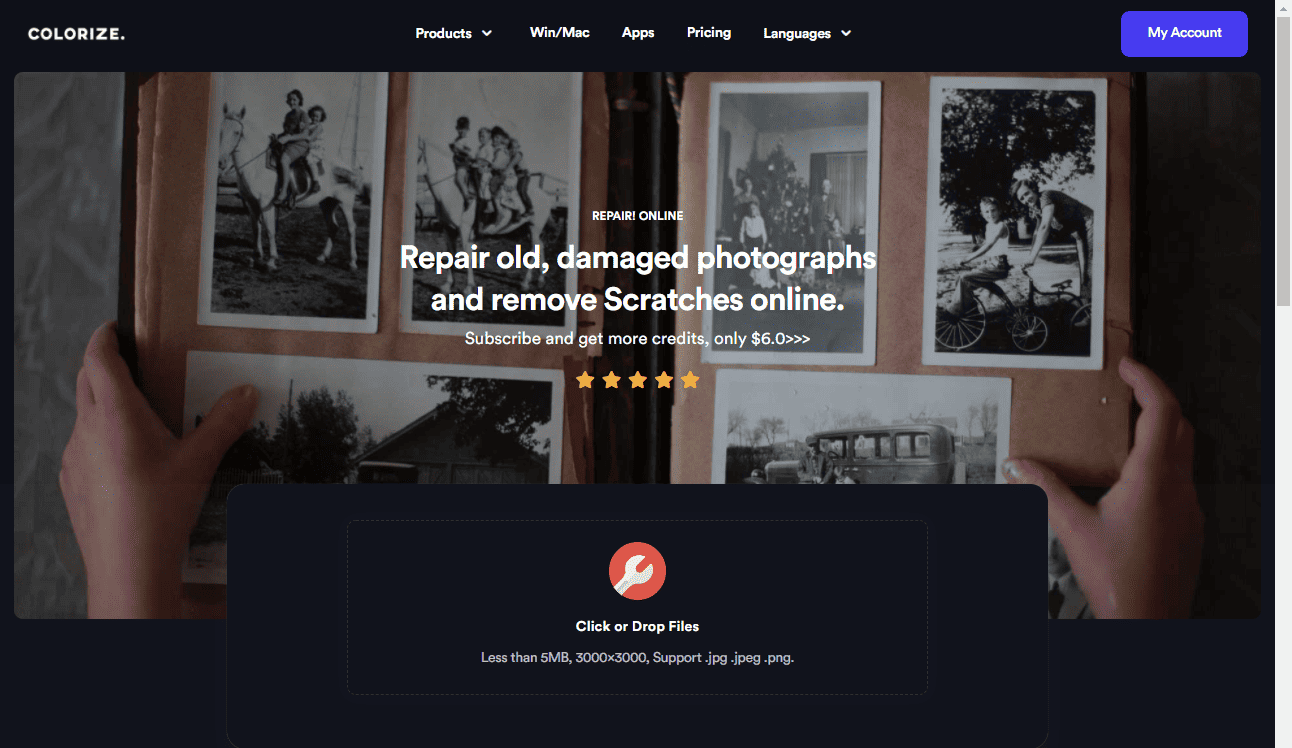
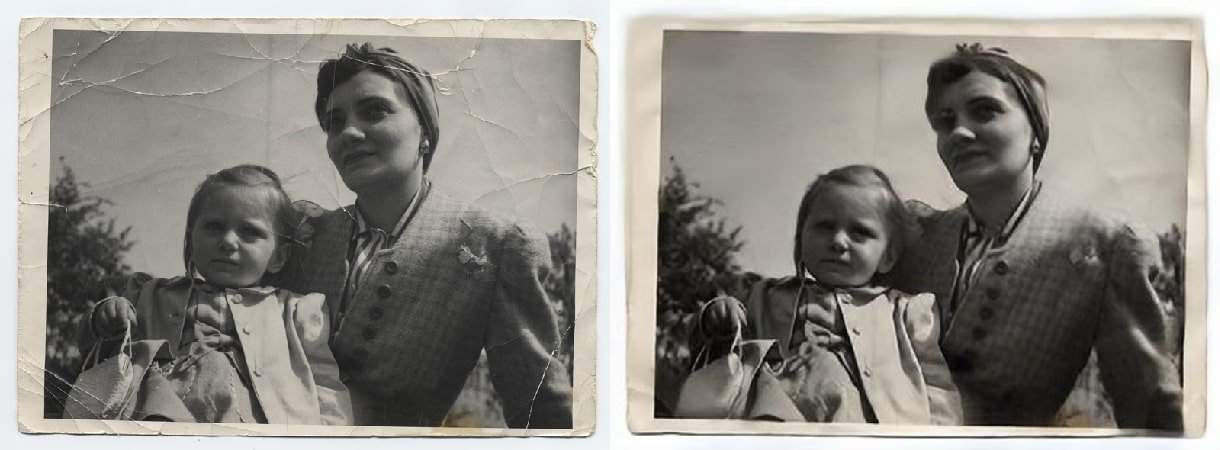
The Repair! Feature can repair old, damaged photographs and remove old scratches online. This tool can be of immense help to restore old photos that are damaged or scratched.
The online tool recognizes the scratched old pictures and repairs them automatically with a single click.
How To Use The Repair! Feature To Remove Scratches From An Old Photo
We use AI technology to restore old photos automatically.
Image Colorizer Introduction | Colorize Black and White Photos Online Automatically
Colorize! The Best Mobile Phone App for B&W Colorization
The Benefits of Using AI Technology
Minimal human intervention
Automatically works without you having to learn complicated software
Can train itself with required inputs
A one-click solution made possible
Drastically reduces the time taken to complete a task
Can complete complex tasks at a significantly lower cost
Can work 365 days a year without breaks or any downtime
It makes the process faster and smarter
It has the potential to work in mass markets
It reduces the workload on existing resources
Four Main Features
1. AI Colorize: Turn black and white pictures into color. 2. AI Enhance: Unblur old and blurry pictures. 3. AI Retouch: Retouch old and fix the blurry portrait photo. 4. AI Repair: Repair the old photos and remove scratches automatically.
Working of ImageColorizer Lifetime Deal
ImageColorizer Lifetime Deal is a powerful tool that helps you restore old photos and turn your black and white pictures to color automatically.
Powered by four useful AI technology, you can reimagine the past and bring the old memory back to life.
Step 1. Black And White Old Photo Colorization
The Colorize! feature adds colors to black and white images. It uses artificial intelligence by training the system to complete the work in a few seconds.
This picture colorizer can restore old photos without any Photoshop skills. All you need is a few clicks. The converted images look like you took them using a digital camera.
Moreover, the online tool ensures to delete uploaded photos within 24 hours and cannot use the pictures for other purposes without your permission.
Click or drop files in this tool online. Ensure that each file has a maximum size of 5MB and a resolution of 3000 x 3000. You can only upload jpg, jpeg, or png files.
Once you click OK, the tool automatically starts the work. It displays the uploading and progressing messages, and then a download button appears.
Click on the download button, and the colorful image opens in front of you in a new tab. It appears like a fresh photo taken with your smartphone or digital camera.
You can right-click and save the picture to your device.
The resulted of the before-after picture by using our AI Colorize!
Step 2. Blurry Old Photo Enhancement
Sometimes, we find that our photos are out-of-focus or blurred or motion blurred. The Enhance! feature allows you to enhance and fix your blurry, low-definition old images.
It also uses AI technology without learning photoshop skills and restores old photos in low-definition to high-definition in only a few seconds.
You can make your old blurry photos crystal clear using this remarkable feature of an old photo restoration app called the Imagecolorizer online tool.
Go to the window “Click or drop files” and click on it. After selecting the file, it displays a message saying “Please Log in Your Account” with three options of Cancel, Free Account, and Log in.
If you are a registered user, you can log in with your credentials and fix old photos online.
If you select the free account option, it takes you to the pricing page.
Here, you can either subscribe to a premium or professional account monthly or yearly or access the free version.
You need to provide your email address to register with a new password in the free account option.
After login, once you click start, it processes your uploaded photos and enhances them by deblurring them.
The resulted of the before-after picture by using our AI Colorize!
Step 3. Old Portrait Photo Enhancement
The Retouch! feature lets you restore old family photographs and retouch old portrait photos. It was never so easy to retouch and enhance your ancestor’s face.
You can quickly get the best look for your aging family pics with the latest AI-based technology and a promise of privacy protection. It can fix old photos online by repairing old portrait pictures naturally and intelligently.
The tool helps you to improve the quality of the badly faded portraits of your ancestors. You can fully optimize the skin, eyes, and lips naturally.
Here, you get a size limit of 5MB per image with a max resolution of 3000×3000.
You cannot use this feature without any free or paid registration.
After putting in your credentials, you can upload photos and retouch old portrait photos in few seconds.
You can only convert jpg, jpeg, and png images.
It is a one-click feature that automatically retouches your photos without you having to intervene. After conversion, you can download and save the images to your device.
The resulted of the before-after picture by using our AI Retouch!
The resulted of the before-after picture by using our AI Colorize!
Step 4. Fix Damaged And Scratched Old Photo
The Repair! Feature can repair old, damaged photographs and remove old scratches online. This tool can be of immense help to restore old photos that are damaged or scratched.
The online tool recognizes the scratched old pictures and repairs them automatically with a single click.
How To Use The Repair! Feature To Remove Scratches From An Old Photo
1. How do I contact support?
-You can contact support at : [email protected]
Reviews
5 reviews for ImageColorizer : Restore and Enhance Your Old Photos
Rated 5 out of 5
Hasseb Ahmad –
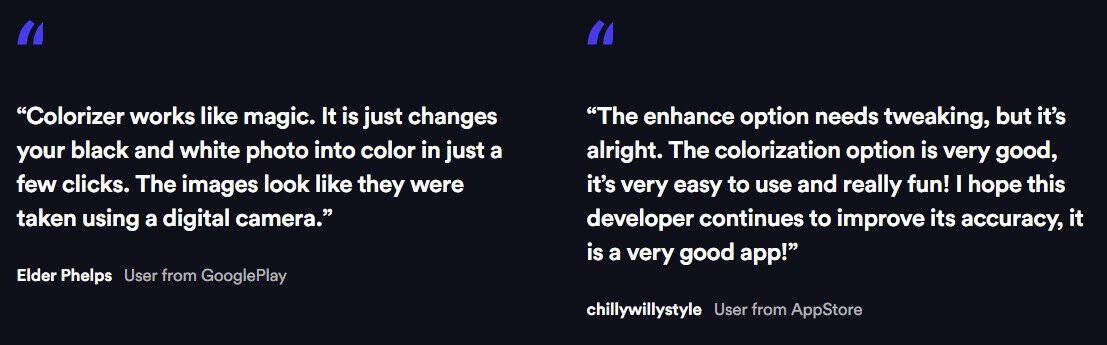
ImageColorizer works like magic. It just changes your black and white photos into color in a few clicks.
Rated 5 out of 5
Jack Bess –
Fix Damaged And Scratched Old Photo:-
The Repair! Feature can repair old, damaged photographs and remove old scratches online. This tool can be of immense help to restore old photos that are damaged or scratched.
Rated 5 out of 5
Ollie Leach –
The Retouch! feature lets you restore old family photographs and retouch old portrait photos. It was never so easy to retouch and enhance your ancestor’s face.
You can quickly get the best look for your aging family pics with the latest AI-based technology and a promise of privacy protection. It can fix old photos online by repairing old portrait pictures naturally and intelligently.
Rated 5 out of 5
Sumit Rai –
Extremely affordable price:-
I must say deal mirror offering us best price in the saas marketing world. Purchase 5 codes of a pro plan and get benefitted of 20 % OFF.
Rated 5 out of 5
Craig Wood –
Spot on for me and for my business:-
I do graphic ads and videos for my own business also do for others. I picked this up and the value within is out of this world. So, a purchase to be proud of.
Admin –
Credits mean n.o of old images you can enhance and retouch. check below 2 points:-
1. ImageColorizer Premium Lifetime Plan you will get 250 Credits Per Month for enhancing and Retouching your old image.
2. ImageColorizer Pro Lifetime Plan you will get 1000 Credits Per Month for enhancing and Retouching your old image.






5 reviews for ImageColorizer : Restore and Enhance Your Old Photos
Hasseb Ahmad –
ImageColorizer works like magic. It just changes your black and white photos into color in a few clicks.
Jack Bess –
Fix Damaged And Scratched Old Photo:-
The Repair! Feature can repair old, damaged photographs and remove old scratches online. This tool can be of immense help to restore old photos that are damaged or scratched.
Ollie Leach –
The Retouch! feature lets you restore old family photographs and retouch old portrait photos. It was never so easy to retouch and enhance your ancestor’s face.
You can quickly get the best look for your aging family pics with the latest AI-based technology and a promise of privacy protection. It can fix old photos online by repairing old portrait pictures naturally and intelligently.
Sumit Rai –
Extremely affordable price:-
I must say deal mirror offering us best price in the saas marketing world. Purchase 5 codes of a pro plan and get benefitted of 20 % OFF.
Craig Wood –
Spot on for me and for my business:-
I do graphic ads and videos for my own business also do for others. I picked this up and the value within is out of this world. So, a purchase to be proud of.
Admin –
Credits mean n.o of old images you can enhance and retouch. check below 2 points:-
1. ImageColorizer Premium Lifetime Plan you will get 250 Credits Per Month for enhancing and Retouching your old image.
2. ImageColorizer Pro Lifetime Plan you will get 1000 Credits Per Month for enhancing and Retouching your old image.