Home » Store » Bookmer: Organise All Your Links in One Place With Smart Bookmark Manager
Bookmer: Organise All Your Links in One Place With Smart Bookmark Manager
TL;DR
Create your own bookmark folder & customise it with a custom icon
Keep all your bookmarks synced and find them by keywords & notes in seconds
Alternative to Start.me and Raindrop.io, etc
Best for Students, Researchers, Professionals, Remote Workers, Content Creators & more
Bookmer Lifetime deal
Are you tired of messy browser bookmarks and losing track of valuable links?
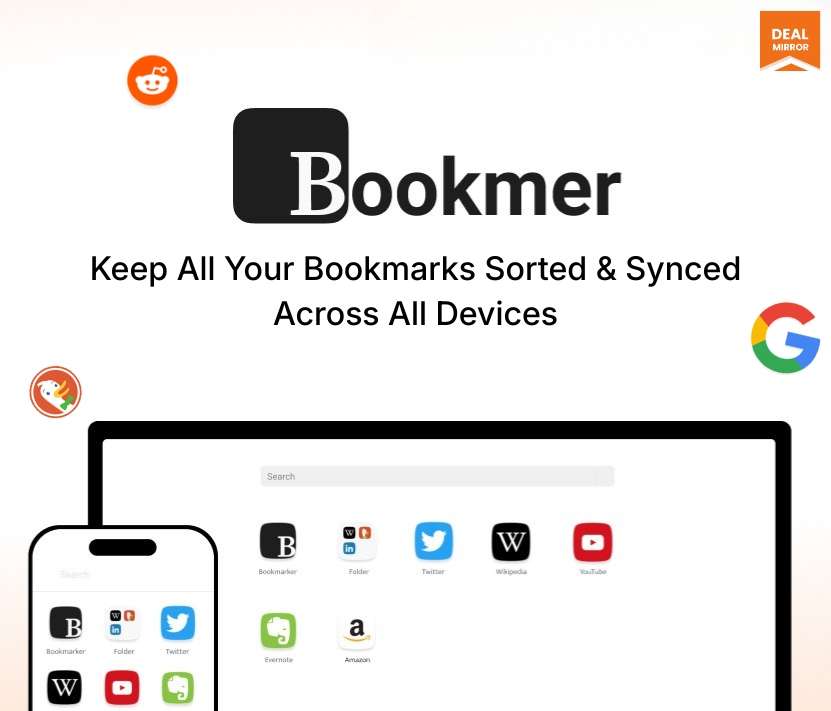
Meet Bookmer, a lifetime deal, your all-in-one, distraction-free Bookmark Manager built for productivity. Whether you’re using dozens of tools, articles, or internal resources, Bookmer gives you a clean, organised hub that syncs across all your devices.
Bookmer isn’t just a place to save links; instead, it’s a smarter way to manage your digital world. Instantly search, tag, and structure bookmarks without dealing with endless folders. Whether you’re a solo professional or part of a fast-moving team, Bookmer helps you access everything you need in a click; beautifully organised and lightning fast.
With its powerful customisation, Bookmer scales with your workflow. From research archives to business tools, you stay in control, always synced, always accessible.
Intro Video
Bookmer is a modern, distraction-free bookmark manager that lets you organise, search, sync across all devices so that you can access all your links in one place and stay organised.
How Does It Work?
Step 1: Add Anything
– Save any link manually, via browser extension, or auto-import. Use tags, colors, and icons to structure them.
Step 2: Organize Effortlessly
– No more nested folders. Use smart filters, pinned views, and custom dashboards.
Step 3: Access Instantly
– Open Bookmer from your browser toolbar, desktop shortcut, or web dashboard. Everything loads instantly.
Step 4: Share Collections
– Create public or private collections. Invite team members or export curated lists for clients.
Dashboard Images
Key Features:
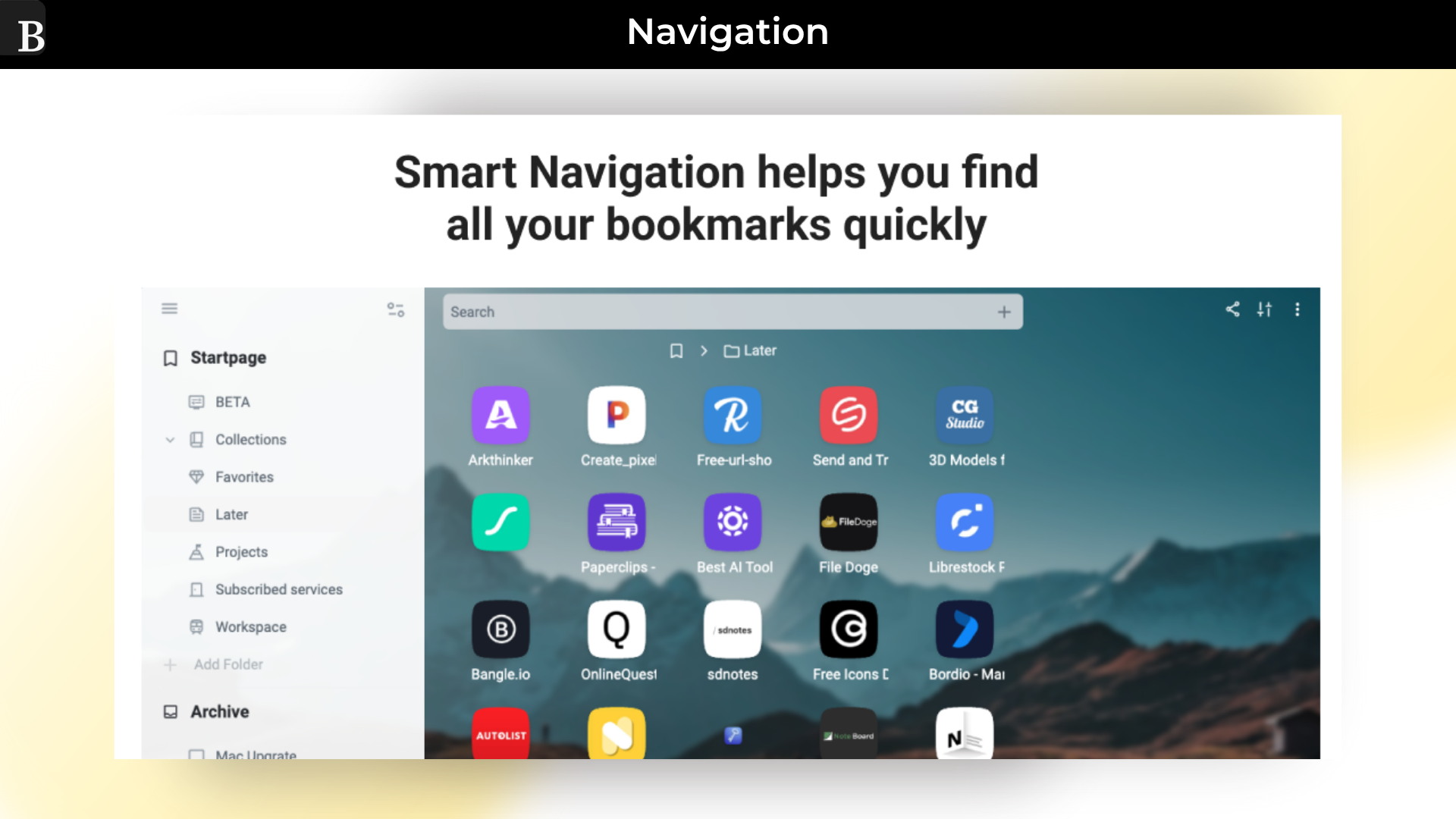
Smart Navigation: Find your links fast and organize your collections.
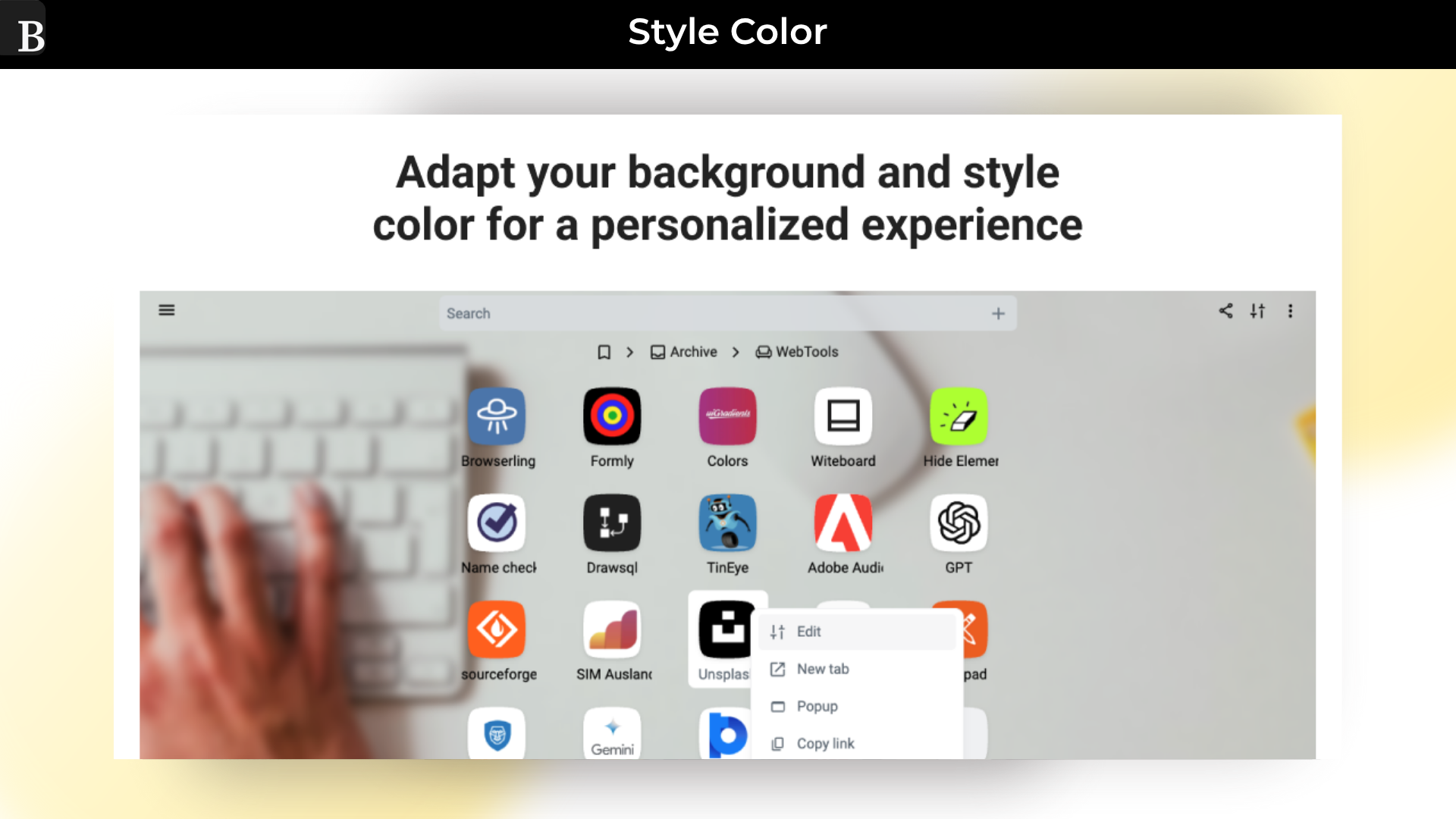
Customized Icons: Use your own icons to use unique styles.
Unlimited Use: Collect and share bookmarks without limits.
Search Everything: Search for titles, tags, notes, and content everywhere.
Recovery: Recover your removed bookmarks and folder.
Custemated Styles: Customized each folder with rules and own styles.
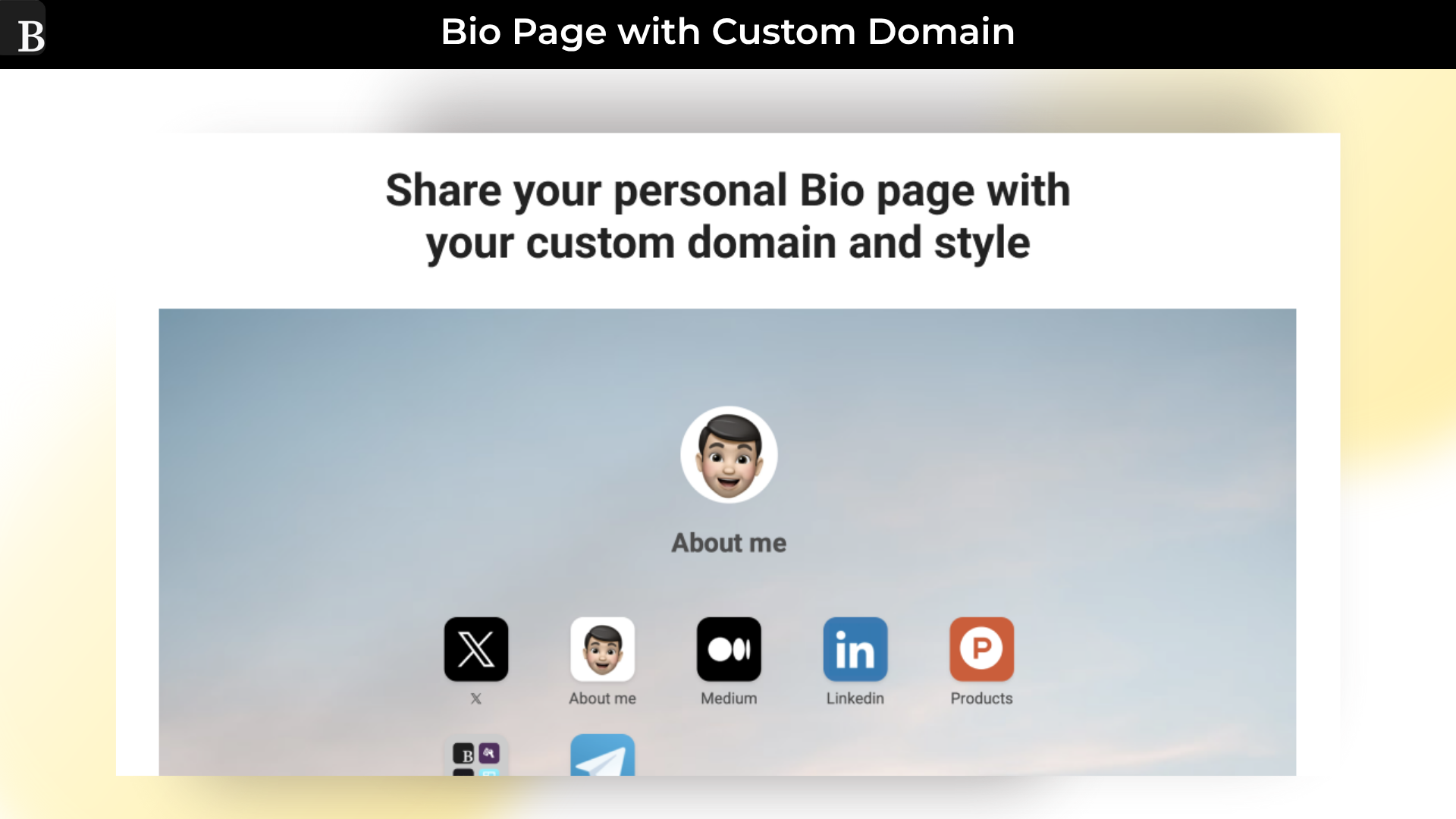
Custom Domain: Use your own domain for all shared bookmarks with your own ending name.
SEO Friendly: Let you be find on search engines for maximal traffic targets.
Use Your Style: Create for each shared page its own style; choose a background and text titles.
Icons: Minimalistic icons show you in a most minimalistic view all bookmarks.
List: List are perfect for long text titles; they make optional URLs always visible.
Cards: Cards are the perfect choice to see the notes’ content.
Navigation: Over the site bar navigation, you are able to quickly navigate into your favorite folders.
Subfolder: Once you are inside a subfolder, you can navigate back over upper folders.
Pinned Folder: Get quick access into your favorite folders.
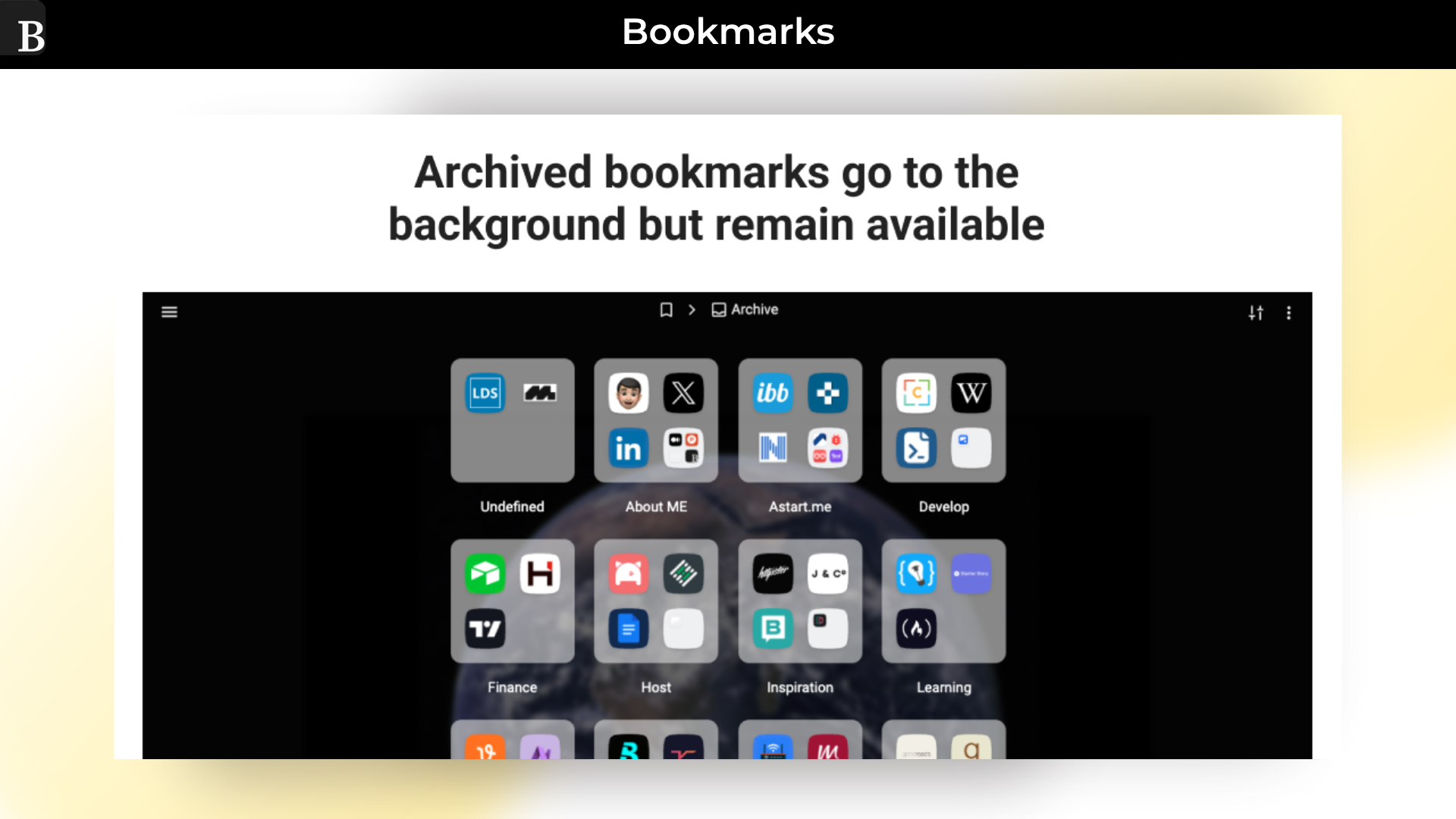
Archive: A smart archive system helps you to quickly find links to different categories.
Search Switcher: Simply switch between the current folder and global search.
Ad Ones: Discover a collection of extra features that allow you limitless possibilities.
Use Cases:
Students & Researchers: Keep all your articles, reference sites, and project links organised by subject. Access them anytime from your laptop, tablet, or phone.
Professionals & Remote Workers: Create shared folders for your team to collaborate on useful tools, documents, and project links.
Writers & Content Creators: Save inspiring articles, images, and videos in one place. Organise them by topic or project for easy access.
Developers & Designers: Bookmark helpful tutorials, tools, and code repositories. Never waste time searching for that useful link again.
Create your own bookmark folder & customise it with a custom icon
Keep all your bookmarks synced and find them by keywords & notes in seconds
Alternative to Start.me and Raindrop.io, etc
Best for Students, Researchers, Professionals, Remote Workers, Content Creators & more
Bookmer Lifetime deal
Are you tired of messy browser bookmarks and losing track of valuable links?
Meet Bookmer, a lifetime deal, your all-in-one, distraction-free Bookmark Manager built for productivity. Whether you’re using dozens of tools, articles, or internal resources, Bookmer gives you a clean, organised hub that syncs across all your devices.
Bookmer isn’t just a place to save links; instead, it’s a smarter way to manage your digital world. Instantly search, tag, and structure bookmarks without dealing with endless folders. Whether you’re a solo professional or part of a fast-moving team, Bookmer helps you access everything you need in a click; beautifully organised and lightning fast.
With its powerful customisation, Bookmer scales with your workflow. From research archives to business tools, you stay in control, always synced, always accessible.
Intro Video
Bookmer is a modern, distraction-free bookmark manager that lets you organise, search, sync across all devices so that you can access all your links in one place and stay organised.
How Does It Work?
Step 1: Add Anything
– Save any link manually, via browser extension, or auto-import. Use tags, colors, and icons to structure them.
Step 2: Organize Effortlessly
– No more nested folders. Use smart filters, pinned views, and custom dashboards.
Step 3: Access Instantly
– Open Bookmer from your browser toolbar, desktop shortcut, or web dashboard. Everything loads instantly.
Step 4: Share Collections
– Create public or private collections. Invite team members or export curated lists for clients.
Dashboard Images
Key Features:
Smart Navigation: Find your links fast and organize your collections.
Customized Icons: Use your own icons to use unique styles.
Unlimited Use: Collect and share bookmarks without limits.
Search Everything: Search for titles, tags, notes, and content everywhere.
Recovery: Recover your removed bookmarks and folder.
Custemated Styles: Customized each folder with rules and own styles.
Custom Domain: Use your own domain for all shared bookmarks with your own ending name.
SEO Friendly: Let you be find on search engines for maximal traffic targets.
Use Your Style: Create for each shared page its own style; choose a background and text titles.
Icons: Minimalistic icons show you in a most minimalistic view all bookmarks.
List: List are perfect for long text titles; they make optional URLs always visible.
Cards: Cards are the perfect choice to see the notes’ content.
Navigation: Over the site bar navigation, you are able to quickly navigate into your favorite folders.
Subfolder: Once you are inside a subfolder, you can navigate back over upper folders.
Pinned Folder: Get quick access into your favorite folders.
Archive: A smart archive system helps you to quickly find links to different categories.
Search Switcher: Simply switch between the current folder and global search.
Ad Ones: Discover a collection of extra features that allow you limitless possibilities.
Use Cases:
Students & Researchers: Keep all your articles, reference sites, and project links organised by subject. Access them anytime from your laptop, tablet, or phone.
Professionals & Remote Workers: Create shared folders for your team to collaborate on useful tools, documents, and project links.
Writers & Content Creators: Save inspiring articles, images, and videos in one place. Organise them by topic or project for easy access.
Developers & Designers: Bookmark helpful tutorials, tools, and code repositories. Never waste time searching for that useful link again.
30-Days Money-Back Guarantee (For Non-Prime Members and Regular users)
60-Day Money-Back Guarantee (For DealMirror Prime Members Only)
Pricing
LTD
One-time payment. Lifetime access.
$29.00$199.00
Unlimited bookmarks
Unlimited folder
Custom bookmark Icons
Custom folder Icons
Archive
Recover bookmarks
Import/Export
Share collections
From The Founders
Gabriel Sgroi
Founder
I created Bookmer for myself because I missed a simple bookmark manager without unnecessary features.
While Bookmer is designed to be simple and minimalistic, it also has complexity; it’s the small ideas behind each interaction that make Bookmer truly unique.
Q 2. Which platforms do you support?
– Bookmer is web-based, meaning it runs on any device and works independently of any browser or operating system. You can always access Bookmer from anywhere at Bookmer.com.
Q 3. Who is Bookmer for?
– Bookmer is designed for anyone seeking quick access to bookmarks. It’s perfect for journalists needing immediate access to relevant articles, students conducting online research, and productivity enthusiasts looking to manage and share their bookmarks efficiently.
Q 4. Why should I use Bookmer?
– Bookmer allows you to find your bookmarks much faster by using keywords and full-text search, reducing the time spent searching. It also provides a simple way to share link collections with others.
Reviews
Reviews
There are no reviews yet.
Be the first to review “Bookmer: Organise All Your Links in One Place With Smart Bookmark Manager” Cancel reply






Reviews
There are no reviews yet.