Q: 1. How do I contact support?
A: You can contact support at [email protected]
Q: 2. Does Bitvoiper Support Incoming Calls?
A: Yes, you can receive calls on your username from other Bitvoiper users, and you can receive them on your virtual number, via call forwarding to your cellphone, or on your browser when signed in and connected.
Q: 3. Does Bitvoiper Support Incoming Messages?
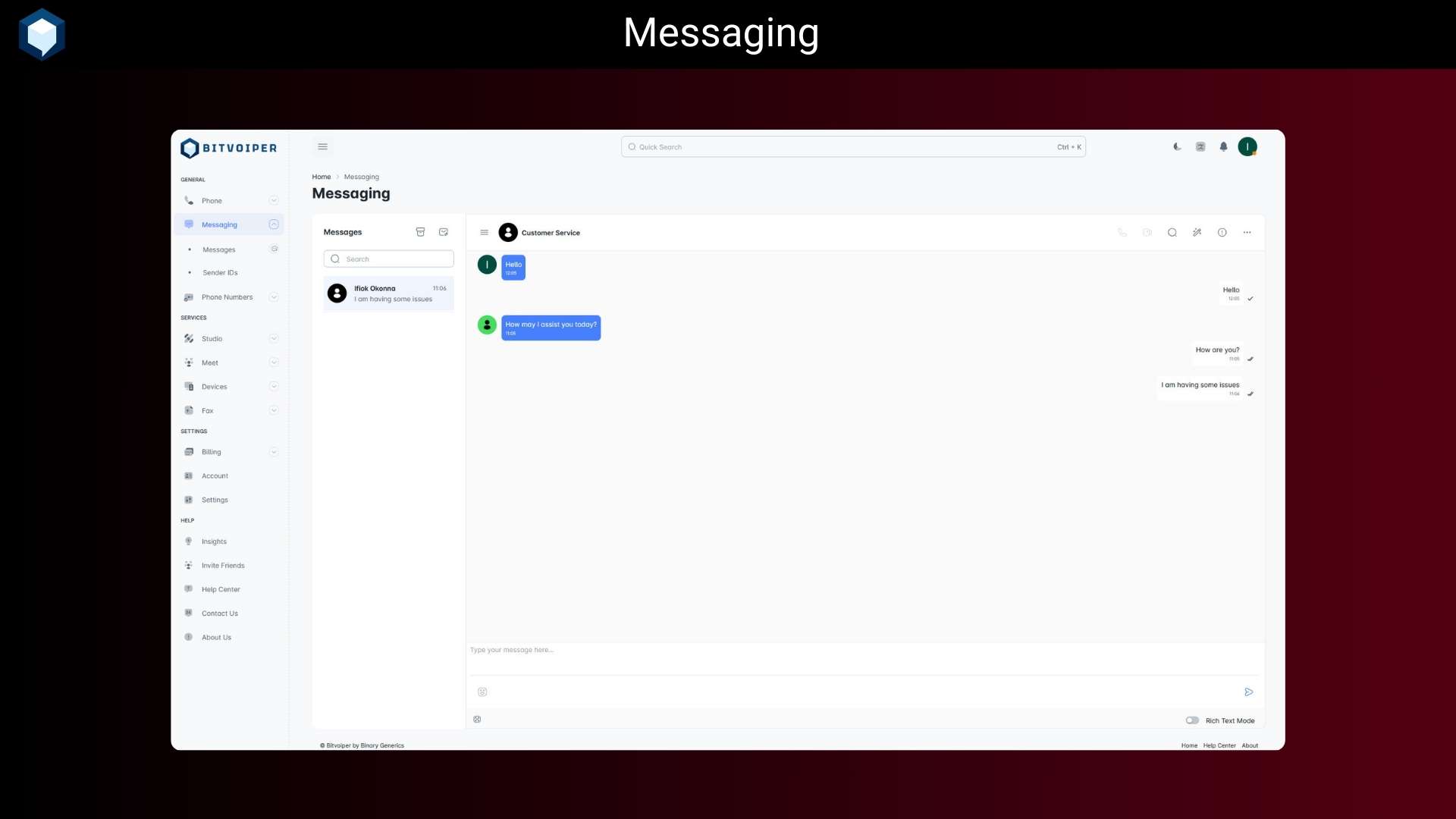
A: Yes, you can receive SMS and MMS messages on your virtual phone number, and you can receive messages from other Bitvoiper users on your browser when signed in and connected.
Q: 4. Are calls really encrypted?
A: Yes, all calls, messages, and media are encrypted end-to-end. Bitvoiper protects your identity and data with enterprise-grade security and global compliance.
Q: 5. Can funds in my wallet expire?
A: No, your funds in your wallet will never expire.
Q: 6. Can I buy a virtual phone number?
A: Yes, you can buy a virtual phone number from Bitvoiper and use it to make calls and send messages.
Q: 7. Are my calls really high definition (HD)?
A: Yes, all calls are HD. However, to get maximum quality, you should use a good and stable internet connection. If you are still having call quality issues, please contact us on our live chat support.
Q: 8. Do you require phone number or ID verification?
A: No, we do not require phone number or ID verification. However, some of our services will require you to provide a phone number and ID to prove your identity.
Q: 9. Do I need to buy a subscription?
A: No, you can use Bitvoiper for free. Communication services like calling and messaging (SMS/MMS) are “pay-as-you-go.” You can check the cost of calls, texts, and other supplementary services anytime in the Prices section of your dashboard. Just make sure to keep your wallet topped up so you never miss a connection. However, to use some of our services, you will need to buy a subscription.
Q: 10. Do I need a special app to make calls?
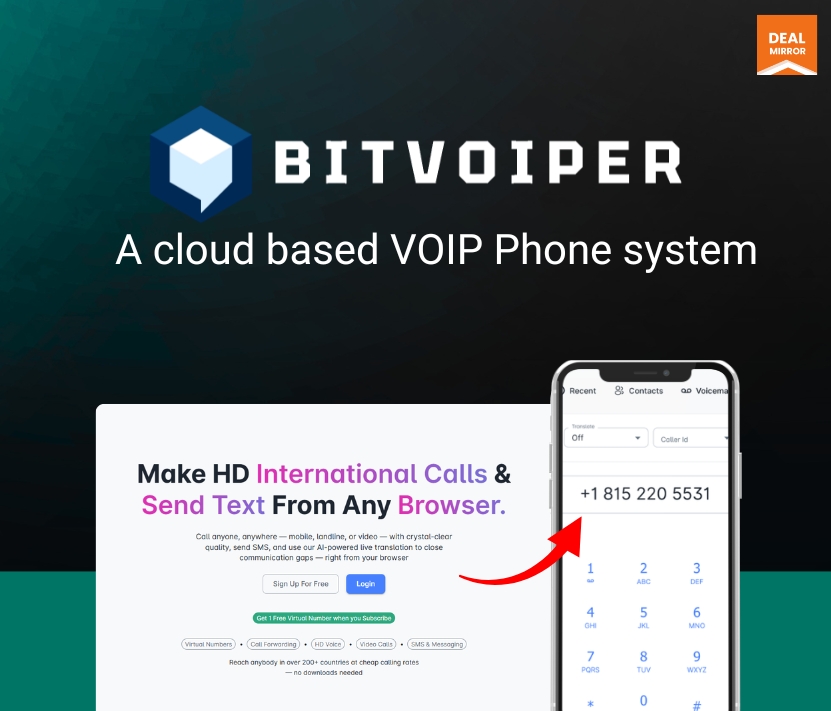
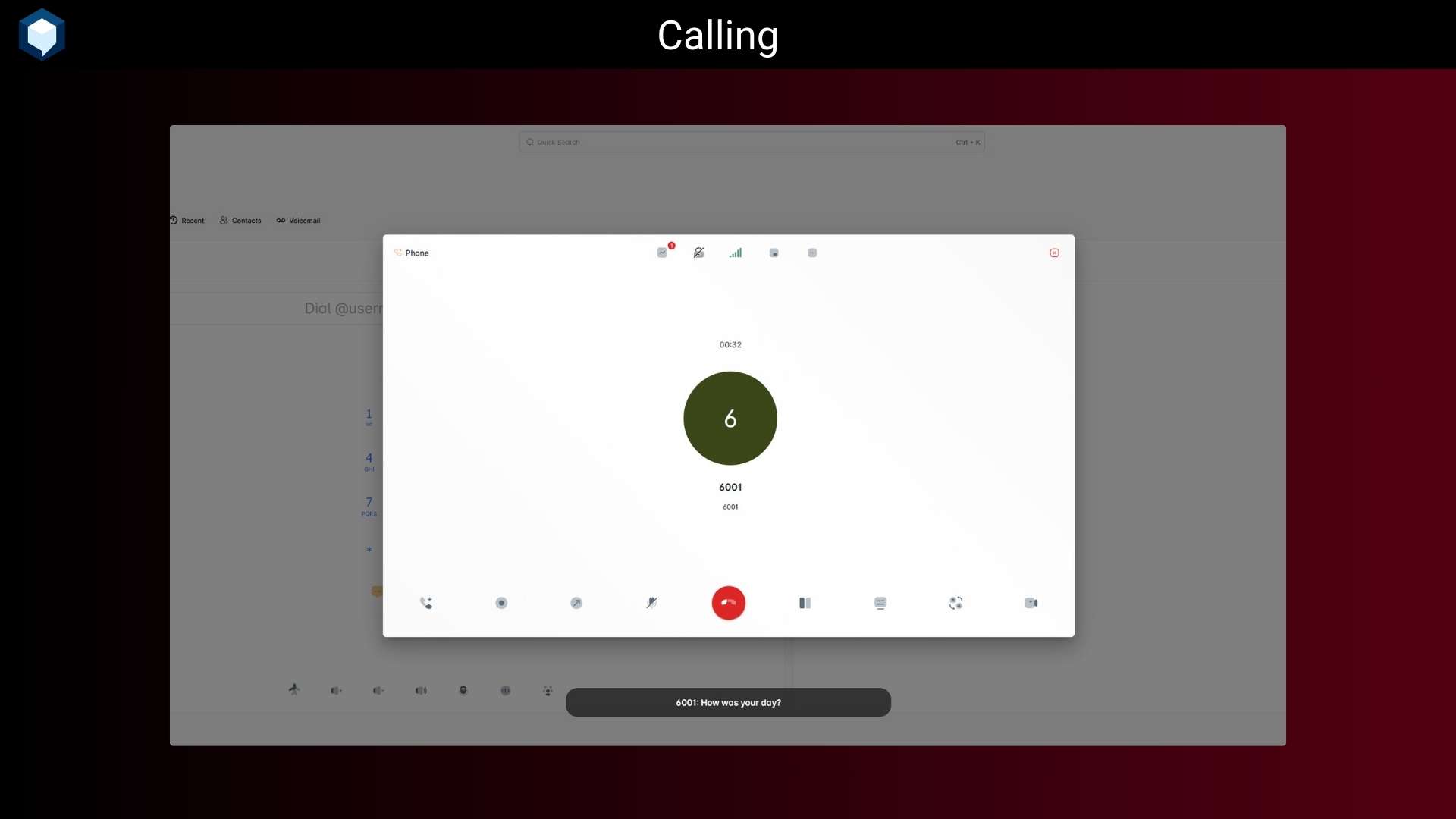
A: No, you can make and receive calls from your browser, mobile phone browser, and tablet browser. However, our power dialer is heavily optimized for desktop browsers.
Q: 11. Can I make video calls?
A: Yes, you can make and receive video calls. You will need a working webcam and microphone to make or receive video calls and remember to configure them first in-app before using them.
Q: 12. Can I call traditional landlines?
A: Yes, you can call traditional landlines from Bitvoiper. If you cannot reach the number and you are sure that the number is reachable, then it’s probably a route that we have disabled. Contact us on our live chat support, and we will enable the route for you.






5 reviews for Bitvoiper: Make International Calls & Send SMS from Your Browser
Michael Rodriguez –
Bitvoiper makes collaboration across different time zones effortless and the pricing is very reasonable compared to competitors.
Aisha Bello –
What impressed me most is the security features. Knowing that our communications are encrypted gives me peace of mind. Bitvoiper is a must-have for any modern business.
David Okoro –
I’ve tried several VoIP solutions, but Bitvoiper stands out for its reliability. No dropped calls, smooth video conferencing, and excellent customer support whenever I need assistance.
Emily Chen –
The web app is lightweight yet powerful. I love that I can manage calls and messages directly from my browser without installing heavy software. It’s perfect for remote work,
Sarah Johnson –
Bitvoiper has completely transformed how my team communicates. The call quality is crystal clear, and the interface is so intuitive that even our less tech-savvy employees picked it up instantly.