Appointiqo
Long queue, lengthy process, hours of waiting and numbers of email threads, all these struggles just to book an appointment and still missed date and miscommunication.
If you are also struggling with the same problem? you are on the right page!!!
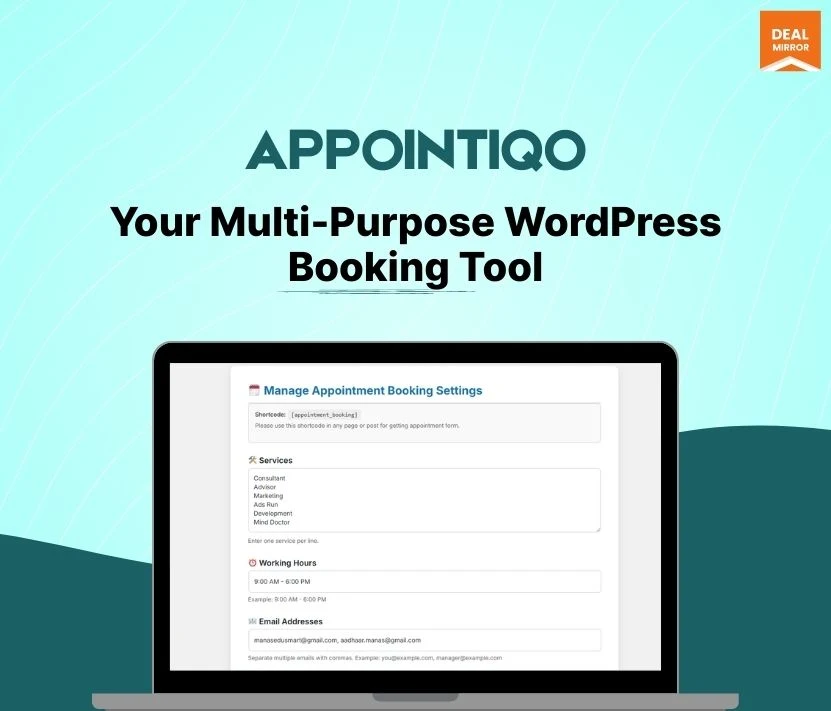
Meet Appointiqo a wordpress booking plugin lifetime deal, a user-friendly booking tool that not only assist you in booking appointments online but it customize your appointment form to give it a personalized touch.
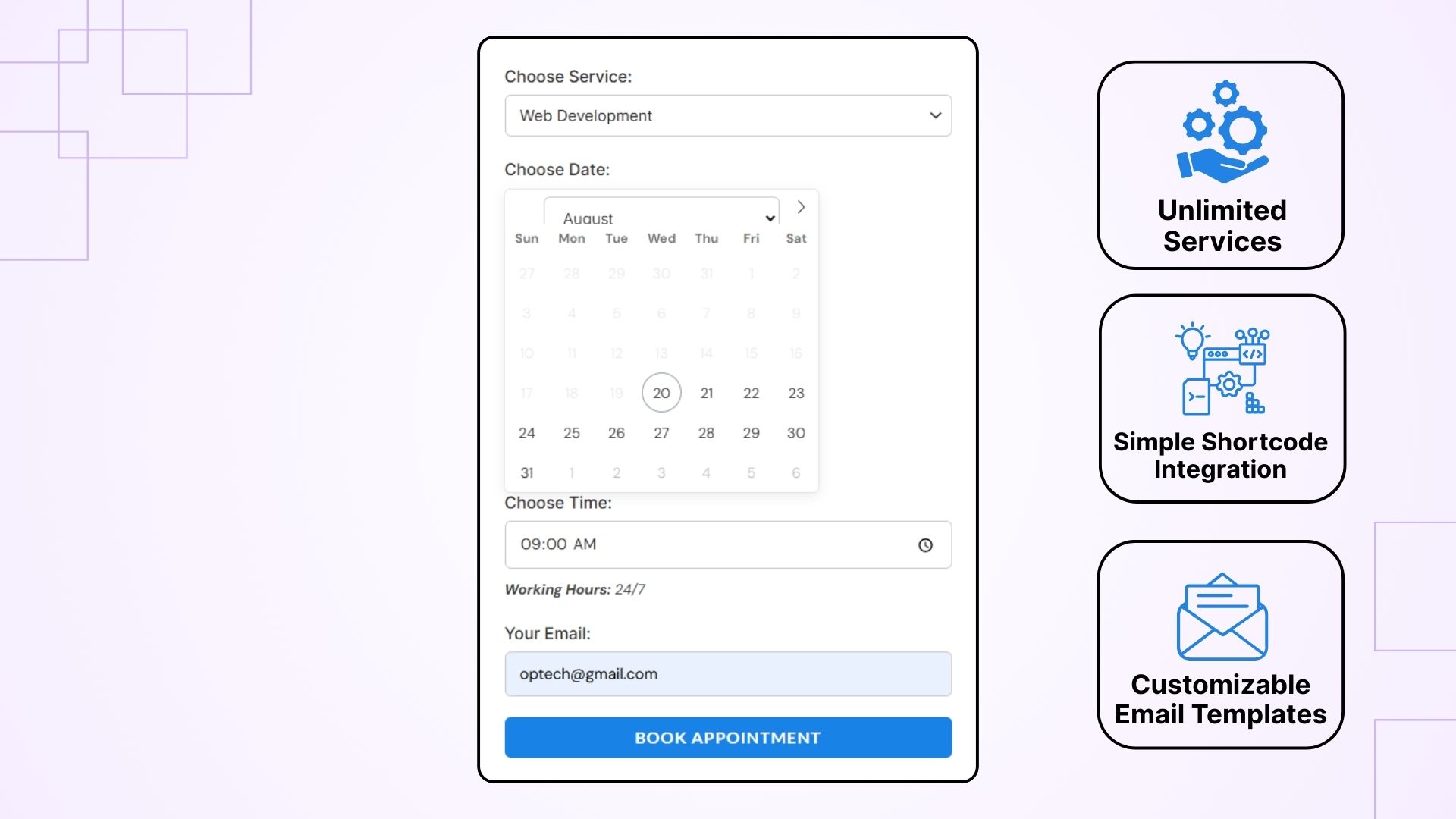
Appointiqo offers unlimited services, flexible working hours, and a responsive design that works flawlessly across all devices, ensuring a smooth and professional booking experience for both you and your clients. Users may quickly choose a service from a dropdown menu, select a date and time using a simple calendar interface, and enter their information into a customisable form.
Appointiqo handles everything else, including sending automated email confirmations to both the customer and the administrator, notifying numerous email recipients, and providing you complete branding control via editable email templates. Quick to install and simple to integrate via shortcode.
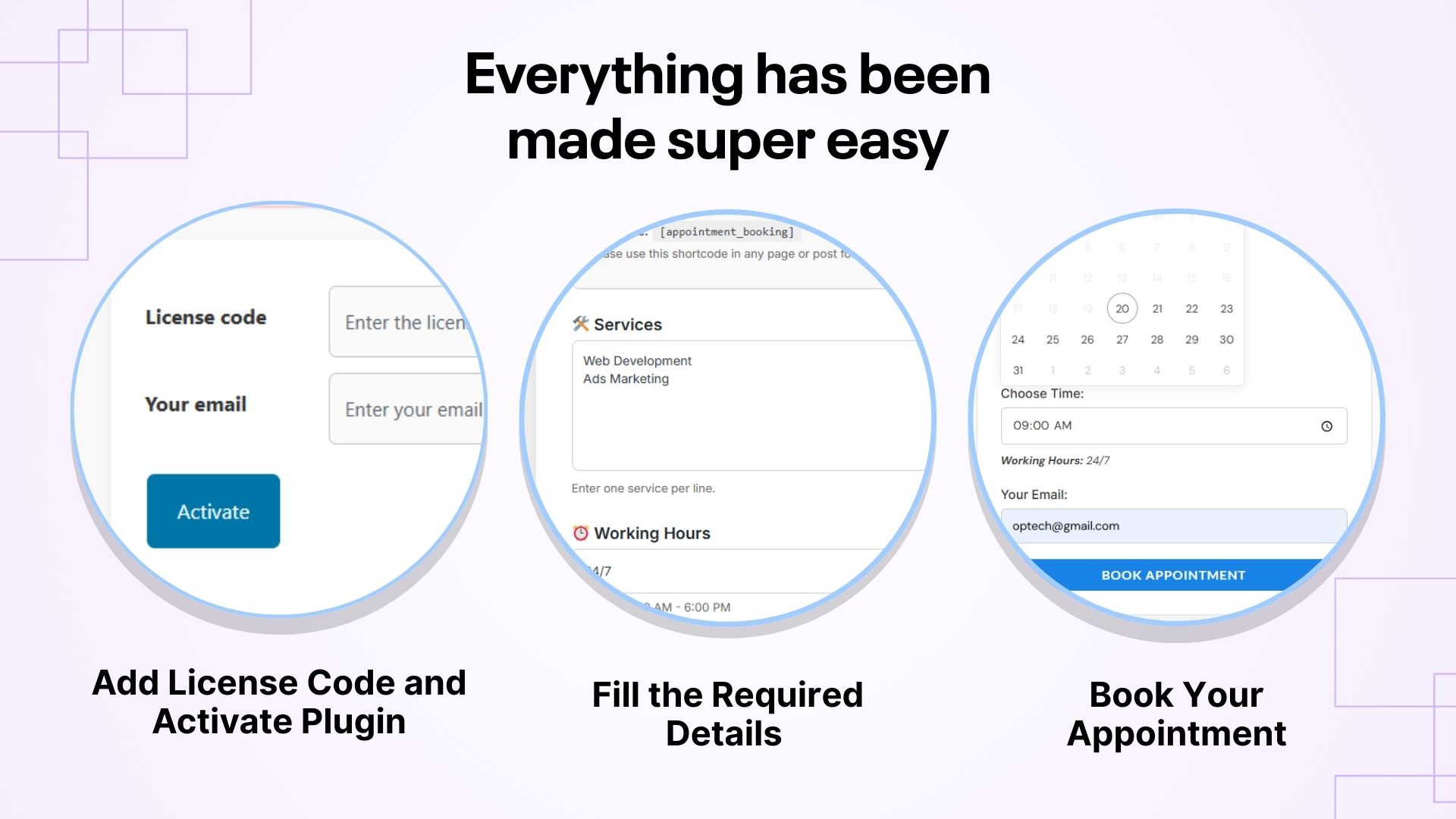
How It Works
Key Features
- Unlimited Services: Create and manage as many services as you need, each with their own unique name.
- Set Working Hours: You can easily choose your working days and times, as well as the length of each appointment.
- Multiple Admin Emails: Send booking alerts to one or more admin email accounts to keep everyone informed.
- Simple Shortcode Integration: Using a shortcode, you can seamlessly embed your booking form on any WordPress post or page.
- Customizable Email Templates: Create email subject lines and content that properly match your brand’s voice and style.
For the Admin (You)
- Install and Activate Appointiqo: Just like any other WordPress plugin, upload and activate Appointiqo from your WordPress dashboard.
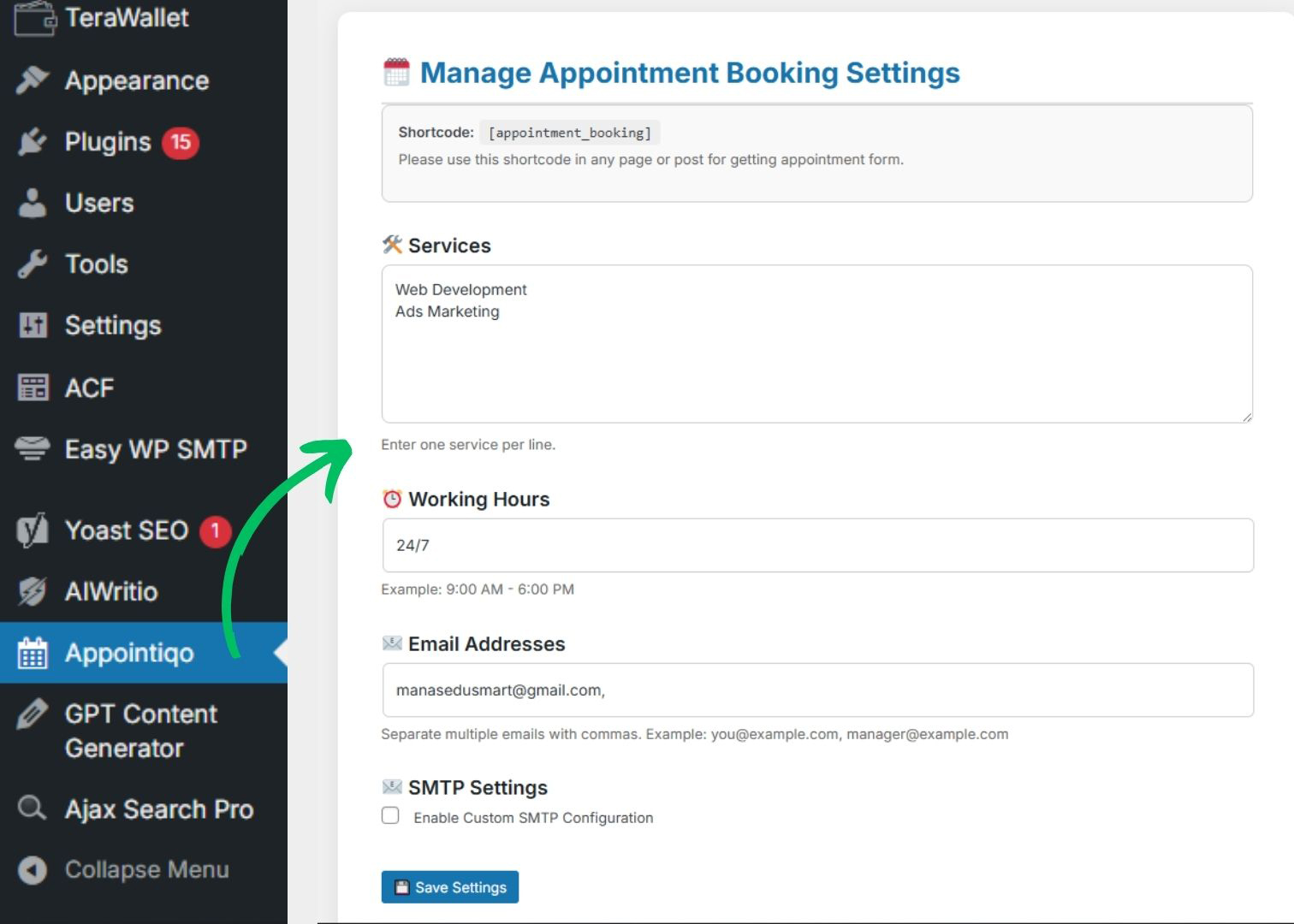
- Set Up Services:
- Navigate to the Appointiqo settings in your WordPress admin area.
- Add the names of your services (e.g., “Consultation,” “Haircut,” “Training Session,” “Dental Check-up”).
- For each service, configure your specific working hours and available time slots.
- Add Admin Emails:
- Specify all the email addresses where you’d like to receive appointment notifications.
- Embed Booking Form:
- Go to any page or post where you want the booking form to appear.
- Simply place the shortcode [appointment_form] into the content editor.
- Publish or update the page, and your booking form will be live!
For the User (Your Client)
- Select a Service: Visitors to your website will see the Appointiqo booking form. They’ll choose their desired service from a convenient dropdown menu.
- Pick Date and Time: An intuitive date and time picker will allow them to select an available slot within your configured working hours.
- Enter Details: The user will then enter their email address (and any other details you configure for the form).
- Submit the Form: With a single click, their appointment request is sent.
UseCases
- Doctors & Clinics – Let patients book appointments online and get instant confirmations.
- Salons & Spas – Allow clients to schedule beauty or wellness services easily.
- Trainers & Coaches – Offer time slots for fitness, yoga, or personal training sessions.
- Tutors & Education Centers – Schedule coaching sessions or classes without hassle.
- Hotels & Guesthouses – Manage service bookings like cleaning or spa appointments.
Deal Terms
- Length of access: Lifetime Access
- Redeem your code within 60 days of purchase
- 30-Days Money-Back Guarantee (For Non-Prime Members and Regular users)
- 60-Days Money-Back Guarantee (For DealMirror Prime Members Only)





Reviews
There are no reviews yet.