EasyScreenOCR : The Best Screenshot OCR and Translator For 5 Year Plan
An Easy & Simple PC Screenshot OCR and Translation Application
This smart application to help users to capture the screenshot and then extract the text from these pictures in the most efficient way. Quite simple to use and it deserves giving a shot.
EasyScreenOCR is a freeware screen capture tool that allows you to extract text directly from a captured image.
EasyScreenOCR can be useful in cases where text needs to be extracted from a webpage without wasting precious time to retype it. Some pages block copying text, but this will allow you to take a screenshot and get the text you want simply. Once the text has been separated from the image, you can edit or modify it and then copy it to the clipboard.
Quick Overview
Pick image/photo up from the album for OCR and translation.
Recognizing 50+ languages from images. and Translating 20+ languages.
Scanning handwriting to text and whiteboard or blackboard to text.
Auto-Detection and Cropping image before OCR.
Exporting the results as .txt/.pdf files.
Editing and sharing the OCR/Translation results.
Checking the results with the original images/photos.
EasyScreenOCR can be set to recognize numerous languages, supports hotkey deployment. It is easy to configure allowing you to save your captured screen as an image or a PDF.
How to Use OCR Screenshot on Your
Win/Mac Computers
If you are looking for a smart tool that takes a screenshot and process OCR, extract text from images and photos in a fast and convenient way, EasyScreenOCR would be the best choice. It could be your best, robust, and blazingly fast OCR program with an impressive OCR result.
The process is super-fast and easy.
Download the install EasyScreenOCR on your Windows/Mac computers.
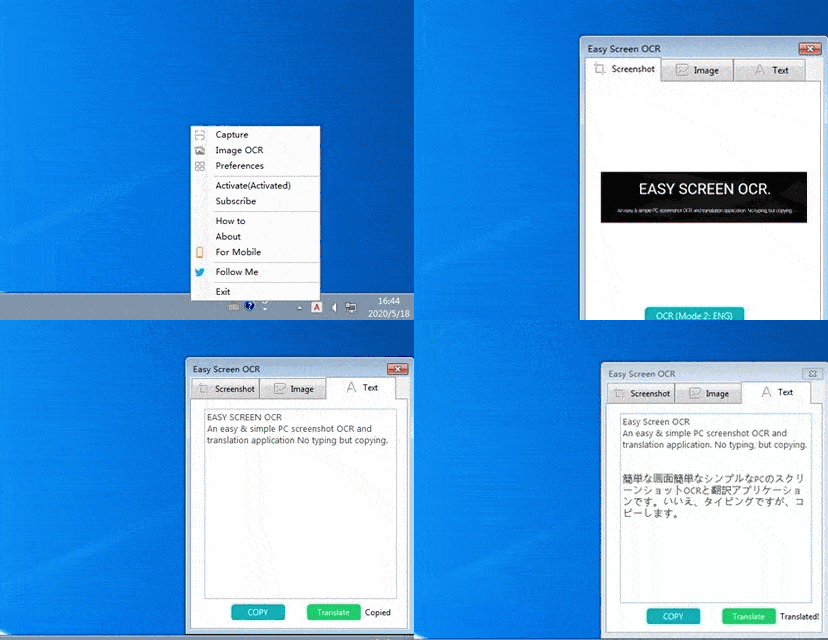
Right-click on the icon in the taskbar or using the default hotkey, Ctrl + 1.
Drag the cursor and get a screenshot.
Click “OCR” to start. Our program will copy the resulted text automatically.
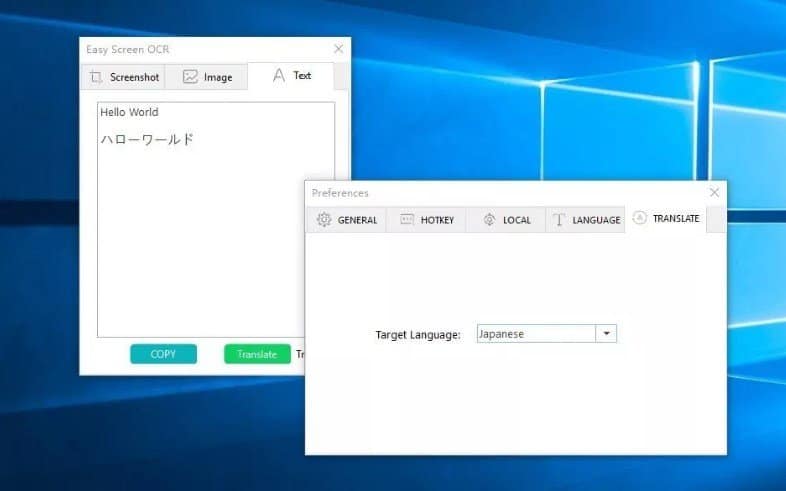
Click “Translate” if you want to translate the text to other languages.
Easy Screen OCR Features
Equipped with a powerful Google OCR engine, Easy Screen OCR can turn images into editable text with the highest accuracy.
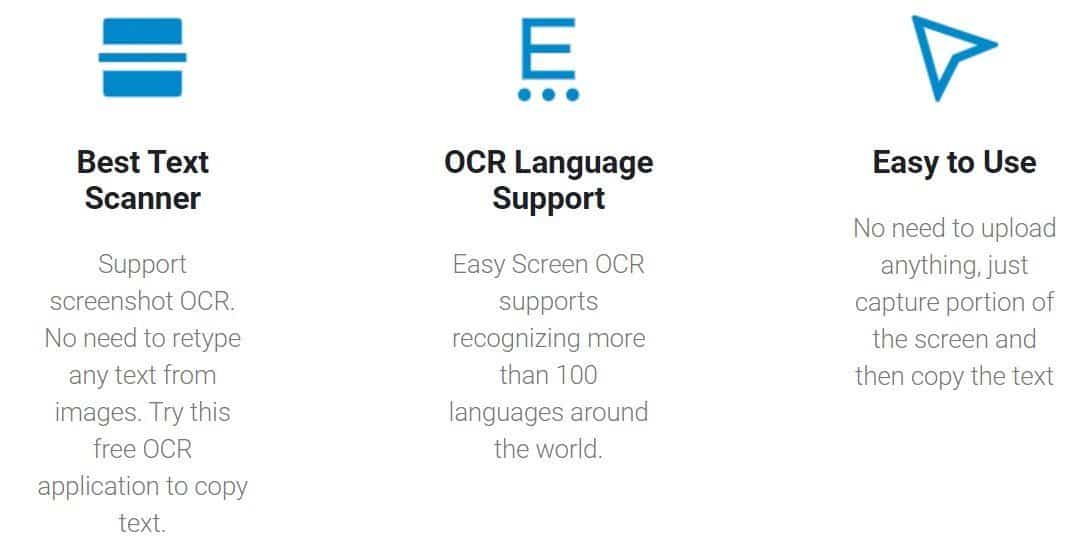
Best Text Scanner
OCR Language Support
Easy to Use
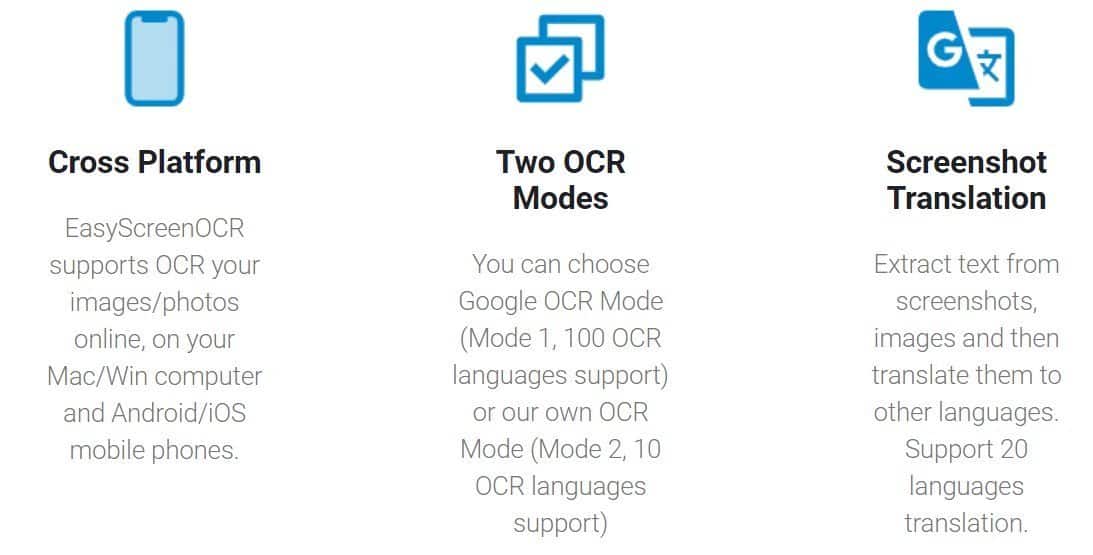
Cross-Platform
Two OCR Modes
Screenshot Translation
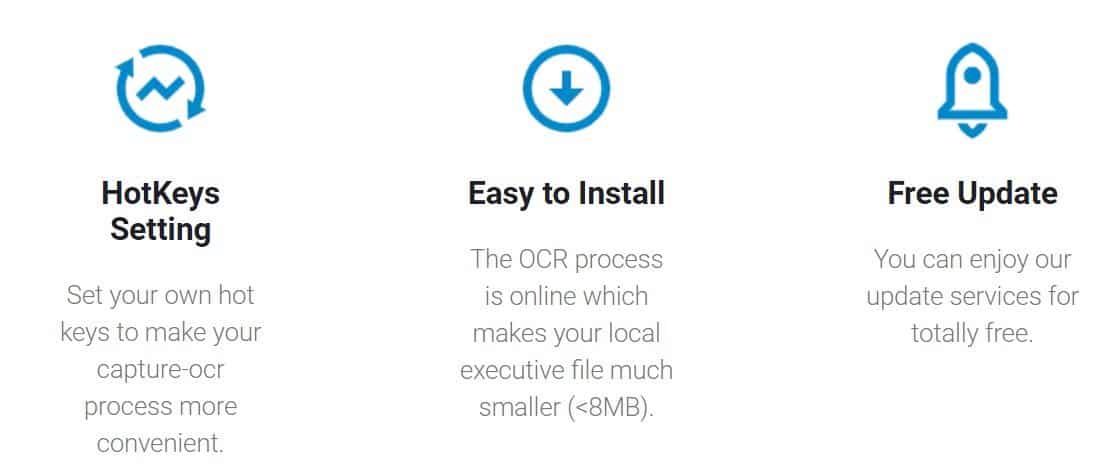
Hot Keys Setting
Easy to Install
Free Update
What Else EasyScreenOCR Could Do
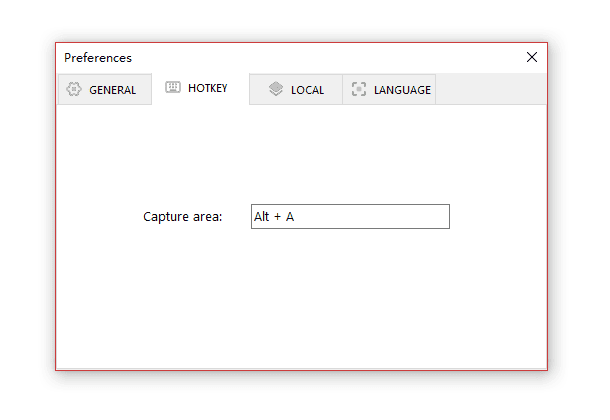
Customize the hotkey to capture a screenshot
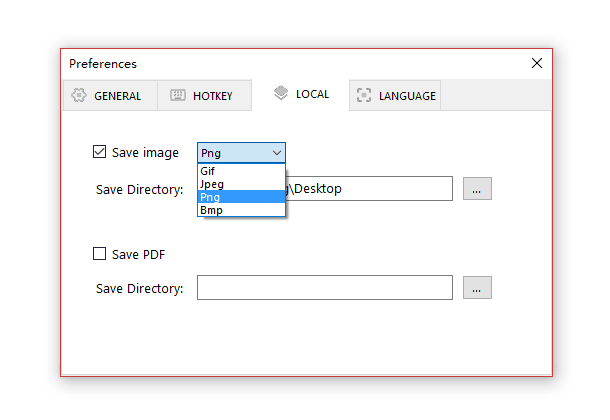
Save the screenshot as jpg/png/pdf
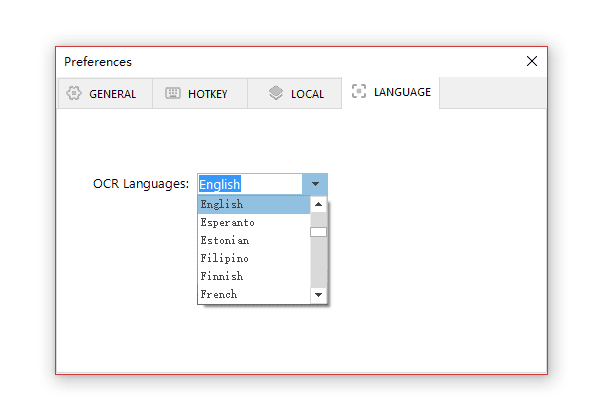
Set the OCR languages
Set the translation languages
Support multiple languages
EasyScreenOCR also provides free OCR online tool.
OCR Captured Screenshot
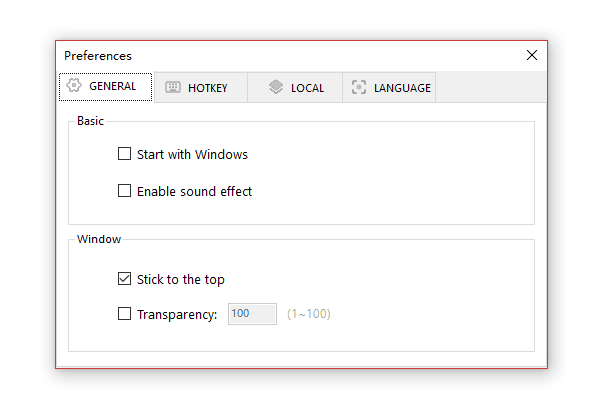
With its intuitive options interface, you can configure advanced settings simply. Save your captured screen as an image or PDF. Set OCR language. Customize keyboard shortcuts. Configure general settings.
Translate Captured Image
Powered by advanced and industry-leading translation engine, Easy ScreenOCR is able to process translation after the image has been converted to plain text. This program supports auto-detecting and 27+ languages. You can translate the screenshot directly.
Languages Supported for OCR:
Auto Detection
Afrikaans / Albanian / Arabic / Armenian / Belorussian / Bengali / Bulgarian / Catalan / Chinese / Croatian / Czech / Danish / Dutch / English / Estonian / Filipino / Finnish / French / GermanGreek / Gujarati / Hebrew / Hindi / Hungarian / Icelandic / Indonesian / Italian / Japanese / Kannada / Khmer / Korean / Lao / Latvian / Lithuanian / Macedonian / Malay / Malayalam / Marathi / Nepali / Norwegian / Persian / Polish / Portuguese / Punjabi / Romanian / Russian / Russian / Serbian / Serbian / Slovak / Slovenian / Spanish / Swedish / Tamil / Telugu / Thai / Turkish / Ukrainian / Vietnamese / Yiddish
Languages Supported For Translation:
Chinese-Simplified / English / Cantonese / Japanese / Korean / French / Spanish / Thailand / Arabic / Russian/ Portuguese/ German / Italian / Greek / Dutch / Polish / Bulgarian / Estonian / Danish / Finnish / Czech / Romanian / Slovenian / Swedish / Hungarian / Chinese Traditional / Vietnamese

 Hurry Up !! Grab This Deal